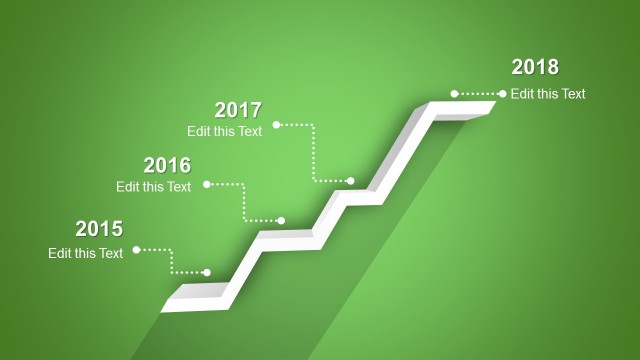
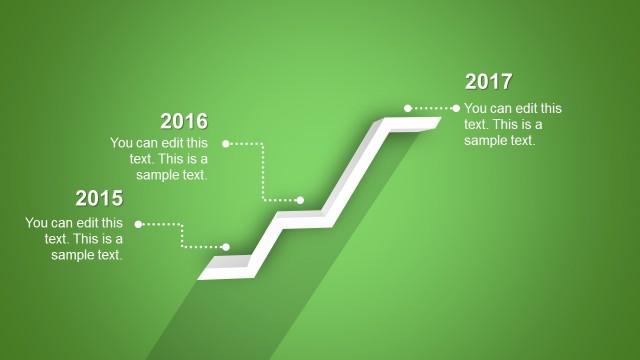
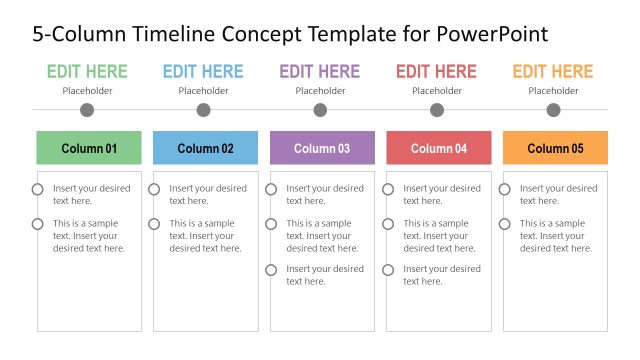
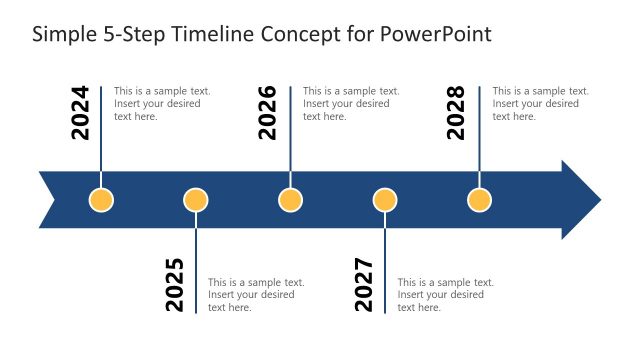
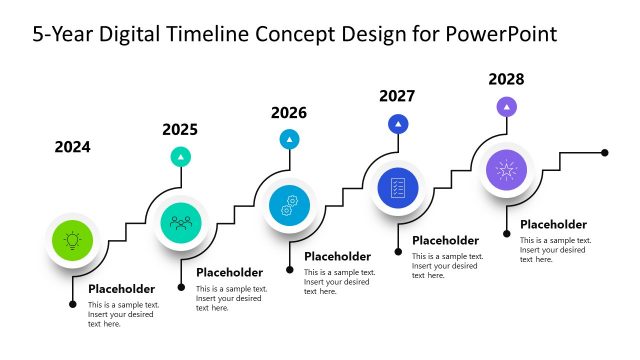
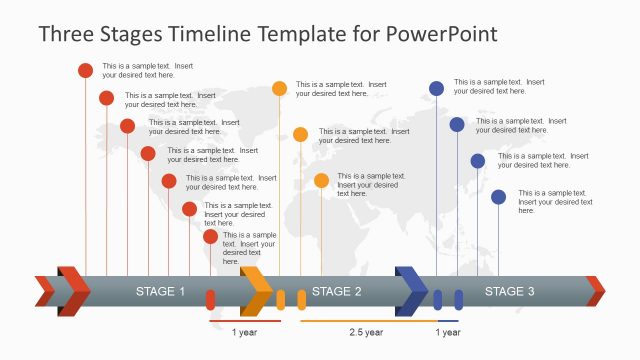
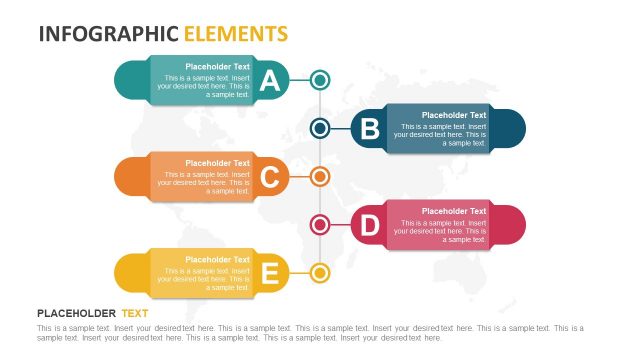
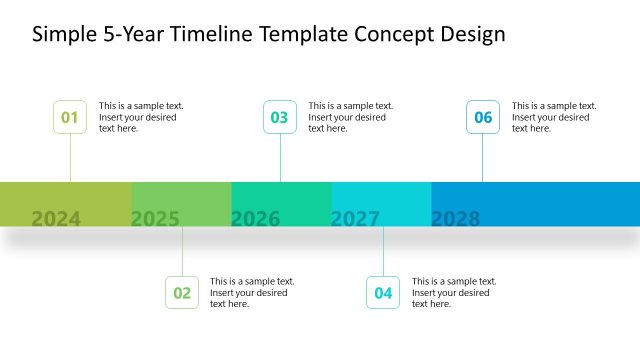
5 Stages Shelf Timeline Template for PowerPoint is a nice timeline template for PowerPoint with five stages inspired by shelves design. You can use this creative timeline design to prepare presentations in PowerPoint and present a product roadmap or plan.
Alternatively you can download other awesome timeline makers and timeline PPT templates for presentations.
What’s inside this template
Example presentation scenarios
- A product manager can present a release roadmap by assigning each shelf step to a year, launch phase, or feature milestone and using the dotted callouts for concise status notes.
- A project lead can brief executives on an implementation plan by mapping five major phases onto the rising step path and choosing the blue or gray slide for a formal update.
- A consultant can explain a transformation journey by using the shelf timeline as a progress metaphor and replacing the year labels with phase names or client milestones.
- A startup founder can show near-term growth stages in a pitch update by placing key traction points on the five callouts and using the red or green version for stronger visual contrast.
Features
- 100% editable presentation template
- Compatible with Microsoft PowerPoint and Google Slides
- 16:9 aspect ratio slides
- Scalable vector shapes, icons and illustrations
- AI-Ready for Microsoft Copilot and Claude
- Instant access and download
Frequently asked questions
Q: How should a presenter structure the message on this five-stage timeline?
A: Treat each shelf step as one decision point or milestone, not as a place for paragraph text. Start with the current stage, then move left to right and upward through the dotted callouts. Keep each note short, such as a phase name, result, or next action, so the rising path remains the main guide.
Q: Who is this template best suited for?
A: This template fits presenters who need to explain a simple progression: product managers showing a roadmap, project leads summarizing milestones, or consultants framing a staged plan. It is strongest when the message has exactly five major steps and the audience needs a quick visual path rather than a detailed schedule.
Q: Why does the shelf metaphor work for roadmap communication?
A: The shelf shape turns the timeline into a physical climb, which makes progress feel ordered and cumulative. The 3D perspective gives each stage a visible landing, while the dotted callouts keep explanatory text separate from the path. This helps audiences read sequence first and details second.
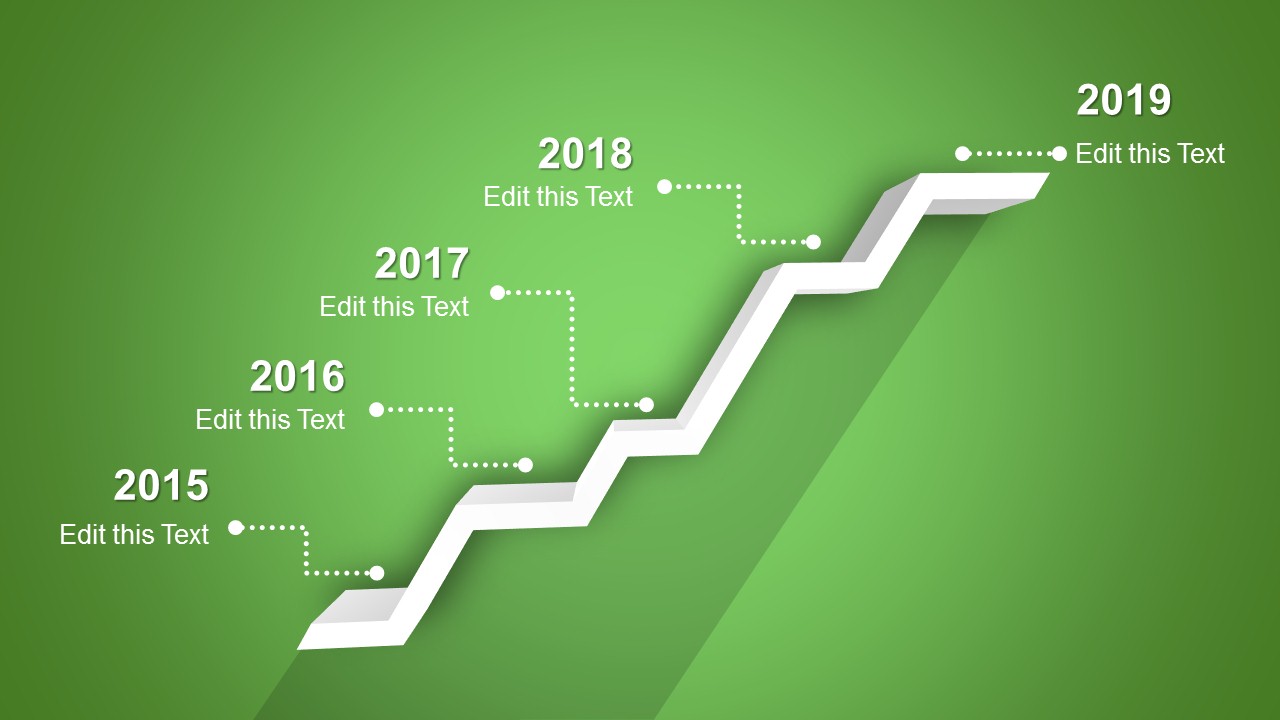




5 Stages Shelf Timeline Template for PowerPoint
4-slide presentation template with a 5-stage shelf timeline and roadmap milestone callouts
The 5 Stages Shelf Timeline Template for PowerPoint is a 4-slide 16:9 diagram set for product roadmaps, project plans, and milestone updates. Each slide shows the same five-stage rising shelf timeline with dotted callout labels and editable year markers, supplied in green, blue, gray, and red variants for Microsoft PowerPoint and Google Slides.
- Category
- Timelines & Planning
- Rating


 Loading...
- Aspect ratio
- 16:9
- Item ID
- 2001-03
- Colors
 Microsoft PowerPoint
  Microsoft Copilot
  Claude for PowerPoint
 Other formats supported
Subscribe today and get immediate
access to download our PowerPoint templates.