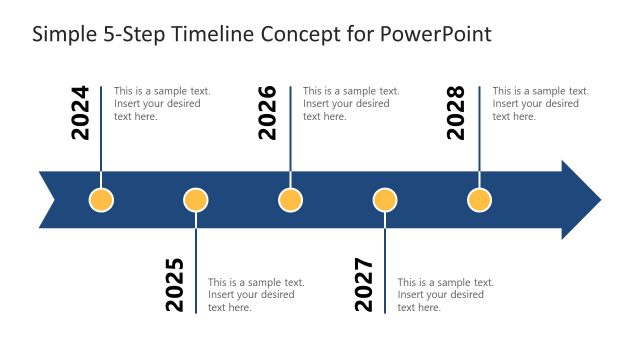
The 5-Year Digital Timeline Concept Design for PowerPoint is an ideal layout to showcase the major milestones of your organization’s past or coming years. The attractive design and catchy color scheme add value to your timeline and help engage the audience. This PowerPoint timeline template with 5 Years is a conceptual timeline diagram that can be tailored to various purposes by customizing its components. For instance, in business presentations, growth planning, or similar subjects.
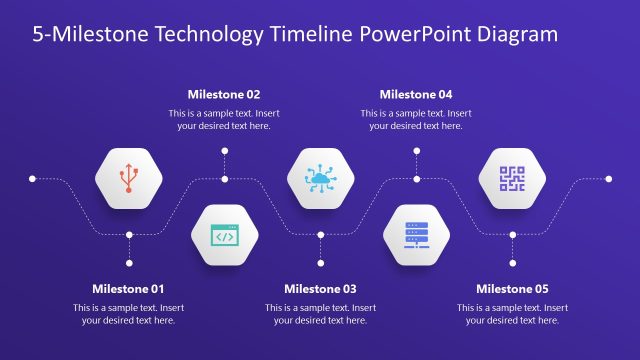
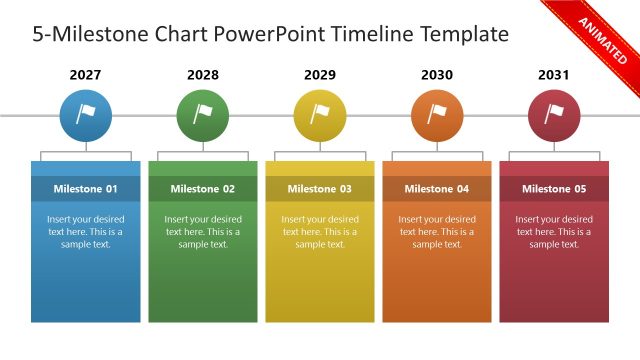
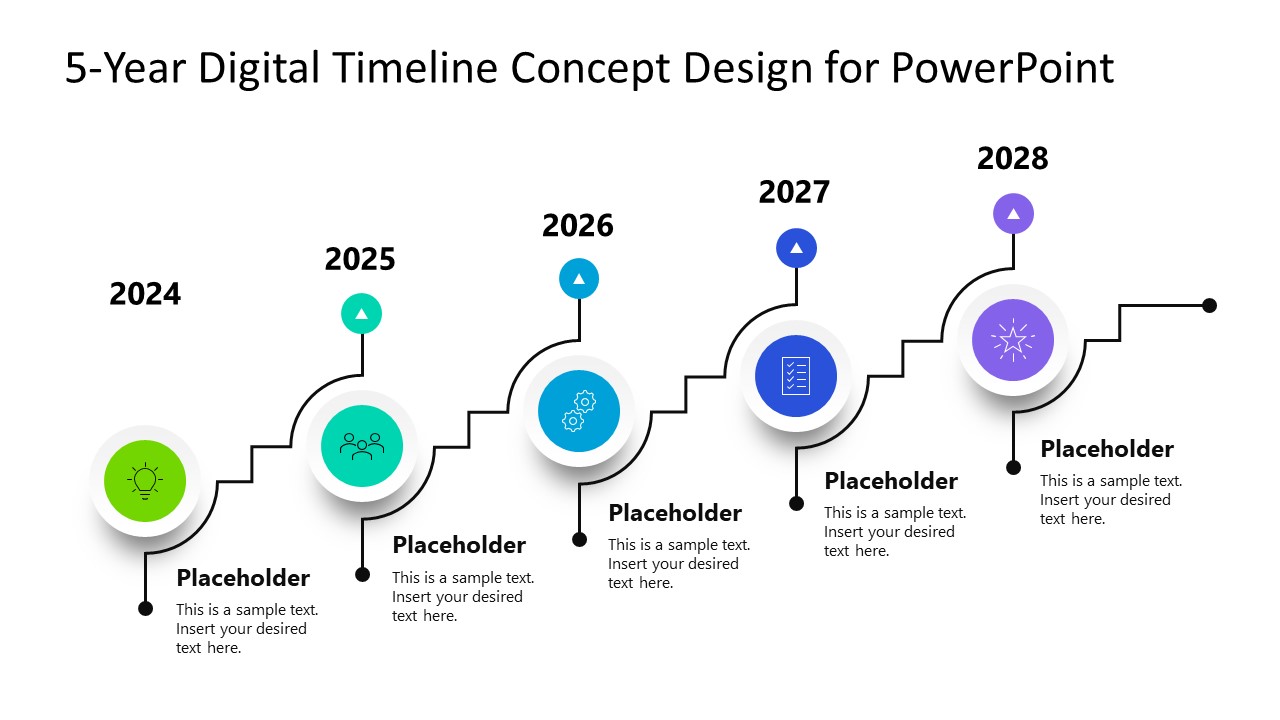
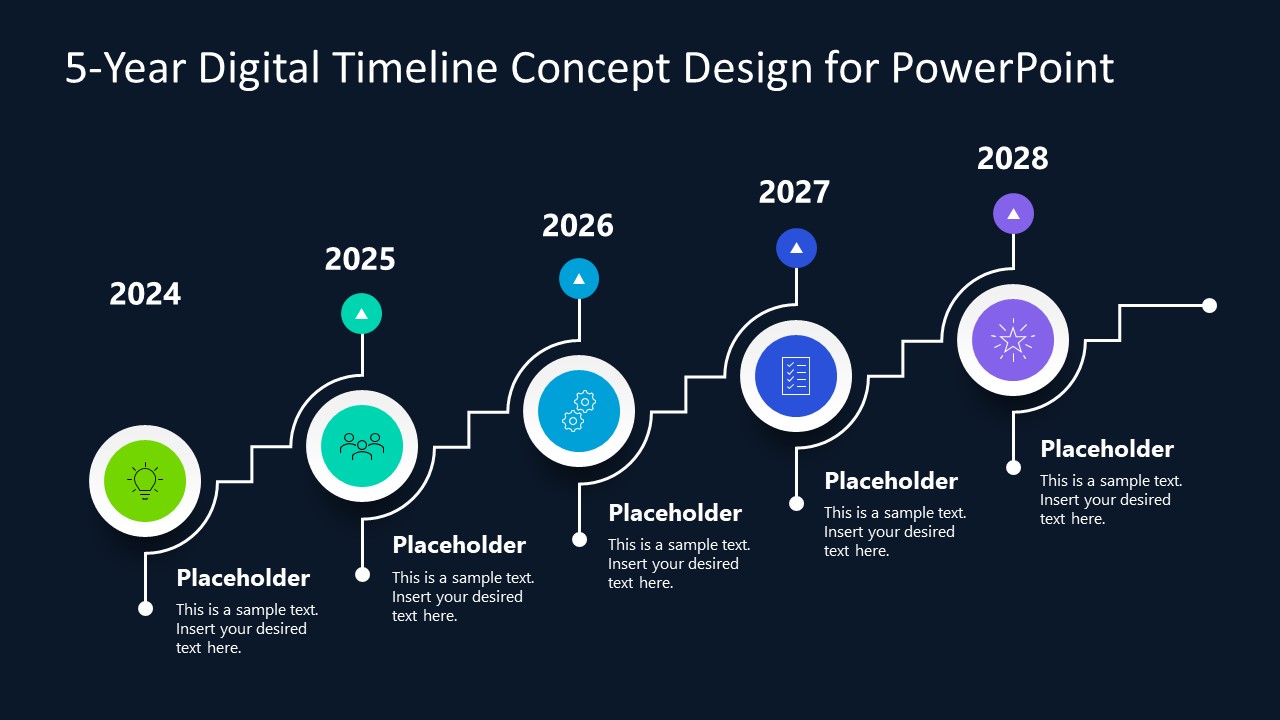
This infographic PowerPoint timeline slide comprises five circular shapes arranged in an ascending row. The centers of these circles are colored and carry unique graphic icons representative of the milestone. There are curved separating lines between the shapes, which gives this diagram a ladder effect. There is a triangular icon on the upper edge of each separator line and space for mentioning the year. In contrast, users can write the details of a particular milestone in the text area on the lower end of these lines. Professionals can also present their goals, targets, and achievements during the timescale.
Business personnel can show the stages of the business plan and set yearly targets. However, the 5-Year Digital Timeline Concept Design for PowerPoint is a versatile template to support any timeline presentation. It carries five milestones, each representing a year. But users can customize it to show six or seven milestones. Similarly, it can also be used for a monthly timeline PowerPoint model. Further, the template is entirely editable using PowerPoint and Google Slides. Presenters can also choose between this timeline template’s two available background color variations. So, get this template for preparing an engaging PPT timeline presentation. Learn how to create a timeline in our step-by-step guide.
What’s inside this template
Example presentation scenarios
- A strategy director can present a five-year business roadmap by mapping each year to one circular milestone icon and a short callout beneath the timeline.
- A project manager can explain phased delivery targets to stakeholders using the ascending 5-step timeline to show sequence and progress.
- A consultant can summarize a client's transformation plan by assigning each year label to a major capability, initiative, or organizational milestone.
- A founder can show investors a staged growth plan by using the icon nodes for yearly goals and the callout text for expected outcomes.
Features
- 100% editable presentation template
- Compatible with Microsoft PowerPoint and Google Slides
- 16:9 aspect ratio slides
- Scalable vector shapes, icons and illustrations
- AI-Ready for Microsoft Copilot and Claude
- Instant access and download
Frequently asked questions
Q: How should a presenter structure the message around this timeline?
A: Treat each circular node as one major decision, milestone, or outcome, not as a container for every activity in that year. Use the year label to anchor timing, the icon to signal the theme, and the short callout to explain the result. Keep the text below each step parallel so the audience can compare years quickly.
Q: Who is this timeline best suited for?
A: This template fits business presenters who need to show a five-year direction without turning the slide into a project plan. Strategy teams, consultants, project leaders, and founders can use it for roadmaps, growth stages, implementation phases, or annual goals when the main point is sequence and progression.
Q: Why does the ladder-style design help the audience follow the plan?
A: The rising connector line creates a visual metaphor for progress over time, while the repeated circles make each year feel like a comparable milestone. Placing labels above and explanations below separates timing from detail, which helps viewers scan the sequence first and then read the supporting notes.


5-Year Digital Timeline Concept Design for PowerPoint
2-slide presentation template for 5-year planning with ascending timeline milestones and icon callouts
This 2-slide 16:9 presentation template shows a 5-year digital timeline in light and dark background versions. It uses an ascending 5-step ladder path, circular milestone icons, year labels, and text callouts for each year. It is built for planning, growth roadmaps, milestone reviews, and PowerPoint or Google Slides delivery.
- Category
- Timelines & Planning
- Rating


 Loading...
- Aspect ratio
- 16:9
- Item ID
- 21367-01
- Colors
 Microsoft PowerPoint
 Microsoft Copilot
 Claude for PowerPoint
Other formats supported
Subscribe today and get immediate
access to download our PowerPoint templates.