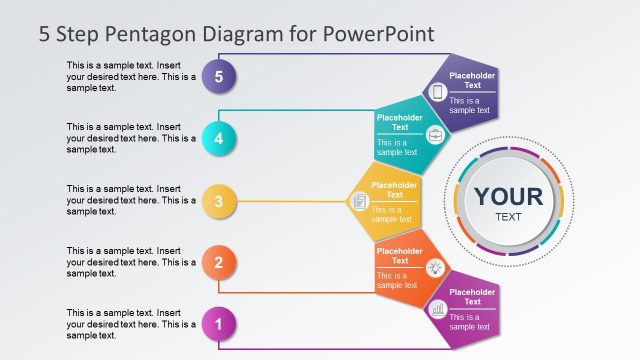
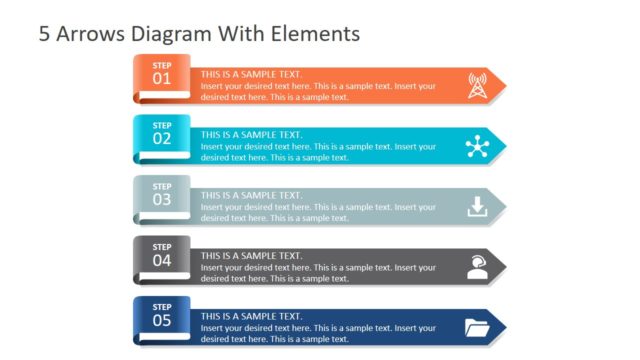
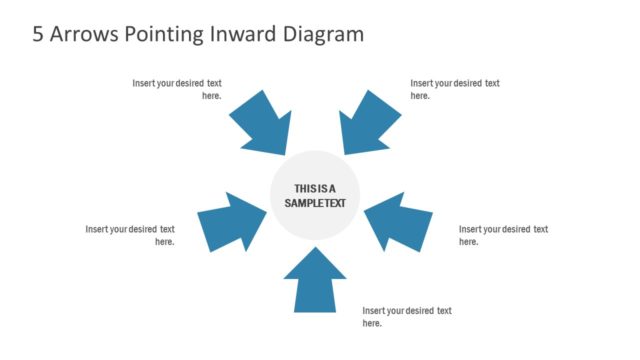
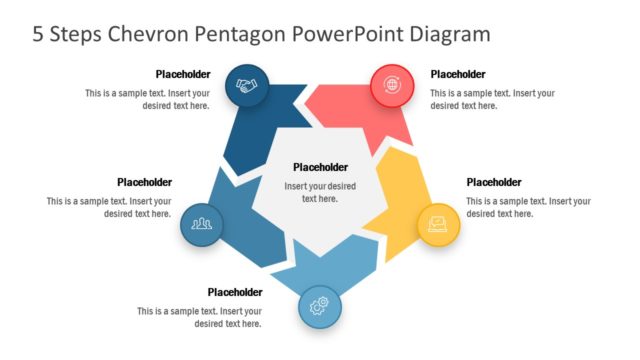
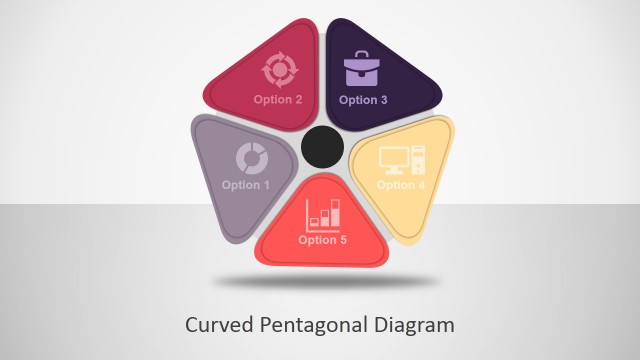
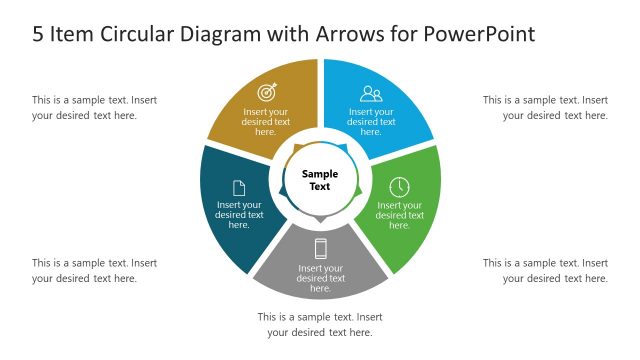
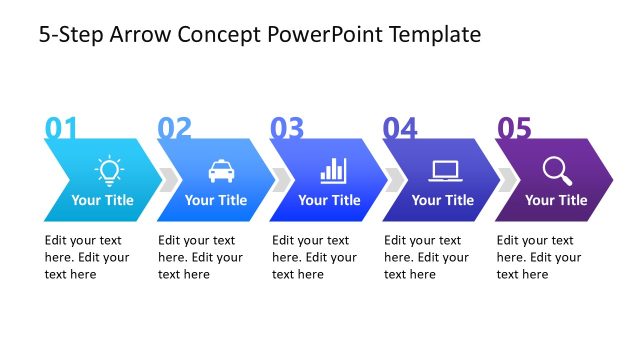
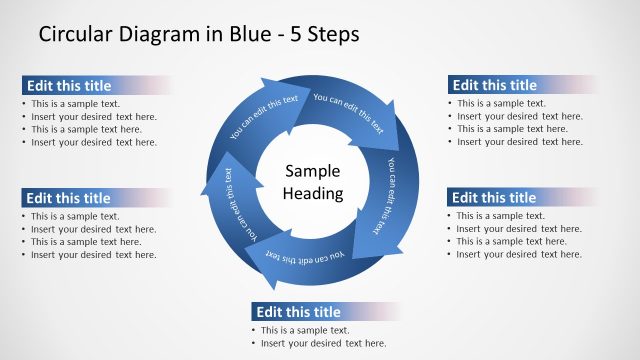
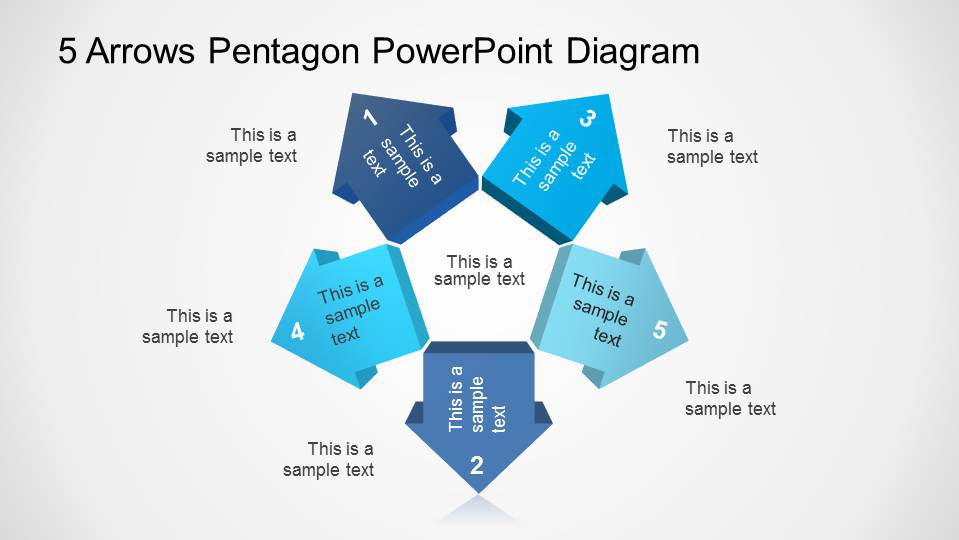
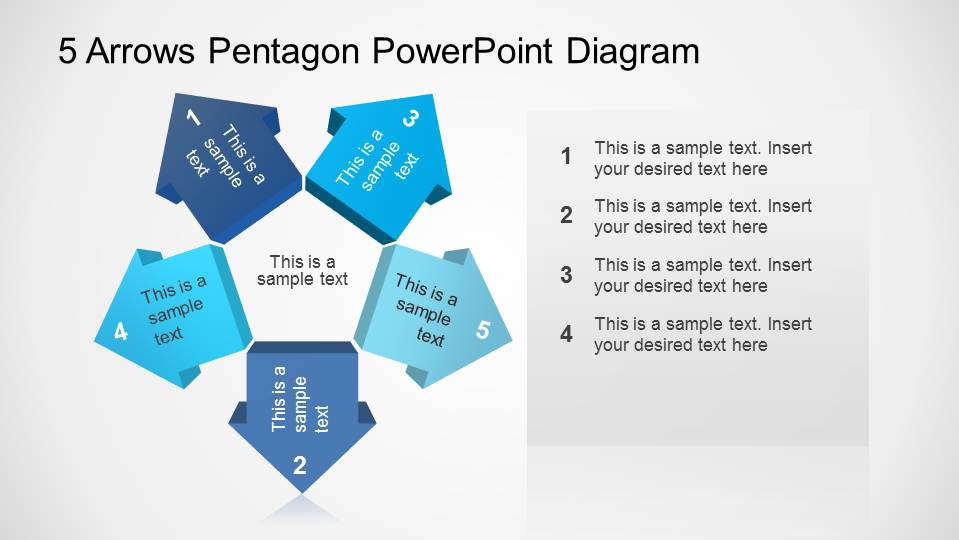
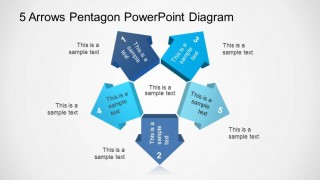
5 Arrows Pentagon PowerPoint Diagram is a modern presentation containing a five point star created using 3D arrows pointing to the shape vertex. This simple diagram can be used for process flows, five point agenda, or 5 steps lecture. On each slide the user can edit each of the diagram properties, manipulating the shapes as PowerPoint objects.
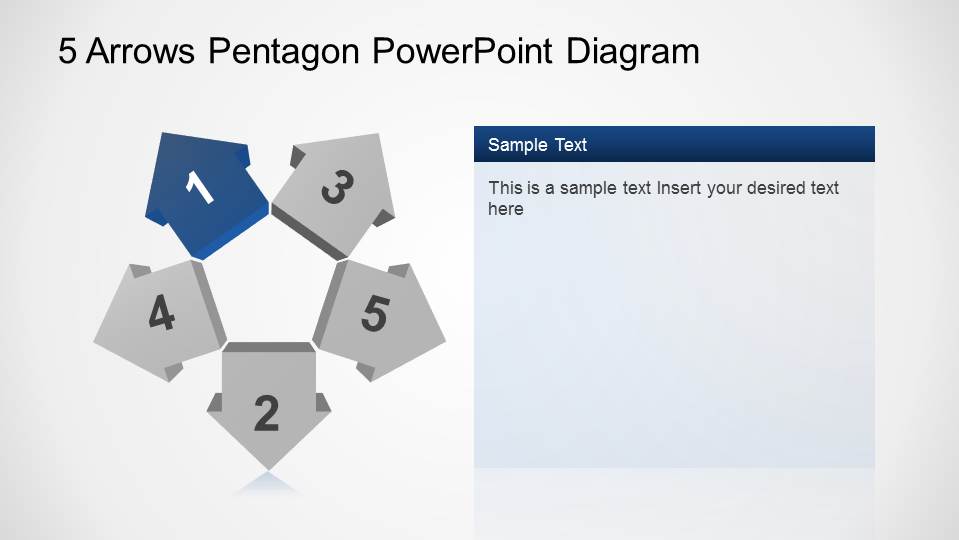
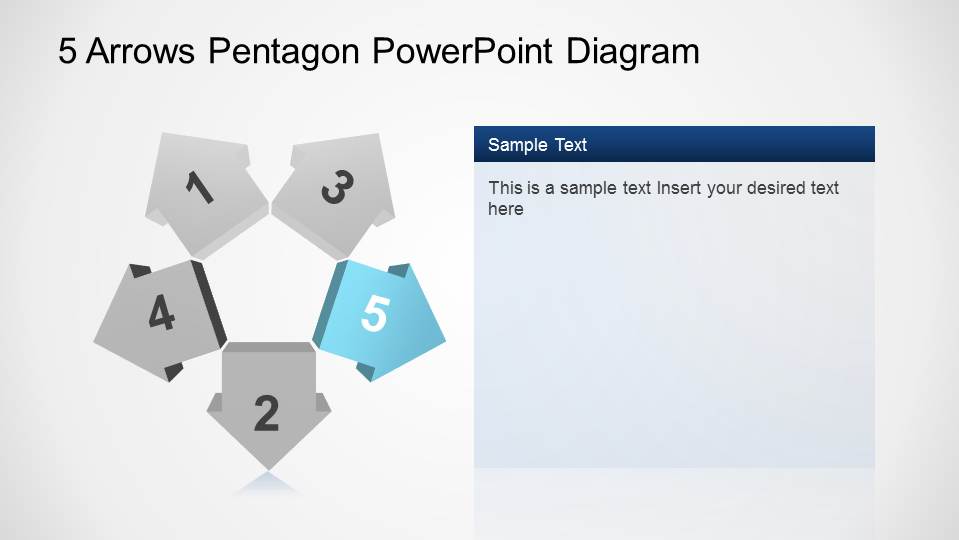
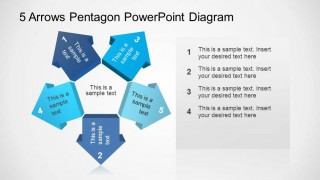
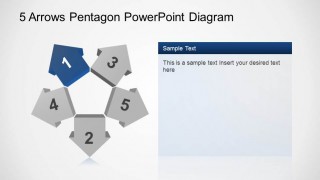
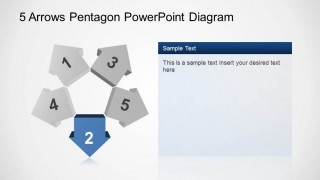
The first slides provides a full 5 Arrows Pentagon PowerPoint Diagram with external Test Boxes, allowing the user to provide an intro to the presentation and then developing a specific topic on each slide. The following slides highlight the specific arrow following the sequence and provide a right hand text bar for the user to edit.
This Diagram can be combined with our Process Flow Diagrams or Amazing Stage Diagrams to create presentations that appeal to demanding audience.
What’s inside this template
Example presentation scenarios
- A project manager can use the full pentagon overview to introduce five workstreams, then move through the highlighted arrow slides to explain ownership and next steps.
- A consultant can present a five-part framework by placing the key idea in the center of the pentagon and using the right-side text panels for recommendations.
- A trainer can structure a short lesson around five topics, using the numbered arrows as chapter markers and the highlighted slides for explanation.
- A team lead can compare five possible directions in a planning meeting by assigning one option to each arrow and using the overview slide to keep the discussion organized.
Features
- 100% editable presentation template
- Compatible with Microsoft PowerPoint and Google Slides
- Scalable vector shapes, icons and illustrations
- AI-Ready for Microsoft Copilot and Claude
- Instant access and download
Frequently asked questions
Q: How should I present a five-step message with this pentagon diagram?
A: Start with the complete pentagon so the audience sees the whole structure before details. Use the center text for the shared theme, then assign one short label to each arrow. On the step-focus slides, keep the right-side panel to two or three points so the highlighted arrow remains the visual anchor.
Q: What kind of meeting is this diagram best for?
A: This template fits a short business explanation where five related items need equal weight: project stages, agenda topics, strategic options, or training modules. It works best for managers, consultants, and trainers who need a repeatable structure rather than a data-heavy report or a long narrative deck.
Q: Why use arrows around a pentagon instead of a simple numbered list?
A: The pentagon shape turns five separate points into one connected system. The arrows suggest movement, direction, and progression, while the repeated highlight treatment helps the audience know which step is under discussion. That visual metaphor is useful when the five items are related, cyclical, or part of one framework.


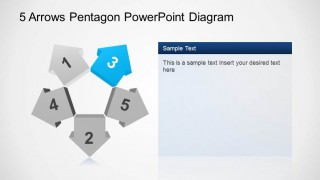
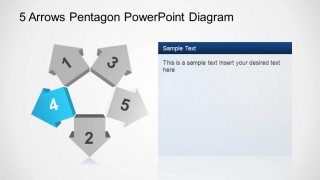
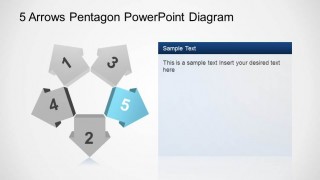
5 Arrows Pentagon PowerPoint Diagram
7-slide presentation template for five-step pentagon arrow cycles, sequence diagrams, and planning steps
This 7-slide PowerPoint diagram template presents a five-step pentagon cycle built from 3D arrow shapes. It includes a full pentagon overview, numbered external callouts, a bullet-list overview, and five step-focus slides with a right-side text panel. It is suited to presenters explaining processes, agendas, stages, or multiple directions.
- Rating


 Loading...
- Item ID
- 6477-04
- Colors
 Microsoft PowerPoint
  Microsoft Copilot
  Claude for PowerPoint
 Other formats supported
Subscribe today and get immediate
access to download our PowerPoint templates.