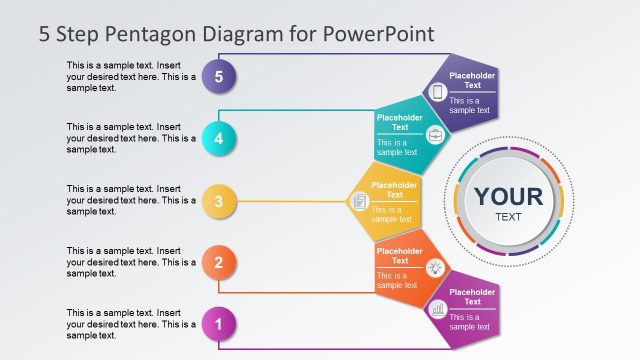
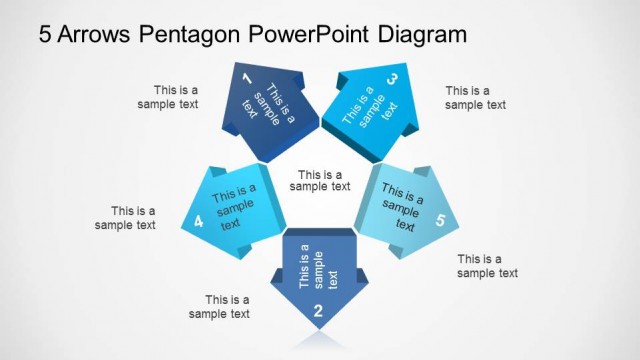
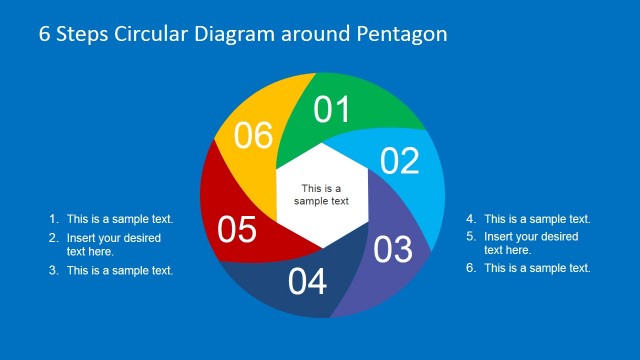
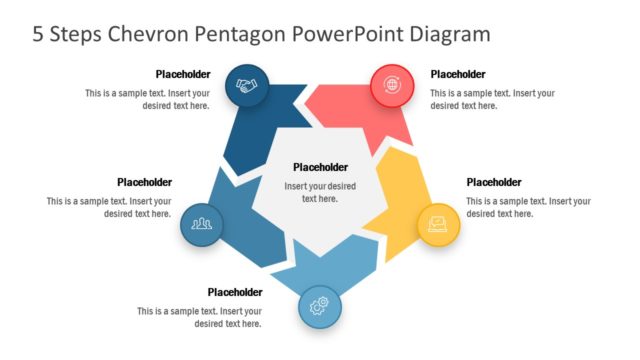
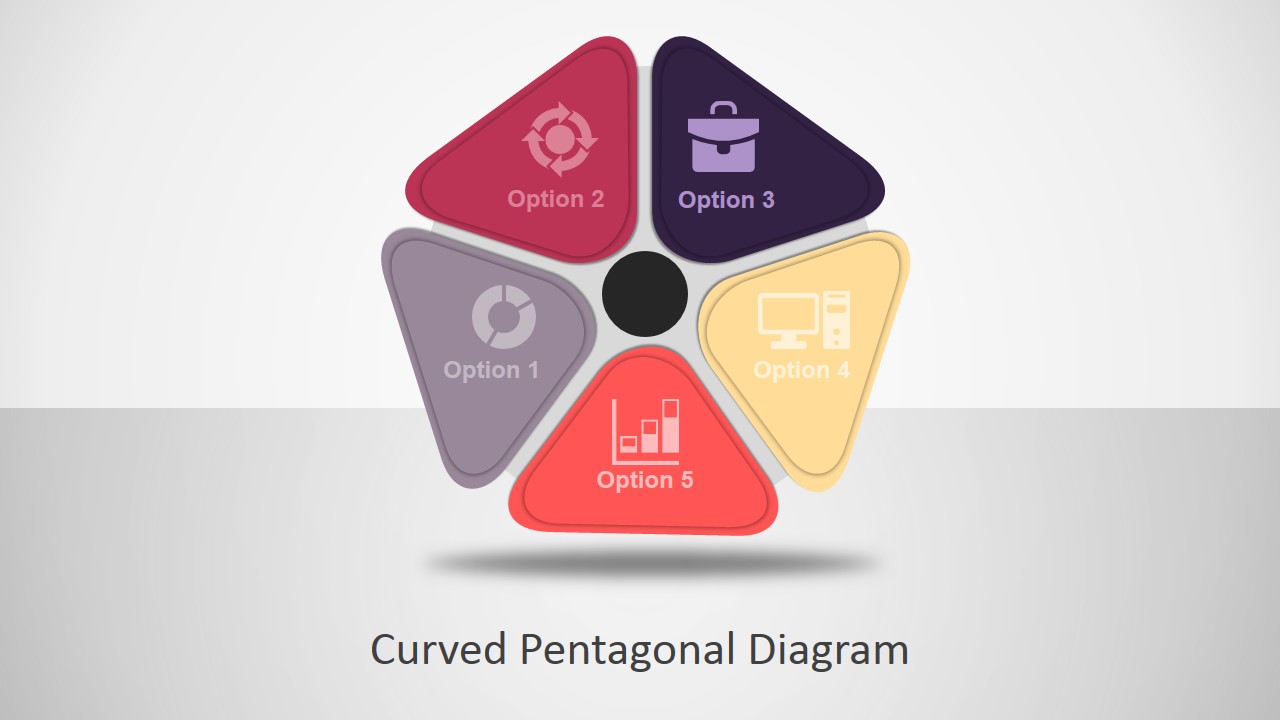
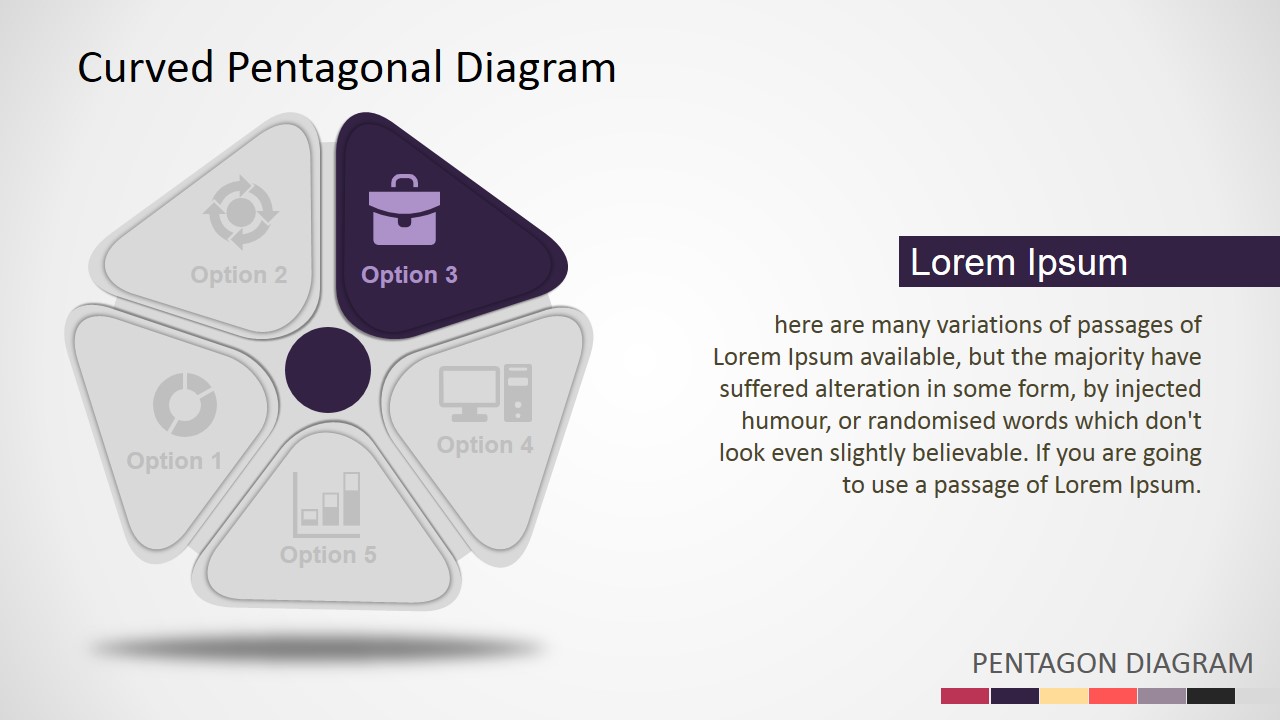
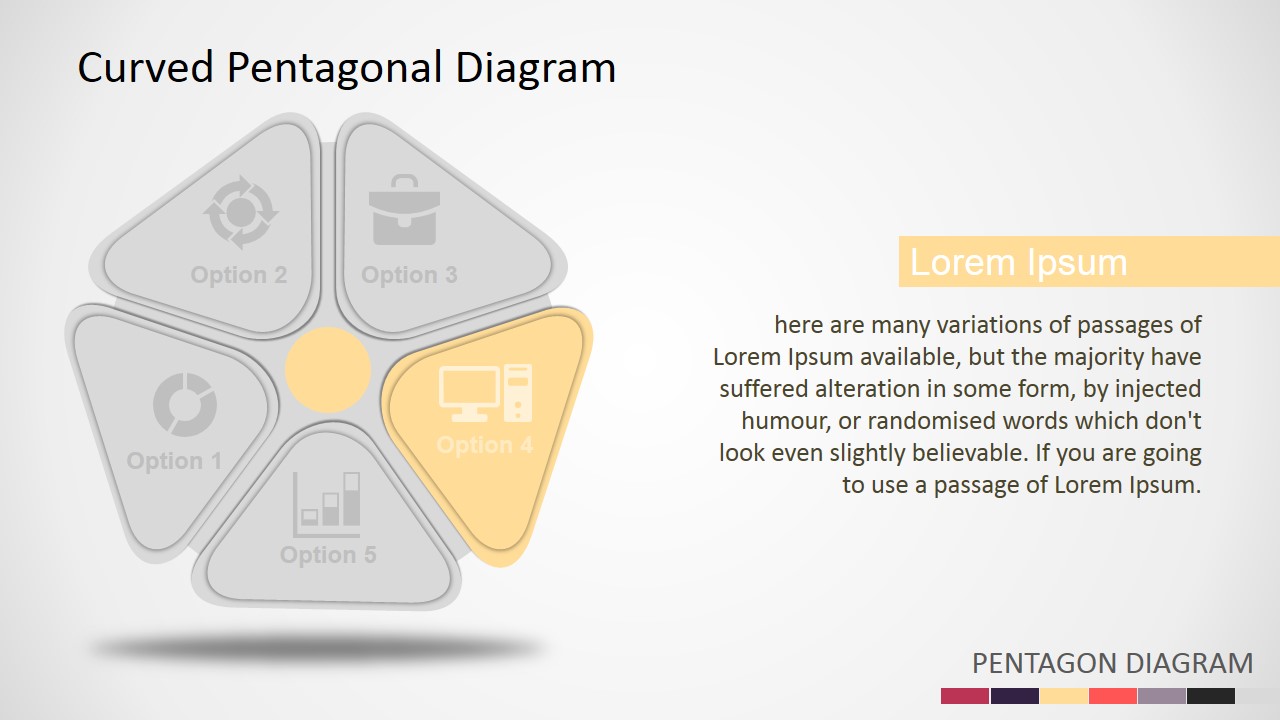
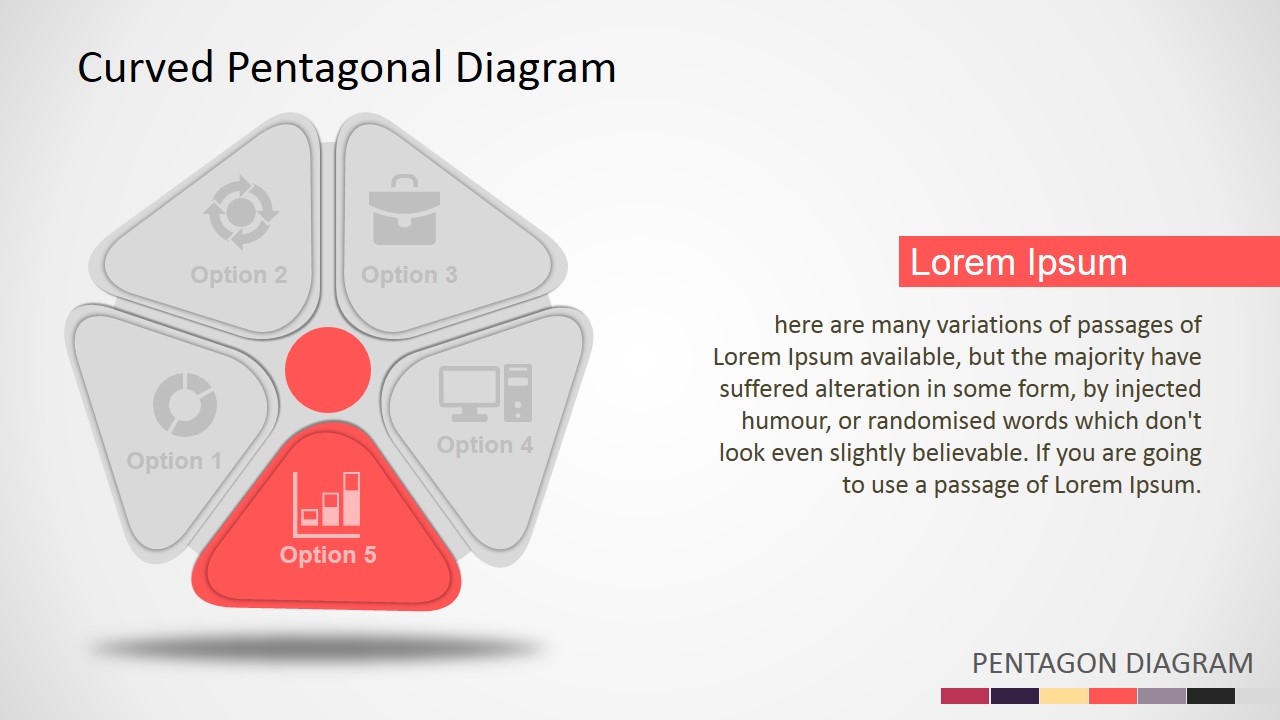
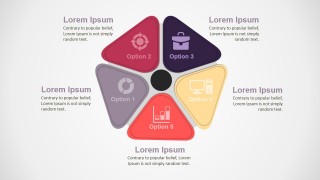
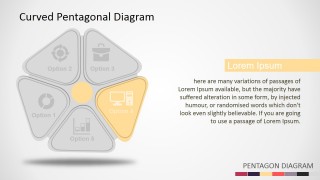
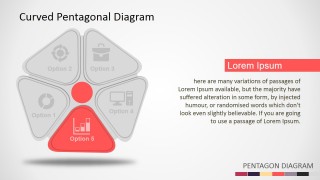
The Curved Pentagon PowerPoint Diagram is a Professional PowerPoint Template created with flat design techniques. It can be used to describe 5 steps processes or lists. The user can replace bullets and lists with a polished look and feel. Each segment of the pentagon is created as individual PowerPoint Shapes, allowing the user to fully customize its appearance. The diagrams are decorated with PowerPoint Icons in order to descibe metaphors. The user can edit the icons, or replace them with any choice from our PowerPoint Icons Gallery.
What’s inside this template
Example presentation scenarios
- A consultant can use the five-callout overview to introduce five recommendations, then move through the highlighted segment slides to explain the reasoning behind each recommendation.
- A project manager can present a five-phase implementation plan by assigning each pentagon segment to a phase and using the focus slides for scope, owner notes, and next actions.
- A product manager can compare five feature groups for stakeholders, using the icon-labeled pentagon to make the categories memorable and the text panels to explain business value.
- A marketing lead can structure a campaign framework around five channels or messages, using the color-coded segments to keep each workstream distinct during the discussion.
Features
- 100% editable presentation template
- Compatible with Microsoft PowerPoint and Google Slides
- 16:9 aspect ratio slides
- Scalable vector shapes, icons and illustrations
- AI-Ready for Microsoft Copilot and Claude
- Instant access and download
Frequently asked questions
Q: How should I present the five pentagon segments without overloading the audience?
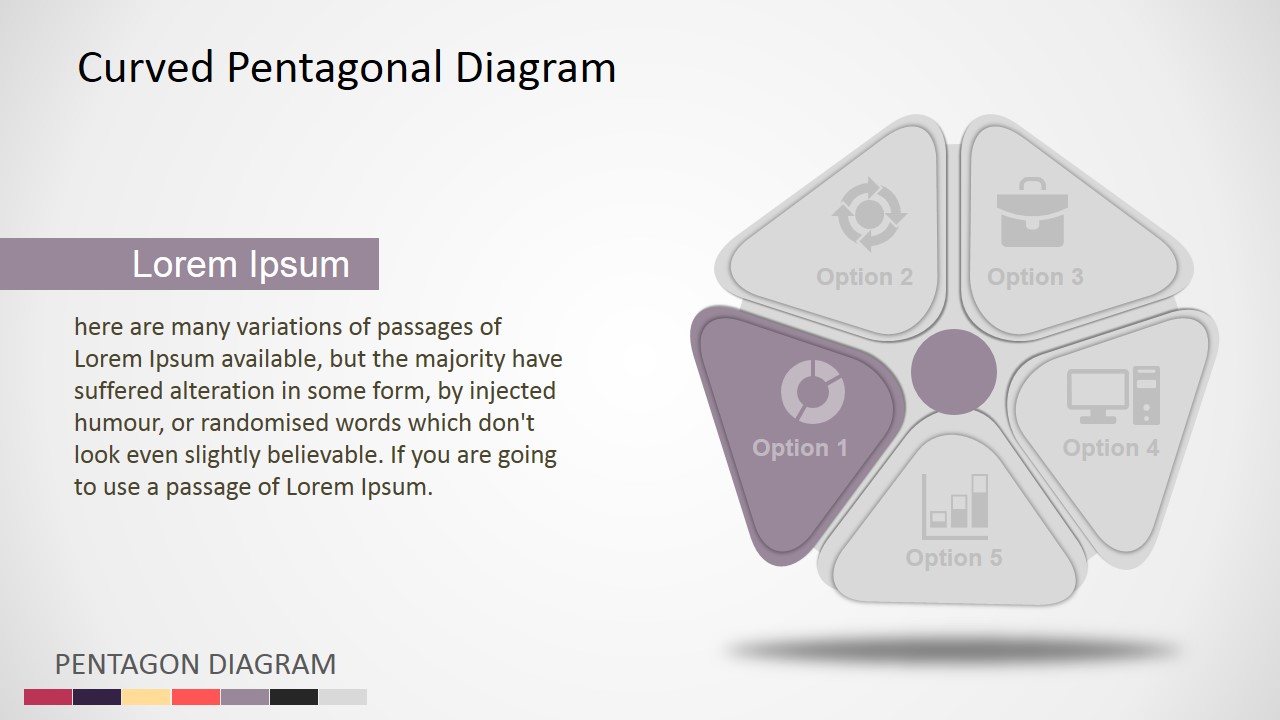
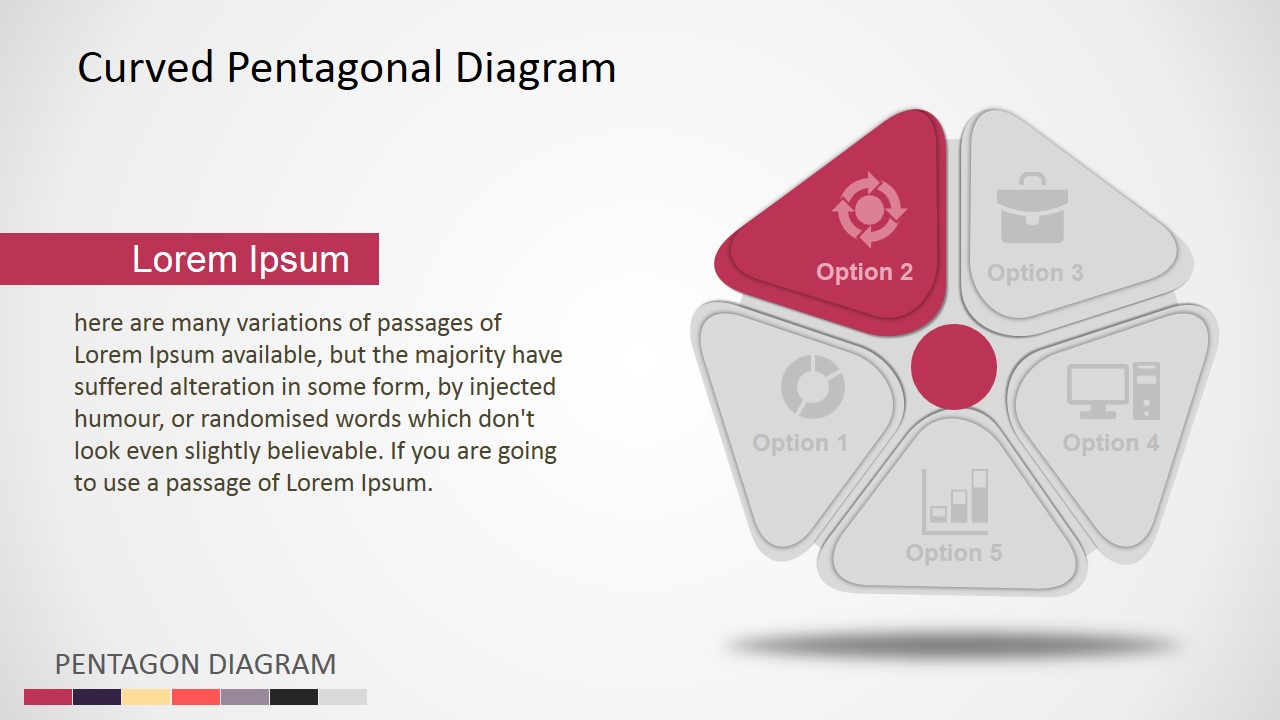
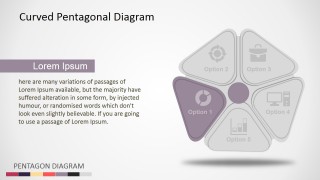
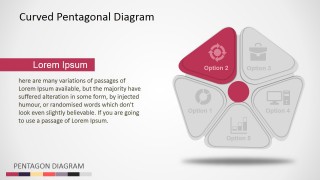
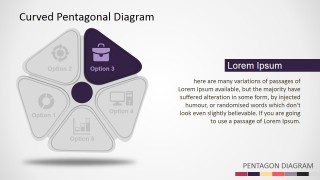
A: Start with the overview slide so the audience sees all five parts at once. Then use the individual focus slides to explain one segment at a time, keeping the inactive segments gray as a visual anchor. Replace generic Option labels with short action-oriented names, and reserve body text for the point, implication, and next step.
Q: Who is this pentagon diagram best suited for?
A: This diagram is a good fit for presenters who need to explain five balanced categories rather than rank them. Consultants, project managers, product leads, and marketing teams can use it for frameworks, options, feature groups, or process stages where each part deserves equal attention and a short supporting explanation.
Q: Why use a curved pentagon instead of a standard numbered list?
A: The curved pentagon creates a visual metaphor for five connected parts surrounding a shared center. That makes the relationship easier to remember than a vertical list. The repeated focus slides also reduce cognitive load because the audience keeps the same mental map while attention shifts to one colored segment at a time.

Curved Pentagon PowerPoint Diagram
7-slide presentation template with curved pentagon diagram, five-step process options, and icon callouts
Curved Pentagon PowerPoint Diagram is a 7-slide diagram template for presenting five options, process steps, or categories. It includes a central curved pentagon, a five-callout overview, and individual emphasis slides for each pentagon segment with icons and text panels. It is built for business presenters in Microsoft PowerPoint and Google Slides.
- Category
- Diagrams
- Rating


 Loading...
- Aspect ratio
- 16:9, 4:3
- Item ID
- 0006-01
- Colors
 Microsoft PowerPoint
  Microsoft Copilot
  Claude for PowerPoint
 Other formats supported
Subscribe today and get immediate
access to download our PowerPoint templates.