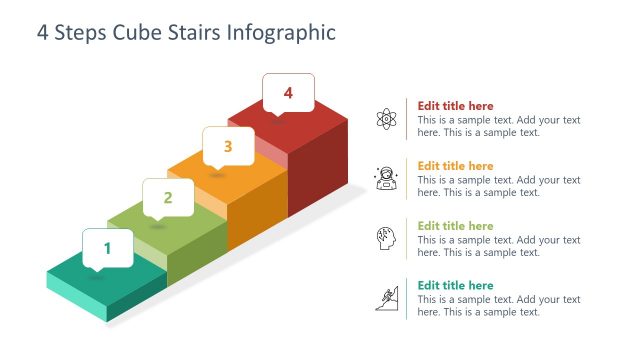
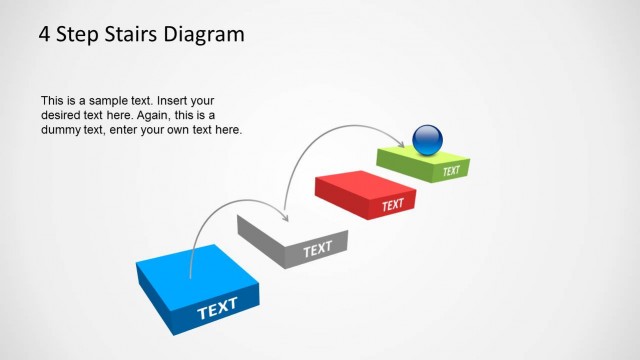
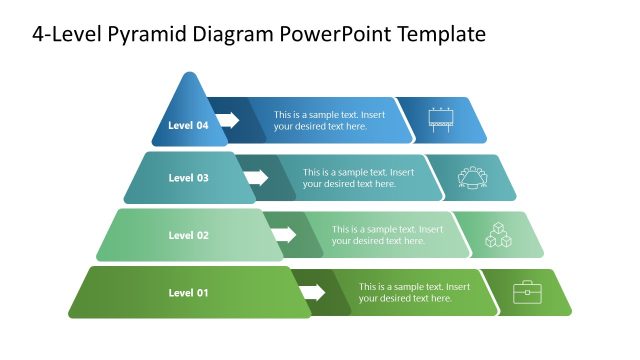
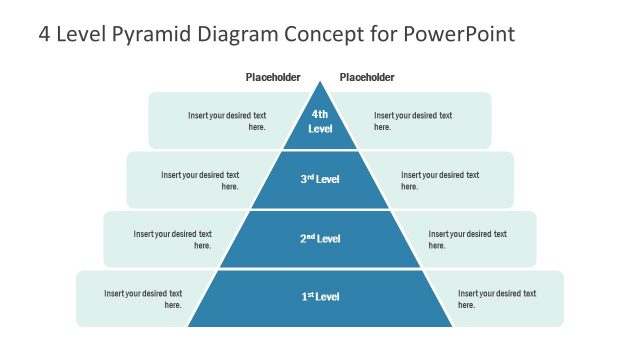
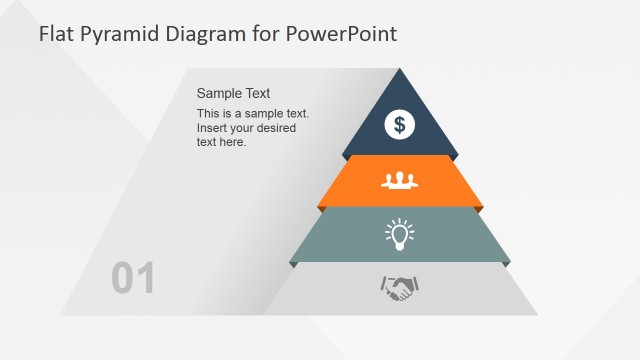
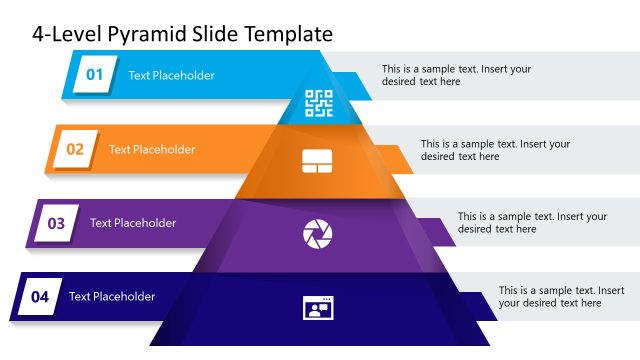
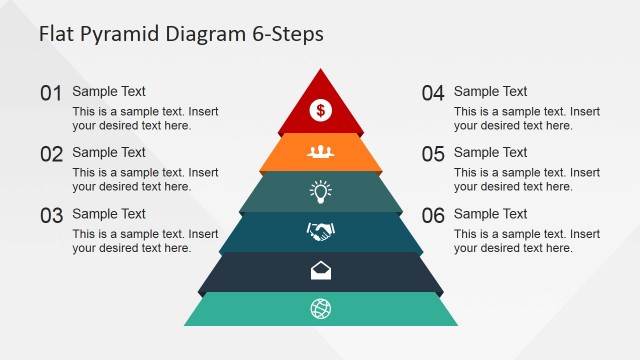
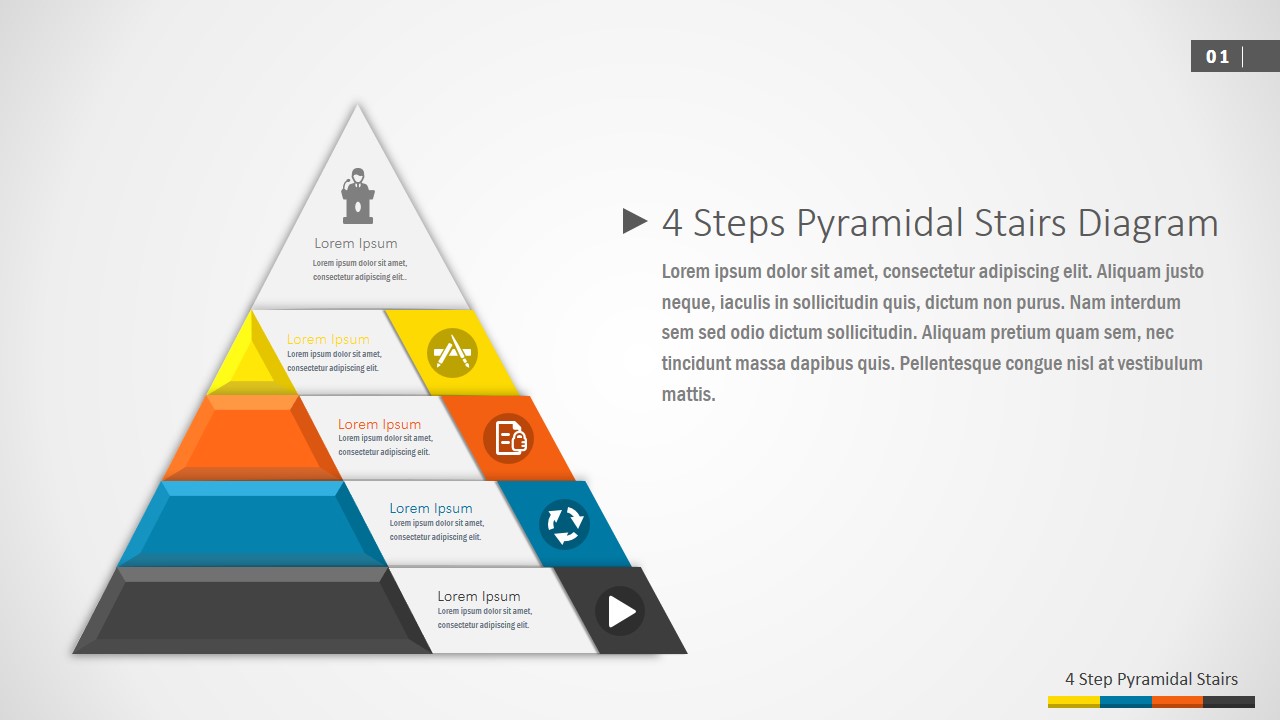
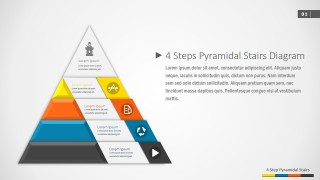
4 Steps Pyramidal Stairs PowerPoint Diagram – Created with professional Material design techniques, the 4 Steps Pyramid is aimed to replace bullet lists and describe simple processes. The user can describe a simple four (4) steps roadmap or simple 4 stages workflow; each layer can represent a topic or steps.
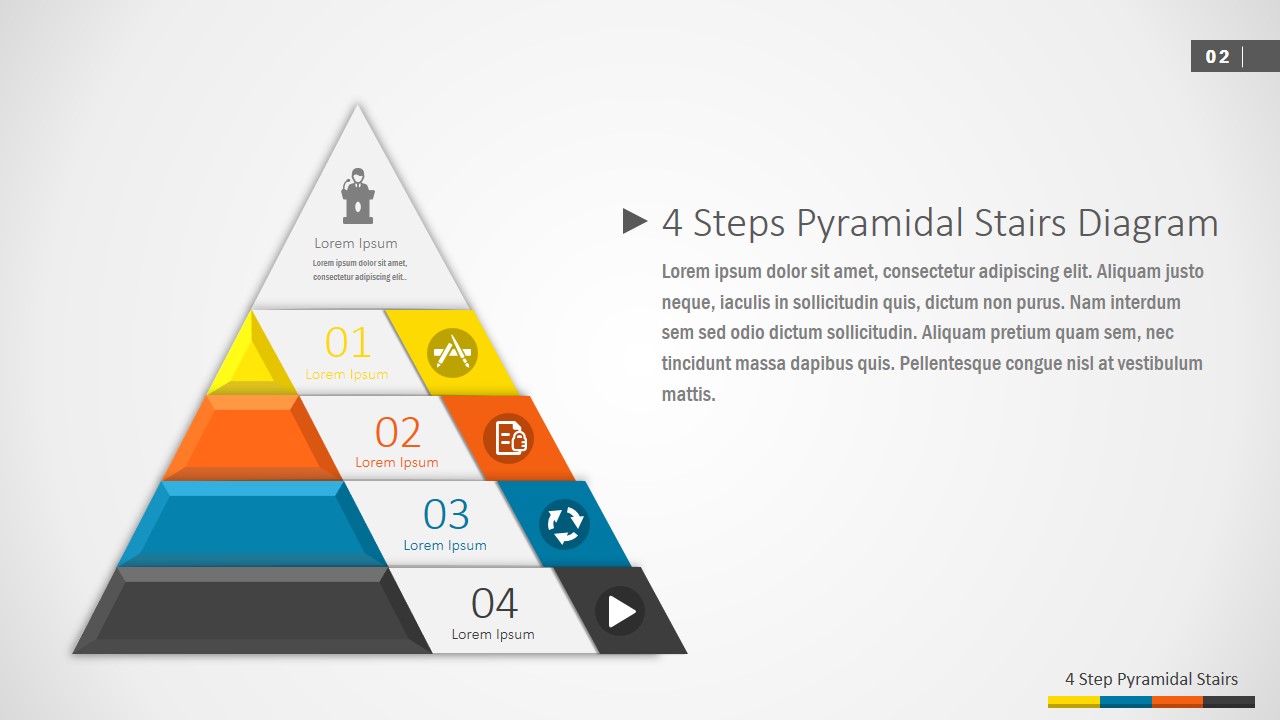
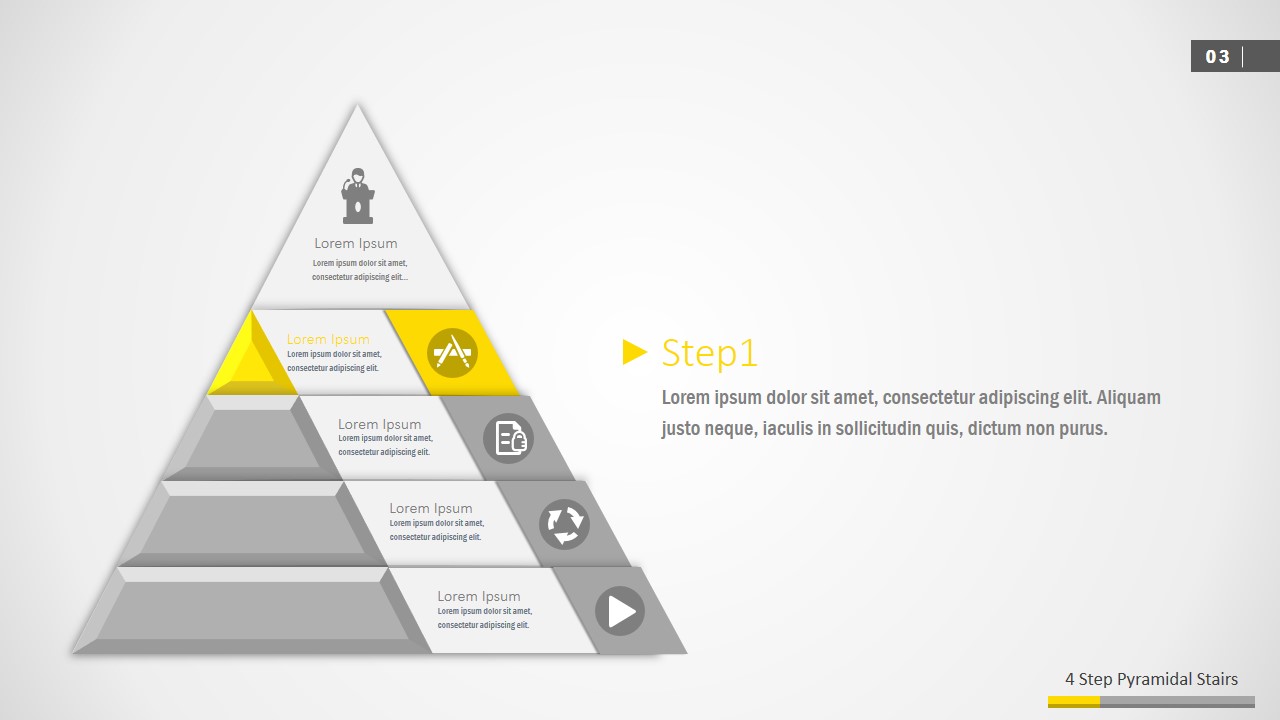
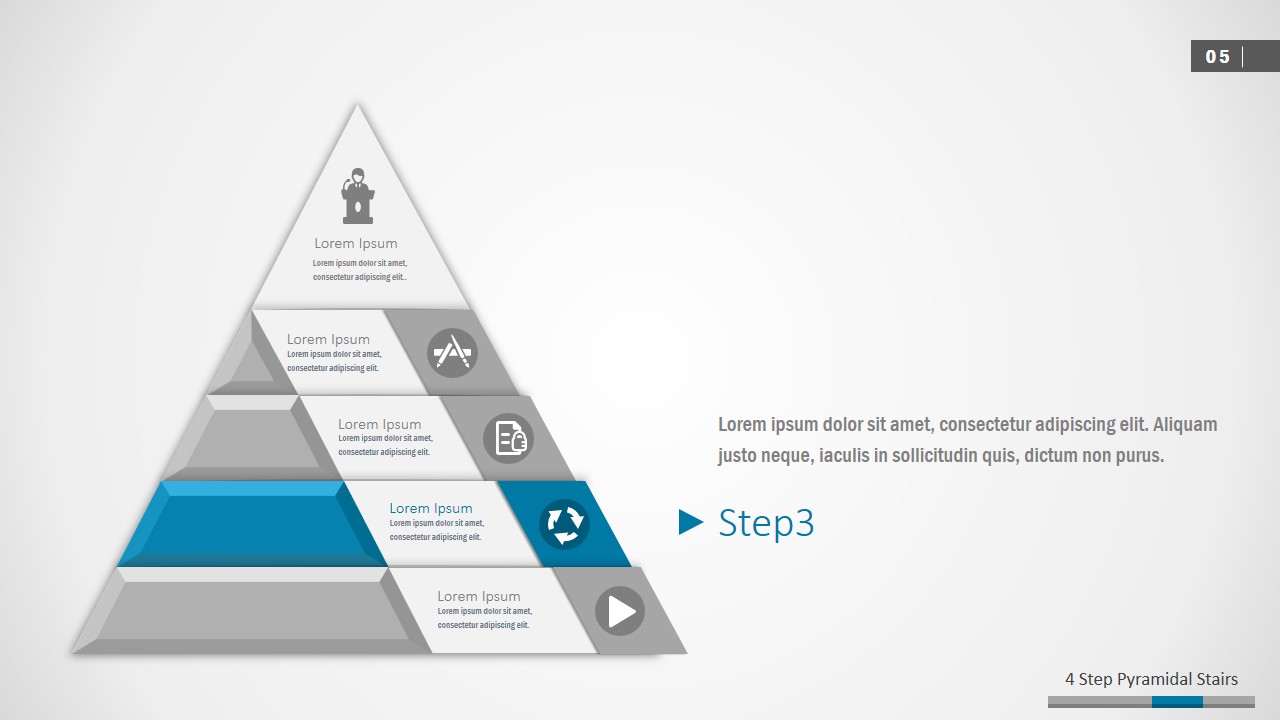
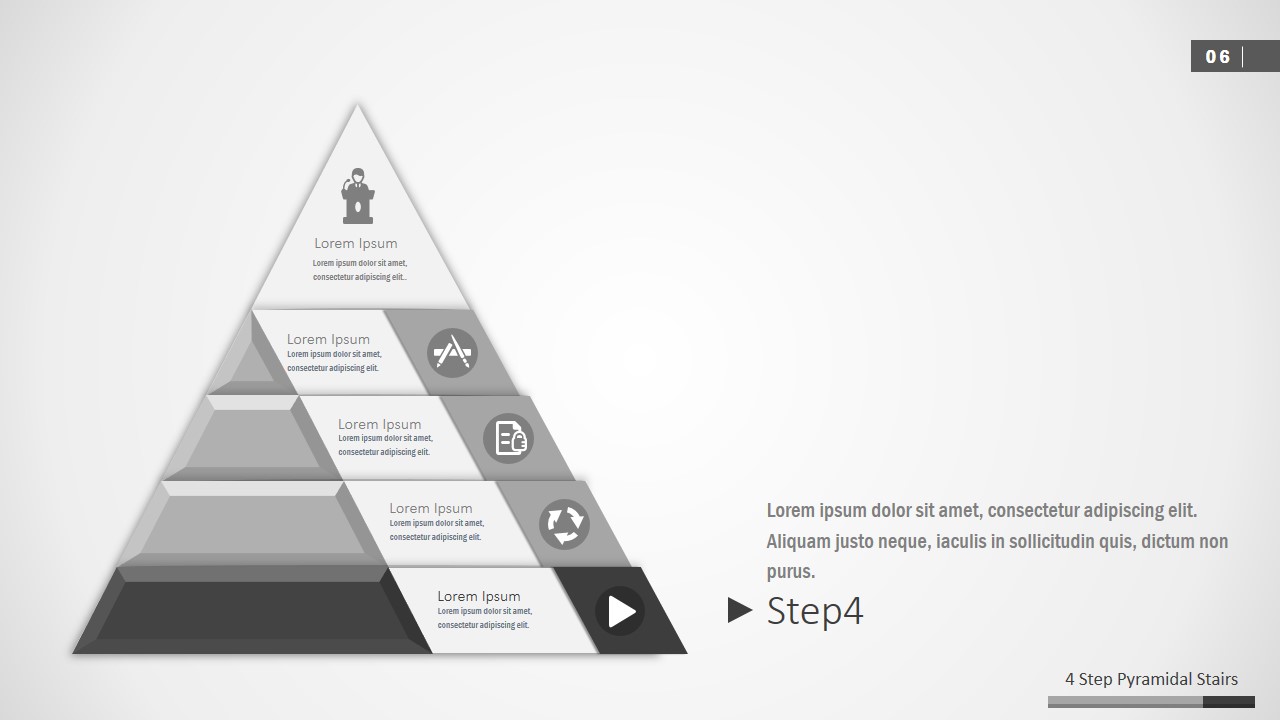
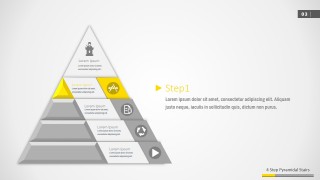
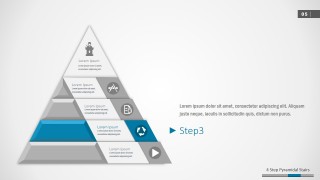
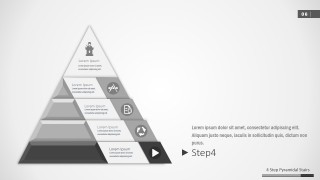
The first two (2) slides of this Pyramid PowerPoint template are designed to describe the speech in high level. It shows the 4 segments and the icons that presents their visual metaphor. Users can replace this icons with any other choice from our PowerPoint Icons Gallery. The following slides are designed to drill down into detailed topics. One pyramid segment if highlighted, while the rest are grayed out in order to focus attention on the topic being described.
Each of the elements of the 4 Steps Pyramidal Stairs PowerPoint Diagram are created as PowerPoint Shapes, allowing the user to fully customize their appearance as color, size, effects and theme.
Impress your audience with our PowerPoint Diagrams that will add a professional look and feel to your designs.
What’s inside this template
Example presentation scenarios
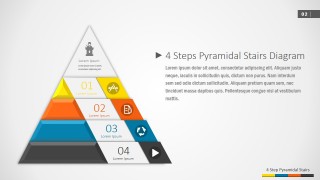
- A consultant can use the numbered pyramid overview to introduce a four-phase transformation model before discussing each phase in more detail.
- A project manager can present a roadmap by assigning milestones to the four colored pyramid levels and using the highlighted step slides to explain responsibilities.
- A training facilitator can map a learning path from foundation to advanced practice using the stair pyramid and the Step 1 through Step 4 focus layouts.
- A product manager can explain adoption stages to executives by using the pyramid levels as a progression from launch activities to scaled implementation.
Features
- 100% editable presentation template
- Compatible with Microsoft PowerPoint and Google Slides
- 16:9 aspect ratio slides
- Scalable vector shapes, icons and illustrations
- AI-Ready for Microsoft Copilot and Claude
- Instant access and download
Frequently asked questions
Q: How should a presenter structure the message with this pyramid diagram?
A: Start with the full pyramid overview to name the four stages and explain why they form a sequence. Then move through the Step 1 through Step 4 detail slides, keeping the same level names and icon meanings throughout. The grayed-out levels help the audience stay oriented while focusing on the current stage.
Q: What kind of business message is this template best suited for?
A: This template fits situations where the presenter must turn a short process or roadmap into a clear visual model. It works well for consultants, project leads, trainers, and product managers explaining four phases, maturity levels, or adoption steps. It is less suited to dense financial reports or schedules with many dates.
Q: Why use a pyramidal stairs metaphor instead of a flat list?
A: The pyramid stairs metaphor shows progression and relative importance at the same time. Lower levels can represent a base or starting point, while upper levels imply advancement or priority. By highlighting one segment per detail slide, the design creates a guided explanation rather than forcing the audience to parse all four steps at once.


4 Steps Pyramidal Stairs PowerPoint Diagram
7-slide pyramidal stairs presentation template for four-step processes, roadmaps, and icon-based stage explanations
This is a 7-slide diagram template for explaining a four-stage process with a pyramidal stairs metaphor. Visible layouts include a full 4-step pyramid overview, a numbered segment version, and highlighted Step 1 through Step 4 detail slides with icon callouts. It is for business presenters using Microsoft PowerPoint or Google Slides.
- Category
- Diagrams
- Rating


 Loading...
- Aspect ratio
- 16:9, 4:3
- Item ID
- 0017-01
- Colors
 Microsoft PowerPoint
  Microsoft Copilot
  Claude for PowerPoint
 Other formats supported
Subscribe today and get immediate
access to download our PowerPoint templates.