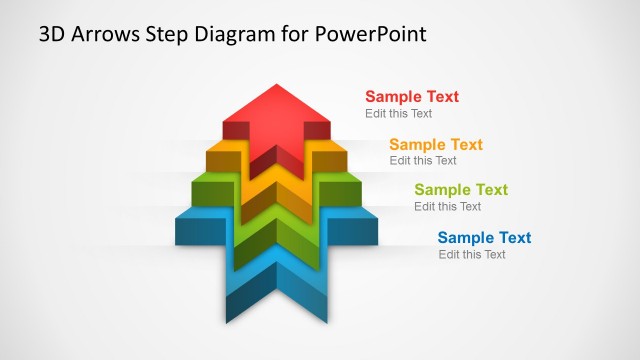
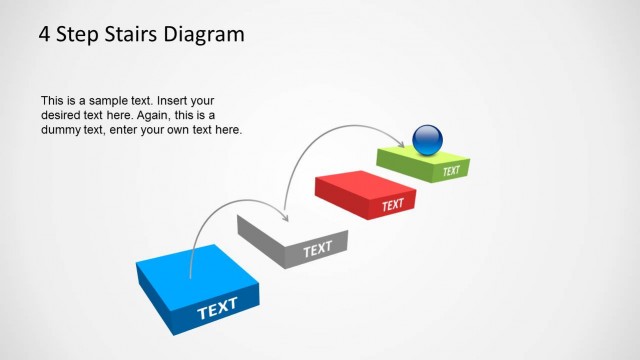
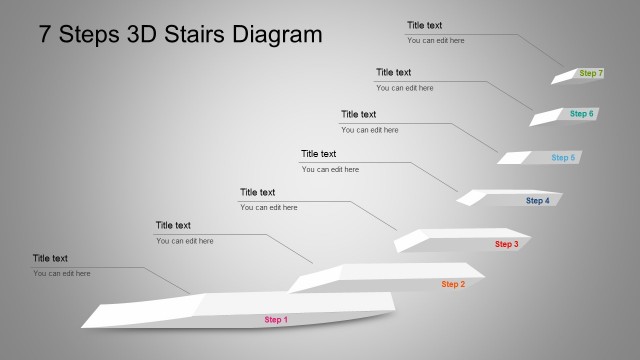
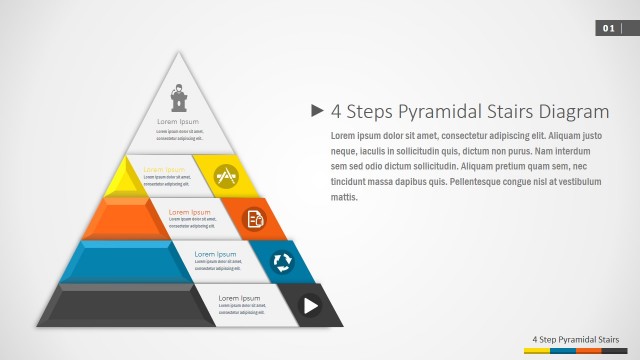
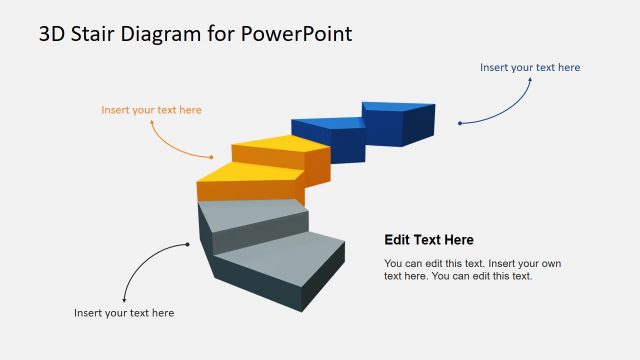
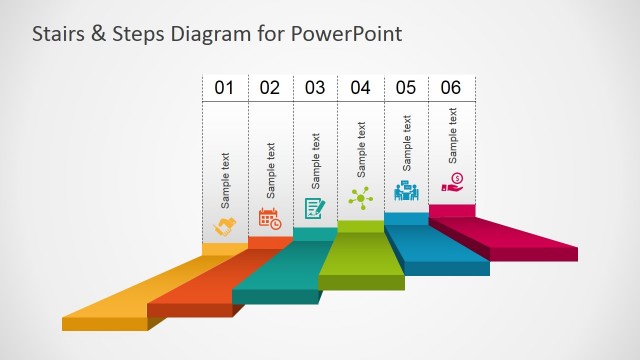
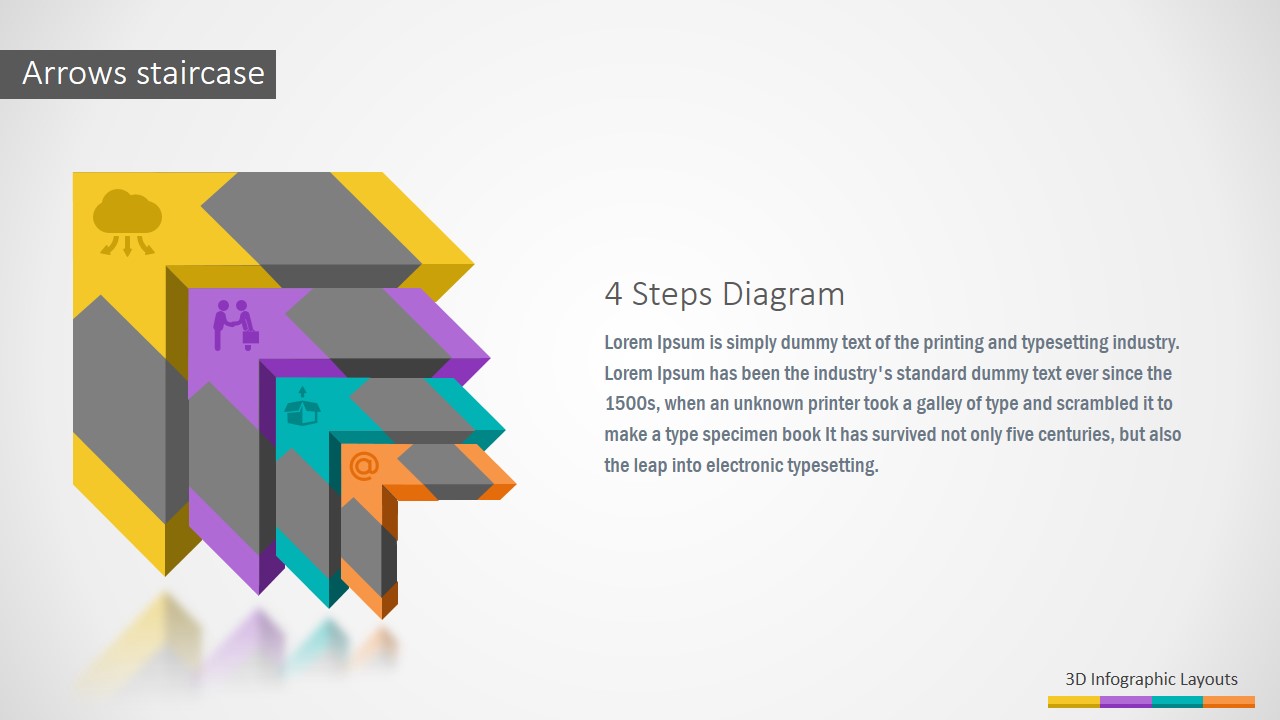
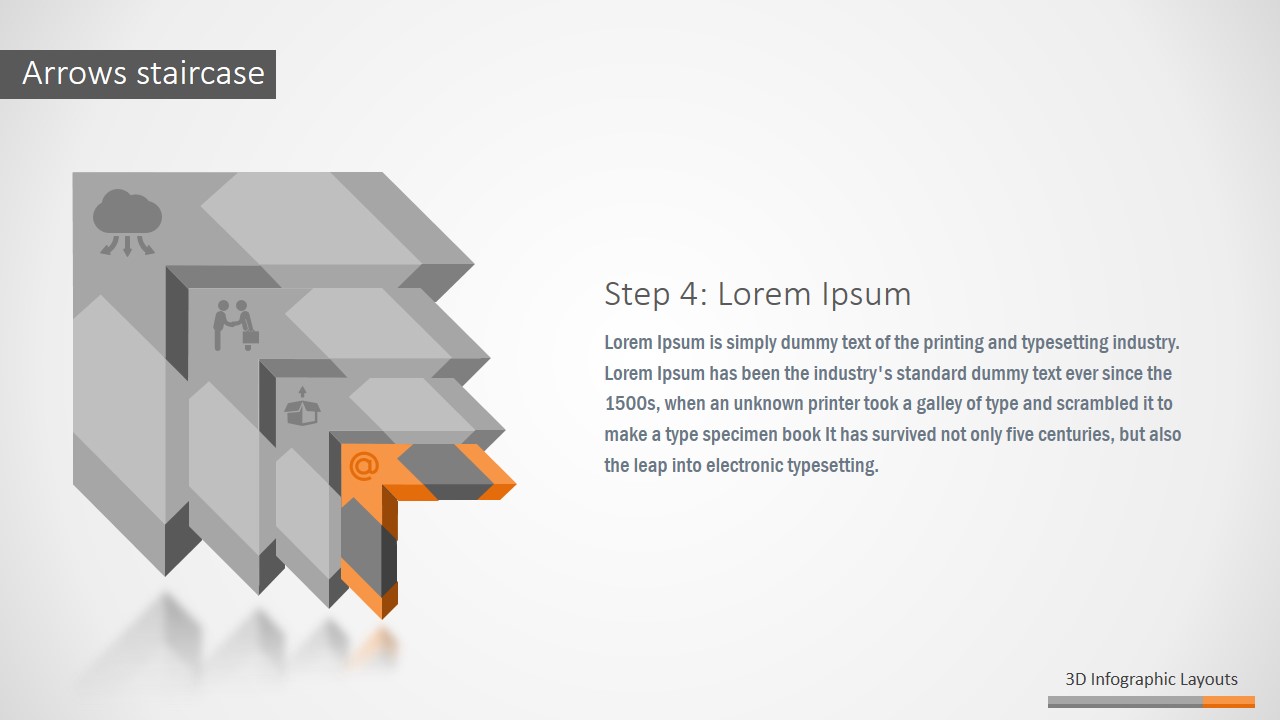
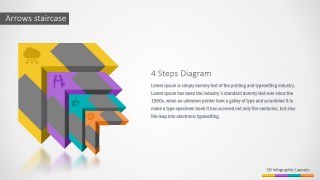
3D Four Steps Arrows Staircase PowerPoint Diagram – Create Professional PowerPoint Presentations with the aid of visual appealing diagrams. The PowerPoint template provides a four steps diagram created with individual flat PowerPoint Shapes, generating a 3D effect.
Reduce the amount of lists in your Presentation deck replacing them with PowerPoint Diagrams. The audience attention is captured with high quality visual aid, helping retain the message in their mind and stick the speech to the visual concept. Avoid the use of long texts applying visual metaphors through the use of PowerPoint Icons and Diagrams that guide the concept and aids the speech.
What’s inside this template
Example presentation scenarios
- A project manager can present an implementation plan by opening with the overview diagram and then using the four highlighted step slides to explain each phase, owner, and expected output.
- A consultant can show a client transformation path by mapping discovery, design, rollout, and adoption to the staircase arrows and using the muted inactive steps to keep attention on the current stage.
- A trainer can explain a four-part learning module by placing lesson goals in the right-side text areas and using the step icons to make each module easier to recall.
- A sales or product leader can outline a staged onboarding process by replacing the placeholder text with customer actions and using the color-coded arrows as a simple progress metaphor.
Features
- 100% editable presentation template
- Compatible with Microsoft PowerPoint and Google Slides
- 16:9 aspect ratio slides
- Scalable vector shapes, icons and illustrations
- AI-Ready for Microsoft Copilot and Claude
- Instant access and download
Frequently asked questions
Q: How should a presenter turn this staircase diagram into a clear four-step message?
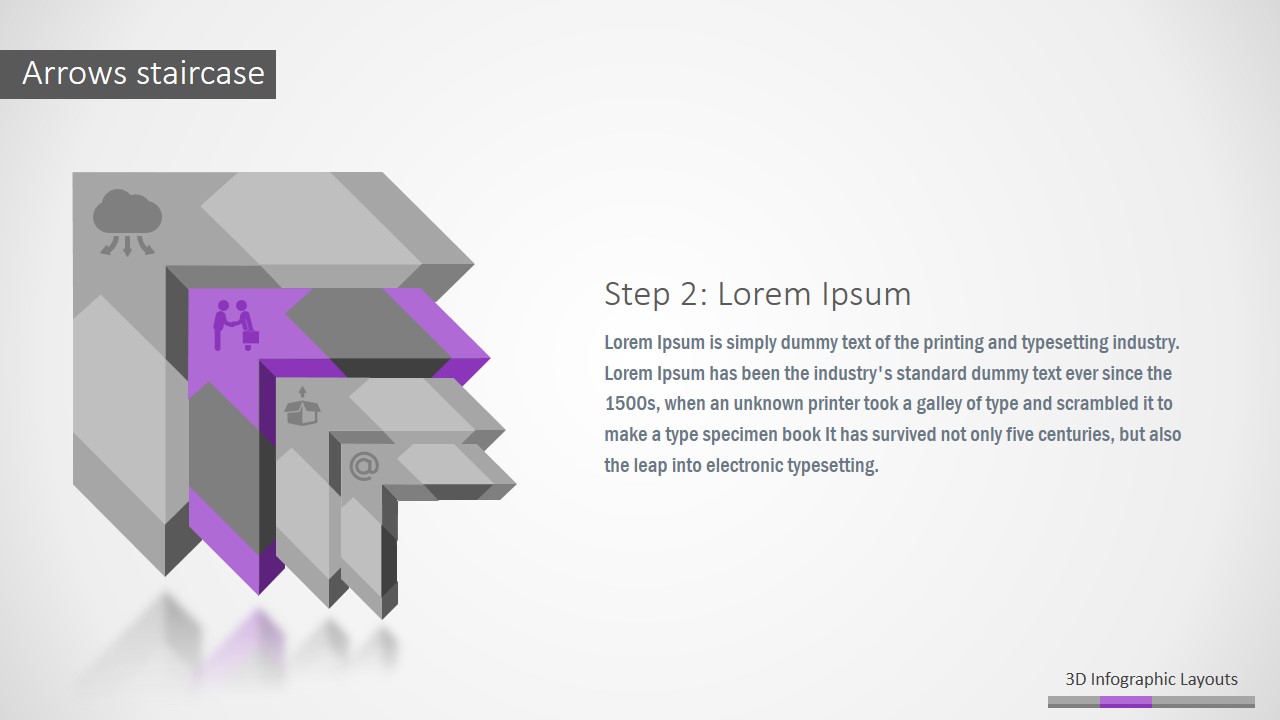
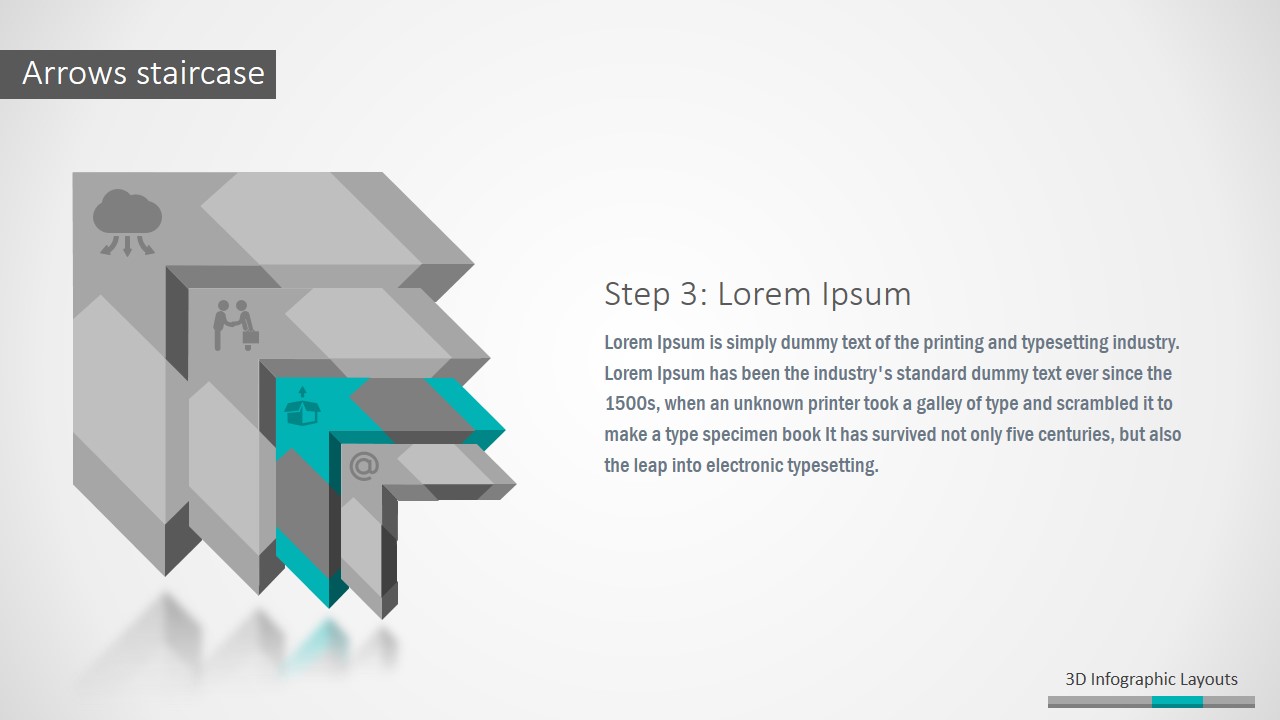
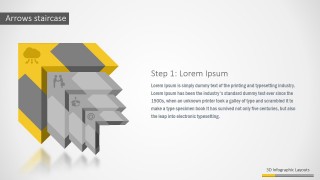
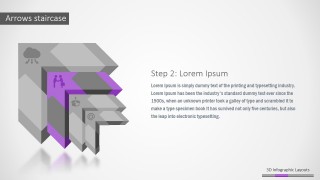
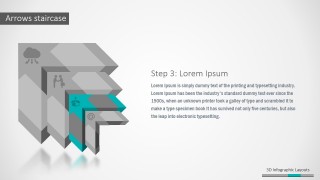
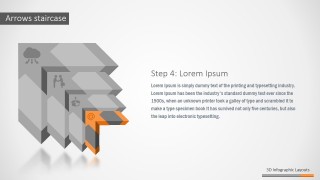
A: Start with the full overview slide to name the four stages and explain the end point. Then move through the individual step slides, keeping each slide to one decision, action, or outcome. The grayed-out arrows show context, while the colored arrow tells the audience where to focus in the sequence.
Q: Who is this template best suited for?
A: This template fits presenters who need to explain progress through four ordered stages, such as project managers, consultants, trainers, and operations leads. It is strongest when the message is sequential: a rollout path, onboarding flow, maturity model, or improvement plan where each step builds on the previous one.
Q: Why use a staircase and arrow metaphor instead of a standard numbered list?
A: The staircase suggests upward movement, effort, and progress, while the arrows imply forward direction. That combination makes the process feel active instead of static. By highlighting one arrow at a time, the design reduces cognitive load and helps the audience remember each stage as part of a larger path.



3D Four Steps Arrows Staircase PowerPoint Diagram
6-slide presentation template for 3D four-step staircase arrows, process icons, and staged explanations
This 6-slide diagram template presents a four-step process as layered 3D staircase arrows. It includes a title cover, a full 4 steps diagram overview, and four individual step highlight slides with icons and text areas. It is for process explanations, milestones, and staged plans in Microsoft PowerPoint and Google Slides.
- Category
- Diagrams
- Rating


 Loading...
- Aspect ratio
- 16:9, 4:3
- Item ID
- 0015-01
- Colors
 Microsoft PowerPoint
  Microsoft Copilot
  Claude for PowerPoint
 Other formats supported
Subscribe today and get immediate
access to download our PowerPoint templates.