Slide 1 of 2 from 4 Steps Onion Diagrams for PowerPoint
Concentric Circles Onion Diagram Slide Design
4 Steps Onion Diagram for Presentations
- Diagram
- Concentric Rings
- Process Slide
- 16:9
- 100% Editable
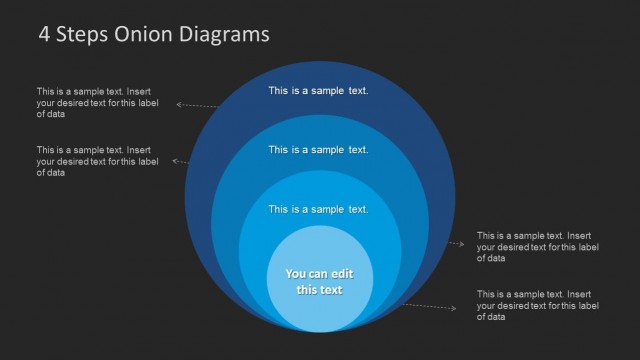
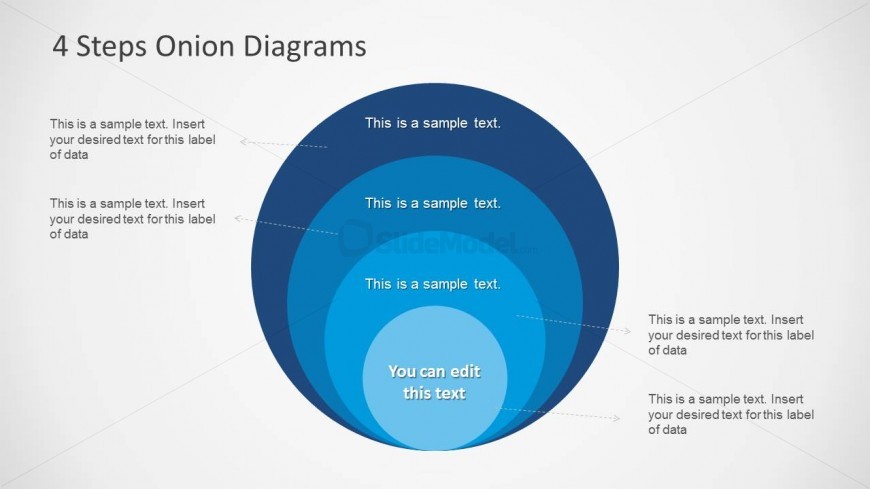
The 4 Steps Onion Diagram slide from the 4 Steps Onion Diagrams for PowerPoint template offers a clear process visualization using concentric rings. This slide layout is ideal for business presentations and strategic planning, featuring editable shapes and text placeholders that help illustrate layered concepts effectively. Its design supports training presentations and pitch decks by visually organizing four interconnected steps in a structured, easy-to-follow format.
About This Slide
Simple but useful onion diagram with 4 steps created in PowerPoint using Concentric Circles.
What’s on This Slide
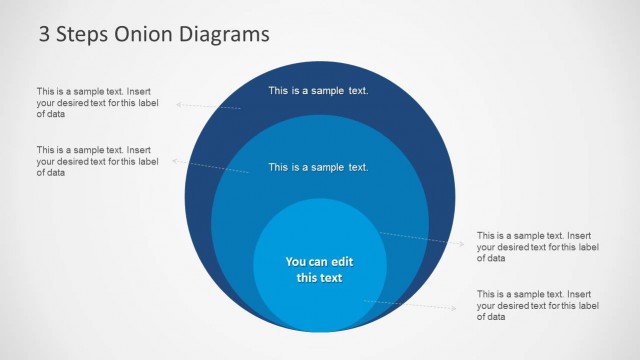
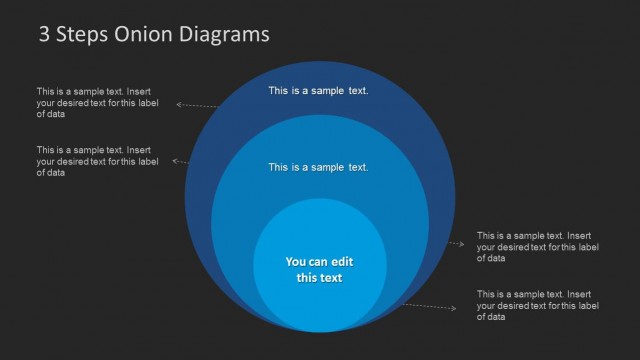
The slide features a concentric circle diagram with four layers, each representing a step. The largest circle is at the top, with progressively smaller circles below it. Each layer has a dashed callout label pointing to the right, indicating where text can be inserted. The center circle contains editable text, highlighted for emphasis. The background transitions from light to dark, enhancing visual contrast. Text placeholders are aligned to the left of each layer, maintaining a consistent visual hierarchy throughout the design.
How to Use It
This layout serves as a process flow diagram, illustrating four interconnected steps or concepts. It is suitable for presentations that require a clear depiction of layered systems or dependencies. This diagram can be used in business contexts such as project planning, training sessions, or strategic discussions. It fits well after a problem-framing slide, leading into a detailed analysis or roadmap, effectively guiding the audience through complex information.
Text Placeholders & Capacity
Keep your copy within these limits so it fits without resizing. Node labels can hold about 8 words each, while the body can accommodate a short paragraph.
| Placeholder | Count | Max characters (approx.) |
|---|---|---|
| Slide title | 1 | 30 |
| Item heading | 4 | 40 |
| Item body | 1 | 50 |
Slide Keywords
Download unlimited PowerPoint templates, charts and graphics for your presentations with our annual plan.
DOWNLOADReturn to 4 Steps Onion Diagrams for PowerPoint.