Slide 2 of 2 from 3 Steps Onion Diagrams for PowerPoint
6131-03-3-steps-onion-diagram-2
3 Steps Onion Diagram for Analysis
- Diagram
- Other
- Strategic Analysis Slide
- 16:9
- 100% Editable
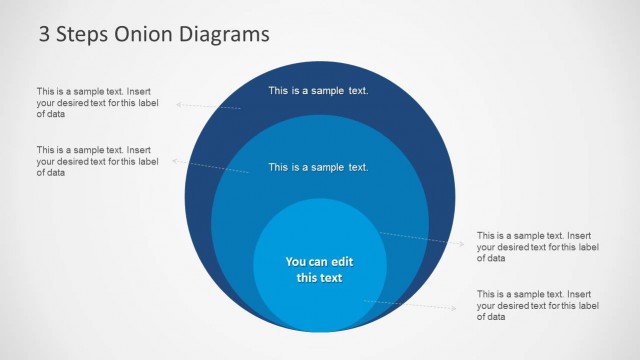
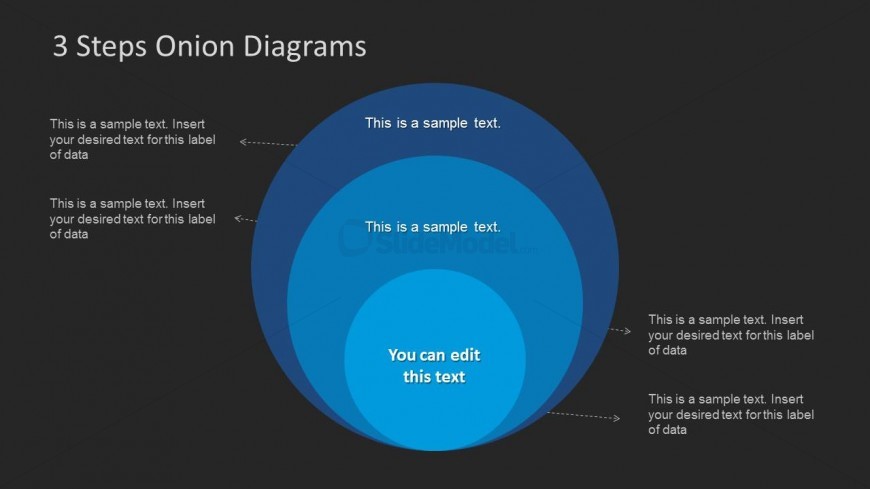
The 3 Steps Onion Diagram slide from the 3 Steps Onion Diagrams for PowerPoint template offers a clear visual for strategic analysis, ideal for stakeholder mapping and dependency explanation. This slide layout uses concentric circles with editable shapes and text placeholders to illustrate interconnected process steps, making it a useful addition to business presentations and slide decks that require precise process visualization.
What’s on This Slide
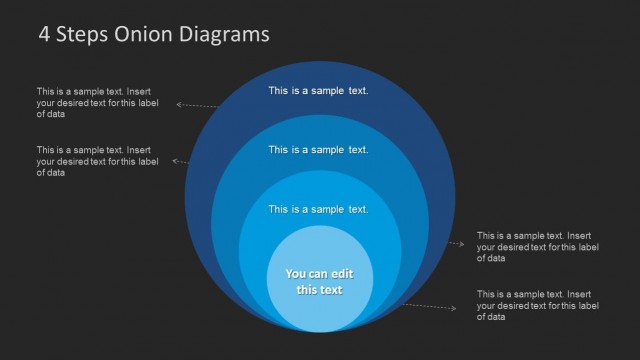
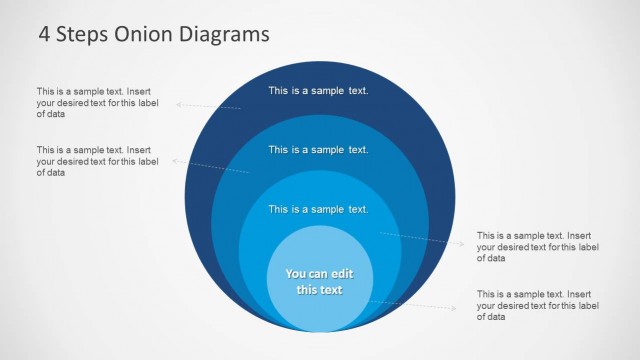
The layout features three concentric circles arranged in the center, with the innermost circle being the smallest and the outermost circle the largest. Each circle contains a text placeholder for labels, with the central circle having a larger placeholder for editable text. Callout lines extend from the outer circles to the left and right, connecting to additional text placeholders. The background is dark, providing contrast to the blue circles. The visual hierarchy emphasizes the central circle, with the outer circles supporting it through labels.
How to Use It
This layout serves as a process flow diagram, illustrating three interconnected steps or components. It is suitable for presentations that require analysis, such as stakeholder mapping or dependency explanations. This diagram can fit within a sequence that introduces a problem and follows with solutions or recommendations. It is particularly useful in business contexts where visualizing relationships or hierarchies is essential.
Text Placeholders & Capacity
Keep your copy within these limits so it fits without resizing. Node body slots can hold roughly 6-8 words each.
| Placeholder | Count | Max characters (approx.) |
|---|---|---|
| Slide title | 1 | 30 |
| Item body | 3 | 40 |
| Item body | 1 | 50 |
Slide Keywords
Download unlimited PowerPoint templates, charts and graphics for your presentations with our annual plan.
DOWNLOADReturn to 3 Steps Onion Diagrams for PowerPoint.