Slide 9 of 10 from 4 Steps Circular Diagram Design for PowerPoint
1180-4-steps-circular-diagram-design-9
4 Steps Circular Process Diagram for Presentations
- Diagram
- Circular Cycle
- Process Slide
- 16:9
- 100% Editable
The 4 Steps Circular Process Diagram slide from the 4 Steps Circular Diagram Design for PowerPoint template offers a clear visual for illustrating workflows and project cycles. This slide layout includes editable shapes and text placeholders arranged around a central circular diagram, making it suitable for business presentations or corporate slide decks that require a structured depiction of sequential phases.
What’s on This Slide
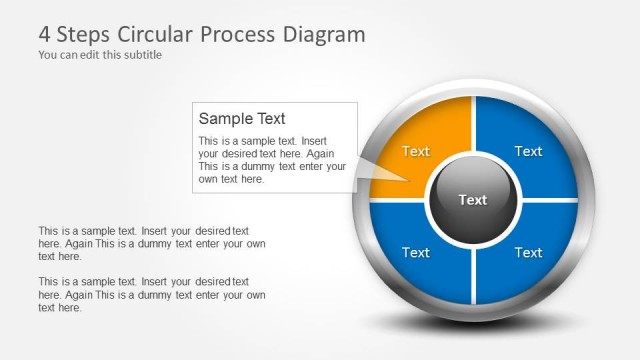
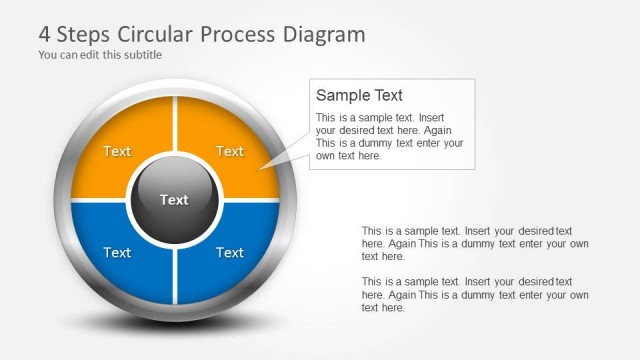
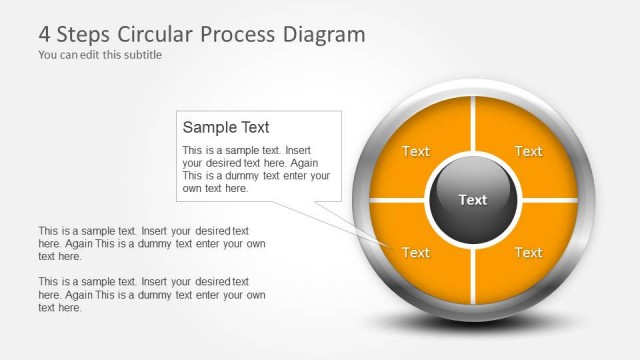
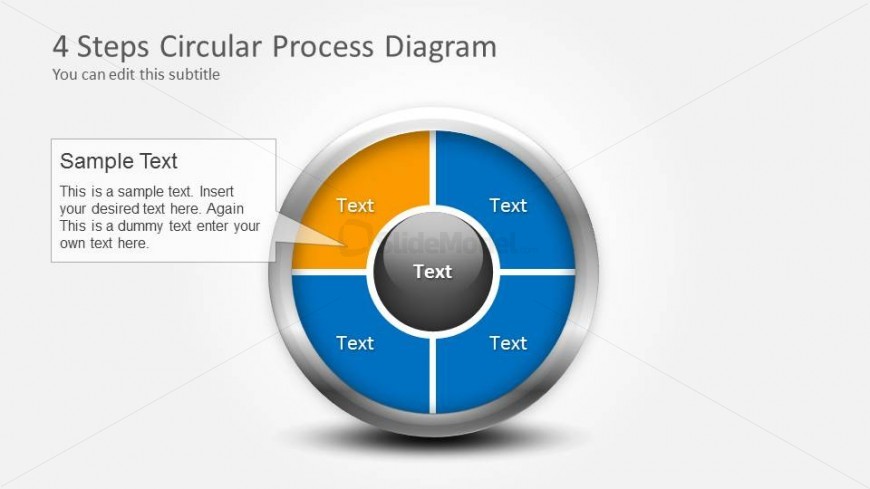
The layout features a central circular diagram divided into four segments, each containing a text placeholder. The segments are colored in blue and orange, with a silver border. A central circle also contains a text placeholder. To the left, there is a rectangular text box for additional information, aligned vertically. The title is positioned at the top, with a subtitle placeholder directly below it. The overall composition is balanced, with the circular diagram as the focal point, surrounded by text elements that provide context.
How to Use It
This layout serves to illustrate a four-step process or cycle, making it suitable for presentations that require a visual representation of sequential phases. It fits well in a narrative that discusses workflows, project phases, or decision-making processes. This structure can be effectively used in business meetings, educational settings, or project updates to clarify complex information in a digestible format.
Text Placeholders & Capacity
Keep your copy within these limits so it fits without resizing. Node slots can hold roughly 40 characters each, while the body paragraph can accommodate about 150 characters.
| Placeholder | Count | Max characters (approx.) |
|---|---|---|
| Slide title | 1 | 30 |
| Subtitle | 1 | 50 |
| Item body | 4 | 40 |
| Body paragraph | 1 | 150 |
Slide Keywords
Download unlimited PowerPoint templates, charts and graphics for your presentations with our annual plan.
DOWNLOAD