4-Stage Circular Infographic PowerPoint Template
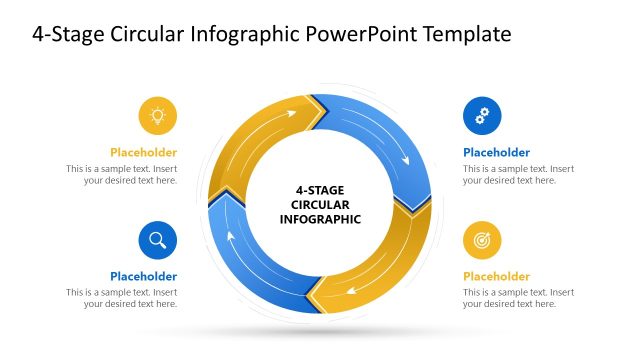
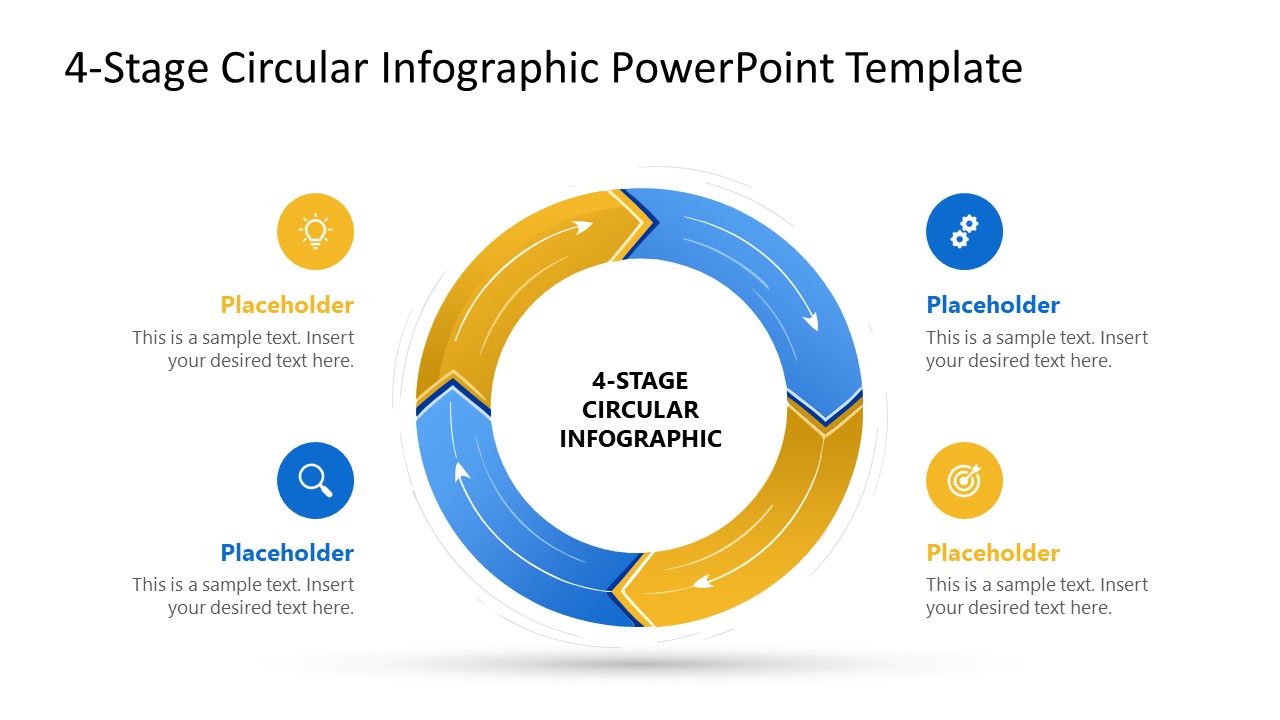
Present four-step cyclical workflows or iterative processes using our editable 4-Stage Circular Infographic PowerPoint Template. The rotating arrows cycle diagram effectively illustrates loops or continuous flows in business presentations. In academic contexts, mentors can use the arrow diagram to highlight the self-learning and development cycle. HR directors can use the central circular diagram with four segments to depict the talent filtering process. Operations managers can use the cyclical diagram to outline the four-step continuous improvement cycle, such as Plan-Do-Check-Act. Adjust the graphical arrangement and PPT elements to suit your requirements. For additional themes, explore our infographic PowerPoint template to find suitable designs.
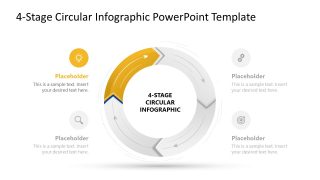
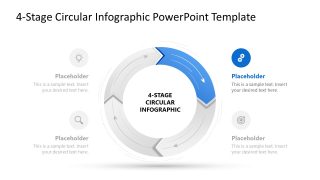
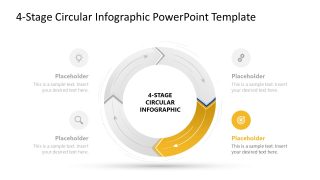
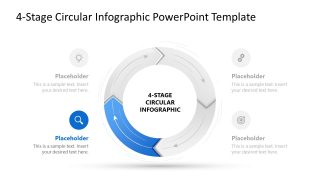
The 4-Stage Circular Infographic PowerPoint Template is fully compatible with all versions of Microsoft PowerPoint. The PPT template allows users to customize the text, infographics, and other PowerPoint elements to outline comprehensive business strategies. In quality assurance discussions, team leads use the 4-stage circular diagram to showcase the steps to ensure the product quality is standardized. The template diagram has alternate blue and golden colored arrows. The link between these arrows enables presenters to depict the connection between stages. With each segment, a corresponding text segment allows strategy directors to provide brief details and visually present the idea through graphical icons.
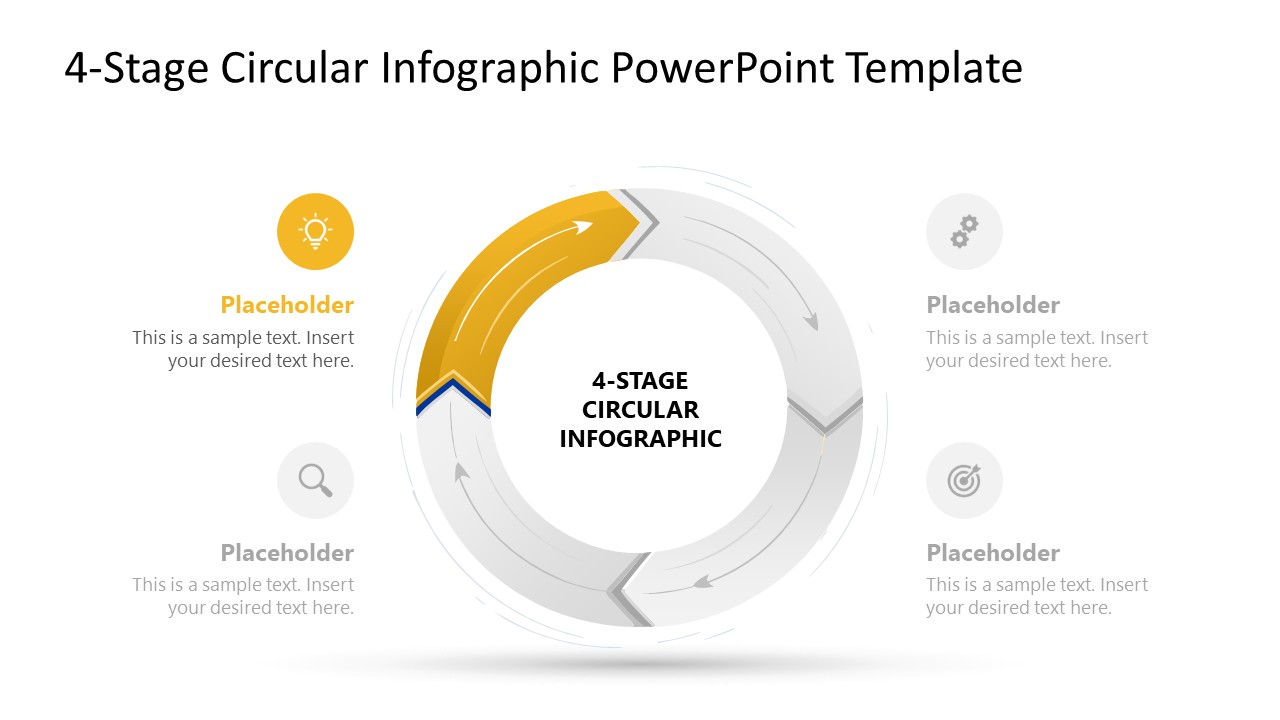
After the cover slide, we have provided four slides with a spotlight effect, i.e., each slide highlights one point in color. This allows professionals to communicate the strategies or concepts with focus and clarity. Download the 4-stage circular infographic PPT template layout to illustrate the recurring process cycles to your employees.


You must have an active subscription to download this file.
- Category
- Diagrams
- Rating
-

 Loading...
 - Size
- 16x9
- Item ID
- 23652-01
- Colors
Subscribe today and get immediate
access to download our PowerPoint templates.