Slide 2 of 5 from Free 4-Item Diagram Concept for PowerPoint
4-Item Infographic Diagram Step 1
4 Item Diagram Concept for PowerPoint
- Diagram
- Matrix Quadrant
- Concept Explanation Slide
- 16:9
- 100% Editable
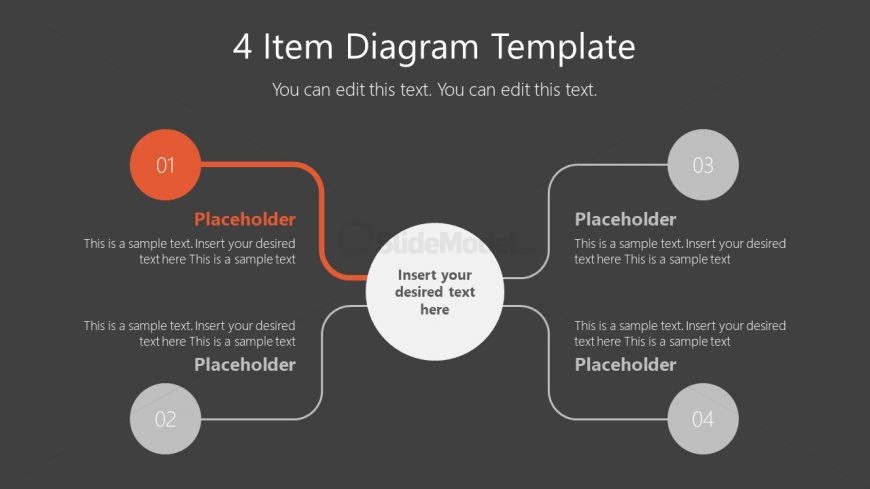
The 4 Item Diagram slide from the Free 4-Item Diagram Concept for PowerPoint template offers a structured layout ideal for business presentations requiring clear visualization of interconnected concepts. This slide template features editable shapes arranged around a central node, making it suitable for project planning, feature comparisons, or strategic initiatives within a corporate presentation or pitch deck template.
What’s on This Slide
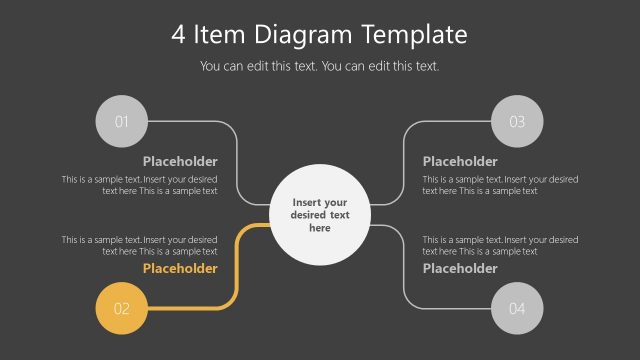
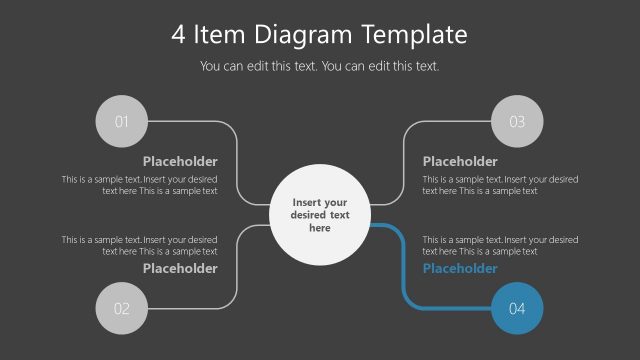
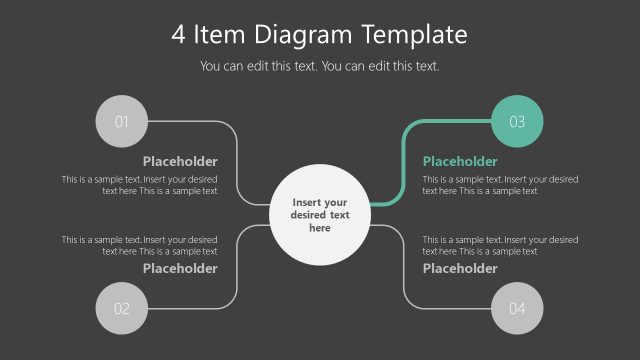
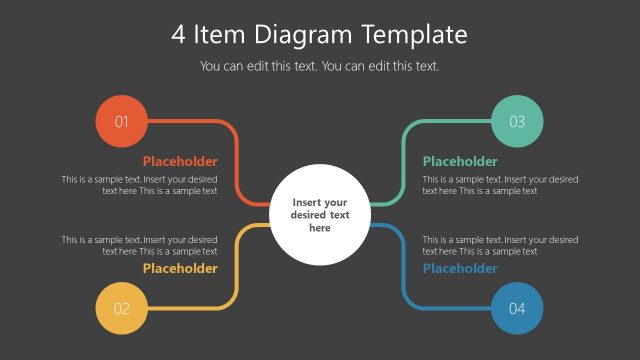
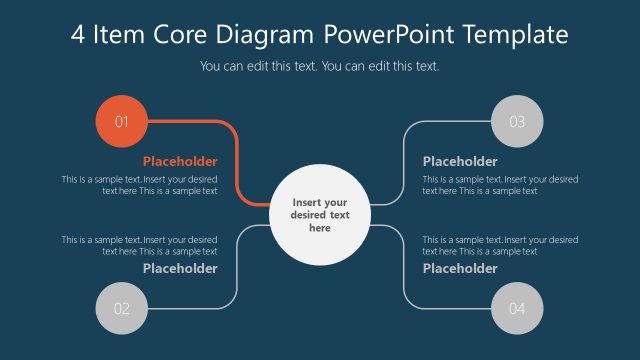
The layout features a central circular node surrounded by four circular nodes, each connected by lines. The top node is labeled '01' and the bottom node '02', while the right and left nodes are labeled '03' and '04', respectively. Each node contains a placeholder for text, with the central node also having a placeholder for additional text. The background is dark gray, and the nodes are colored in shades of orange and green, creating a clear visual hierarchy. Text placeholders are aligned centrally within each node, emphasizing their importance.
How to Use It
This layout serves as a structured diagram to illustrate relationships among four items. It fits well in presentations that require a clear visual representation of interconnected concepts or processes. Ideal scenarios include project planning, product features comparison, or strategic initiatives. The central node can summarize the main idea, while surrounding nodes provide supporting details or subtopics, enhancing audience understanding.
Text Placeholders & Capacity
Keep your copy within these limits so it fits without resizing. Node body slots can accommodate roughly 25-30 words each.
| Placeholder | Count | Max characters (approx.) |
|---|---|---|
| Item heading | 4 | 10 |
| Item body | 4 | 150 |
| Item body | 1 | 150 |
| Slide title | 1 | 30 |
Slide Keywords
Download unlimited PowerPoint templates, charts and graphics for your presentations with our annual plan.
DOWNLOADReturn to Free 4-Item Diagram Concept for PowerPoint.