Slide 1 of 5 from Free 4-Item Diagram Concept for PowerPoint
4 Items Core Concept Diagram Template
4 Item Diagram Concept for Presentations
- Diagram
- Matrix Quadrant
- Concept Explanation Slide
- 16:9
- 100% Editable
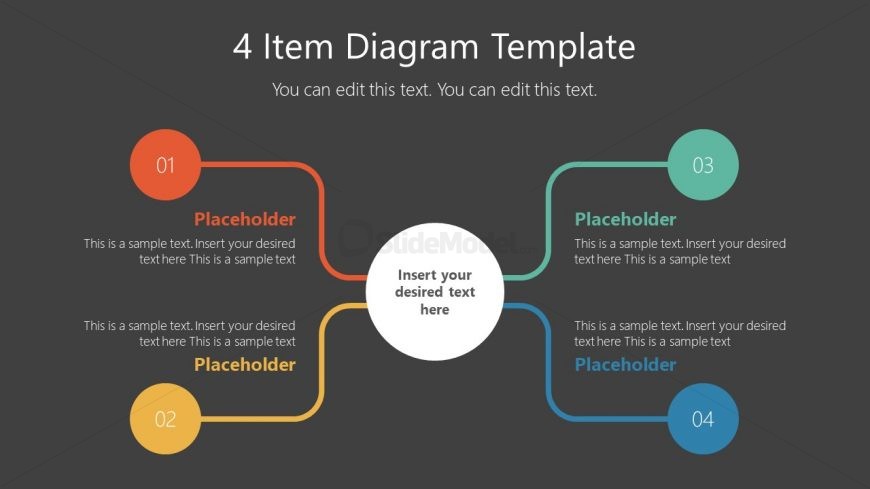
The 4 Item Diagram Concept slide from the Free 4-Item Diagram Concept for PowerPoint template offers a clear visual structure for presenting key features or project phases. This slide layout uses editable shapes and vector icons arranged around a central node, making it suitable for business presentations and pitch deck templates that require concise concept explanations. Its design supports effective communication of strategies or comparisons within professional slide decks.
What’s on This Slide
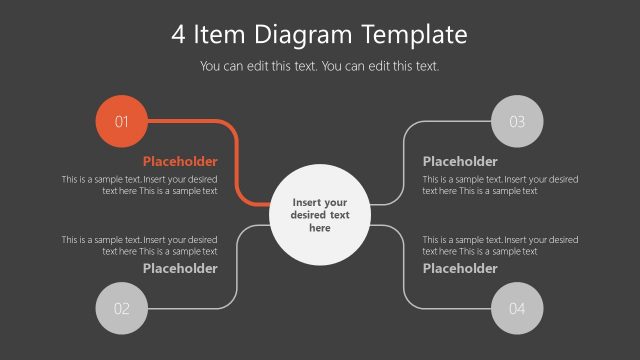
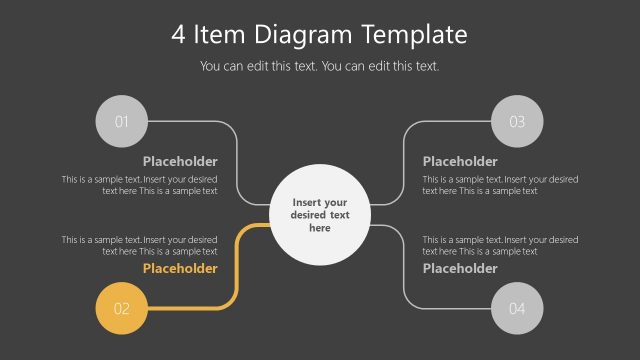
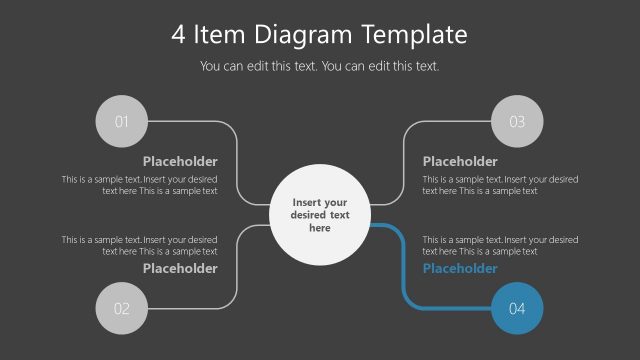
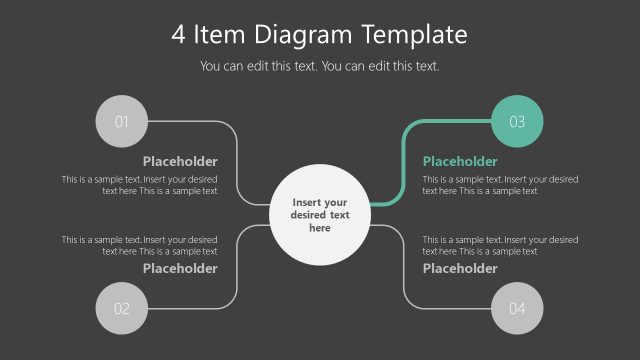
The layout features a central circular node surrounded by four nodes positioned at the corners. Each corner node is connected to the central node by a line. The nodes are circular, with numbers 01 to 04 displayed prominently within them. Text placeholders are present in each node, aligned below the numbers, with additional placeholder text below each node. The background is dark gray, providing contrast to the brightly colored nodes. The visual hierarchy emphasizes the central node, which is larger than the surrounding nodes, creating a clear focal point.
How to Use It
This layout serves as a four-item comparison or process flow, ideal for presenting key concepts or steps in a structured manner. It fits well in the introduction or overview section of a presentation, helping to clarify complex ideas. Suitable for business scenarios, it can be used for product features, project phases, or strategic initiatives. The layout allows for easy adaptation to various topics while maintaining clarity and organization.
Text Placeholders & Capacity
Keep your copy within these limits so it fits without resizing. Node body slots can hold about 30 words each, while titles are tighter.
| Placeholder | Count | Max characters (approx.) |
|---|---|---|
| Item heading | 4 | 15 |
| Item body | 4 | 150 |
| Slide title | 1 | 30 |
| Subtitle | 1 | 50 |
Slide Keywords
Download unlimited PowerPoint templates, charts and graphics for your presentations with our annual plan.
DOWNLOADReturn to Free 4-Item Diagram Concept for PowerPoint.