Slide 2 of 5 from 4 Options Cross Infographic PowerPoint Diagram
Cross Infographic 4 Steps PowerPoint
4 Options Cross Infographic PowerPoint Diagram
- Diagram
- Matrix Quadrant
- Strategy Slide
- 16:9
- 100% Editable
What’s on This Slide
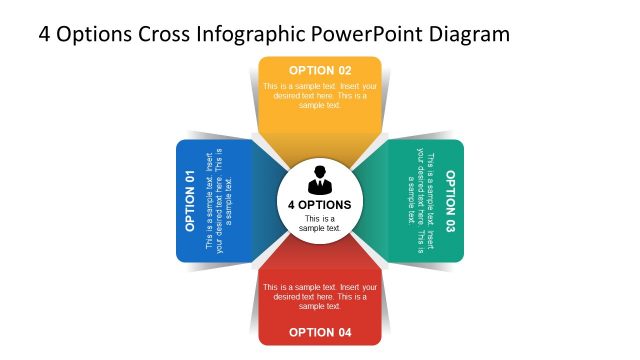
The layout features a central circular node labeled '4 OPTIONS' surrounded by four rectangular sections, each representing an option. The sections are positioned at the top, bottom, left, and right of the central node. Each section contains a title and a text placeholder for additional information. The titles are aligned to the left or right, while the central node is prominently displayed in the middle. The background is light with a gradient effect, enhancing the visual separation of elements. Each section has a distinct color, contributing to a clear visual hierarchy.
How to Use It
This layout serves as a comparison tool for presenting four distinct options or steps. It is suitable for business presentations where decision-making or strategic choices are discussed. The structure allows for easy visual differentiation between options, making it effective for brainstorming sessions or project proposals. This slide fits well in a sequence following a problem statement, leading into a discussion of potential solutions or strategies.
Text Placeholders & Capacity
Keep your copy within these limits so it fits without resizing. Node body slots can accommodate roughly 20-25 words each.
| Placeholder | Count | Max characters (approx.) |
|---|---|---|
| Slide title | 1 | 30 |
| Item heading | 4 | 15 |
| Item body | 4 | 100 |
Slide Keywords
Download unlimited PowerPoint templates, charts and graphics for your presentations with our annual plan.
DOWNLOAD