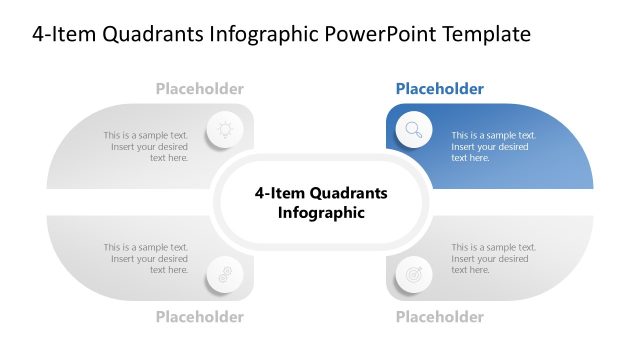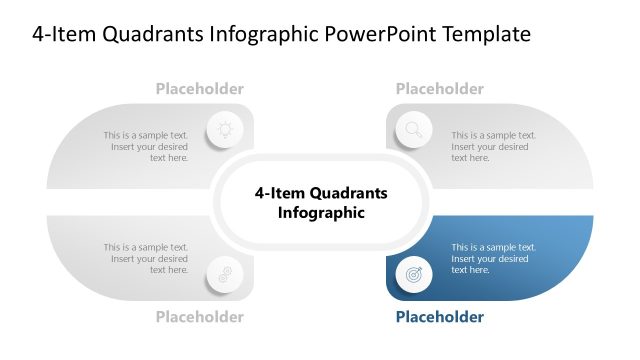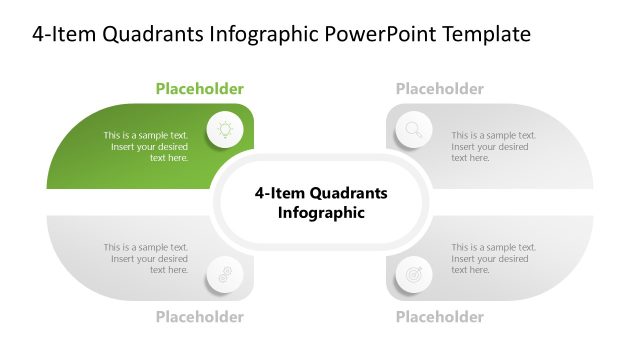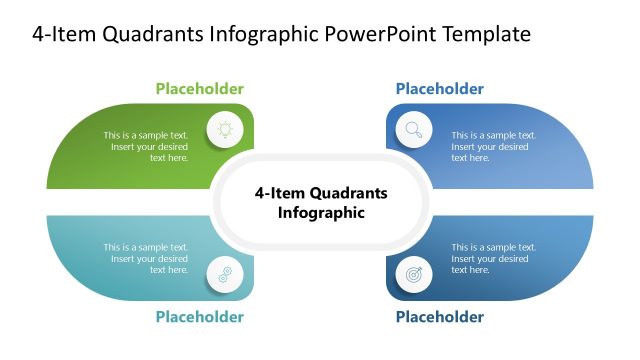
Slide 4 of 5 from 4-Item Quadrants Infographic PowerPoint Template
4-Item Quadrants Infographic PPT Layout
4-Item Quadrants Infographic Overview
- Diagram
- Matrix Quadrant
- Comparison Slide
- 16:9
- 100% Editable
What’s on This Slide
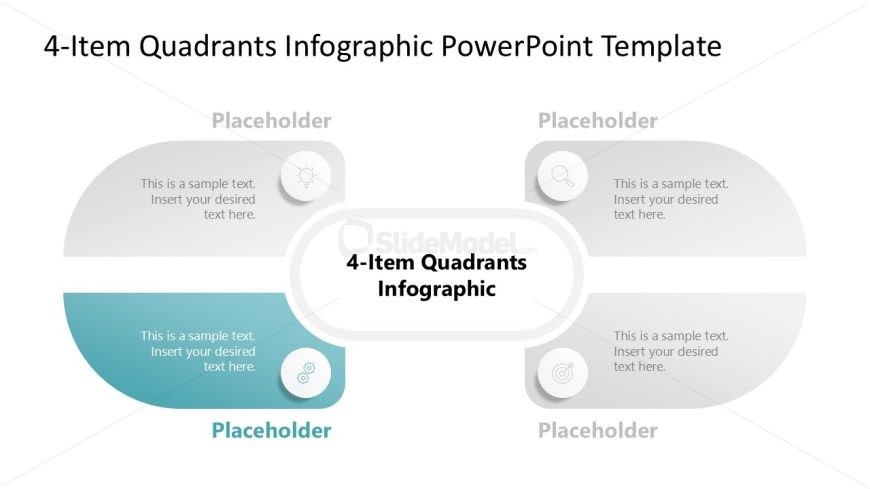
The layout features a central rounded rectangle labeled '4-Item Quadrants Infographic' with four surrounding quadrants. Each quadrant contains a circular icon and a text placeholder positioned above or below the icon. The quadrants are arranged in a 2x2 grid, with two on the top and two on the bottom. The top quadrants have a light background, while the bottom quadrants have a darker gradient. The overall composition is balanced, with clear visual separation between each quadrant and the central label. Text placeholders are centered within each quadrant, indicating where content can be inserted.
How to Use It
This layout serves as a matrix chart for presenting four distinct items or categories, ideal for comparisons or evaluations. It fits well in a presentation sequence after introducing a problem or concept, providing a structured way to analyze options or strategies. Common scenarios include SWOT analysis, priority quadrants, or feature comparisons. The central label allows for a thematic focus, while the quadrants can be used to detail specific aspects or elements related to the main topic.
Text Placeholders & Capacity
Keep your copy within these limits so it fits without resizing. Node body slots can hold roughly 10 words each.
| Placeholder | Count | Max characters (approx.) |
|---|---|---|
| Slide title | 1 | 30 |
| Item body | 4 | 50 |
| Item heading | 4 | 20 |
Slide Keywords
Download unlimited PowerPoint templates, charts and graphics for your presentations with our annual plan.
DOWNLOAD