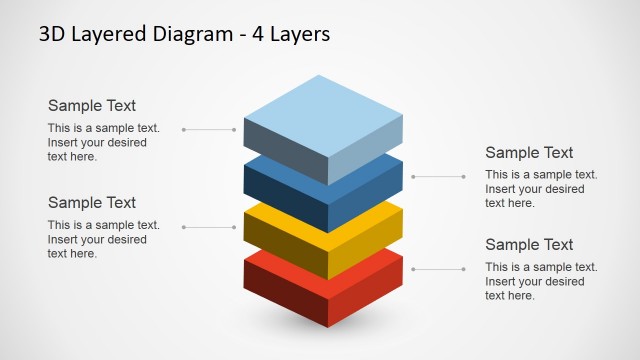
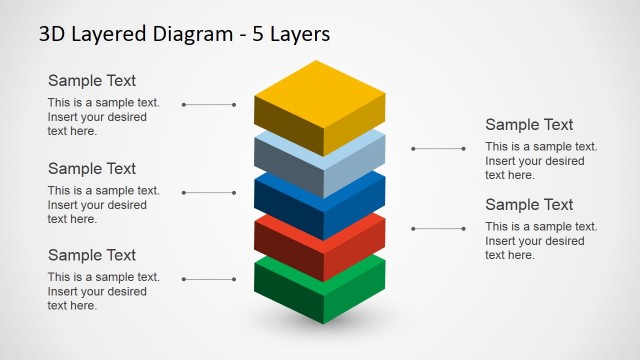
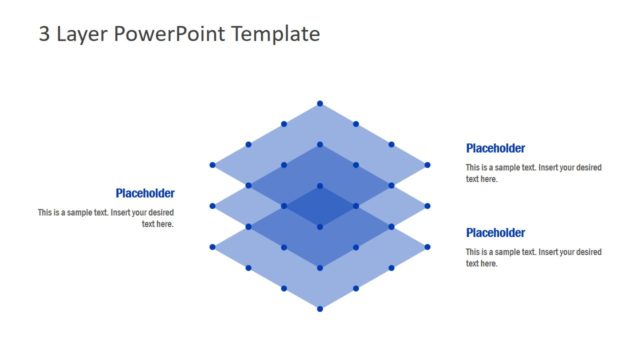
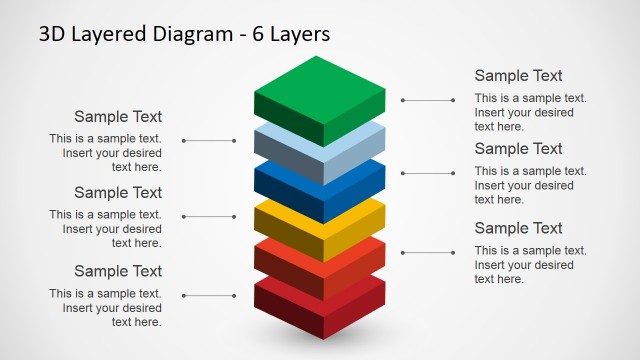
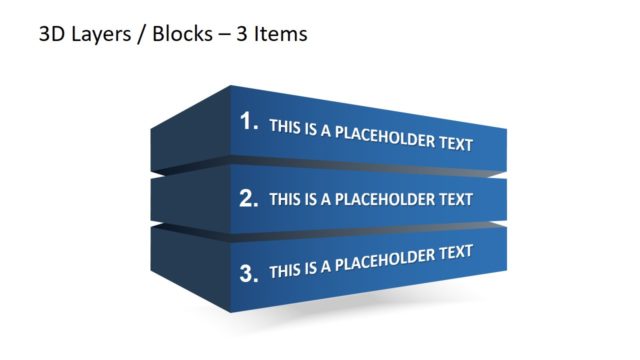
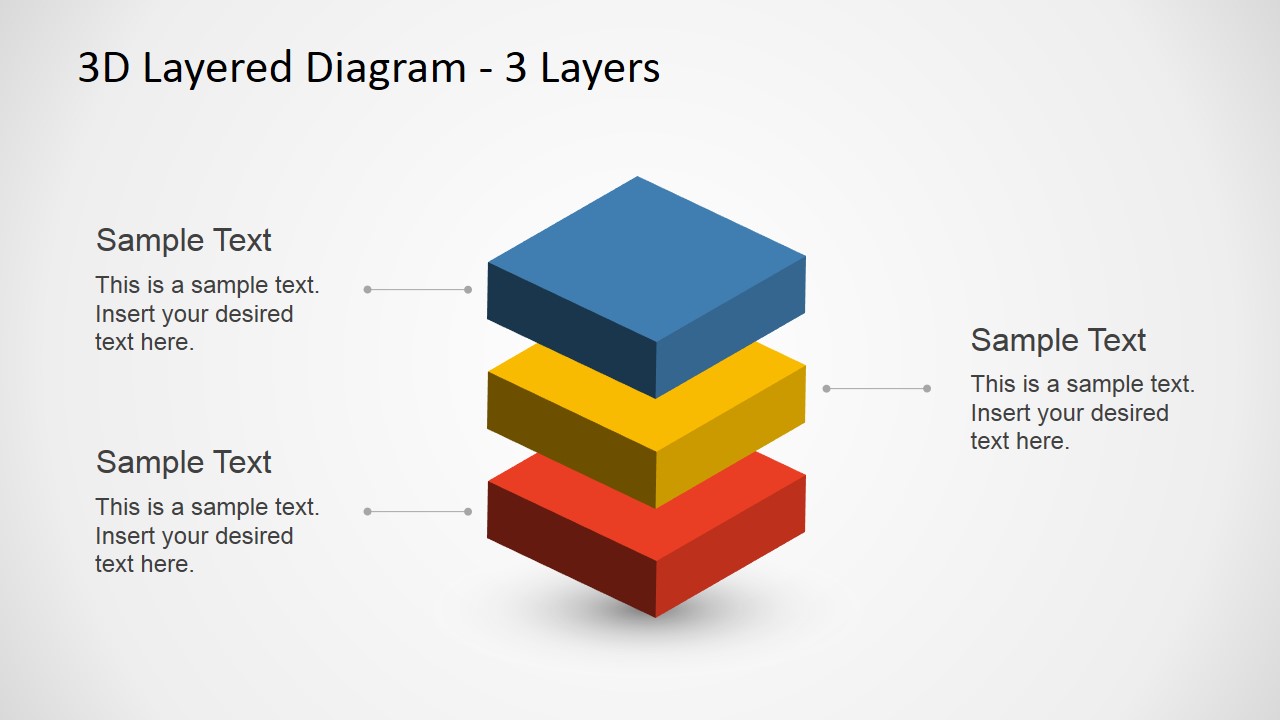
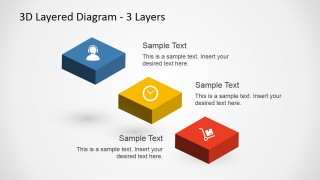
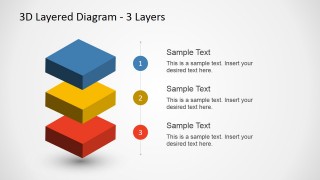
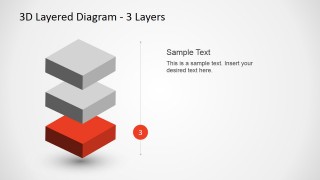
Impress a corporate audience with this 3 Levels 3D Layered Diagram for PowerPoint. The PowerPoint template contains block graphics which are perfect for presenting multi-tier business plans, without overcomplicating the visual aesthetics, effectively creating a simple, straightforward presentation design that can efficiently present important corporate information.
The template design is most suitable for presentations which aim to emphasize three core elements, and their relationship in a major business environment. The PowerPoint slides may be used to show the hierarchy of certain elements, such as the positions which the employees hold, to properly establish a chain of command in corporate scenarios.
Using this PowerPoint template, the presenter may also show three important elements of a marketing plan, and their corresponding positions in importance, prominence, and priority. The PowerPoint Shapes on the presentation design can be used to represent these key aspects, as well as give them focus as they are shown in the PowerPoint slides included in the Office template.
Included in the PowerPoint template are minimalistic PowerPoint Icons for common business and personal activities, which may be copied and pasted onto the slide designs to improve the overall visual effect that the presenter wishes to achieve. These may be used to provide engaging images that may help improve the viewer’s understanding of the overall presentation, and provide context for the elements to be found on the PowerPoint slides.
The presenter may rearrange the objects on the PowerPoint template in order to fit the specific objectives which must be achieved in the presentation design. The PowerPoint graphics may also be edited to add more visual effects, and emphasize specific elements in the Office template, so as to gain a greater aesthetic impact and catch the attention of the presenter’s target audiences. Create a striking presentation that will leave a mark using the 3D 3-level layered diagram for PowerPoint.
What’s inside this template
Example presentation scenarios
- A consultant can explain a client operating model to executives by mapping strategic, operational, and execution layers with the stacked 3D block diagram.
- A marketing manager can present campaign priorities to a leadership team by using the numbered level markers to separate awareness, conversion, and retention work.
- A project lead can brief stakeholders on a three-stage implementation plan by moving from the full stack layout to the focused top, middle, and bottom layer slides.
- A trainer can teach a simple framework to employees by pairing each layer with icons from the business icon sheet and concise callout text.
Features
- 100% editable presentation template
- Compatible with Microsoft PowerPoint and Google Slides
- 16:9 aspect ratio slides
- Scalable vector shapes, icons and illustrations
- AI-Ready for Microsoft Copilot and Claude
- Instant access and download
Frequently asked questions
Q: How should I present the three layers without making the stack feel decorative?
A: Assign one clear meaning to each layer before adding text, such as strategy, process, and execution. Use Slide 1 or Slide 2 to introduce the full model, then use Slides 5 through 7 to explain each layer one at a time. Keep each callout short so the 3D stack remains the main visual anchor.
Q: Who is this template best suited for in a business presentation?
A: This template fits presenters who need to simplify a three-part structure for decision makers, teams, or training audiences. Consultants can show maturity levels, managers can explain priorities, and project leads can outline implementation layers. The diagrams work best when the content has a real hierarchy or order of importance.
Q: Why does the 3D layered block metaphor work for this type of message?
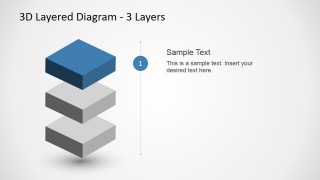
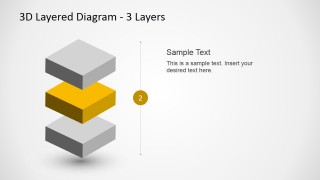
A: The layered block metaphor makes hierarchy visible without requiring a complex chart. Viewers can quickly see what sits above, below, or in the middle, while the focus slides gray out nonactive layers to control attention. This makes the design useful for explaining dependency, priority, or foundation-to-outcome logic.


3 Levels 3D Layered Diagram for PowerPoint
8-slide presentation template with 3D layered blocks, level callouts, and business icons
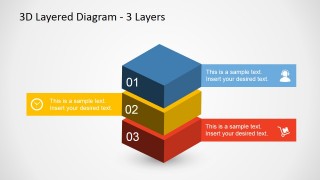
This 8-slide diagram template presents three-tier concepts with stacked 3D blocks, separated layer callouts, numbered level markers, and a business icon sheet. It is built for managers, consultants, and educators explaining hierarchy, priority, or phased plans in Microsoft PowerPoint and Google Slides.
- Category
- Diagrams
- Rating


 Loading...
- Aspect ratio
- 16:9, 4:3
- Item ID
- 6601-03
- Colors
 Microsoft PowerPoint
  Microsoft Copilot
  Claude for PowerPoint
 Other formats supported
Subscribe today and get immediate
access to download our PowerPoint templates.