Slide 4 of 7 from 3D Jigsaw Piece Shapes for PowerPoint
Four Puzzle Piece Template for PowerPoint – Green Piece
3D Jigsaw Pieces - Green Piece Overview
- Diagram
- Other
- Context Slide
- 16:9
- 100% Editable
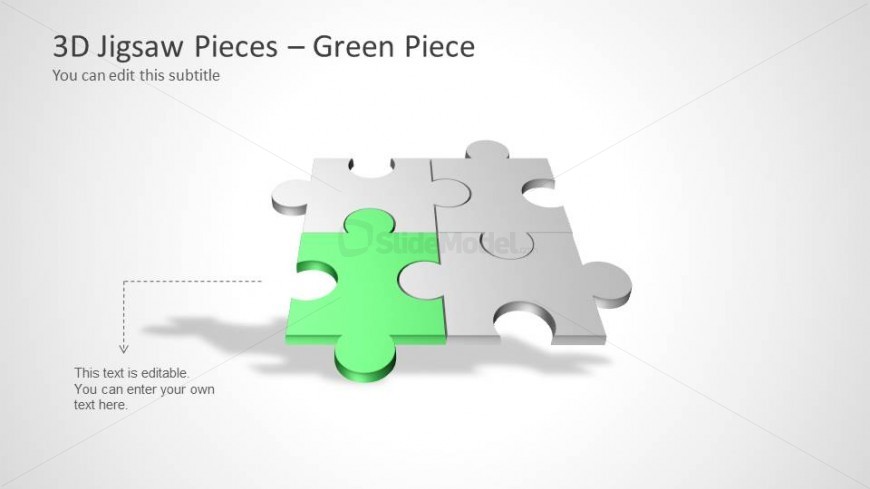
The 3D Jigsaw Pieces - Green Piece slide from the 3D Jigsaw Piece Shapes for PowerPoint template offers a clear visual focus on a key element within a project or team structure. This slide layout uses editable shapes and vector icons to highlight individual contributions, making it suitable for business presentations and corporate slide decks that require detailed component illustration.
What’s on This Slide
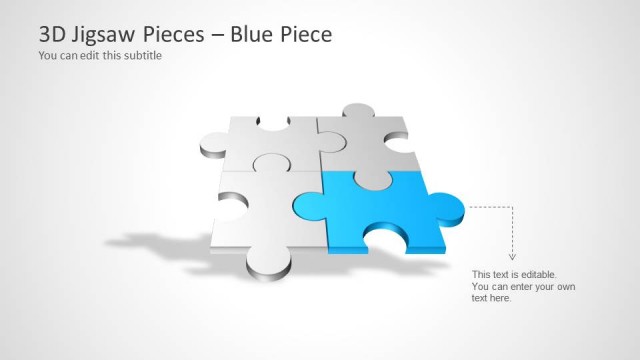
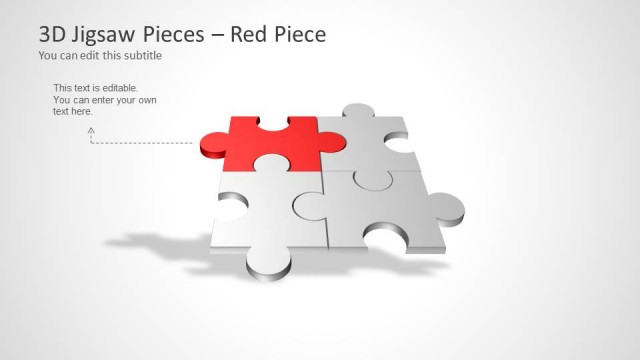
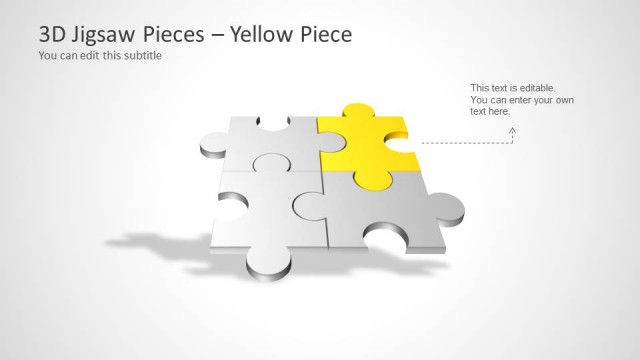
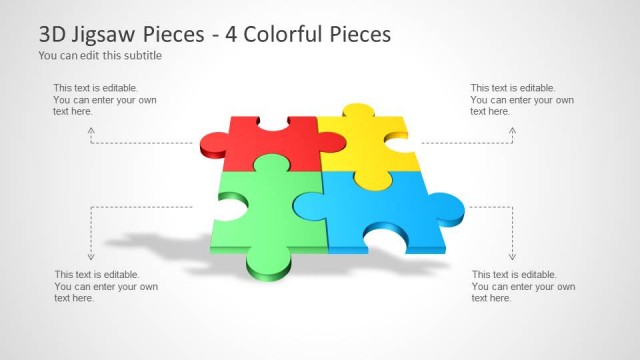
The layout features a prominent 3D jigsaw piece in green, positioned centrally among four gray pieces. The green piece is slightly raised, creating a shadow effect. Above the jigsaw pieces, there is a title placeholder aligned left, and a subtitle placeholder directly beneath it. A text box is located at the bottom left, indicating it is editable for custom content. The overall background is light gray, enhancing the visibility of the jigsaw pieces. The visual hierarchy emphasizes the green piece as the focal point of the slide.
How to Use It
This layout serves as a visual representation of a single component within a larger framework, ideal for illustrating specific elements in strategy discussions or teamwork presentations. It fits well after introductory slides, providing a detailed focus on one aspect of a broader topic. This structure is useful in business scenarios such as project updates, product features, or team roles, where highlighting individual contributions is essential.
Text Placeholders & Capacity
Keep your copy within these limits so it fits without resizing. Body slots can accommodate roughly 10-12 words each.
| Placeholder | Count | Max characters (approx.) |
|---|---|---|
| Slide title | 1 | 30 |
| Subtitle | 1 | 30 |
| Body paragraph | 1 | 50 |
Slide Keywords
Download unlimited PowerPoint templates, charts and graphics for your presentations with our annual plan.
DOWNLOADReturn to 3D Jigsaw Piece Shapes for PowerPoint.