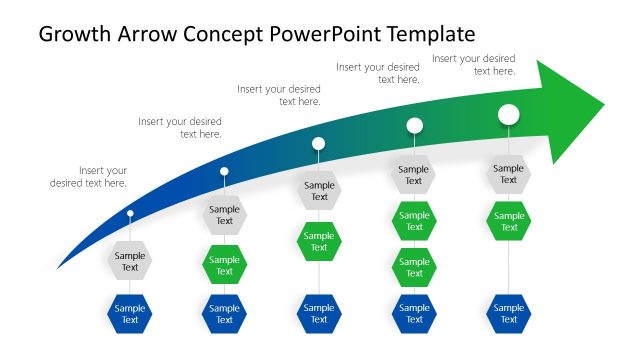
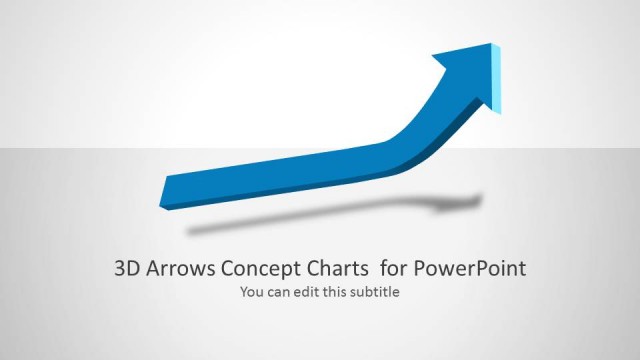
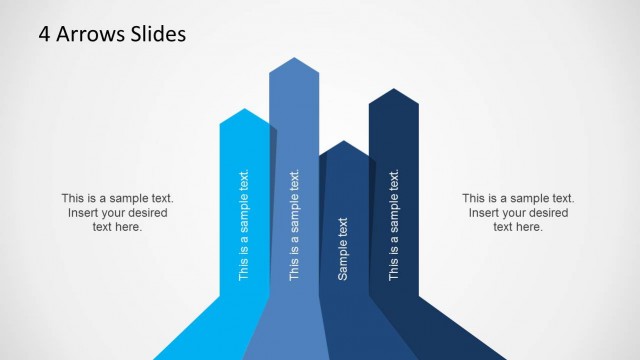
3D Growth Arrows Template for PowerPoint is a business themed template which can be used for making a variety of business presentations.
Whether you require showing and analyzing performance for a venture during a financial quarter, want to create a generic business presentation or wish to motivate your employees or colleagues with an upbeat presentation theme, this template can help you craft professional looking slides in no time.
Also see our collection of Business PowerPoint Templates.
What’s inside this template
Example presentation scenarios
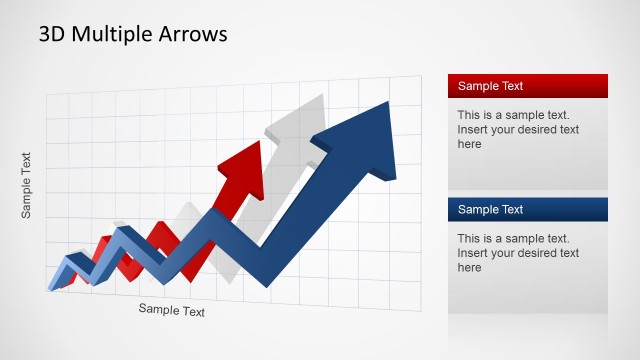
- A sales manager can present pipeline improvement to leadership using the zigzag growth arrow and right-side callout boxes to separate leading causes from results.
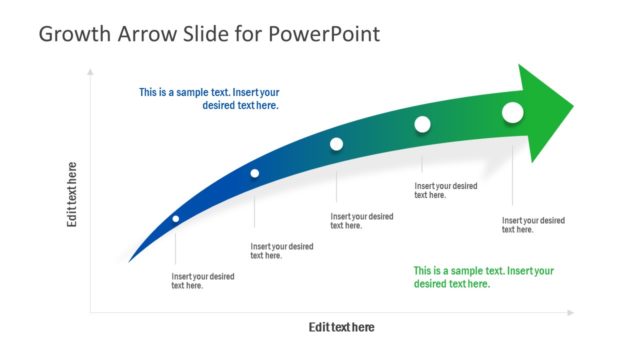
- A financial analyst can explain a quarterly recovery story with the curved arrow and waypoint markers to show decline, correction, and renewed growth.
- A consultant can summarize three strategic growth routes with the three-column arrow comparison slide and assign a short recommendation to each option.
- A team leader can motivate a department around next-quarter targets by using the large upward arrow layouts as a simple visual anchor for priorities and progress.
Features
- 100% editable presentation template
- Compatible with Microsoft PowerPoint and Google Slides
- Scalable vector shapes, icons and illustrations
- AI-Ready for Microsoft Copilot and Claude
- Instant access and download
Frequently asked questions
Q: How should a presenter communicate a growth message with this template?
A: Use the arrow as the main claim and keep each callout tied to one cause, milestone, or business implication. For example, place drivers beside the early arrow segments and outcomes near the final upward point. This keeps the audience focused on why performance is moving up, not just that it is moving up.
Q: Who is this template best suited for in a business setting?
A: It fits managers, analysts, consultants, and founders who need to explain direction rather than detailed financial modeling. The 3D arrow layouts work well for quarterly updates, sales momentum, turnaround stories, or motivational briefings where the audience needs a clear visual signal that progress is being made.
Q: Why do the 3D arrows and waypoint markers help the message?
A: The upward arrow is a familiar metaphor for improvement, so the audience understands the theme before reading the text. Waypoint markers turn that metaphor into a path, letting the presenter attach decisions, milestones, or turning points to visible positions. This reduces explanation time and makes the growth story easier to follow.








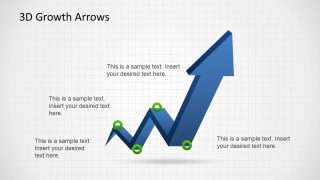

3D Growth Arrows Template for PowerPoint
7-slide presentation template with 3D growth arrows, callout text, and business momentum diagrams
3D Growth Arrows Template for PowerPoint is a 7-slide business diagram deck built around blue 3D upward arrow visuals, callout text boxes, waypoint markers, and a three-option comparison slide. It is for presenters explaining growth, performance trends, momentum, or directional change in PowerPoint.
- Rating


 Loading...
- Item ID
- 6306-02
- Colors
 Microsoft PowerPoint
  Microsoft Copilot
  Claude for PowerPoint
 Other formats supported
Subscribe today and get immediate
access to download our PowerPoint templates.