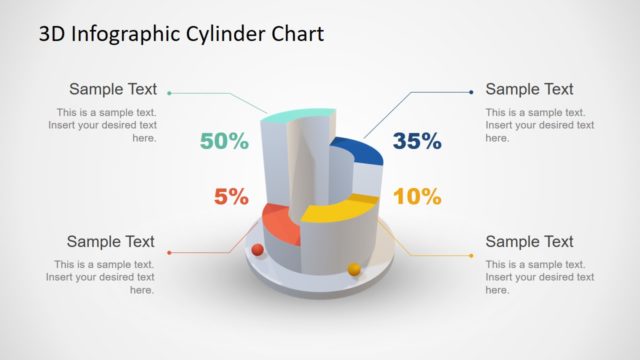
Slide 1 of 5 from 3D Cylinder Chart Concept for PowerPoint
6020-3d-cylinder-chart-concept-wide-1
3D Concept Cylinder Chart for Presentations
- Chart
- Other
- Evaluation Slide
- 16:9
- 100% Editable
The 3D Concept Cylinder Chart slide from the 3D Cylinder Chart Concept for PowerPoint template offers a clear hierarchical visualization ideal for business presentations. This slide layout uses editable shapes and vector icons to represent data relationships effectively, making it suitable for corporate presentations or pitch deck templates that require precise concept explanation and data visualization.
About This Slide
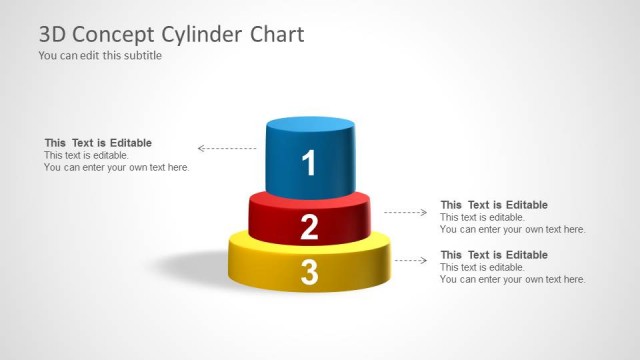
The cover slide features a three-tier 3D cylinder in three colors, as well as a title and subtitle field.
What’s on This Slide
The slide features three stacked 3D cylinders in blue, red, and yellow, arranged vertically in the center. The blue cylinder is the tallest, followed by the red and yellow cylinders, which are wider and shorter. Below the cylinders, there is a title placeholder centered at the bottom that reads '3D Concept Cylinder Chart.' A subtitle placeholder is also present, directly below the title, allowing for customization. The background is a light gradient, enhancing the visual appeal without distracting from the cylinders.
How to Use It
This layout serves as a visual representation of hierarchical data or concepts, making it suitable for presentations that require illustrating relationships or comparisons. It fits well in a sequence following an introduction or problem statement, providing a clear visual transition to data analysis. This slide can be effectively used in business contexts such as project updates, product comparisons, or strategic planning sessions where visual clarity is essential.
Text Placeholders & Capacity
Keep your copy within these limits so it fits without resizing. Title slot can hold about 5-7 words; subtitle is tighter.
| Placeholder | Count | Max characters (approx.) |
|---|---|---|
| Slide title | 1 | 30 |
| Subtitle | 1 | 50 |