Slide 1 of 7 from 3D Cylinder Chart Template for PowerPoint
6065-01-3d-cylinder-chart-1
3D Cylinder Chart for PowerPoint
- Chart
- Column Chart
- Evaluation Slide
- 16:9
- 100% Editable
The 3D Cylinder Chart slide from the 3D Cylinder Chart Template for PowerPoint offers a clear visual format for sales performance and market analysis. This slide layout uses editable shapes and vector icons to present data comparisons effectively, making it a practical choice for business presentations and project updates within a professional slide deck.
What’s on This Slide
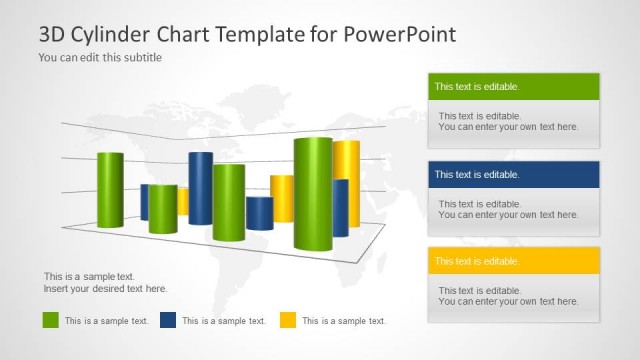
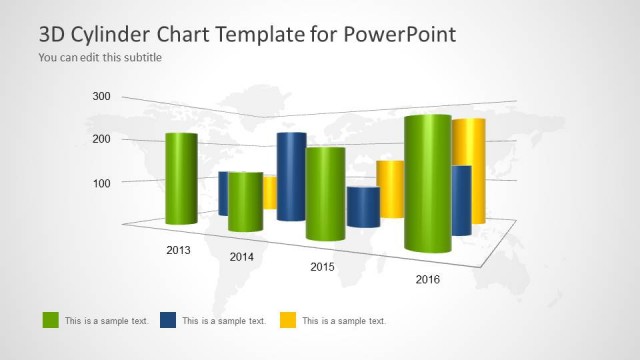
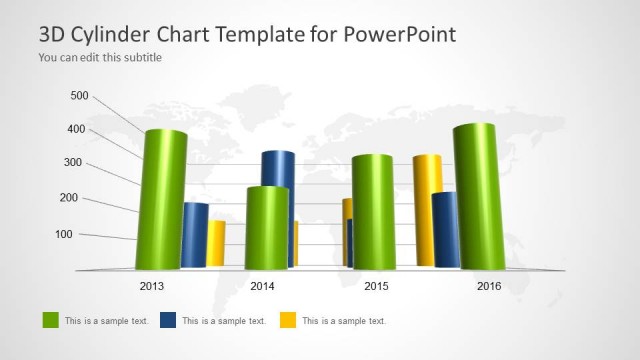
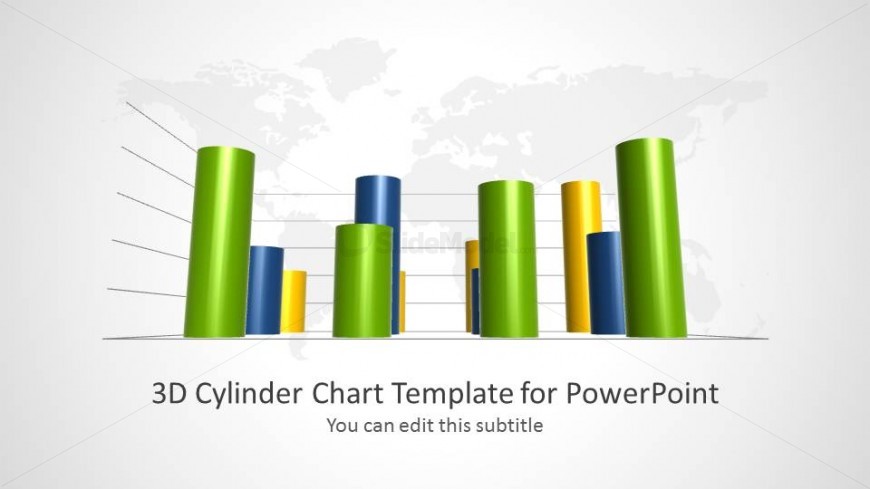
The layout features a 3D cylinder chart positioned centrally, showcasing multiple colored cylinders in green, blue, and yellow. The cylinders are arranged in a staggered manner, with varying heights representing different data points. Behind the chart, a faint world map is visible, providing context. At the bottom, there is a title placeholder aligned center and a subtitle placeholder directly beneath it. The overall color scheme includes a light background with vibrant cylinder colors, enhancing visual contrast and focus on the data representation.
How to Use It
This layout serves as a data visualization tool, ideal for presenting comparisons across categories or time periods. It fits well at the beginning of a presentation to introduce key metrics or trends. Suitable scenarios include sales performance reviews, market analysis, or project progress updates. The chart can be customized to reflect specific data points, making it versatile for various business contexts. It is effective for engaging audiences with visual data storytelling.
Text Placeholders & Capacity
Keep your copy within these limits so it fits without resizing. Title slots can accommodate roughly 6-8 words each.
| Placeholder | Count | Max characters (approx.) |
|---|---|---|
| Slide title | 1 | 40 |
| Subtitle | 1 | 50 |
Slide Keywords
Download unlimited PowerPoint templates, charts and graphics for your presentations with our annual plan.
DOWNLOADReturn to 3D Cylinder Chart Template for PowerPoint.