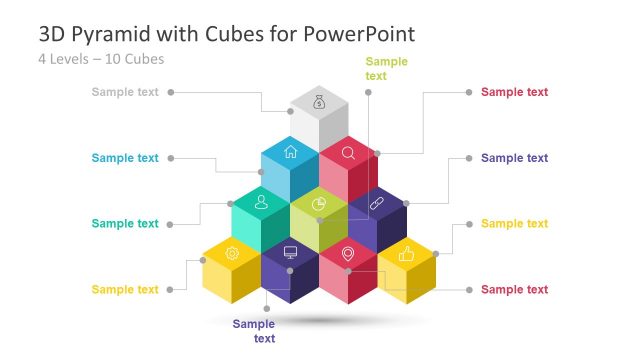
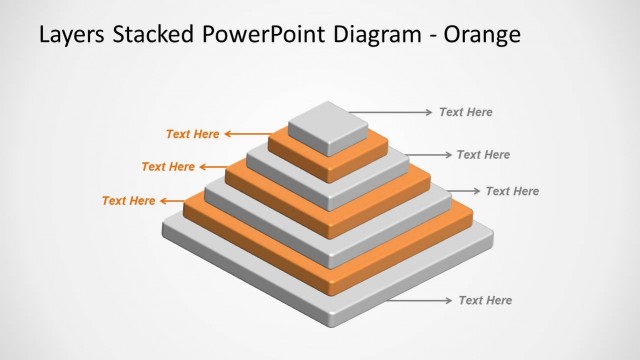
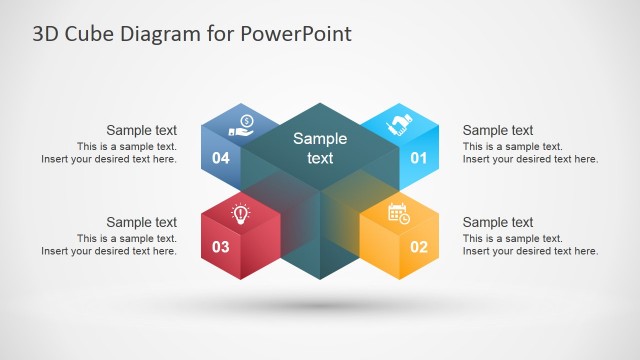
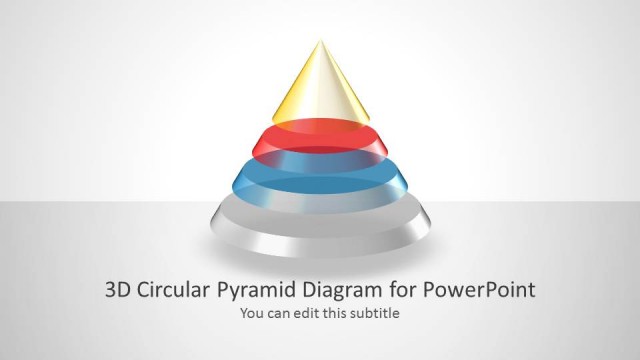
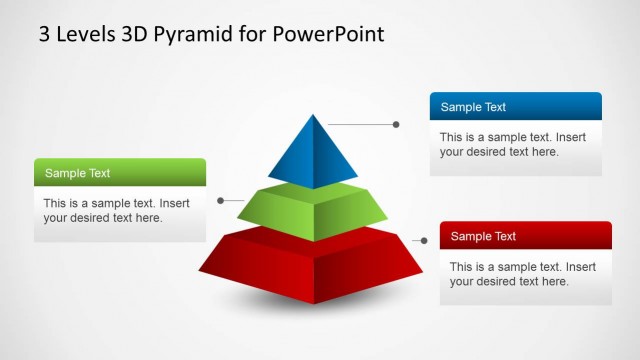
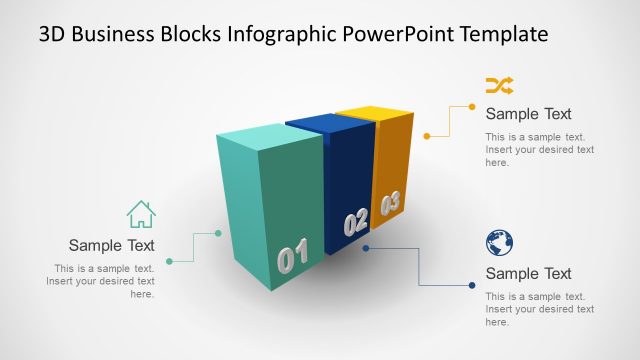
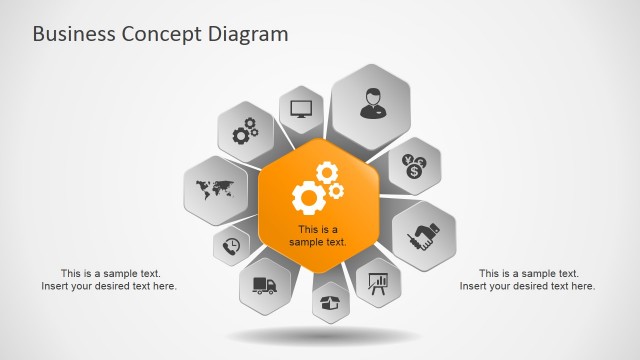
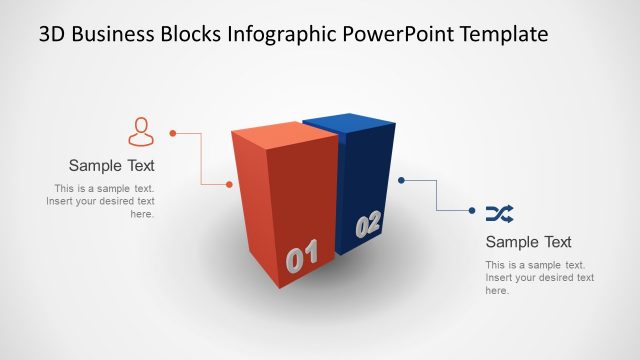
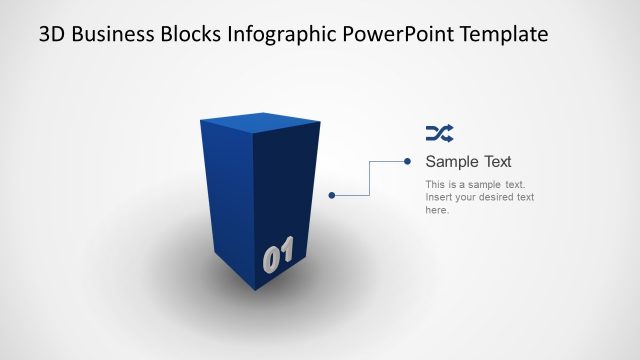
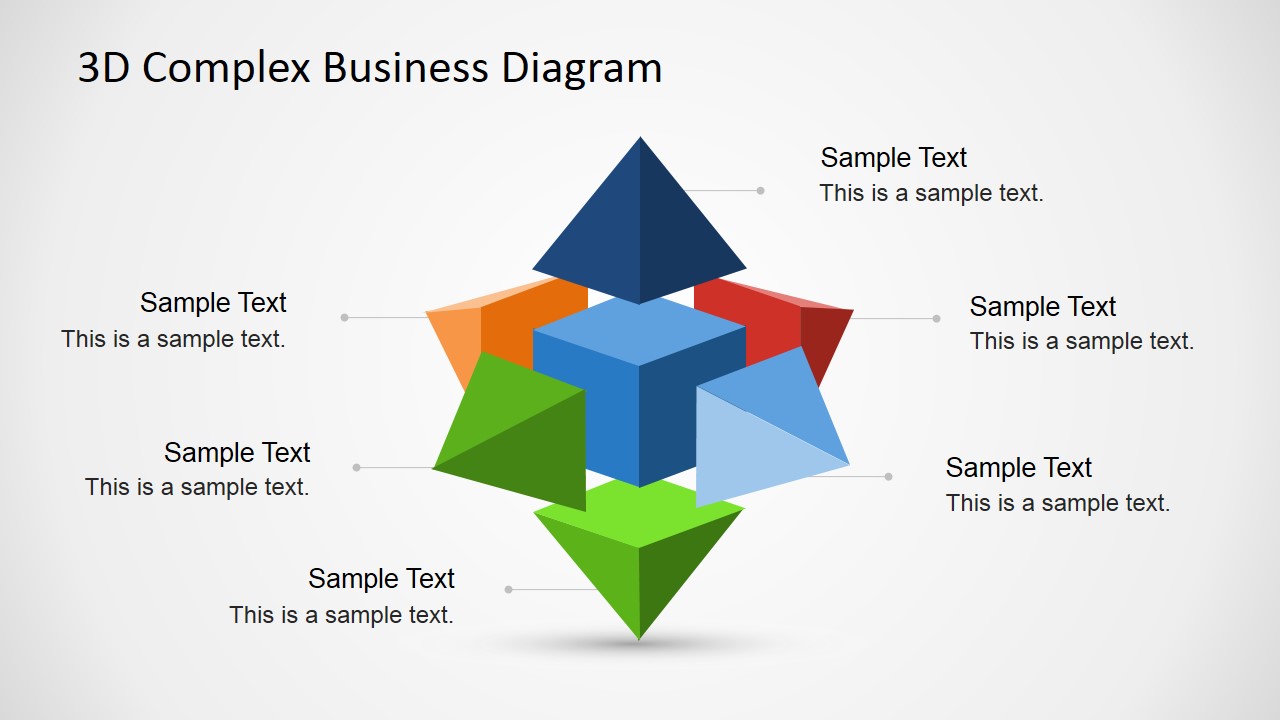
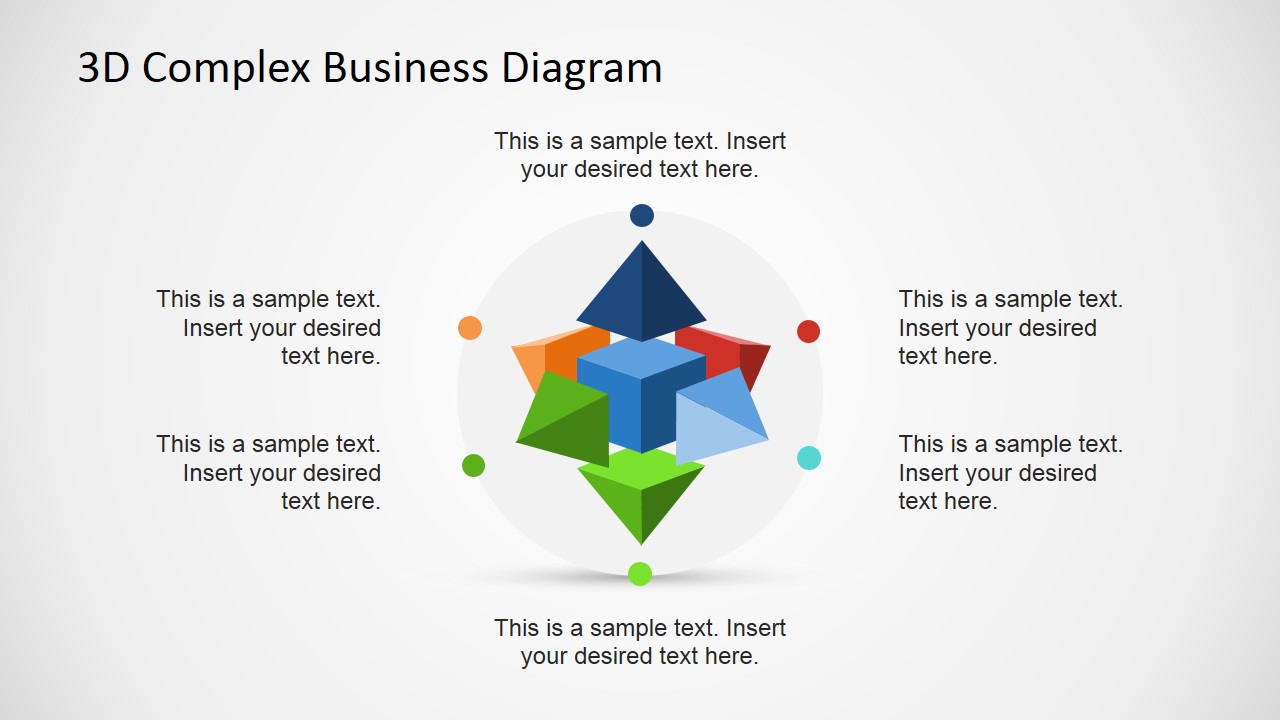
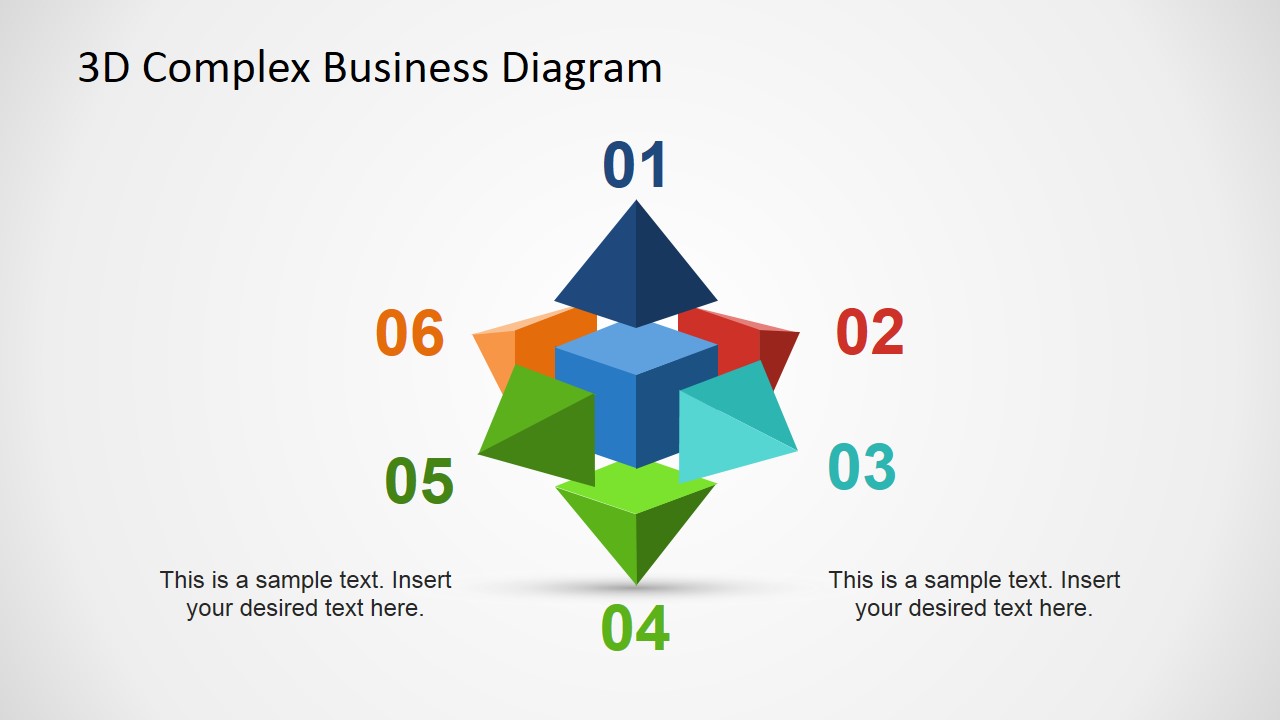
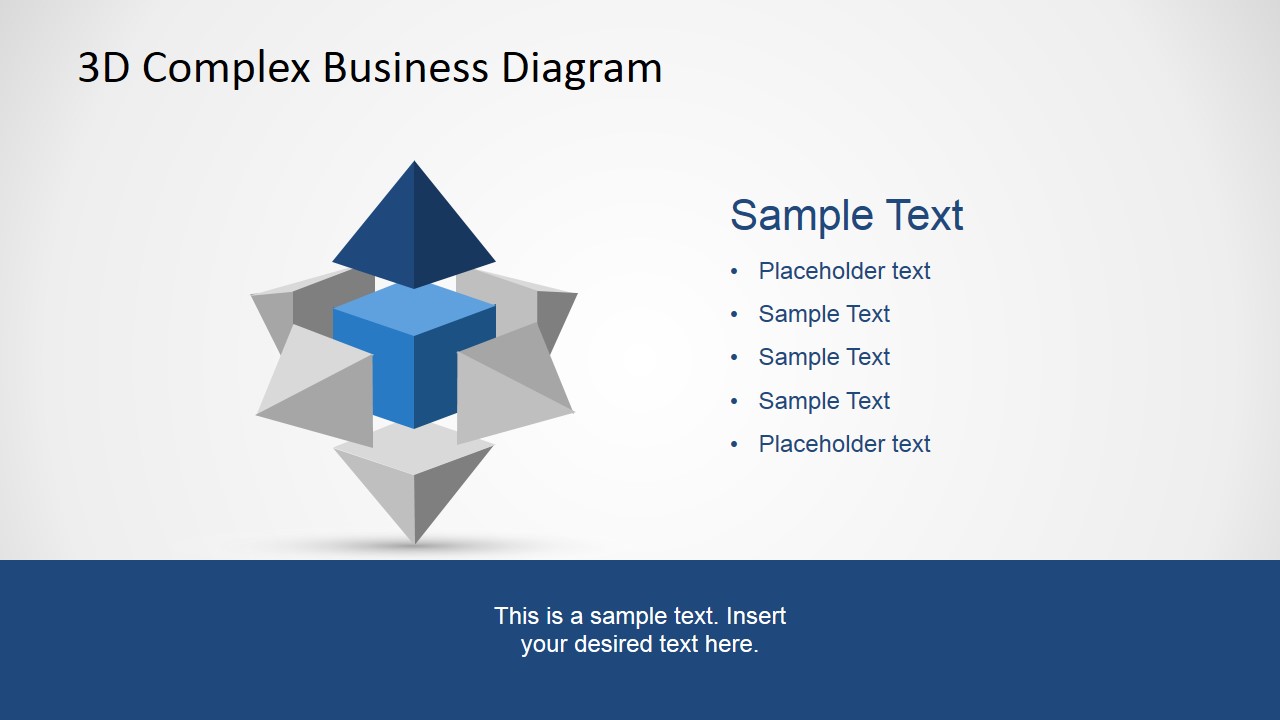
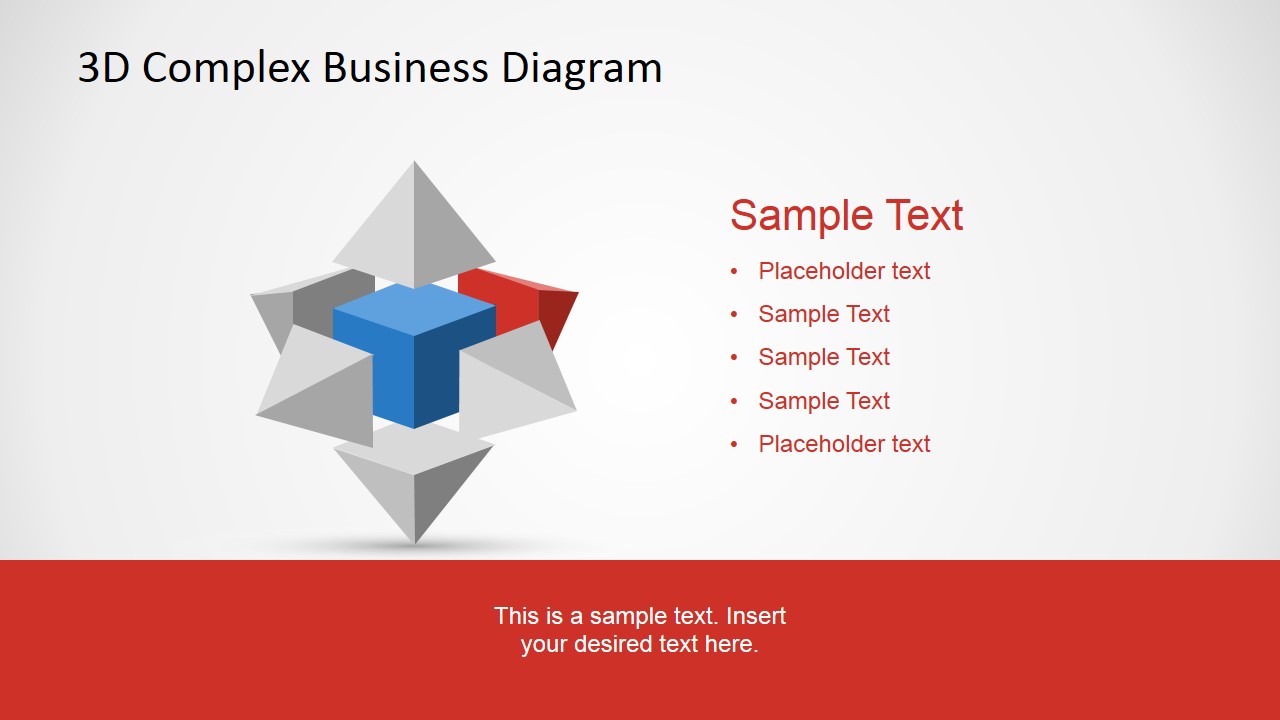
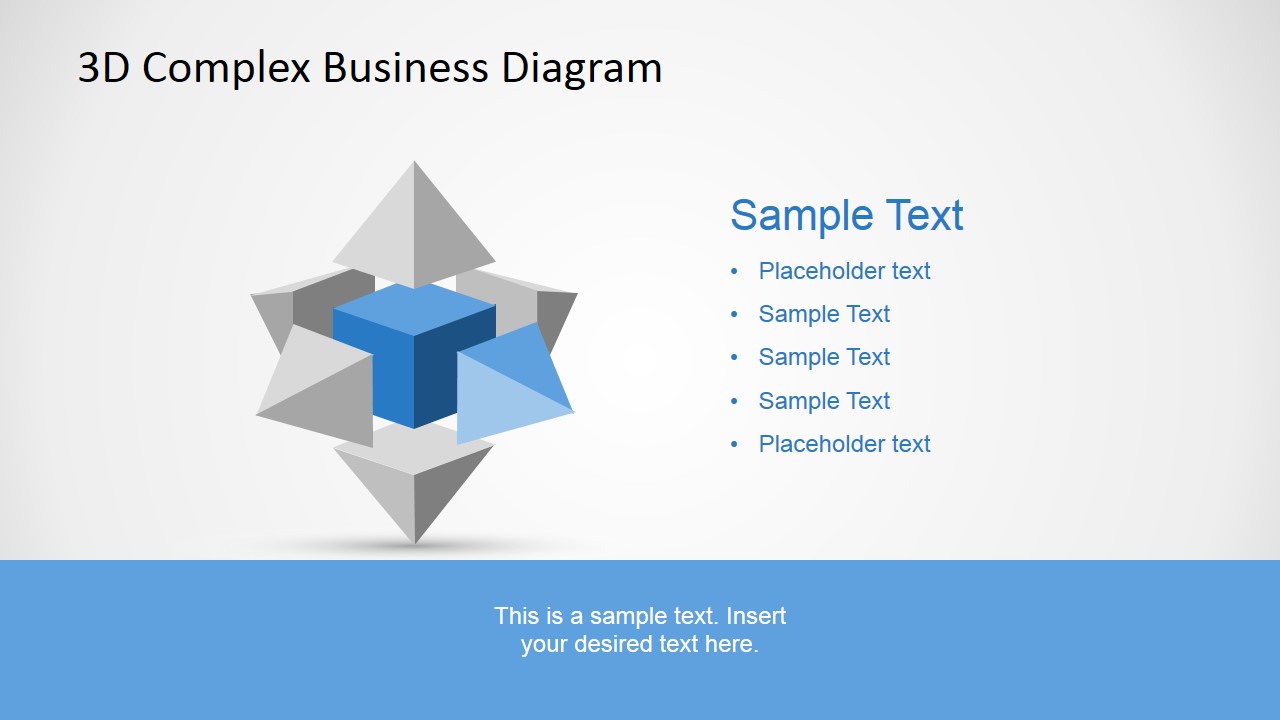
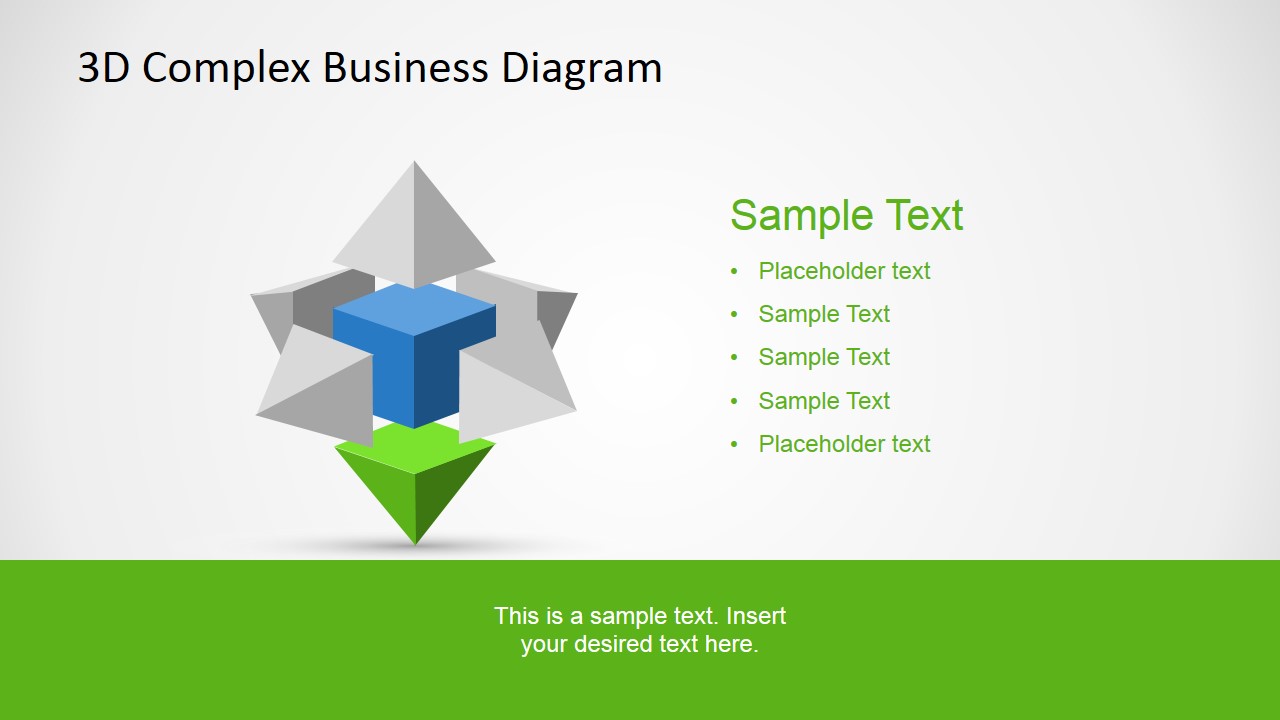
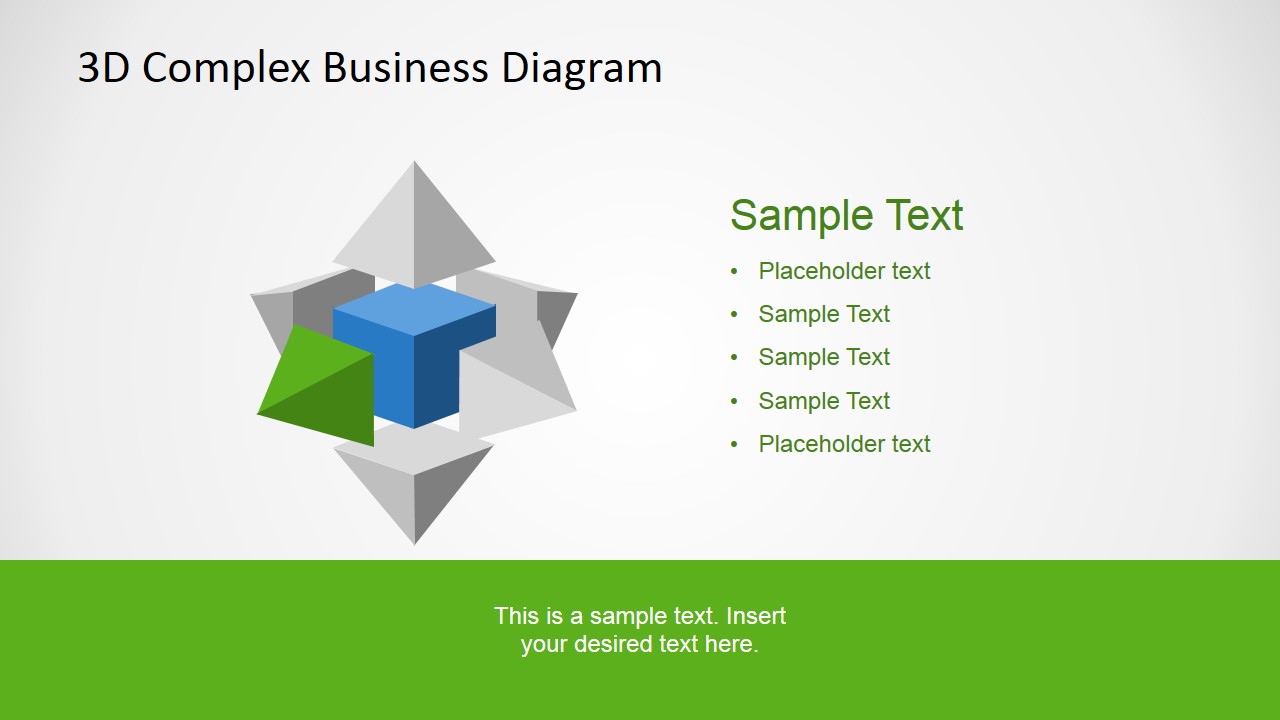
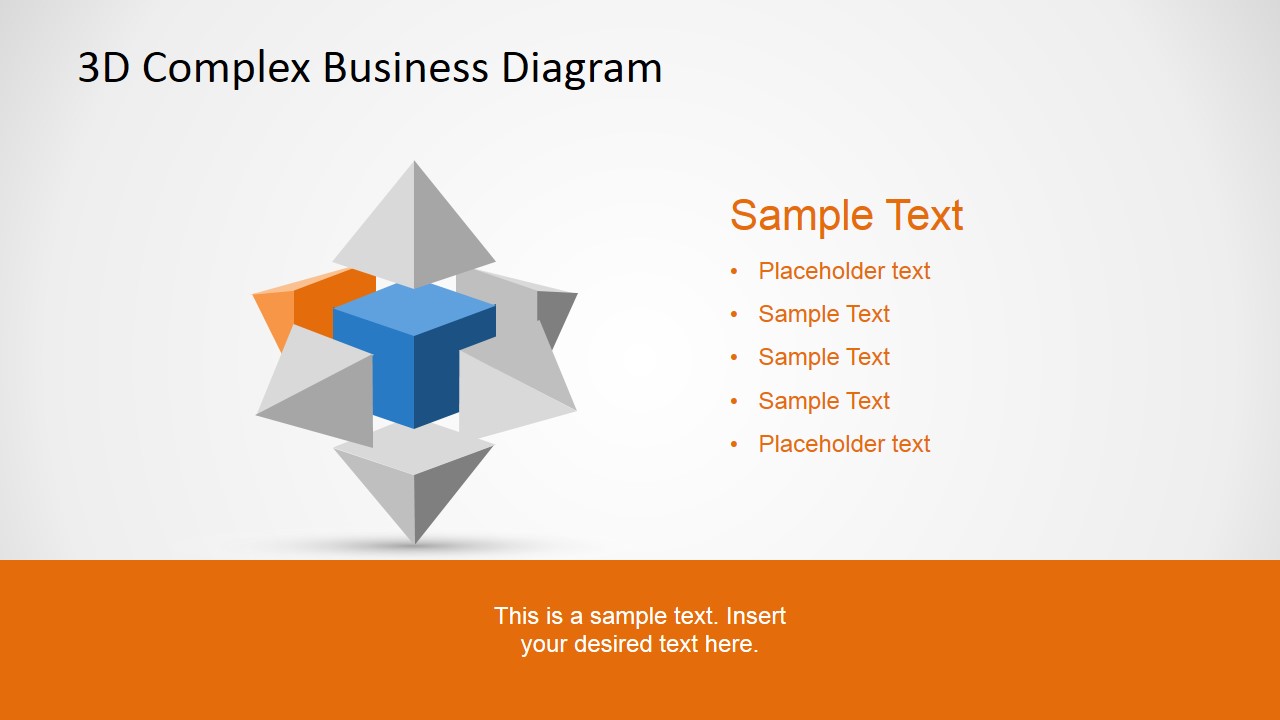
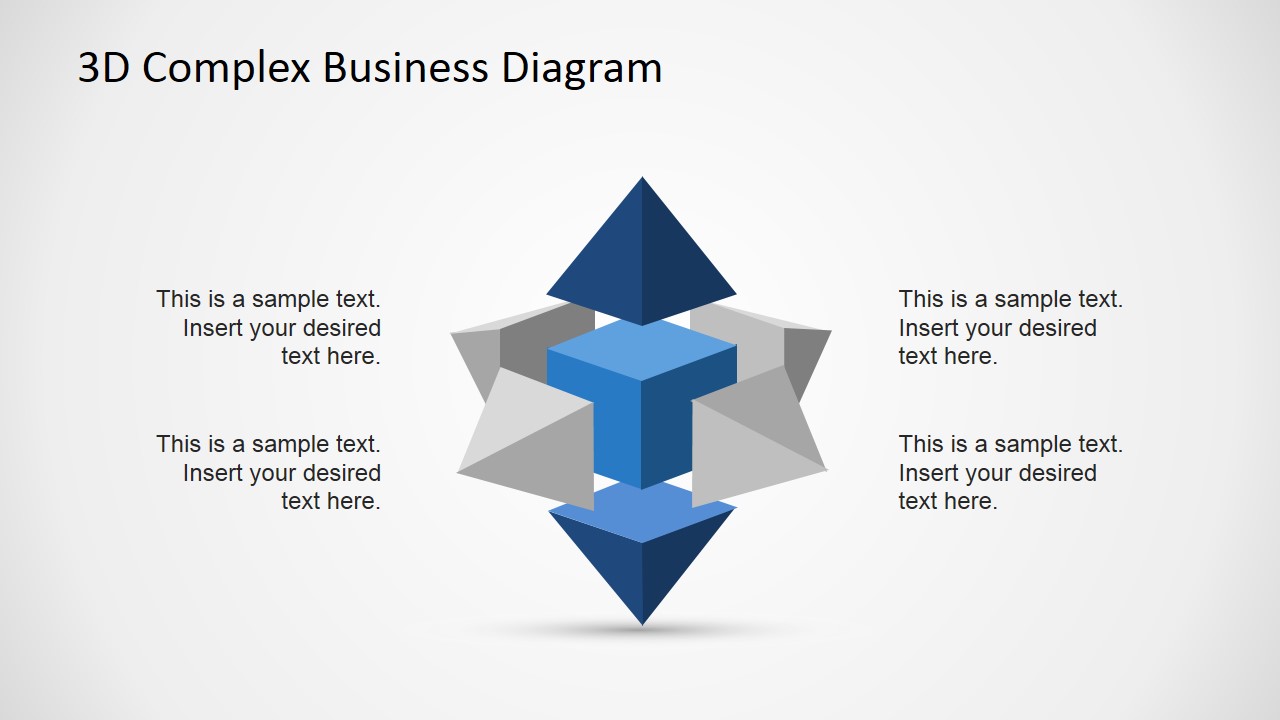
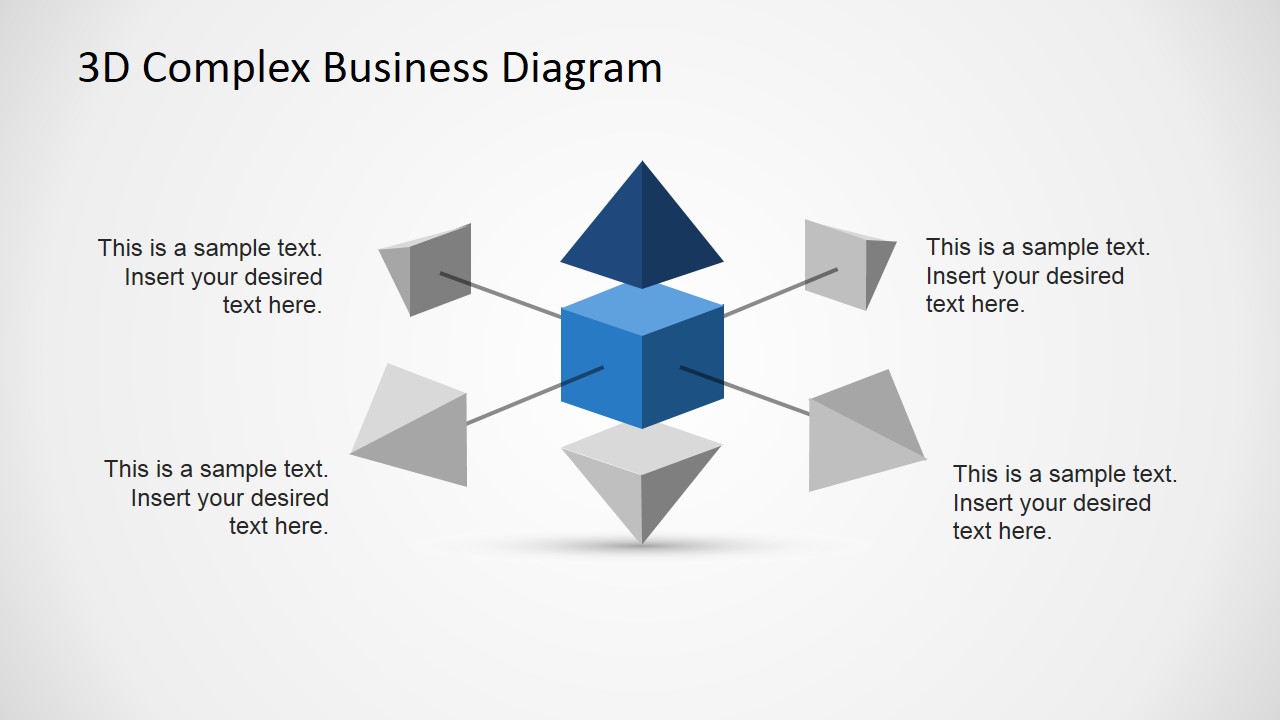
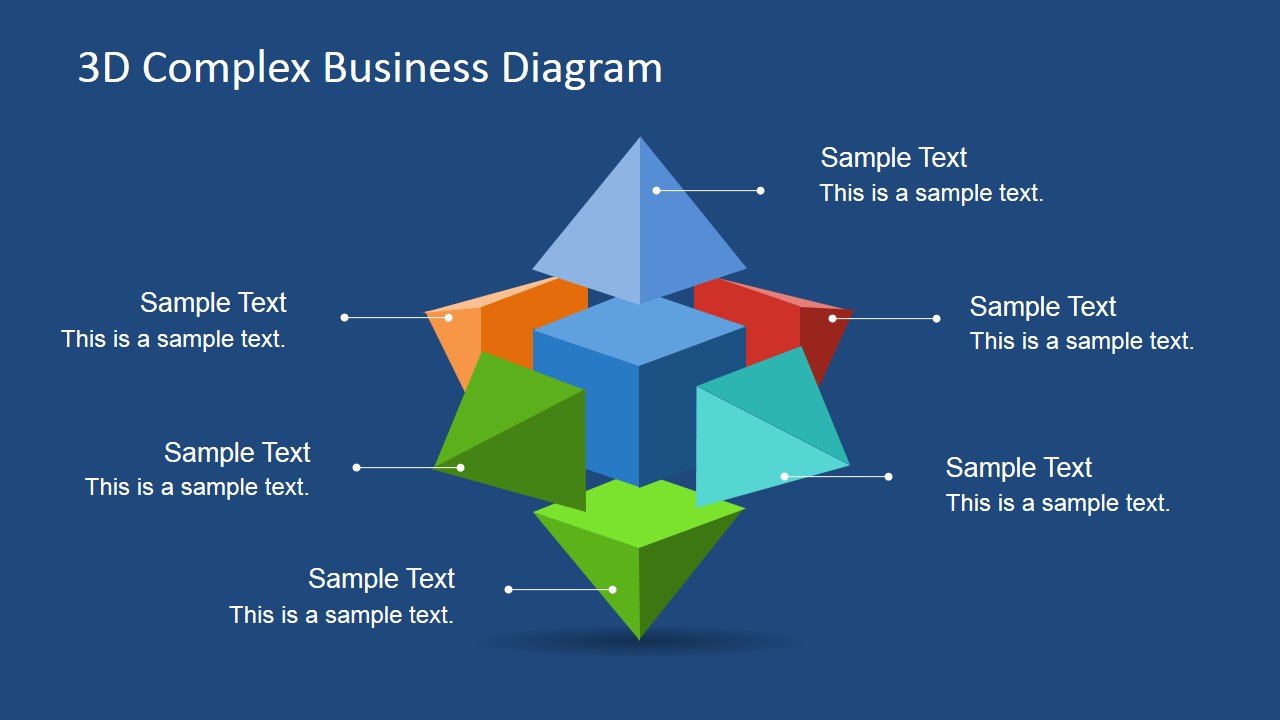
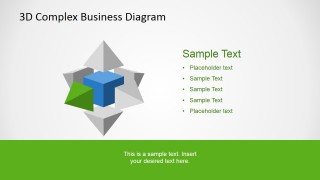
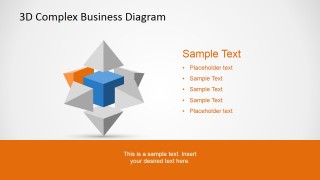
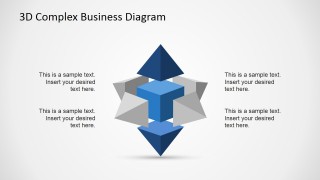
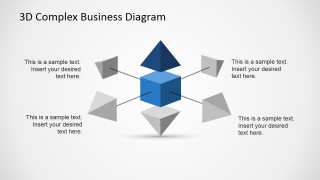
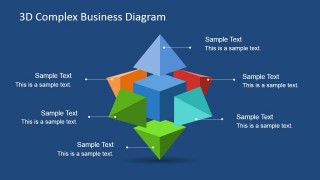
3D Complex Business Diagram for PowerPoint is a creative 3D PowerPoint diagram design that you can use to describe a complex concept or idea in a PowerPoint presentation. This 3D diagram design was created using PowerPoint shapes and contains small 3D pyramid vectors on each side and a 3D cube design in the center of the diagram.
Alternatively you can download other 3D PowerPoint templates and slide designs containing creative slide layouts and templates that you can use to enhance your PowerPoint presentations.
What’s inside this template
Example presentation scenarios
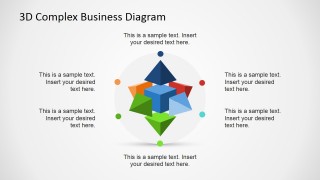
- A strategy consultant can use the six-part radial diagram to explain how market, operations, technology, risk, people, and finance considerations connect to one central recommendation.
- A product manager can use the highlighted segment slides to walk stakeholders through individual modules of a platform or service architecture without losing sight of the core product.
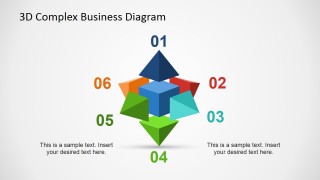
- An operations leader can use the numbered component view to introduce a multi-part improvement model, then assign ownership or discussion priorities to each visible section.
- A business analyst can use the exploded component diagram to show dependencies between a central system and surrounding inputs, constraints, or decision factors.
Features
- 100% editable presentation template
- Compatible with Microsoft PowerPoint and Google Slides
- 16:9 aspect ratio slides
- Scalable vector shapes, icons and illustrations
- AI-Ready for Microsoft Copilot and Claude
- Instant access and download
Frequently asked questions
Q: How should a presenter explain the diagram without making the concept feel too abstract?
A: Start with the central cube as the main idea, then define each surrounding pyramid segment in a consistent order. Use the overview slide first, move to the numbered layout for orientation, and then use the highlighted segment slides for detail. This keeps the audience anchored while you explain each part.
Q: Who is this template best suited for in a business presentation?
A: This template fits consultants, strategy leads, product managers, and operations teams who need to explain how several business factors connect to one core concept. It works well for frameworks, operating models, product components, or transformation pillars where each part is distinct but still connected to the center.
Q: Why does the 3D cube and pyramid metaphor help communicate complexity?
A: The center cube creates a clear visual anchor, while the surrounding pyramid pieces suggest directional forces, inputs, or pillars around it. The metaphor makes a complex system feel organized because the audience can see the whole model first, then focus on one colored segment at a time.
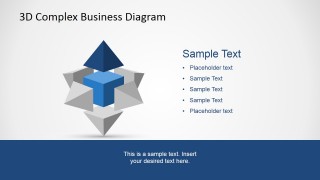
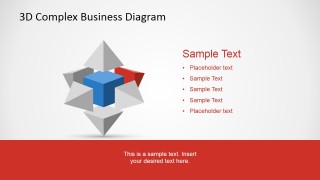
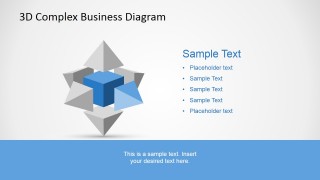
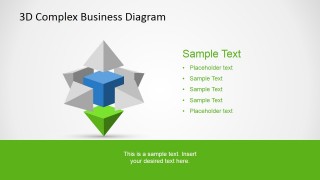
3D Complex Business Diagram for PowerPoint
11-slide presentation template with 3D pyramid and cube diagrams for complex business concepts
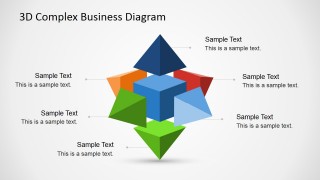
3D Complex Business Diagram for PowerPoint is an 11-slide diagram template for explaining complex business ideas with a central cube and surrounding 3D pyramid pieces. Visible layouts include a six-part radial diagram, numbered component view, highlighted segment slides, and callout diagrams for Microsoft PowerPoint and Google Slides.
- Category
- Diagrams
- Rating


 Loading...
- Aspect ratio
- 16:9
- Item ID
- 6735-01
- Colors
 Microsoft PowerPoint
  Microsoft Copilot
  Claude for PowerPoint
 Other formats supported
Subscribe today and get immediate
access to download our PowerPoint templates.