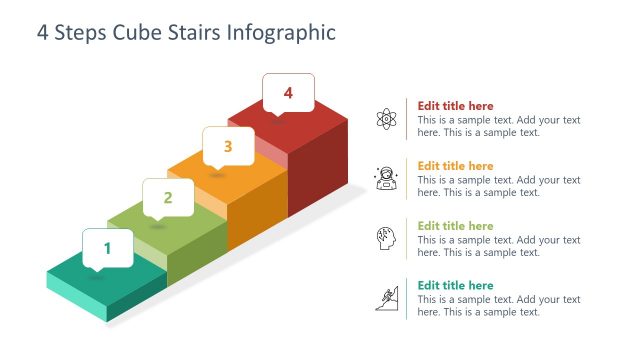
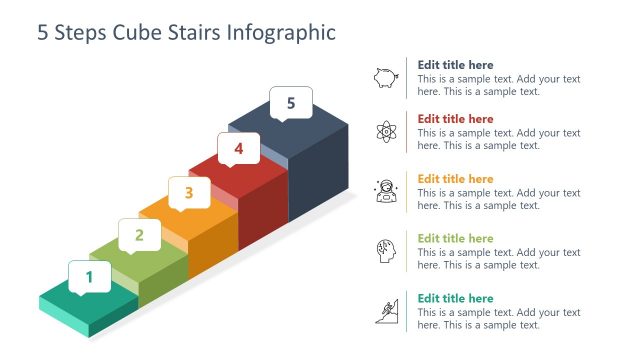
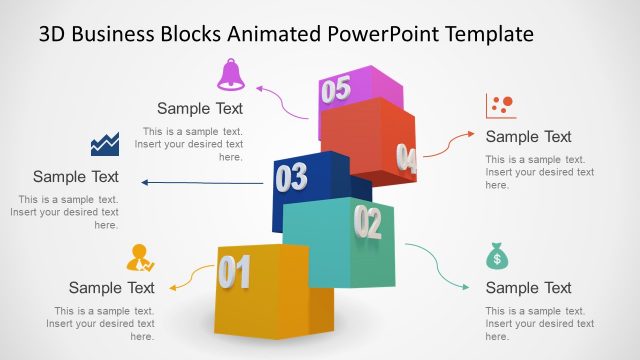
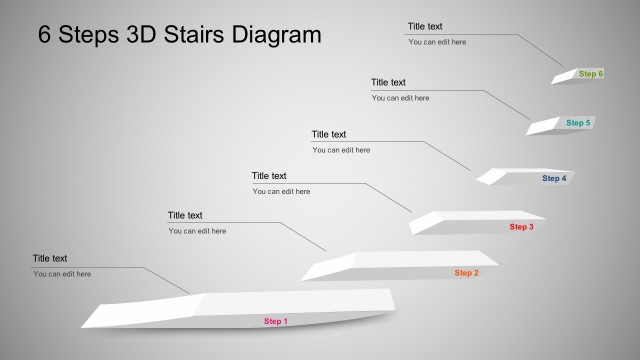
Produce a creative 4-step process with the Flat 3D Cube Stairs Diagram for PowerPoint. Entice the audience with an unconventional way of presenting ladder diagrams. The presentation can be used in all types of business reports and marketing presentations.
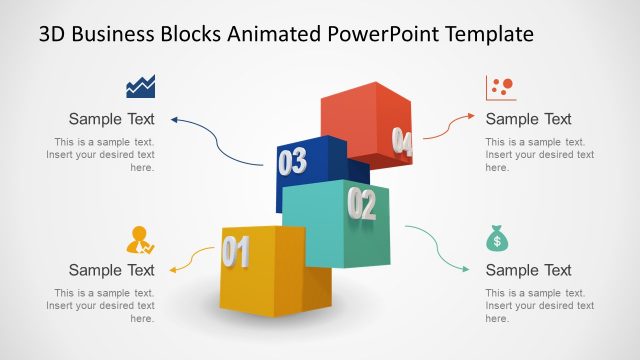
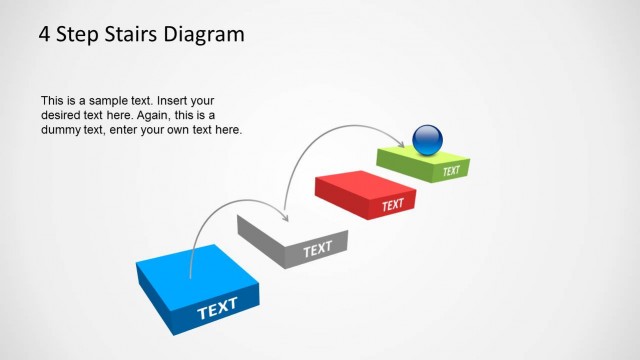
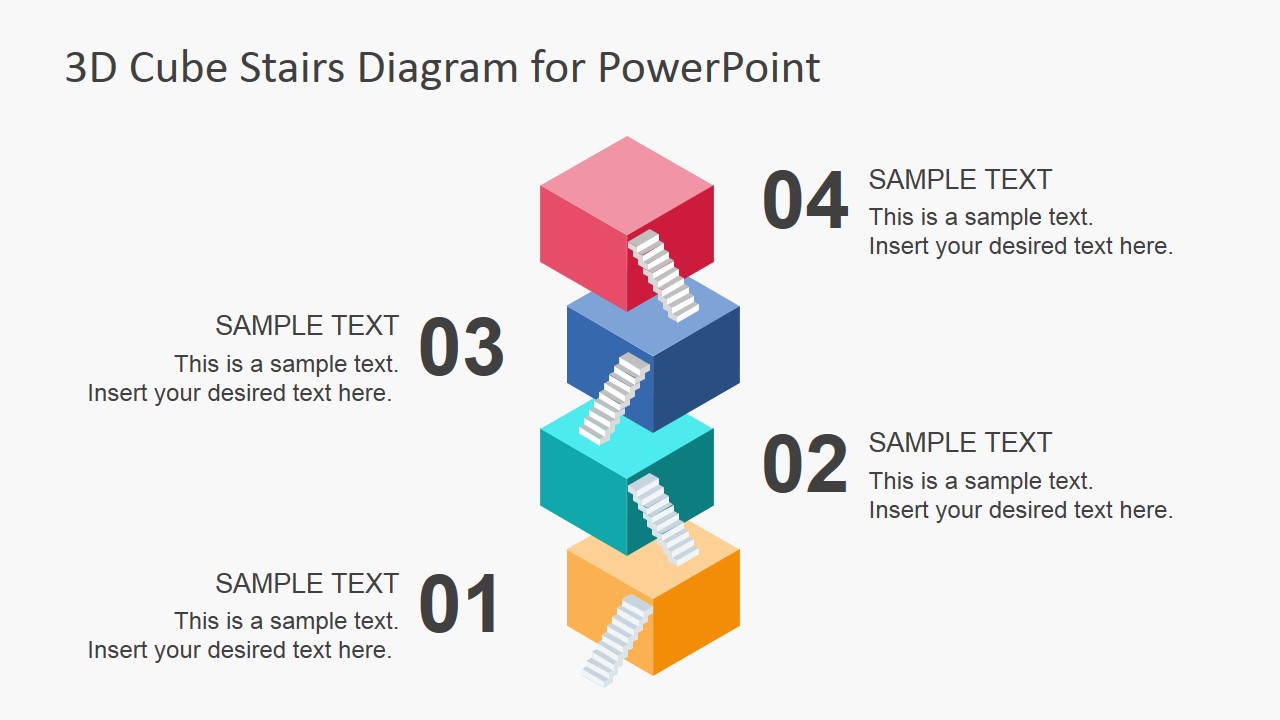
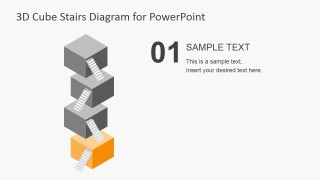
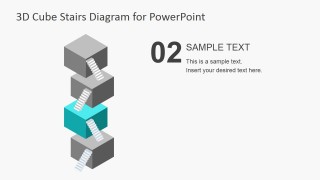
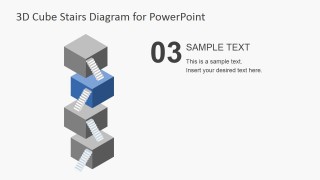
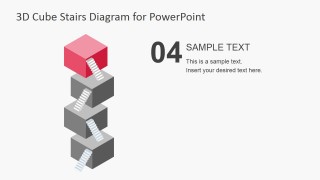
The PowerPoint template uses a set of 4 cubes, with one appearing to float above the other. The surface of the cubes are connected to each other by small ladder drawings. It presents a metaphor of moving upward from each stage to the next.
The presenter can emphasize the importance of completing the preceding stage before moving on to the next. This is vital in making sure that each stage is done efficiently and effectively. The stack metaphor can also be used to show that poor performance in the first initial steps of the process can cause the entire operation to collapse, despite the good execution of the latter parts.
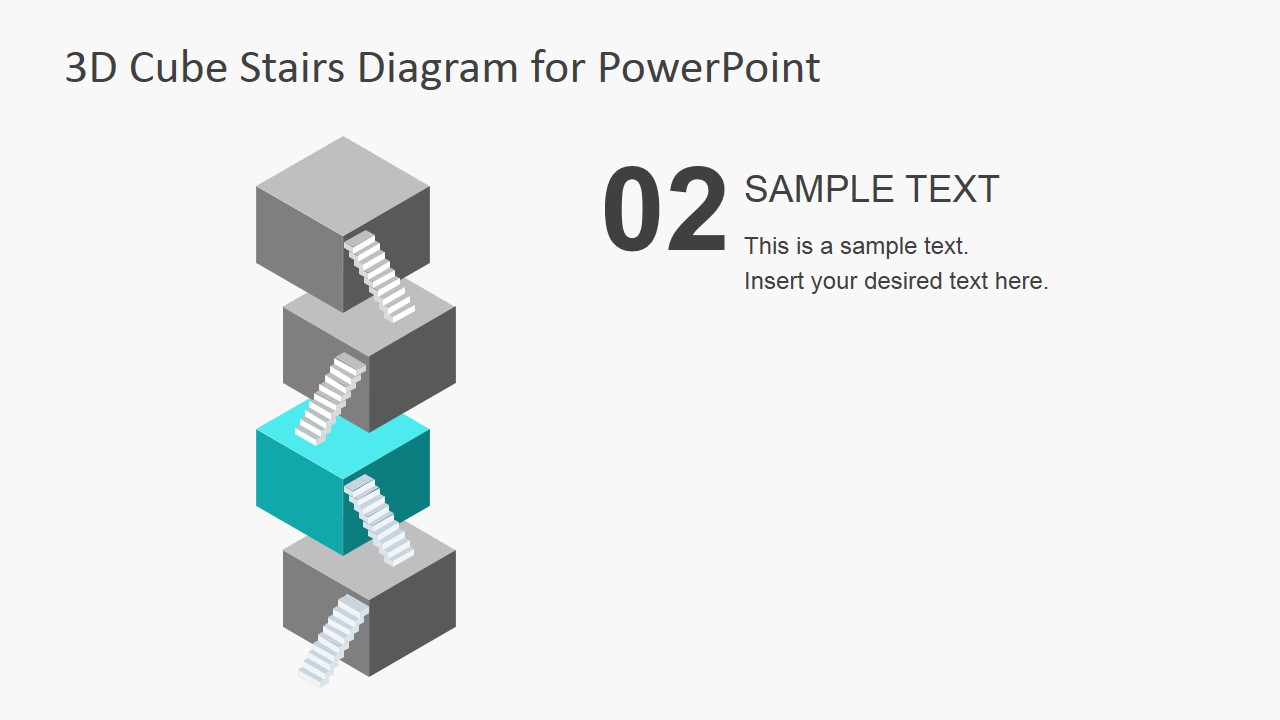
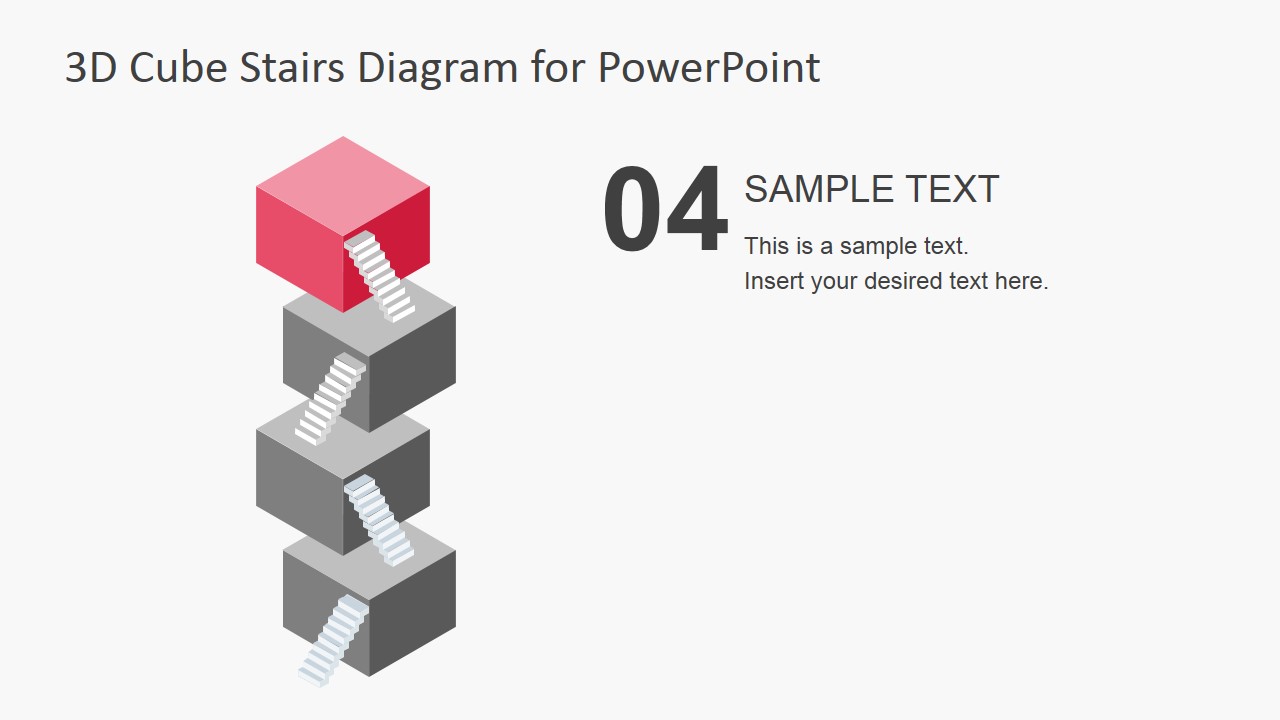
Highlighted in the slides are individual cubes at different levels. This allows the presenter to focus on each step. The different logistics metaphors of each stage can be elaborated on the preceding slides. In this way, the presenter can effectively show the details of the process, allowing the audience to better understand their purpose in the entire procedure.
The PowerPoint presentation can be used for common corporate procedures such as the processing of ideas from marketing teams. The presenter can show the flow of information and ideas, using the cubes as representatives of the different levels of management. The presentation can be started at the bottom, to represent the team itself. The next cube can then represent the team leader or manager. The next can symbolize the supervisory head, and finally, the top can represent the management in charge of overall approval for budget and logistics.
Ideal for marketing pitches and orientations, the Flat 3D Cube Stairs Diagram for PowerPoint is 100% customizable. It can be used for a variety of presentation types, ranging from human resource procedures to customer evaluations. The PowerPoint template contain PowerPoint objects which can be edited and modified to suit the presenter’s specifications.
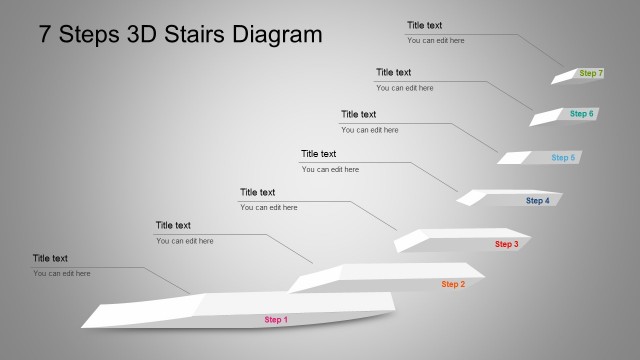
The presenter can also opt to download other PowerPoint templates from the Gallery, such as the 7 Stage Process Flow Diagram for PowerPoint.
What’s inside this template
Example presentation scenarios
- A project manager can use the overview callout diagram to explain a four-phase implementation plan and then move through the step spotlight slides to clarify responsibilities at each stage.
- A marketing presenter can map idea development, review, approval, and launch by assigning each colored cube to a team or decision level.
- An HR trainer can introduce a procedure on the title cover and use the highlighted cube slides to teach each step without showing too much detail at once.
- A consultant can use the cube staircase metaphor to show why early-stage work must be completed before higher-level strategy or budget decisions can stand.
Features
- 100% editable presentation template
- Compatible with Microsoft PowerPoint and Google Slides
- 16:9 aspect ratio slides
- Scalable vector shapes, icons and illustrations
- AI-Ready for Microsoft Copilot and Claude
- Instant access and download
Frequently asked questions
Q: How should a presenter explain the four steps without making the cube metaphor feel decorative?
A: Assign one clear action, owner, or decision to each cube before presenting. Use Slide 2 as the full map, then use Slides 3 to 6 to discuss one stage at a time. The stairs should reinforce dependency: the audience should understand what must be completed before the next level can work.
Q: What type of business message fits this template best?
A: This template fits processes where the order matters and each stage supports the next one. It works well for project phases, approval ladders, service onboarding, management escalation, and maturity models. It is less suited to open brainstorming, because the visual structure implies a defined path from lower to higher levels.
Q: Why use stacked cubes and stairs instead of a standard numbered list?
A: The cube stack makes progression and dependency visible. A numbered list says there are four items, while this diagram shows that each level rests on the one below it. The highlighted spotlight slides reduce visual noise and help the presenter keep attention on the current stage while preserving the overall structure.




Flat 3D Cube Stairs Diagram for PowerPoint
6-slide presentation template with 4-level cube stairs diagram and step spotlight layouts
Flat 3D Cube Stairs Diagram for PowerPoint is a 6-slide 16:9 diagram template for staged process explanations. It includes a title cover, a 4-level cube staircase, an overview callout diagram, and individual step spotlight slides. Business presenters can edit it in Microsoft PowerPoint and Google Slides.
- Category
- Diagrams
- Rating


 Loading...
- Aspect ratio
- 16:9
- Item ID
- 6863-02
- Colors
 Microsoft PowerPoint
  Microsoft Copilot
  Claude for PowerPoint
 Other formats supported
Subscribe today and get immediate
access to download our PowerPoint templates.