Slide 3 of 5 from 3D Arrows for PowerPoint
4 Arrows for PowerPoint Slide Design
3D Arrows - Four Opposite Directions Slide
- Diagram
- Comparison Split
- Concept Explanation Slide
- 16:9
- 100% Editable
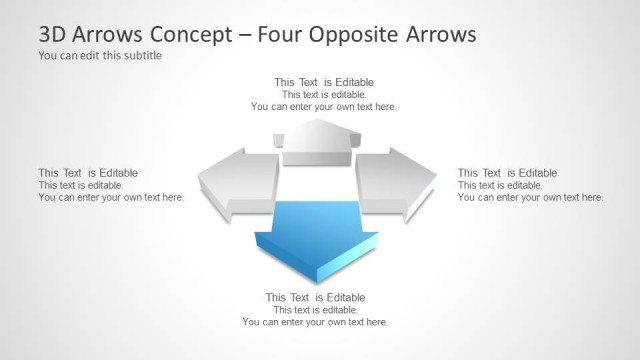
The 3D Arrows - Four Opposite Directions slide from the 3D Arrows for PowerPoint template provides a clear visual tool for comparing strategic options and illustrating decision-making processes. This slide layout uses editable shapes and vector icons to emphasize contrasting directions, making it suitable for business presentations and pitch deck templates that require a straightforward depiction of opposing flows or choices.
What’s on This Slide
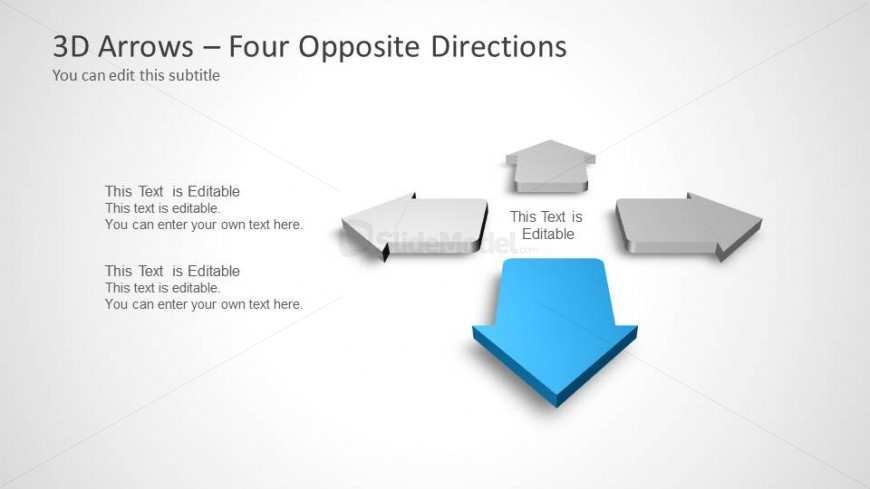
The layout features four 3D arrows pointing in opposite directions, arranged in a cross formation. The central arrow is larger and colored blue, while the surrounding arrows are gray. Each arrow has a text placeholder positioned below it, aligned to the left and right. The title is located at the top left, with a subtitle directly beneath it. The background is light and neutral, enhancing the visibility of the arrows. The overall composition emphasizes the directional flow and allows for clear text input.
How to Use It
This layout serves as a visual representation of opposing directions, suitable for illustrating contrasts or choices in a business context. It can be effectively used in presentations to depict decision-making processes, strategic options, or comparative analyses. Positioned after an introductory slide, it can lead into discussions about specific strategies or outcomes. This slide is ideal for scenarios where visual clarity is needed to convey complex information simply.
Text Placeholders & Capacity
Keep your copy within these limits so it fits without resizing. Node labels can hold about 5-7 words each, while node bodies can accommodate roughly 10-12 words.
| Placeholder | Count | Max characters (approx.) |
|---|---|---|
| Slide title | 1 | 40 |
| Subtitle | 1 | 40 |
| Item heading | 4 | 30 |
| Item body | 4 | 50 |
Slide Keywords
Download unlimited PowerPoint templates, charts and graphics for your presentations with our annual plan.
DOWNLOADReturn to 3D Arrows for PowerPoint.