Slide 2 of 5 from 3D Arrows for PowerPoint
Arrows Pointing to the Center of the Slide
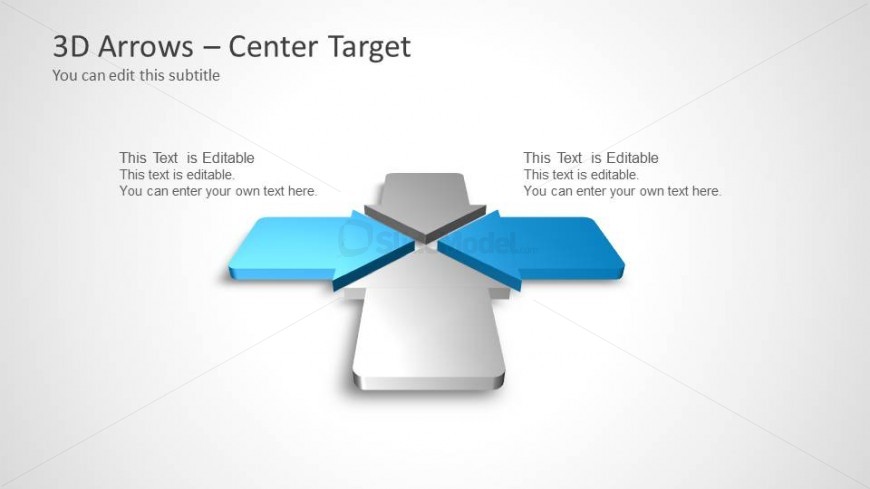
3D Arrows - Center Target Slide
- Diagram
- Other
- Strategy Slide
- 16:9
- 100% Editable
The 3D Arrows - Center Target slide from the 3D Arrows for PowerPoint template offers a strategic diagram layout ideal for business presentations. This editable slide features a central 3D arrow with four directional arrows, useful for illustrating project planning, performance metrics, or concept discussions. Its design includes editable shapes and text placeholders, making it suitable for corporate presentations and pitch deck templates requiring clear visual focus and direction.
About This Slide
3D Arrows Pointing to the Center of the slide is a nice slide design for PowerPoint presentations that you can use to represent a concept or business idea with a central topic.
What’s on This Slide
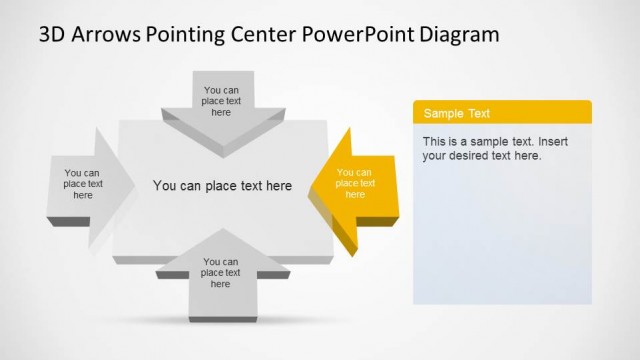
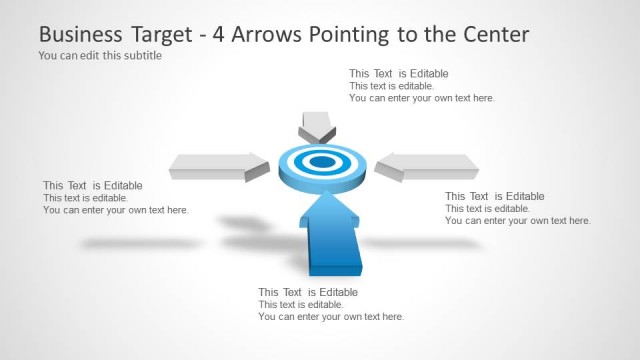
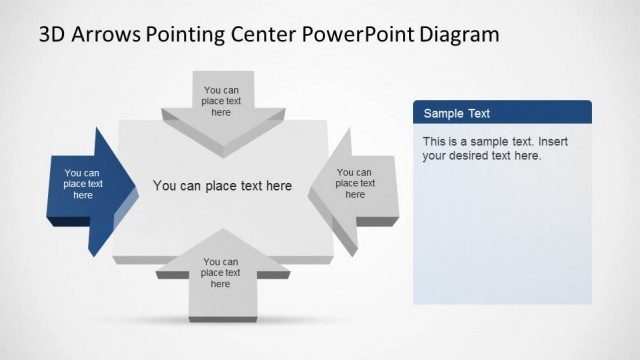
The layout features a central 3D arrow diagram with four arrows pointing outward. The arrows are arranged in a cross formation, with two arrows in blue and two in gray. Each arrow has a text placeholder positioned at the end, aligned to the left and right sides. The background is a light gradient, enhancing the 3D effect. The visual hierarchy emphasizes the central arrow shape, which is slightly raised, creating depth. The slide includes a title placeholder at the top and a subtitle placeholder below it, both centered.
How to Use It
This layout serves as a central target diagram, ideal for illustrating concepts that involve direction or focus. It fits well in a presentation sequence where a central idea is being compared or contrasted with multiple directions or outcomes. Business scenarios include strategy discussions, project planning, or performance metrics. The layout can effectively highlight key points while allowing for customization of text to suit specific needs.
Text Placeholders & Capacity
Keep your copy within these limits so it fits without resizing. Node body slots can accommodate roughly 10 words each.
| Placeholder | Count | Max characters (approx.) |
|---|---|---|
| Slide title | 1 | 30 |
| Subtitle | 1 | 40 |
| Item body | 4 | 50 |
Slide Keywords
Download unlimited PowerPoint templates, charts and graphics for your presentations with our annual plan.
DOWNLOADReturn to 3D Arrows for PowerPoint.