Slide 5 of 5 from 3D Arrows for PowerPoint
360 Arrows for PowerPoint – 2 Circular Arrows
2 Circular Arrows for PowerPoint
- Diagram
- Circular Cycle
- Process Slide
- 16:9
- 100% Editable
The Circular Arrows Diagram slide from the 3D Arrows for PowerPoint template offers a clear visualization of cyclical processes, ideal for strategy discussions and workflow presentations. Featuring editable shapes and vector icons, this layout supports business presentations requiring an intuitive depiction of circular flows within a professional slide deck.
What’s on This Slide
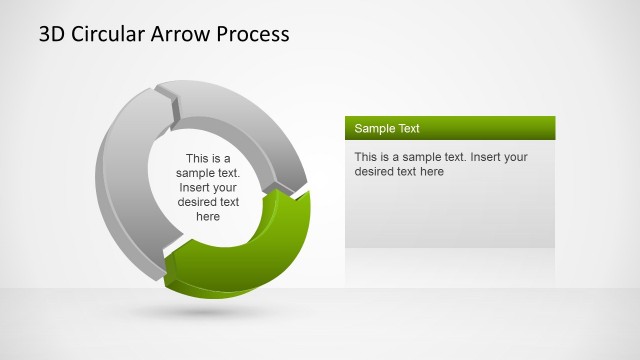
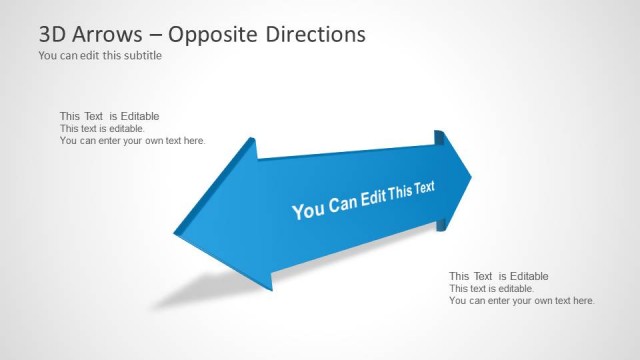
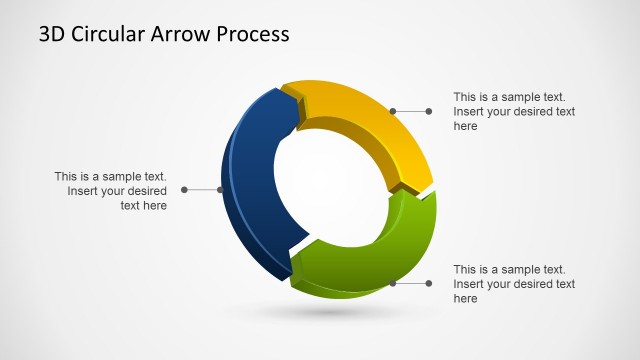
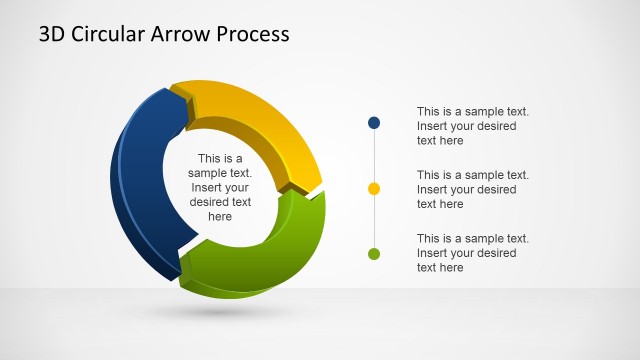
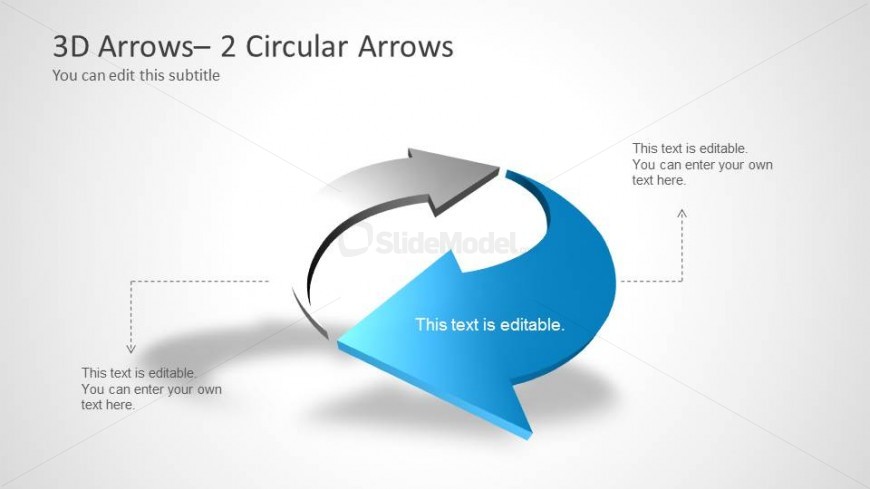
The layout features two large, 3D circular arrows positioned centrally on a light gray background. The arrows are colored in shades of blue and gray, with one arrow pointing right and the other pointing left, creating a circular flow. Text placeholders are located above and below the arrows, with additional placeholders on the left and right sides. The top left contains a title placeholder, while the bottom left and right have body text placeholders. The visual hierarchy emphasizes the arrows, making them the focal point of the design.
How to Use It
This layout serves as a circular flow diagram, illustrating processes or cycles. It fits well in presentations discussing strategies, workflows, or comparisons. This structure is useful for business scenarios that require visualizing relationships or directional movement. It can be effectively used in project updates or strategic planning discussions, allowing for clear communication of concepts that involve circular or cyclical processes.
Text Placeholders & Capacity
Keep your copy within these limits so it fits without resizing. Body slots can hold roughly 10-12 words each.
| Placeholder | Count | Max characters (approx.) |
|---|---|---|
| Slide title | 1 | 30 |
| Subtitle | 1 | 30 |
| Body paragraph | 4 | 50 |
Slide Keywords
Download unlimited PowerPoint templates, charts and graphics for your presentations with our annual plan.
DOWNLOADReturn to 3D Arrows for PowerPoint.