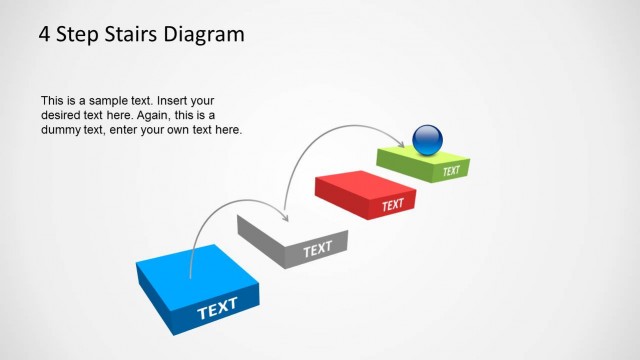
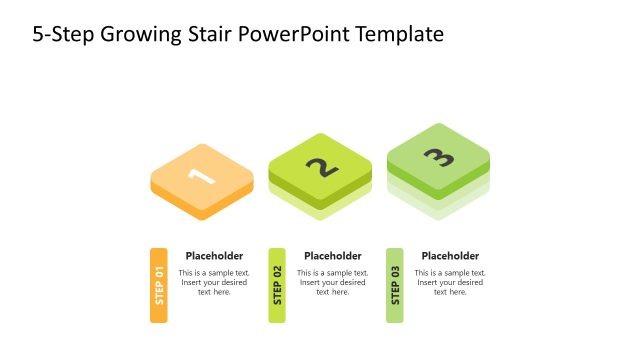
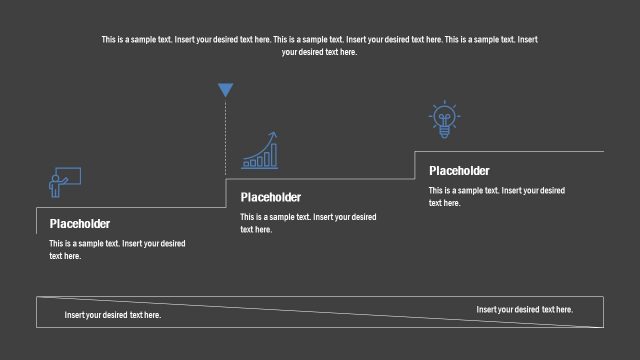
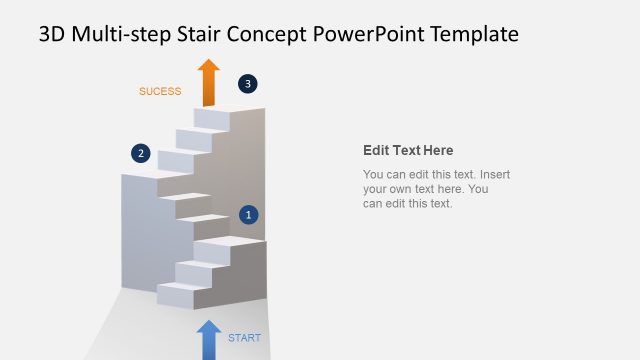
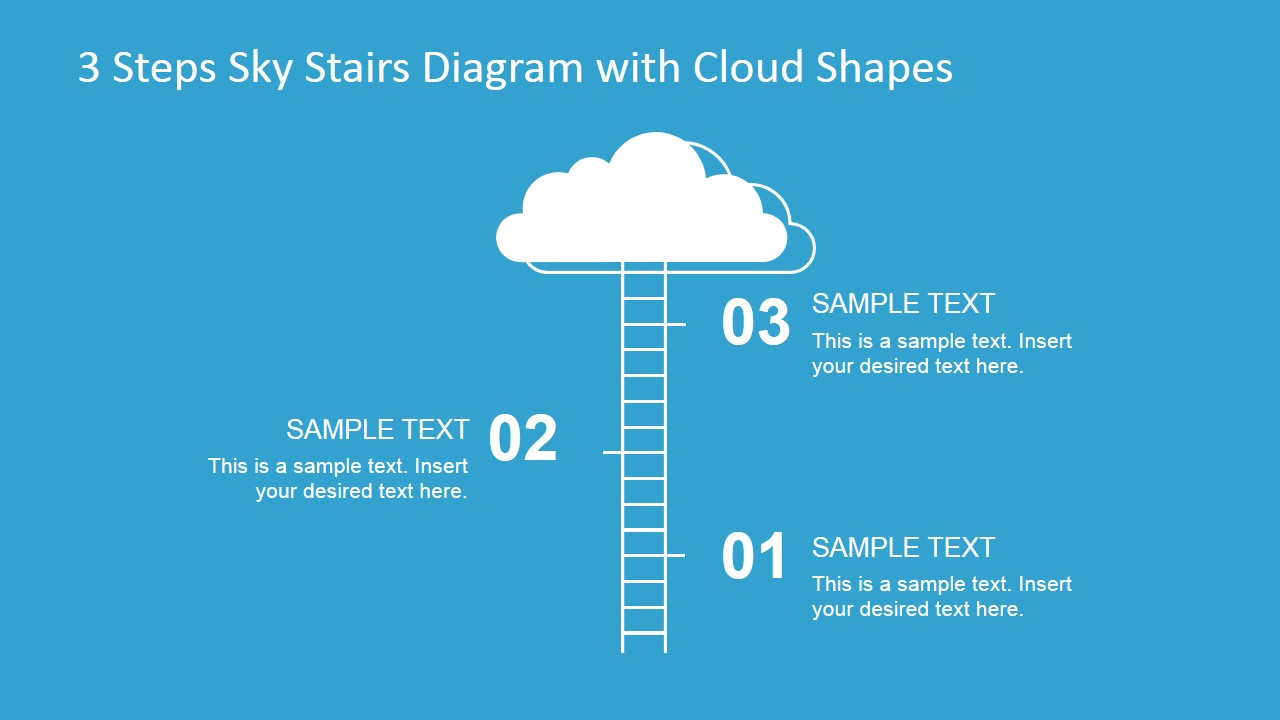
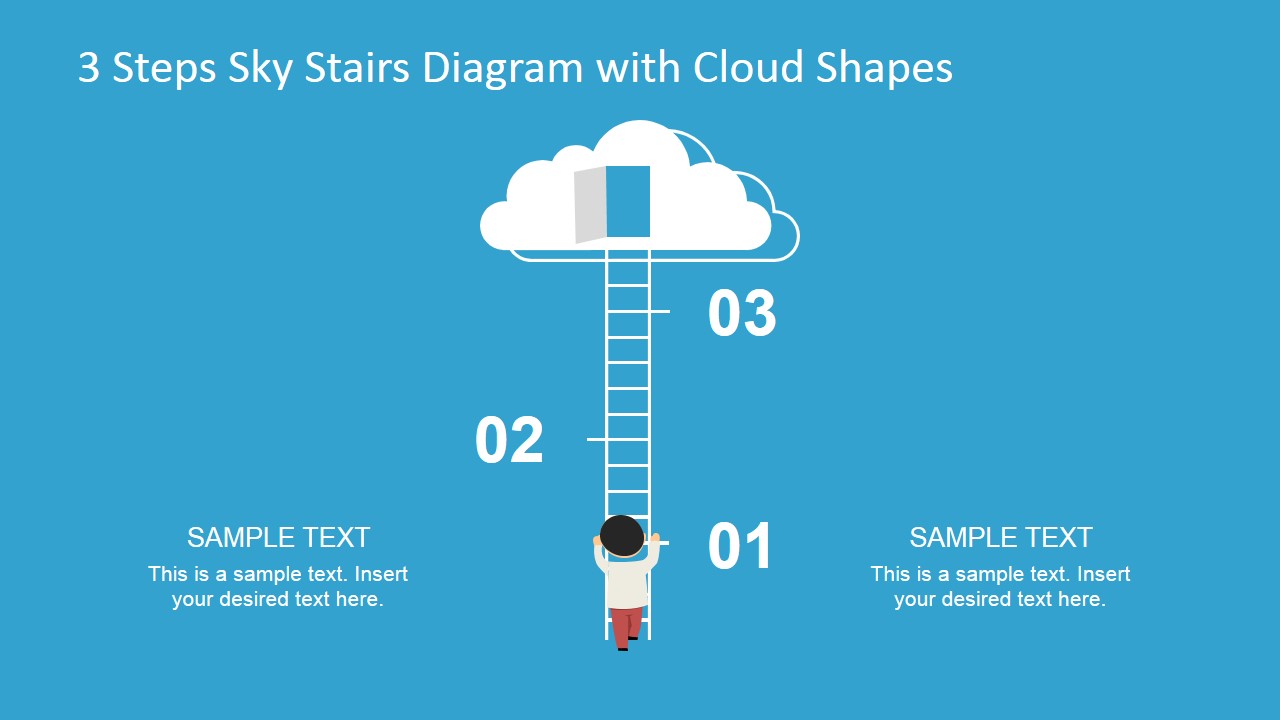
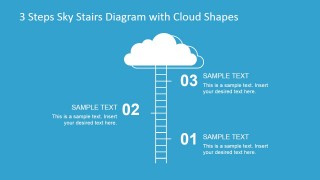
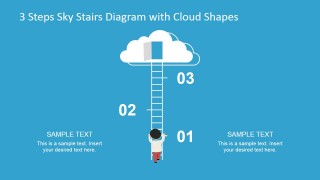
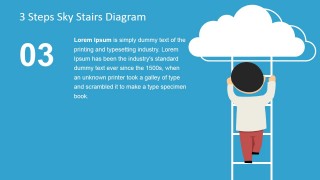
3 Steps Sky Stairs Template for PowerPoint is a creative design for PowerPoint presentations containing a sky stairs illustration and cloud at the top. You can use this 3 steps sky stairs diagram as a metaphor of climbing the ladder or climbing to the cloud.
The stairs diagram with cloud illustration contains text placeholders with 3 steps that you can easily edit to represent multiples scenarios. This presentation template contains editable PowerPoint cloud shapes and a stairs illustration simulating a climb scenario toward company success.
What’s inside this template
Example presentation scenarios
- An IT leader can present a cloud migration plan by using the 3-step ladder overview to introduce the migration phases and the Step 03 cloud destination slide to show the target state.
- A project manager can explain milestone progress to stakeholders by assigning each ladder step to a phase and using the single-step detail slides for status notes.
- A consultant can frame a business improvement roadmap for a client by using the climber illustration as a metaphor for moving from current state to goal.
- A trainer can teach a simple three-part method by showing the overview diagram first, then using the large-number slides to focus learners on one action at a time.
Features
- 100% editable presentation template
- Compatible with Microsoft PowerPoint and Google Slides
- 16:9 aspect ratio slides
- Scalable vector shapes, icons and illustrations
- AI-Ready for Microsoft Copilot and Claude
- Instant access and download
Frequently asked questions
Q: How should a presenter structure the message with this 3-step ladder design?
A: Start with the overview slide to name the destination and define what each step means. Then use the Step 01, Step 02, and Step 03 detail slides as short chapters. Keep each step to one clear action, one expected result, and one transition point so the ladder metaphor stays easy to follow.
Q: For what kind of business message is this template the best fit?
A: This template fits messages where progress is linear and limited to three major moves, such as cloud migration, onboarding, capability building, or project advancement. It works best for managers, consultants, IT leads, and trainers who need to make a simple path feel concrete without relying on dense process notation.
Q: Why does the ladder-to-cloud metaphor help the audience understand the story?
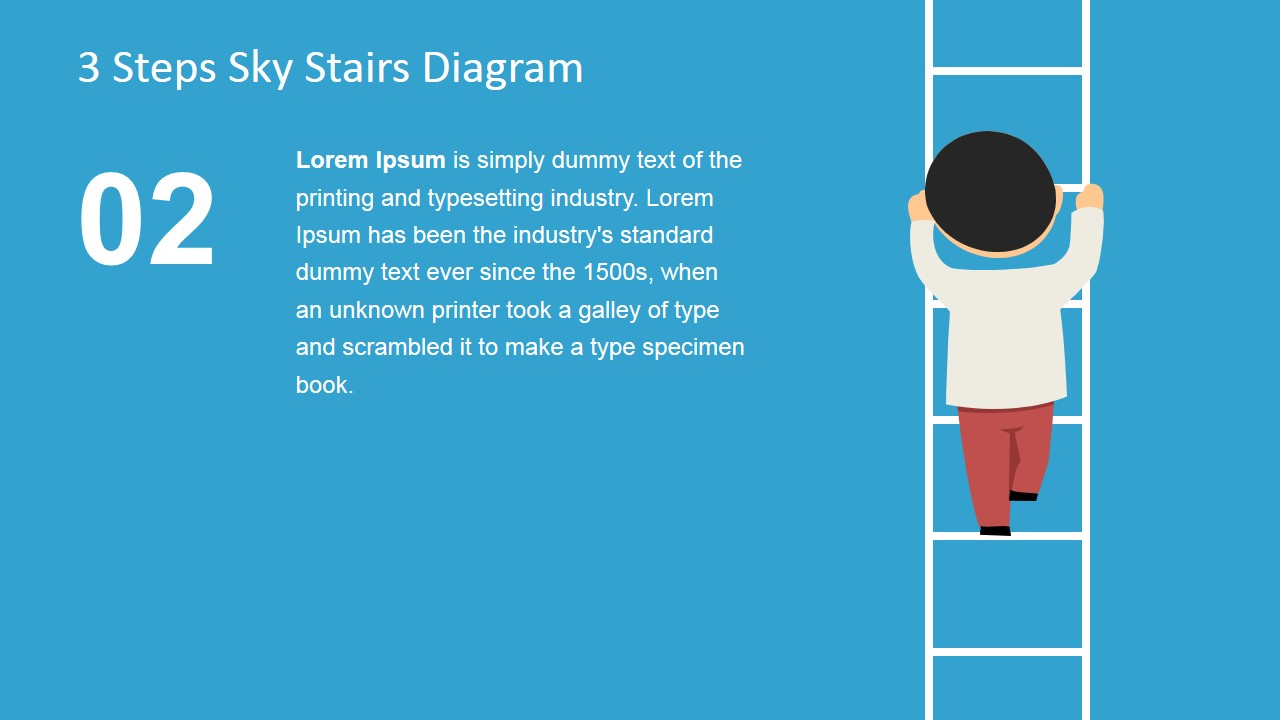
A: The ladder gives the audience an immediate sense of upward movement, effort, and sequence, while the cloud marks the destination. The large numbers reduce ambiguity about order, and the climber creates a human reference point. This makes an abstract plan feel like a visible climb toward a defined outcome.


3 Steps Sky Stairs Template for PowerPoint
5-slide presentation template with sky stairs, cloud goal, and ladder progress diagram
3 Steps Sky Stairs Template for PowerPoint is a 5-slide presentation diagram template built around a ladder-to-cloud metaphor. It includes a 3-step overview, ladder and climber illustration, cloud destination graphic, and single-step detail layouts. It is for presenters explaining progress, cloud adoption, goals, or staged success in Microsoft PowerPoint and Google Slides.
- Category
- Shapes
- Rating


 Loading...
- Aspect ratio
- 16:9, 4:3
- Item ID
- 6856-01
- Colors
 Microsoft PowerPoint
  Microsoft Copilot
  Claude for PowerPoint
 Other formats supported
Subscribe today and get immediate
access to download our PowerPoint templates.