Slide 5 of 5 from 3 Steps Circular Nodes PowerPoint Diagrams
Success and Goals Metaphor Slide
3 Steps Circular Nodes Diagram Overview
- Diagram
- Process Flow
- Process Slide
- 16:9
- 100% Editable
What’s on This Slide
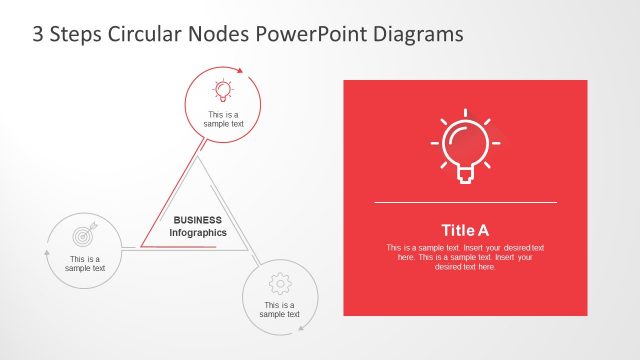
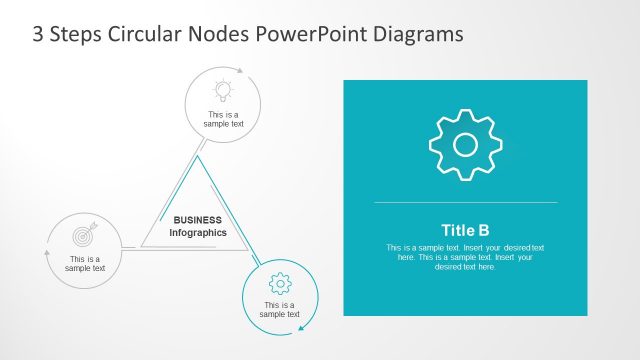
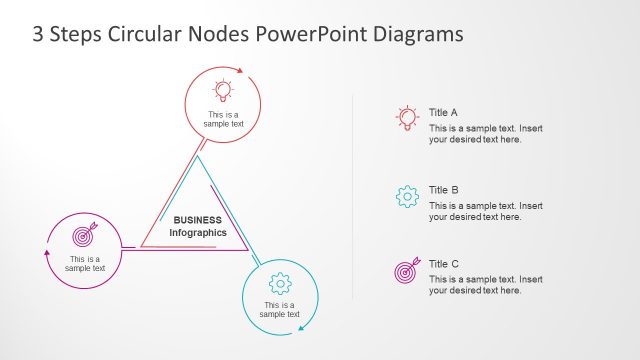
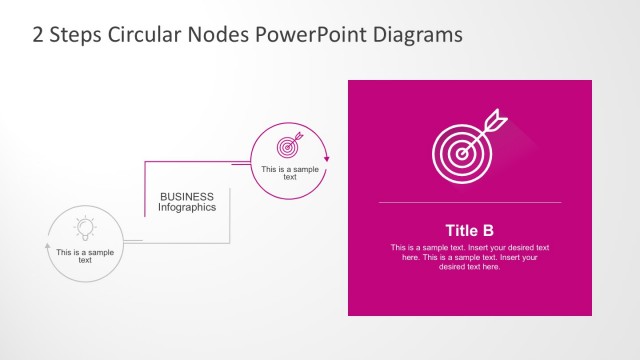
The layout features a triangular arrangement of three circular nodes positioned at the corners. Each node contains a placeholder for text, aligned centrally within the circles. The left node has the label 'BUSINESS' with a line connecting to the center of the triangle. A larger rectangular area on the right contains a title placeholder labeled 'Title C' and additional text placeholders below it. The background is light with a prominent pink section on the right. The overall composition emphasizes the triangular flow among the nodes.
How to Use It
This layout serves as a visual representation of a three-step process or concept, ideal for illustrating sequential ideas or stages. It fits well in a presentation sequence following an introduction or problem statement, leading into detailed explanations. Common scenarios include business strategy discussions, project management phases, or product development steps. The right section allows for elaboration on the main topic, making it suitable for summarizing key points.
Text Placeholders & Capacity
Keep your copy within these limits so it fits without resizing. Body slots can accommodate roughly 15-20 words each.
| Placeholder | Count | Max characters (approx.) |
|---|---|---|
| Item heading | 3 | 30 |
| Item body | 3 | 50 |
| Slide title | 1 | 30 |
| Body paragraph | 2 | 100 |
Slide Keywords
Download unlimited PowerPoint templates, charts and graphics for your presentations with our annual plan.
DOWNLOADReturn to 3 Steps Circular Nodes PowerPoint Diagrams.