Slide 4 of 5 from 3 Steps Circular Nodes PowerPoint Diagrams
Solution Slide Infographic PowerPoint
3 Steps Circular Nodes Diagram for Presentations
- Diagram
- Other
- Process Slide
- 16:9
- 100% Editable
What’s on This Slide
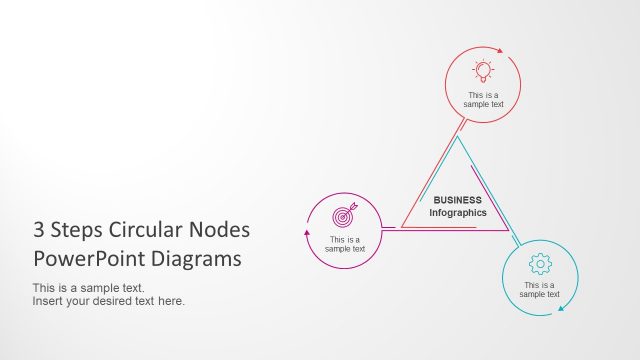
The layout features a triangular arrangement of three circular nodes at the top left, each containing a text placeholder. The central node is labeled 'BUSINESS' and 'Infographics', connecting the three circles with lines. To the right, there is a rectangular container with a blue background, containing a title placeholder and additional text placeholders below. The overall composition emphasizes the triangular flow, with nodes equally spaced and aligned. The background is light, enhancing the visibility of the elements.
How to Use It
This layout serves as a process diagram, illustrating a three-step approach or cycle. It is suitable for presentations that require a clear depiction of sequential steps or stages in a business context. This slide fits well after problem identification and before detailing solutions, making it useful for process explanations, strategy presentations, or project overviews. It can be applied in various business scenarios, such as project management or marketing strategies.
Text Placeholders & Capacity
Keep your copy within these limits so it fits without resizing. Node body slots can hold about 10-12 words each.
| Placeholder | Count | Max characters (approx.) |
|---|---|---|
| Item heading | 3 | 20 |
| Item body | 3 | 50 |
| Title | 1 | 30 |
| Body paragraph | 2 | 100 |
Slide Keywords
Download unlimited PowerPoint templates, charts and graphics for your presentations with our annual plan.
DOWNLOADReturn to 3 Steps Circular Nodes PowerPoint Diagrams.