Slide 3 of 5 from 3 Steps Circular Nodes PowerPoint Diagrams
Three Step Diagram Slide Lightbulb
3 Steps Circular Nodes Diagram Overview
- Diagram
- Process Flow
- Process Slide
- 16:9
- 100% Editable
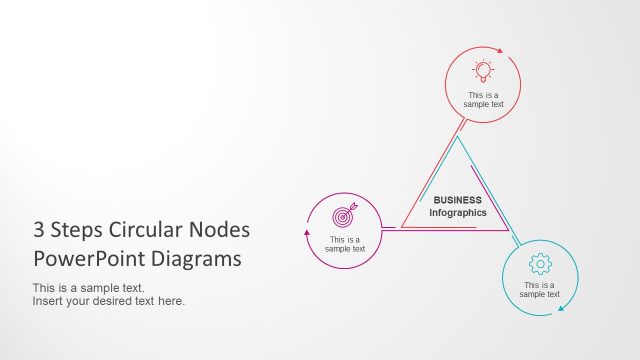
The 3 Steps Circular Nodes Diagram from the 3 Steps Circular Nodes PowerPoint Diagrams template is designed to visually represent sequential business processes. This slide layout uses editable shapes and vector icons arranged in a triangular flow, making it suitable for strategic planning and educational presentations. Its clear process flow presentation supports effective communication in corporate presentations and pitch deck templates.
What’s on This Slide
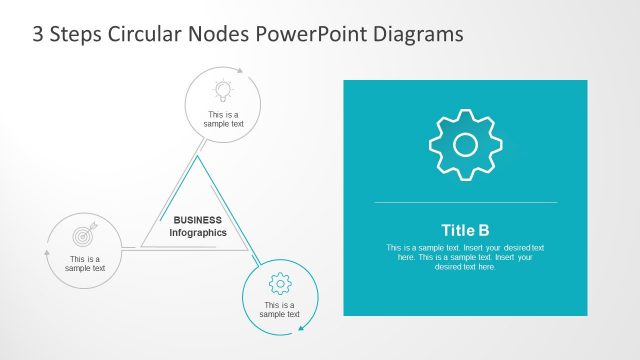
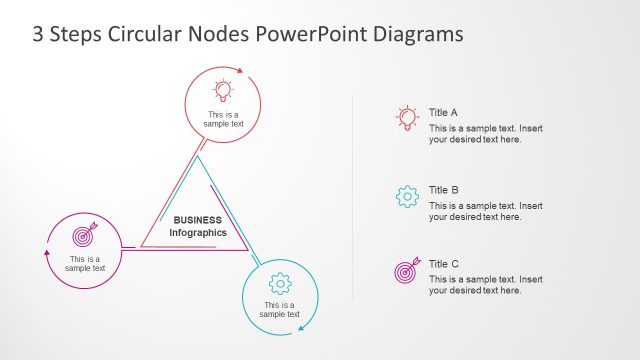
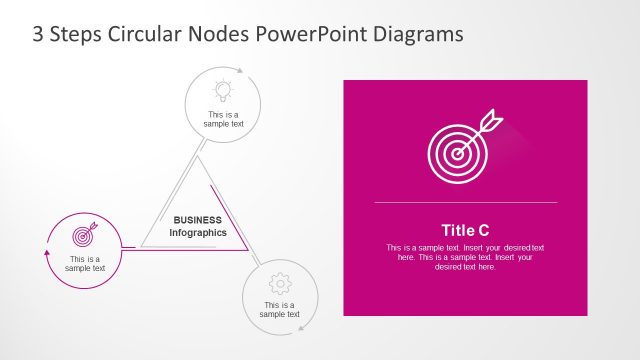
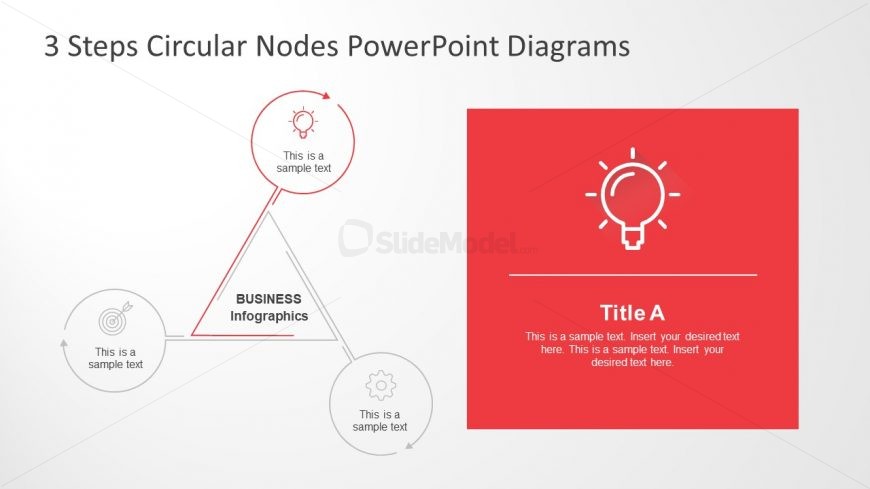
The layout features a triangular arrangement with three circular nodes positioned at each vertex. The top node contains an icon and a text placeholder aligned centrally. The left node also has an icon with a text placeholder below it, while the right node features a larger red rectangle containing a title and additional text placeholders. The background is light gray, enhancing the visibility of the elements. The nodes are connected by lines, indicating a process flow. The overall composition emphasizes the central theme of business infographics.
How to Use It
This layout serves as a process diagram, illustrating three key steps or concepts in a visual format. It is suitable for presentations that require a clear depiction of sequential processes or stages. This slide fits well in a series that discusses business strategies or methodologies. Use it to convey complex ideas simply and effectively, making it ideal for project overviews, strategic planning, or educational contexts.
Text Placeholders & Capacity
Keep your copy within these limits so it fits without resizing. Body slots can hold around 15-20 words each.
| Placeholder | Count | Max characters (approx.) |
|---|---|---|
| Item heading | 3 | 30 |
| Item body | 3 | 50 |
| Title | 1 | 20 |
| Body paragraph | 1 | 150 |
Slide Keywords
Download unlimited PowerPoint templates, charts and graphics for your presentations with our annual plan.
DOWNLOADReturn to 3 Steps Circular Nodes PowerPoint Diagrams.