Slide 6 of 6 from 4 Steps Circular Nodes PowerPoint Diagrams
4 Options Business Strategy Slides for PowerPoint
4 Steps Circular Nodes Diagram Overview
- Diagram
- Matrix Quadrant
- Process Slide
- 16:9
- 100% Editable
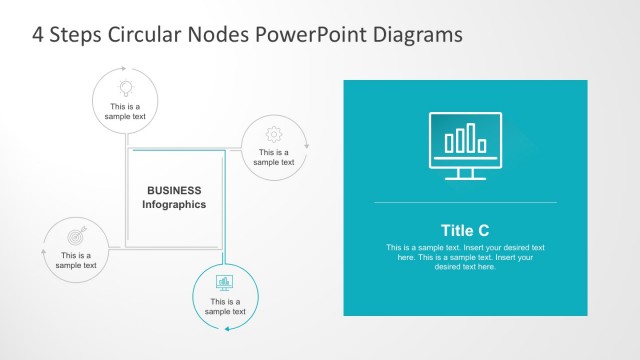
The 4 Steps Circular Nodes Diagram from the 4 Steps Circular Nodes PowerPoint Diagrams template offers a clear visual structure for illustrating business processes or project phases. This slide layout uses editable shapes and vector icons arranged around a central container to highlight key steps in a strategic initiative. It is well suited for corporate presentations and pitch deck templates that require concise process overviews within professional slide decks.
What’s on This Slide
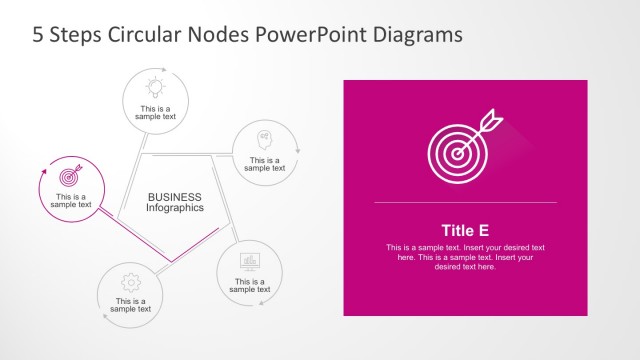
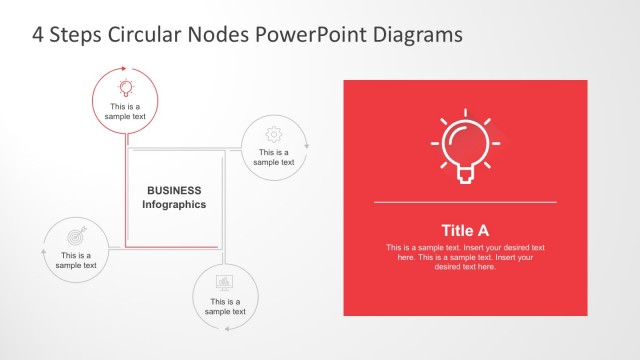
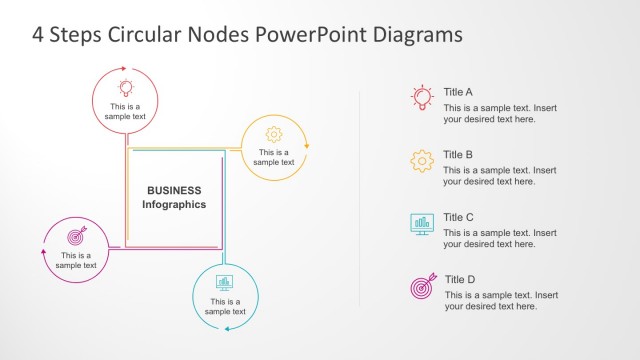
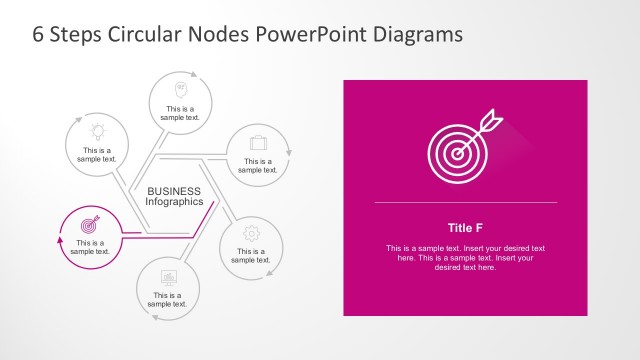
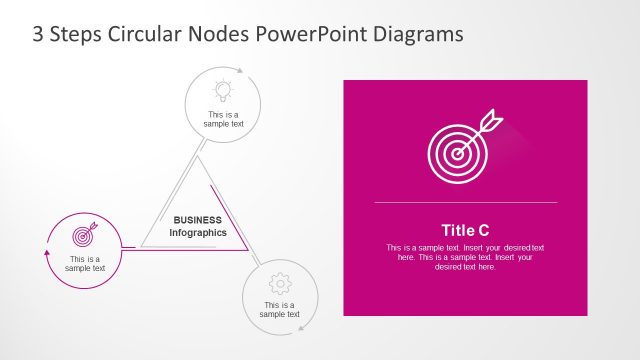
The layout features a central rectangular container labeled 'BUSINESS Infographics' positioned in the middle. Surrounding it are four circular nodes, each containing icons and sample text. The nodes are placed at the top left, bottom left, bottom right, and top right, connected to the central rectangle with lines. The top right node has a pink background with a target icon, while the other nodes are outlined in gray. Text placeholders are aligned within the nodes and the central container, maintaining a clear visual hierarchy. The overall composition is balanced with a light background.
How to Use It
This layout serves as a structured overview of a four-step process or concept, ideal for business presentations. It fits well after introductory slides and before detailed explanations, providing a visual summary. This format is useful for outlining business processes, project phases, or strategic initiatives. It allows for clear communication of key points while maintaining audience engagement. The circular nodes emphasize distinct elements while connecting them to a central theme, making it suitable for various business contexts.
Text Placeholders & Capacity
Keep your copy within these limits so it fits without resizing. Node labels can hold roughly 30 characters each, body text is tighter.
| Placeholder | Count | Max characters (approx.) |
|---|---|---|
| Item heading | 4 | 30 |
| Body paragraph | 1 | 150 |
| Slide title | 1 | 50 |
Slide Keywords
Download unlimited PowerPoint templates, charts and graphics for your presentations with our annual plan.
DOWNLOADReturn to 4 Steps Circular Nodes PowerPoint Diagrams.