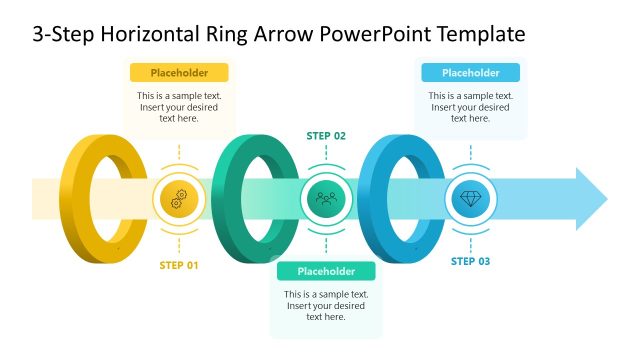
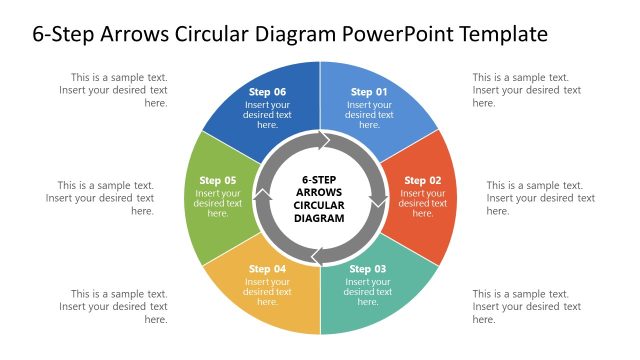
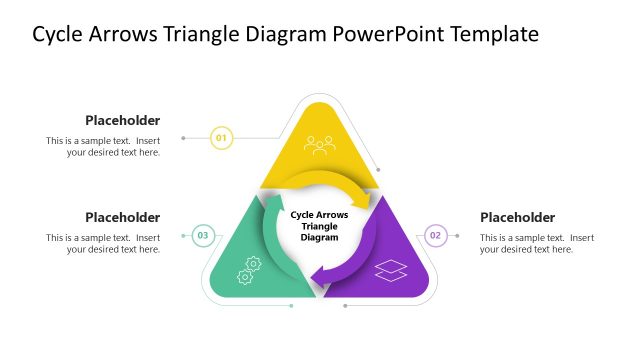
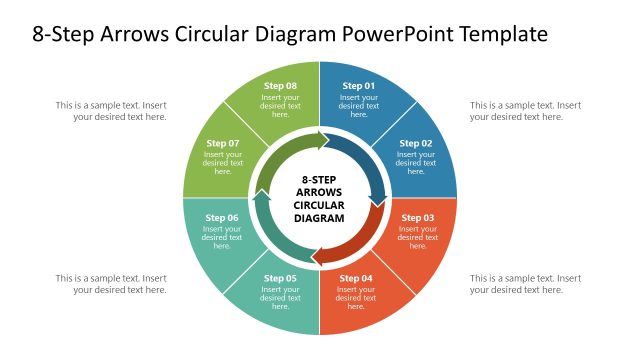
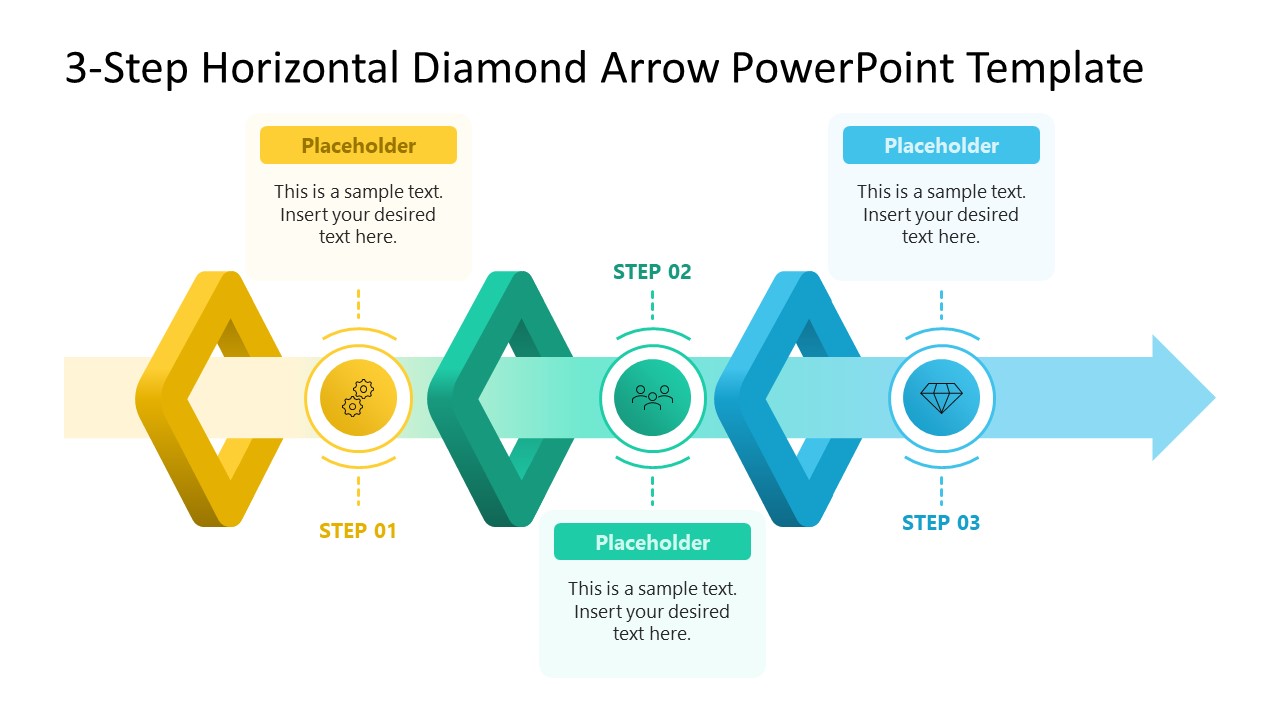
Explain a three-step process diagram with our 3-Step Diamond Arrow PowerPoint Template instead of using a linear or tabular layout. This diamond arrow diagram visually communicates the core elements of the process without additional labels. It can especially be preferred over a numbered list, making the process steps feel purposeful and directionally clear.
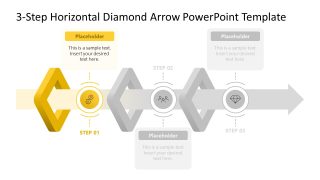
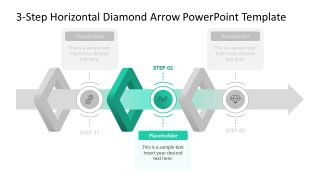
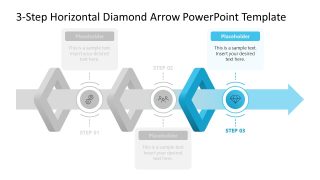
The diagram has three interlinking diamond nodes with a thick horizontal arrow passing between them. The diamond shapes are used to showcase the distinctive phases of the process or key milestones in a timeline, depending on the use case. The color scheme of the diagram helps establish the concept of process continuation, i.e., it gradually progresses from gold to teal, then to sky blue. Between these diamond nodes, there are icon labels with attached text boxes to indicate the relevant presentation points. This way, presenters can showcase each element of their process without overcrowding the slide. In addition to this diagram slide, the following slides highlight each phase of the diagram, allowing presenters to discuss each part of the process with individual focus.
Using this 3-Step Diamond Arrow PowerPoint Template, a sales team manager can elaborate on the key phases with associated touchpoints for their team. They can benefit from this diagram’s structure, which will help the audience remember the sequence of phases and related details. Also, a product manager can showcase the phased release of the features to the technical and marketing teams. This will help all teams align and focus on the core process deliverables. Likewise, using this process diagram, employees, managers, and even consultants can tailor their presentations with small changes.
What’s inside this template
Example presentation scenarios
- A product manager can present a phased release plan to engineering and marketing teams, using the full diamond arrow on Slide 1 and the step-focus slides to explain each release stage.
- A sales manager can brief representatives on a three-stage pipeline approach, using the icon callouts to connect each stage with actions, responsibilities, or customer touchpoints.
- A consultant can explain a client transformation roadmap, using the highlighted step variants to move from overview to detailed discussion without adding a dense table.
- An operations lead can map a workflow improvement plan for department heads, using the horizontal arrow to show progression and the muted stages to keep attention on the current phase.
Features
- 100% editable presentation template
- Compatible with Microsoft PowerPoint and Google Slides
- 16:9 aspect ratio slides
- Scalable vector shapes, icons and illustrations
- AI-Ready for Microsoft Copilot and Claude
- Instant access and download
Frequently asked questions
Q: How should a presenter walk the audience through the three-step diagram?
A: Start with Slide 1 to establish the whole sequence and explain why the three phases belong together. Then use Slides 2, 3, and 4 to isolate one phase at a time. Keep each callout to a short action, decision, or result so the diamond arrow remains the main mental map.
Q: What type of business message is this template best suited for?
A: This template works best for managers or consultants who need to explain a simple three-part progression, such as onboarding stages, release phases, sales steps, or service delivery milestones. It is strongest when the audience must remember the order of the phases and understand one supporting point for each step.
Q: Why use diamond nodes and a horizontal arrow instead of a numbered list?
A: The arrow creates a movement metaphor, showing that the process advances from left to right. The diamond nodes make each step feel like a milestone rather than a bullet. The muted focus slides reduce distraction, allowing the presenter to discuss one phase while still showing its place in the full flow.


3-Step Diamond Arrow PowerPoint Template
4-slide presentation template with horizontal diamond arrow, three-step process flow, and icon callouts
The 3-Step Diamond Arrow PowerPoint Template is a 4-slide diagram template for explaining a three-phase process, milestone path, or workflow. It includes a full horizontal diamond arrow, three step-focus versions, icon callouts, and text placeholders for managers, consultants, and teams presenting in Microsoft PowerPoint or Google Slides.
- Category
- Diagrams
- Rating

 Loading...
- Aspect ratio
- 16:9
- Item ID
- 23700-01
- Colors
 Microsoft PowerPoint
  Microsoft Copilot
  Claude for PowerPoint
 Other formats supported
Subscribe today and get immediate
access to download our PowerPoint templates.