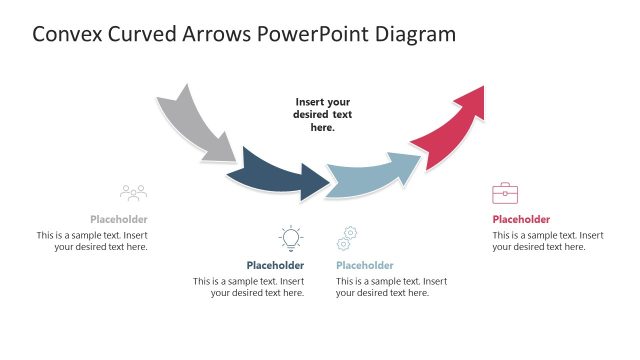
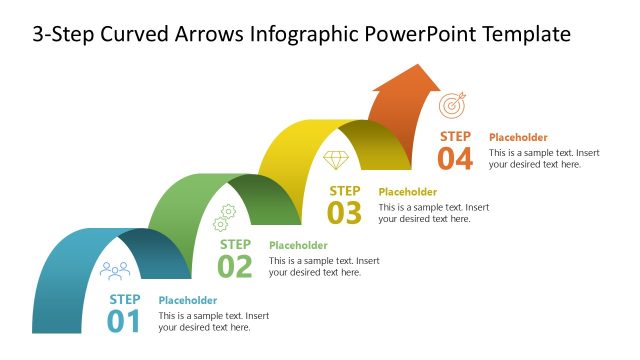
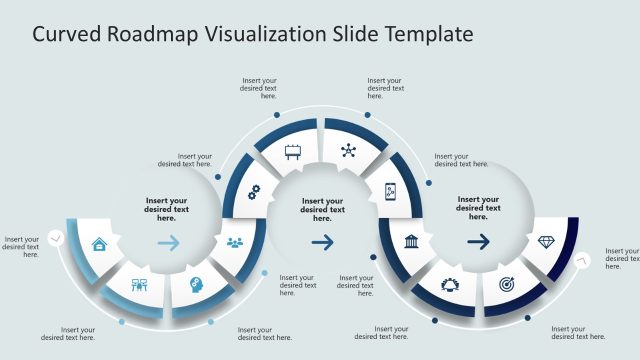
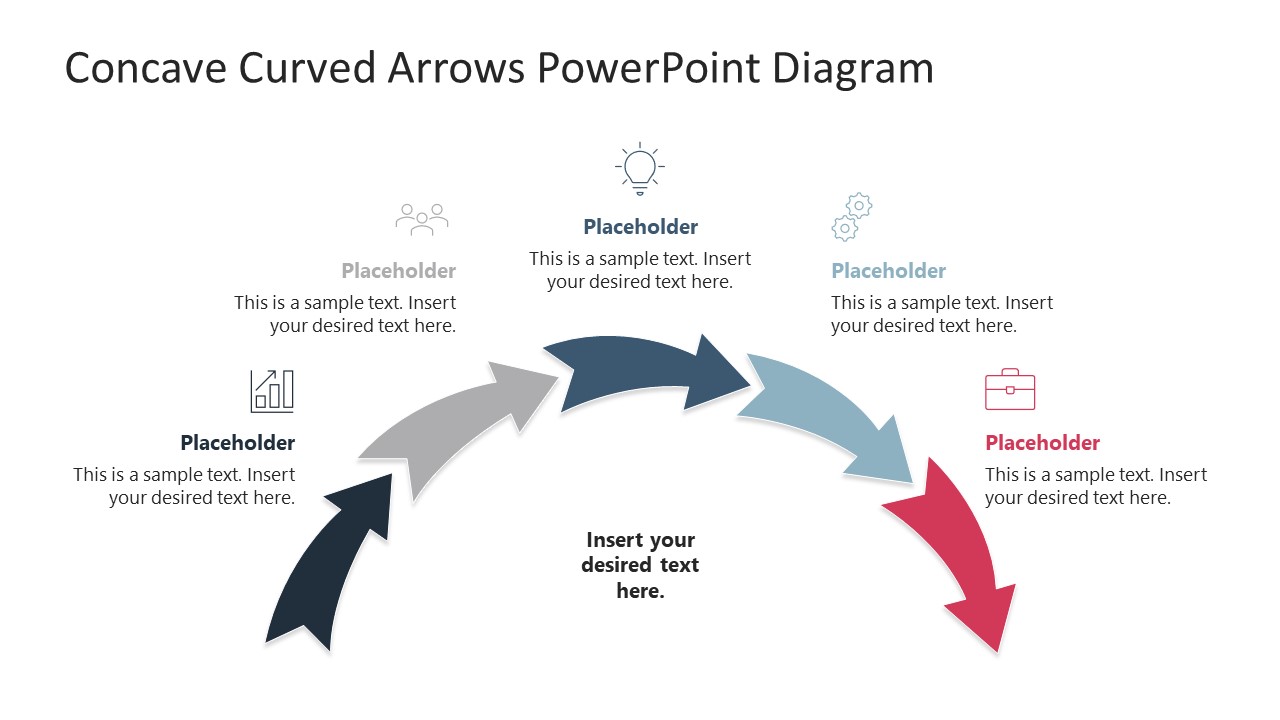
Presenting a multi-step process can be simplified with our Concave Curved Arrows PowerPoint Diagram. This PPT template has an arched array of curved arrows with definitive starting and ending points. Each arrow has a unique color fill with a thin white boundary. These arrows have corresponding description & title text boxes and an image/icon box for adding relevant details. Presenters can add screenshots or descriptive images to these boxes and label them according to the process phases. The first slide has a four-arrow diagram, the second one has five, and the third slide has a 6-phase diagram. The background of the slides can be adjusted to suit the presentation’s requirements. To add a presentation topic, a text box is placed in the center of the curved diagram.
This Concave Curved Arrows PowerPoint Diagram has various use cases ranging from simple educational presentations to high-level C-suite meetings. For instance, an HR team lead can present a sequential process of a company-wide talent development drive. They can choose any slide corresponding to their step numbers and edit it to incorporate their program details. This way, choosing a curved diagram will help connect with the audience through logic rather than a simple linear representation. Similarly, a supply chain director can communicate their four- or five-phase vendor consolidation strategy to their team members or the executive leadership of the company. Also, it can help a management consultant to showcase the phases of the digital transformation procedure from a specific starting point to the final implementation of the technology. Download the concave curved arrows PPT diagram for your decision presentations and use it in your stakeholder presentations. Also, you can visit other versions of arrow diagram templates and select the most suitable one for your presentation.
What’s inside this template
Example presentation scenarios
- An HR leader can present a talent development process by mapping each program phase to the four-step curved arrow layout and adding role-specific notes in the icon callouts.
- A supply chain director can explain a vendor consolidation plan to executives using the five-step arc, with each arrow representing a decision point or implementation milestone.
- A management consultant can show a digital transformation method with the six-step diagram, using the central text area for the transformation theme and the outside callouts for phase details.
- A trainer can introduce a repeatable learning path by using the colored arrow sequence to show progression from orientation through practice and follow-up.
Features
- 100% editable presentation template
- Compatible with Microsoft PowerPoint and Google Slides
- 16:9 aspect ratio slides
- Scalable vector shapes, icons and illustrations
- AI-Ready for Microsoft Copilot and Claude
- Instant access and download
Frequently asked questions
Q: How should a presenter decide between the four-, five-, and six-step versions?
A: Start with the number of decisions or actions the audience must remember, not the amount of text available. Use the four-step arc for executive-level summaries, the five-step arc for project plans with a middle transition, and the six-step arc only when each phase has a distinct purpose that needs its own callout.
Q: Who is this template best suited for?
A: This diagram works best for presenters explaining an ordered process to business or training audiences. Managers, consultants, HR leads, operations teams, and educators can use it when the story is about moving from a defined start to a defined finish, such as rollout steps, onboarding phases, or a structured improvement method.
Q: Why use a concave arrow arc instead of a straight process line?
A: The concave arc creates a path metaphor that is easy to scan from left to right while leaving the center open for the main topic. The outside callouts keep supporting details near each arrow without crowding the sequence, so the audience can see both the overall flow and the individual phase notes.
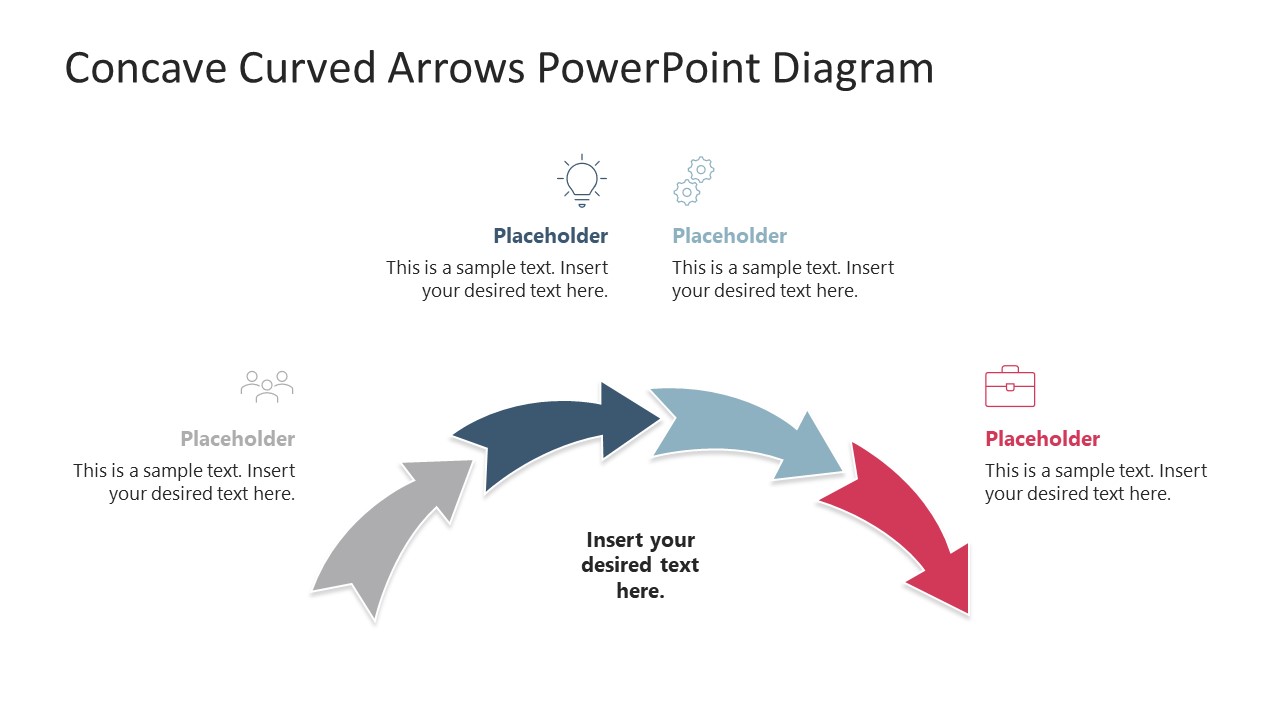

Concave Curved Arrows PowerPoint Diagram
3-slide presentation template with concave arrow arcs for process steps and icon callouts
The Concave Curved Arrows PowerPoint Diagram is a 3-slide process diagram template for showing sequential phases in Microsoft PowerPoint and Google Slides. It includes four-step, five-step, and six-step concave arrow arcs with central topic text, icon callouts, and short description placeholders for business, training, and consulting presentations.
- Category
- Diagrams
- Rating

 Loading...
- Aspect ratio
- 16:9
- Item ID
- 23686-01
- Colors
 Microsoft PowerPoint
  Microsoft Copilot
  Claude for PowerPoint
 Other formats supported
Subscribe today and get immediate
access to download our PowerPoint templates.