Slide 1 of 4 from 3-Step Diamond Arrow PowerPoint Template
Editable 3-Step Diamond Arrow PPT Template
3-Step Horizontal Diamond Arrow Diagram
- Diagram
- Arrow Sequence
- Process Slide
- 16:9
- 100% Editable
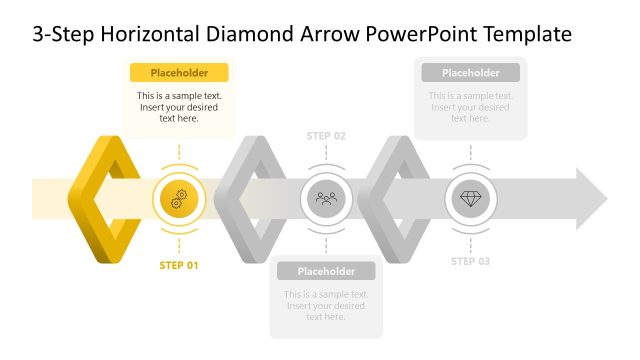
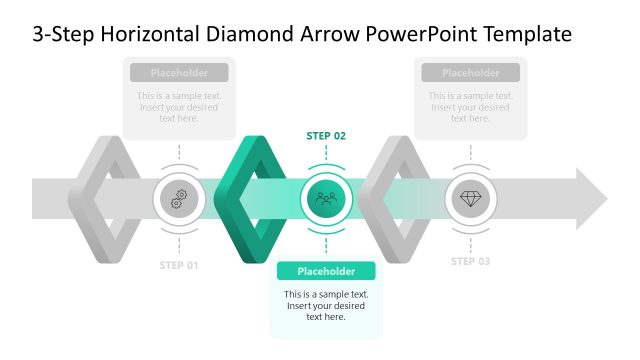
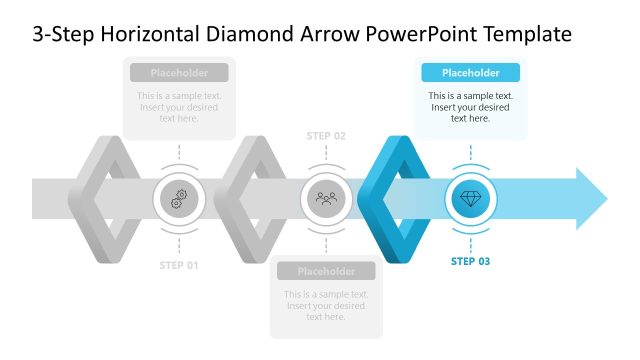
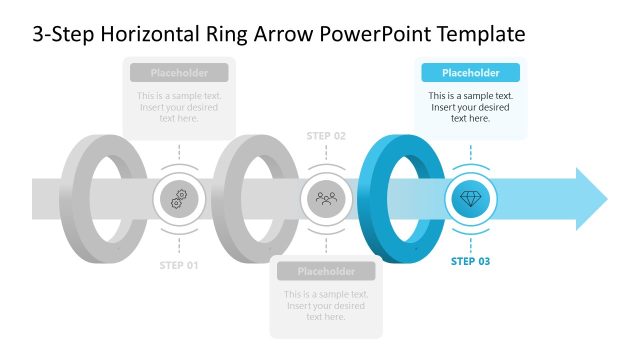
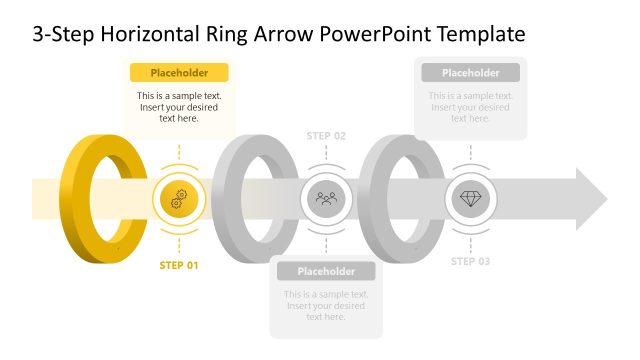
The 3-Step Horizontal Diamond Arrow slide from the 3-Step Diamond Arrow PowerPoint Template visually represents a three-phase process using colored diamond shapes connected by arrows. This slide layout is ideal for business presentations requiring clear depiction of workflows or strategic initiatives. Its editable shapes and vector icons enhance customization, making it a practical choice for corporate presentation slide decks and pitch deck templates that emphasize process clarity and progression.
What’s on This Slide
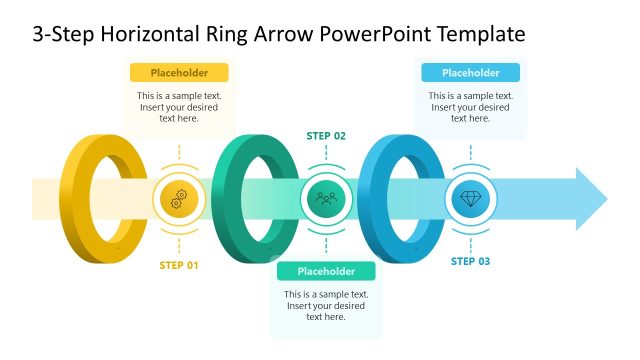
The layout features three diamond shapes aligned horizontally, each representing a step in a process. The first diamond is yellow, the second is green, and the third is blue. Each diamond contains a circular icon in the center, with corresponding step labels positioned below. Above each diamond, there are text placeholders for additional descriptions, centered within their respective shapes. The background is white, enhancing the visibility of the colored elements. Arrows connect the diamonds, indicating flow direction, creating a structured visual hierarchy.
How to Use It
This layout serves as a process flow diagram, ideal for illustrating a three-step workflow or milestone path. It fits well after a problem-framing slide and before a detailed roadmap. This structure is useful in business presentations for outlining project phases, strategic initiatives, or operational processes. It can be employed by managers or consultants to convey complex information succinctly, making it suitable for team meetings or client briefings.
Text Placeholders & Capacity
Keep your copy within these limits so it fits without resizing. Node body slots can hold about 15-20 words each.
| Placeholder | Count | Max characters (approx.) |
|---|---|---|
| Item heading | 3 | 30 |
| Item body | 3 | 100 |
| Slide title | 1 | 50 |
Slide Keywords
Download unlimited PowerPoint templates, charts and graphics for your presentations with our annual plan.
DOWNLOADReturn to 3-Step Diamond Arrow PowerPoint Template.