Dual Arrow Process Flow Infographic PowerPoint Template
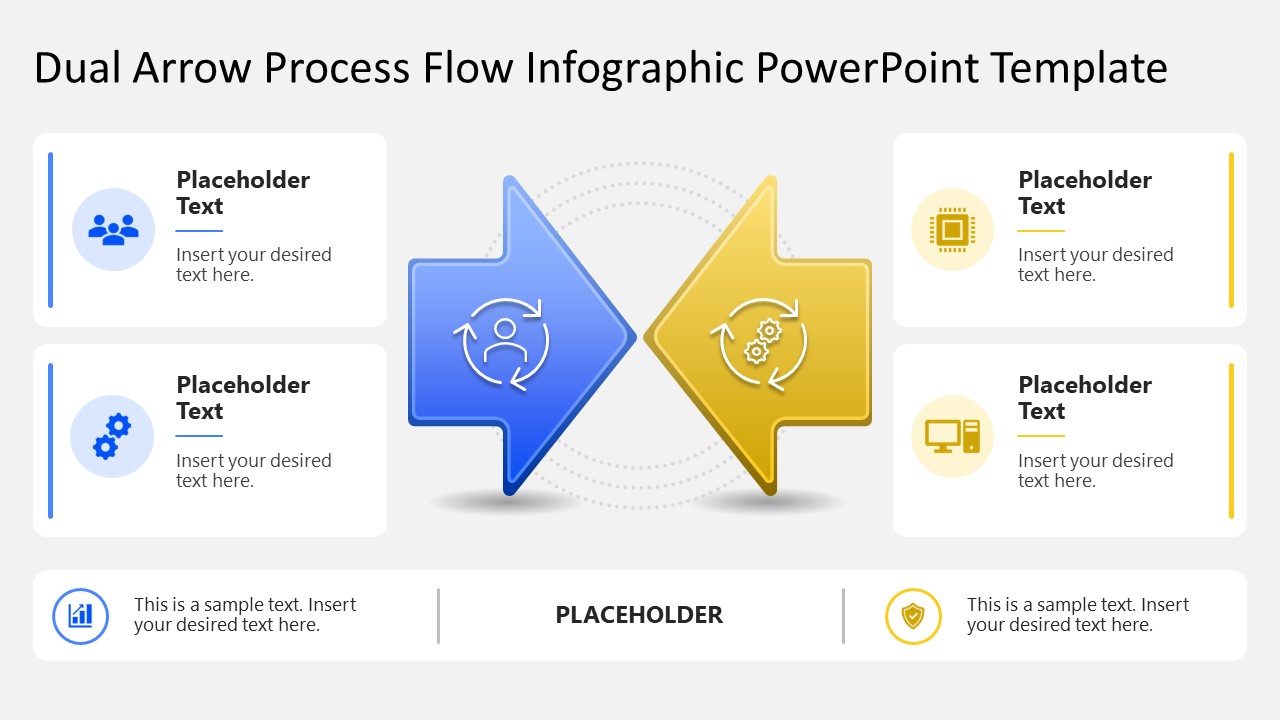
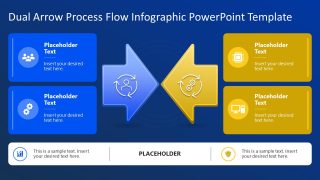
Map a two-way workflow with the Dual Arrow Process Flow Infographic PowerPoint Template, connecting related stages through opposing arrows. The central arrows point toward each other, giving the diagram a visual logic for processes that move in two directions. Four supporting cards sit around the arrows, keeping stage details close to the direction they describe. Blue and yellow accents distinguish the two sides, while the light and dark versions provide alternate visual treatments in two slides.
The first slide features the diagram on a white background with a blue border. Two cards are provided on each side of the central arrows, creating space for related stage descriptions. Small cards surround the arrows. Each card contains an icon, heading, and short text area, giving every stage a consistent place within the flow. The central circular symbols illustrate the directional relationship between the two sides. You can replace placeholder headings and descriptions with real process stages without changing the layout.
Next, the second version uses the same diagram on a deep blue background for technology concept presentations. During an operations review, a process owner can map two workflow directions before deciding where a handoff belongs. In a business process discussion, the diagram connects related stages while the team evaluates how work moves between them. For an academic presentation, a researcher can show two related process paths when explaining how stages interact within a study. A project team can use this template to organize stage details before discussing where the process converges or changes. Download the Dual Arrow Process Flow Infographic PowerPoint Template for process presentations that compare connected directions and related stages during team meetings.

You must be logged in to download this file.
DOWNLOAD- Category
- Process Diagrams
- Rating

 Loading...
- Size
- 16x9
- Item ID
- 23729-01
- Colors
Subscribe today and get immediate
access to download our PowerPoint templates.