Customize our 3-Stage Marketing Funnel PowerPoint Template to showcase your customer shopping journey engagingly. Marketing funnels demonstrate the buyer decision-making process while purchasing in different stages. The funnels simplify the whole customer journey, from brand awareness to the final decision on a particular product or service. Companies must put effort into each marketing funnel stage to convert prospects into customers and repeat buyers. We have specially designed this marketing funnel diagram template for marketers to present their marketing strategies interactively. Professionals can use the animated slides to describe the process of interactions with their potential customers in three steps. The business should consider these three critical steps to make their customer journey successful:
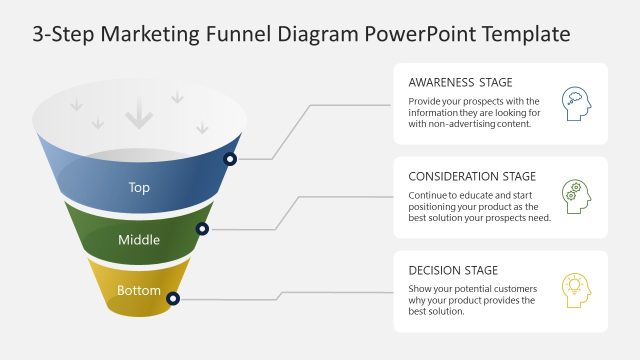
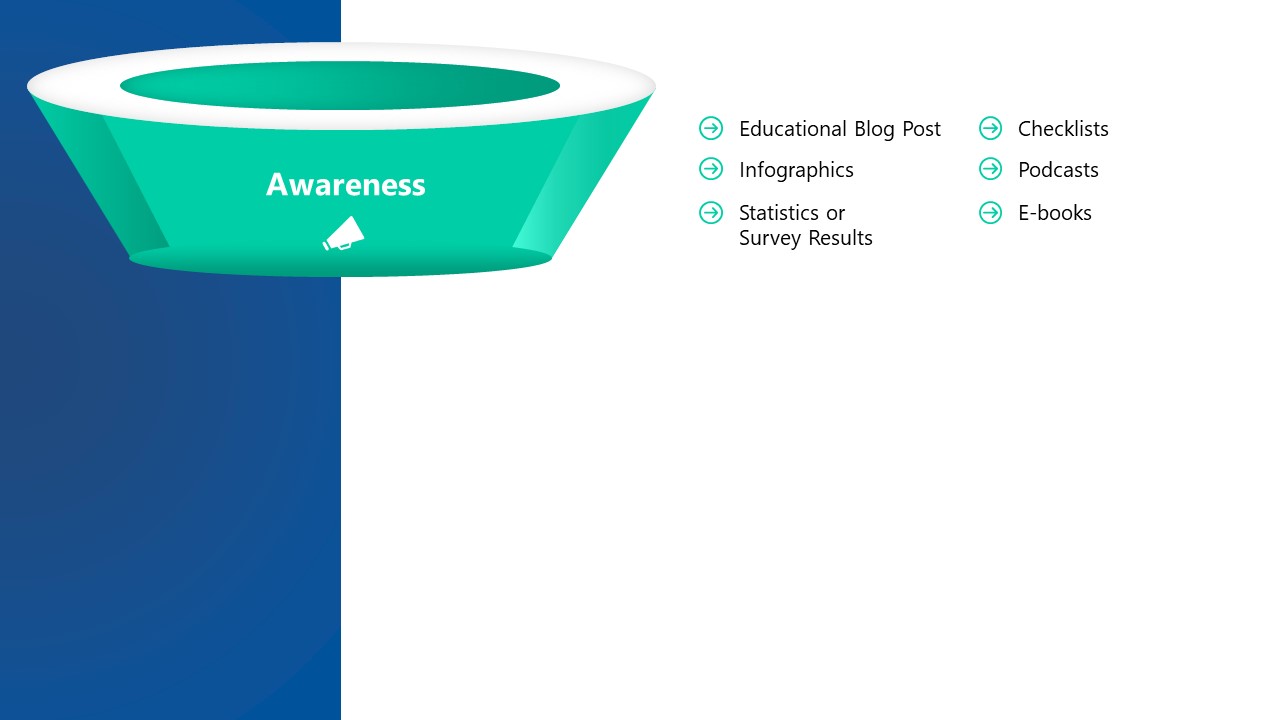
- Awareness: In this stage, a company runs social or print marketing campaigns to increase customer brand awareness.
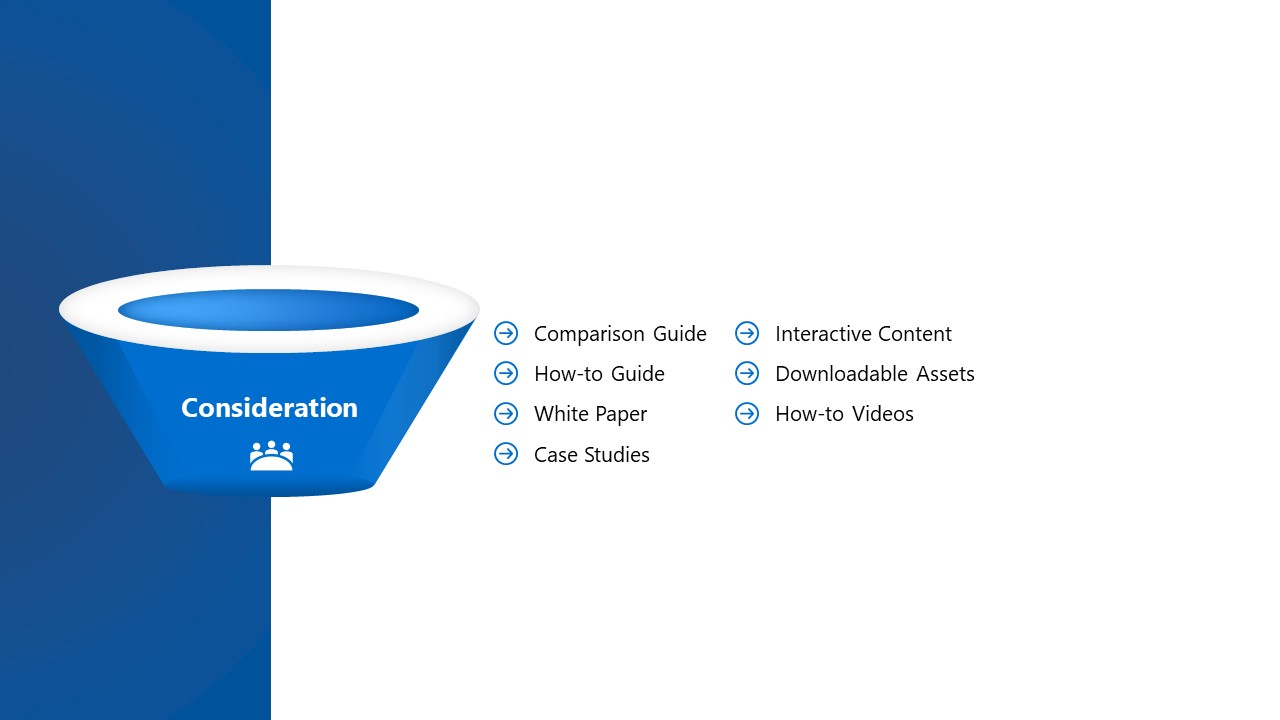
- Consideration: During this phase of the marketing funnel, the customers conduct heavy research to confirm whether or not they should buy your product.
- Decision: The final stage is when the customer buys a brand’s specific product or service.
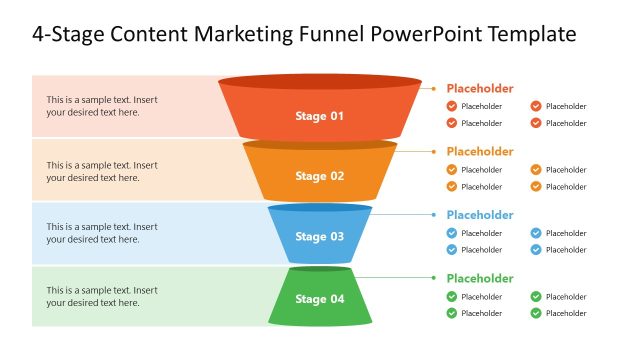
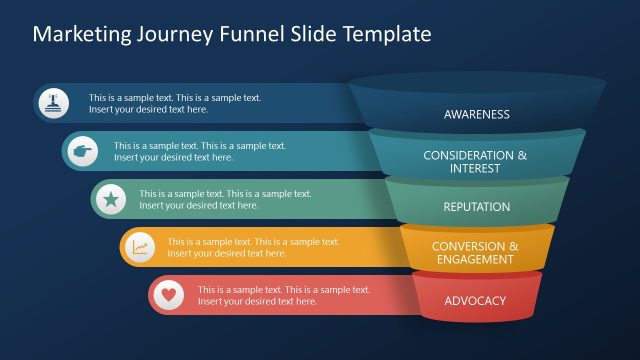
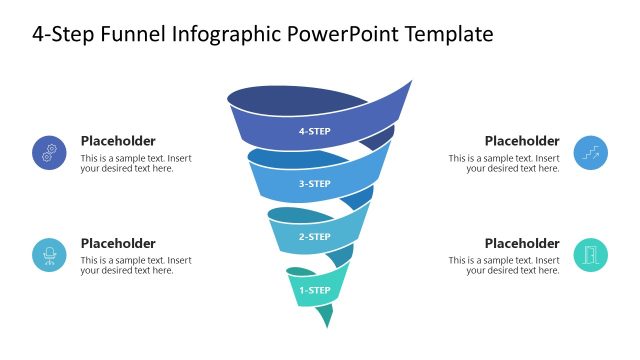
Our 3-Stage Marketing Funnel PowerPoint Template is an interactive template containing a 3D inverted cone illustration with three segments. Each cone segment comprises title text for three steps in the customer buying journey. The template’s color scheme is unique, and professional and attracts the audience’s attention. Moreover, relevant infographic icons are used with each heading to enhance the visuals of the template. In the following three slides, each template step is discussed separately. We have used stunning animations on the corresponding cone segments to make the presentation appealing. Animations bring the focused step onto the slide with a fantastic style.
Furthermore, users can edit this presentation template with all versions of Microsoft PowerPoint. Also, they can change the template colors and graphical features according to their choice. So, download this marketing funnel PowerPoint template and try it now!
What’s inside this template
Example presentation scenarios
- A marketing manager can use the full funnel diagram to explain how awareness, consideration, and decision activities connect in a customer acquisition plan.
- A content strategist can present the awareness slide to map top-funnel assets such as blog posts, infographics, checklists, podcasts, and e-books.
- A demand generation lead can use the consideration slide to align teams around mid-funnel resources such as comparison guides, white papers, case studies, and how-to videos.
- A sales enablement presenter can use the decision slide to discuss bottom-funnel proof points such as product reviews, demos, free tools, product tours, and pricing pages.
Features
- 100% editable presentation template
- Compatible with Microsoft PowerPoint
- 16:9 aspect ratio slides
- Scalable vector shapes, icons and illustrations
- Ready with Animations & Transitions in PowerPoint
- AI-Ready for Microsoft Copilot and Claude
- Instant access and download
Frequently asked questions
Q: How should a presenter explain the funnel without making it feel like a list of tactics?
A: Start with the complete funnel slide to define the buyer journey, then use each stage slide to connect tactics to buyer intent. Explain what the audience needs at that moment: discovery in awareness, evaluation in consideration, and confidence in decision. The bullet lists should support the stage message, not replace it.
Q: Who is this template best suited for in a marketing presentation?
A: This template works best for marketing managers, demand generation teams, agencies, and sales enablement presenters who need a simple funnel view of acquisition strategy. It is especially useful when the goal is to align stakeholders on which content types belong at awareness, consideration, and decision stages.
Q: Why does the inverted funnel metaphor help communicate the buyer journey?
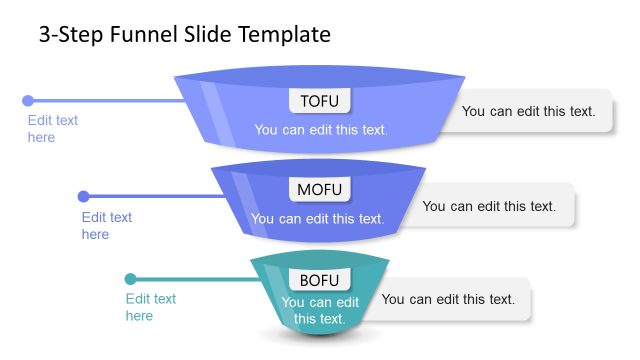
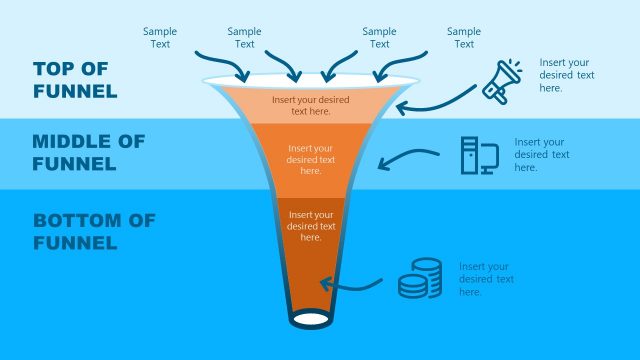
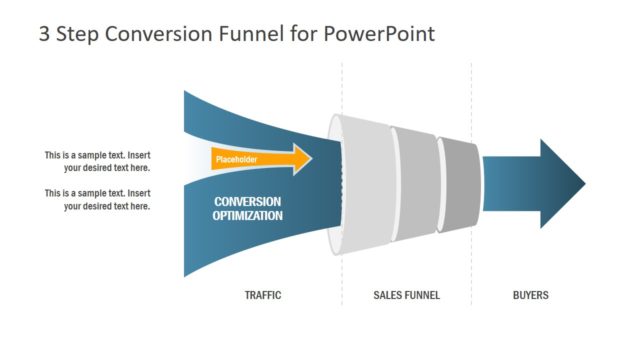
A: The wide-to-narrow funnel shape visually shows how broad awareness activity becomes more selective as buyers evaluate and decide. The separate stage slides reduce visual noise by focusing on one segment at a time, while the colors help the audience remember each stage as a distinct decision point.




3-Stage Marketing Funnel PowerPoint Template
5-slide animated presentation template for marketing funnel strategy and buyer journey stages
The 3-Stage Marketing Funnel PowerPoint Template is a 5-slide animated deck for explaining awareness, consideration, and decision stages in a buyer journey. It includes a 3D inverted funnel diagram, stage-focus slides with content tactic lists, and cover or recap slides for marketing teams using Microsoft PowerPoint.
- Category
- Marketing
- Rating

 Loading...
- Aspect ratio
- 16:9
- Item ID
- 85062-01
- Colors
 Microsoft PowerPoint
 Microsoft Copilot
 Claude for PowerPoint
Other formats supported
Subscribe today and get immediate
access to download our PowerPoint templates.