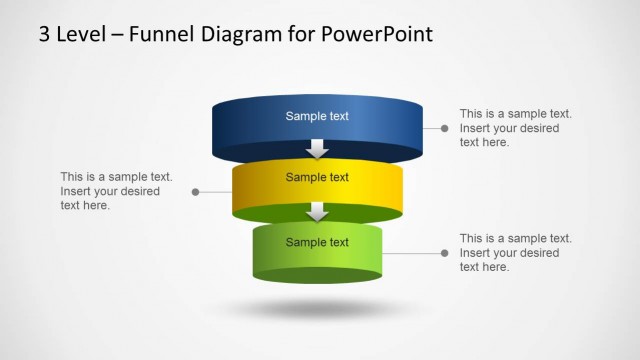
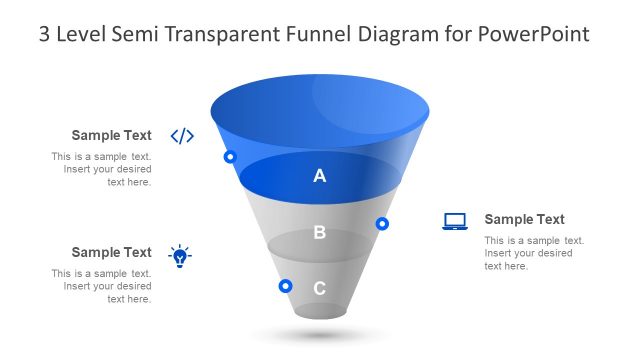
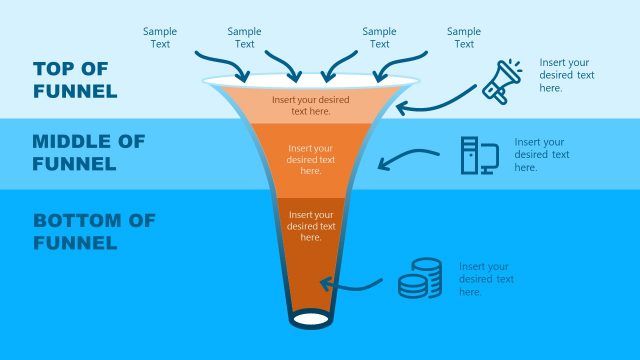
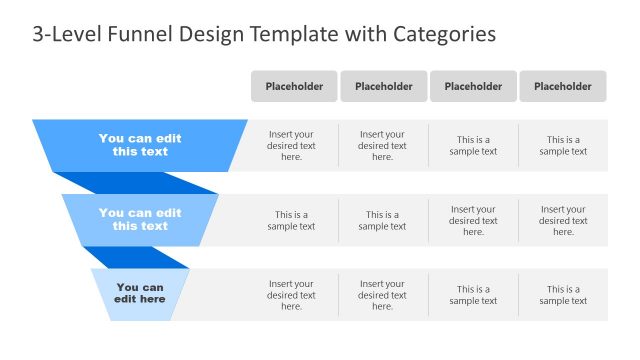
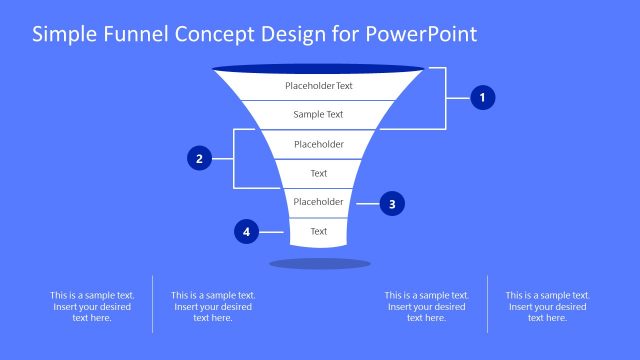
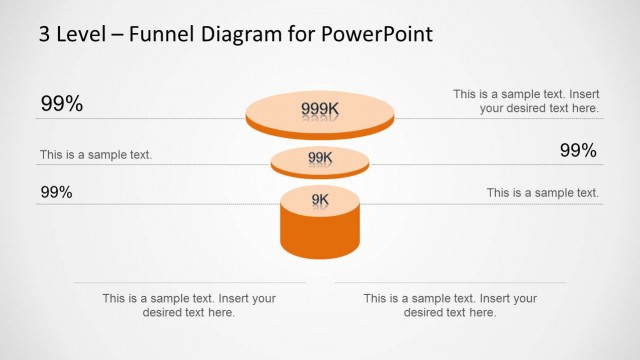
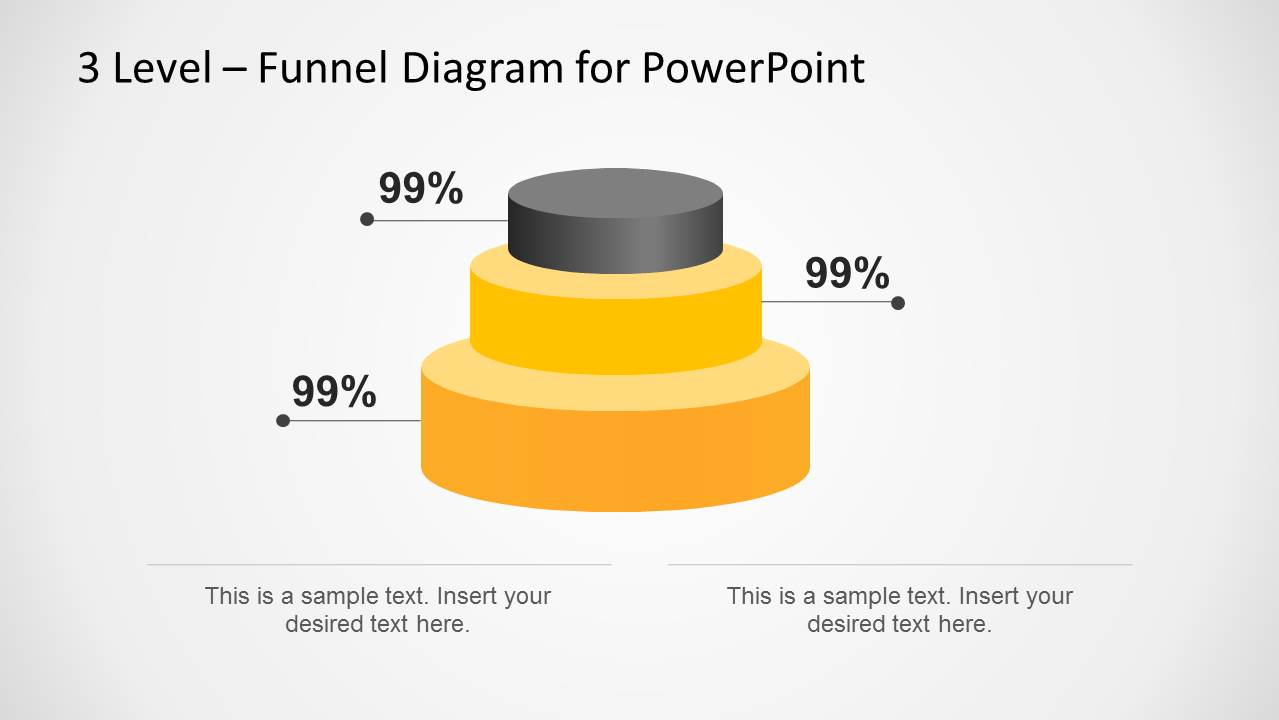
3 Level Stacked Funnel Diagram Template for PowerPoint is the perfect template for making three level funnel diagrams for your PowerPoint presentations.
With the given readymade slides you can easily create a funnel analysis or funnel diagram with little effort, as the slides are easy to edit and quite flexible to accommodate customizations.
You can also download templates for making funnel diagrams with four or five level stacks by downloading templates from our catalogue of Funnel Diagram Templates for PowerPoint.
What’s inside this template
Example presentation scenarios
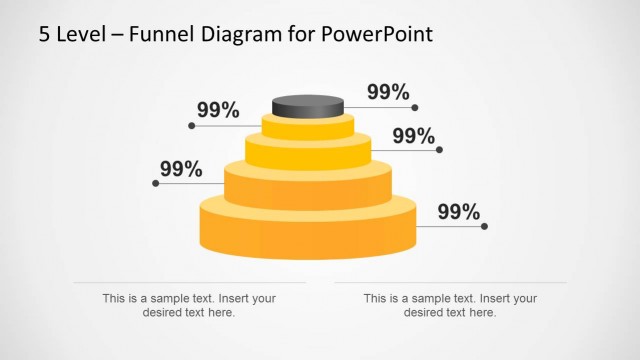
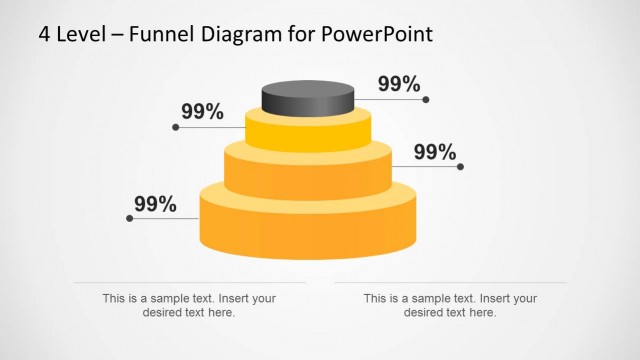
- A sales manager can use the percentage callout slide to explain how prospects move through three pipeline levels and where conversion performance should be discussed.
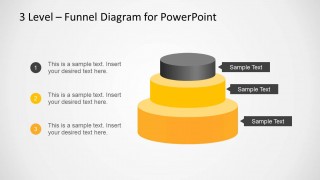
- A marketing lead can use the numbered step layout to present awareness, consideration, and action stages with short notes beside each level.
- A consultant can use the leader-line annotation slide to map a client process from broad intake to narrowed decision points without adding extra diagram complexity.
- A founder can use the labeled funnel tier slide to summarize a go-to-market funnel during a short investor or partner update.
Features
- 100% editable presentation template
- Compatible with Microsoft PowerPoint and Google Slides
- 16:9 aspect ratio slides
- Scalable vector shapes, icons and illustrations
- AI-Ready for Microsoft Copilot and Claude
- Instant access and download
Frequently asked questions
Q: How should I structure the message around a three-level funnel?
A: Start by naming what each funnel tier represents, then add one measurable point or decision rule per level. Use the percentage callout slide when the numbers matter most, and use the leader-line annotation slide when the audience needs short explanations. Keep each tier label brief so the funnel remains the visual anchor.
Q: Who is this template best suited for in a business presentation?
A: This template fits presenters who need to explain a simple staged reduction, such as sales qualification, marketing conversion, lead scoring, or process screening. It works best for sales managers, marketers, consultants, and founders who need a concise funnel view rather than a detailed operating report or multi-page analytics dashboard.
Q: Why use a stacked funnel instead of a standard list of three steps?
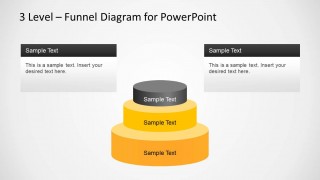
A: The stacked funnel makes the narrowing effect visible, so the audience immediately reads the message as filtering, prioritization, or conversion. The wider bottom tier suggests volume, while the smaller top tier suggests selectivity or outcome. The surrounding callouts then add context without breaking the simple three-part metaphor.


3 Level Stacked Funnel Diagram Template for PowerPoint
4-slide presentation template with a 3-level sales funnel diagram and stage callouts
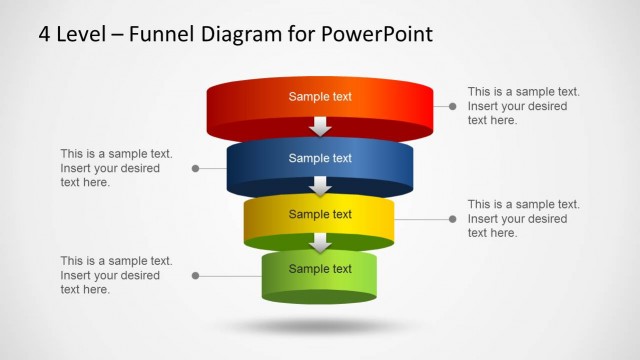
The 3 Level Stacked Funnel Diagram Template for PowerPoint is a 4-slide diagram template for building a three-stage funnel model. It includes percentage callouts, leader-line annotations, numbered step labels, side tags, and text cards around a stacked 3D funnel. It suits sales, marketing, and process presentations in Microsoft PowerPoint and Google Slides.
- Rating

 Loading...
- Aspect ratio
- 16:9
- Item ID
- 6341-02
- Colors
 Microsoft PowerPoint
  Microsoft Copilot
  Claude for PowerPoint
 Other formats supported
Subscribe today and get immediate
access to download our PowerPoint templates.