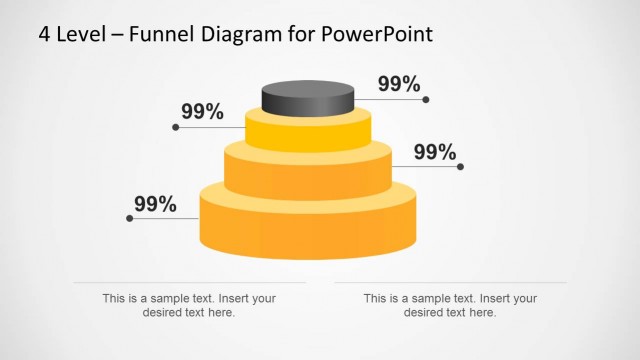
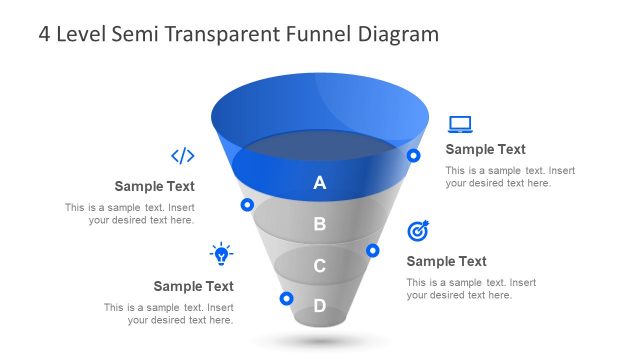
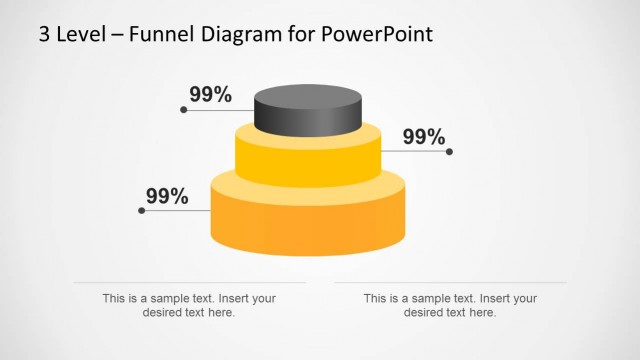
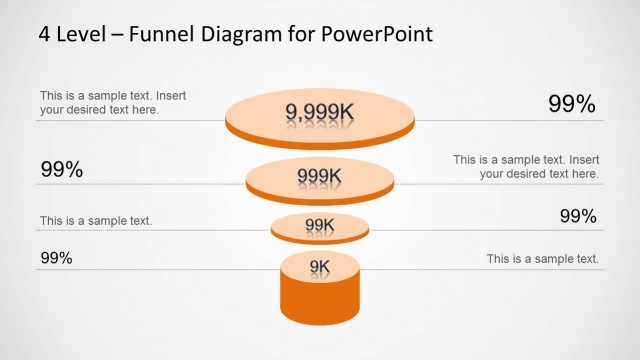
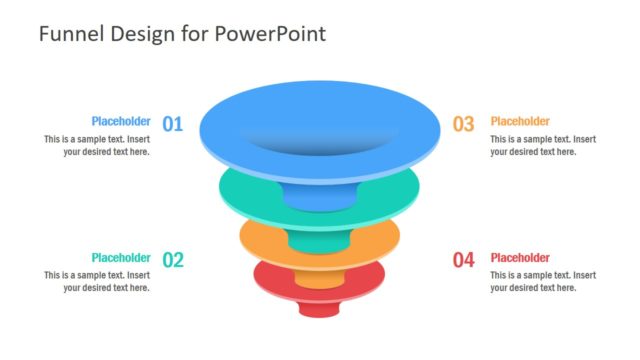
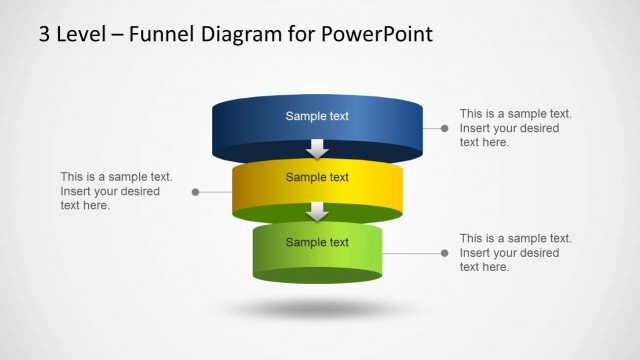
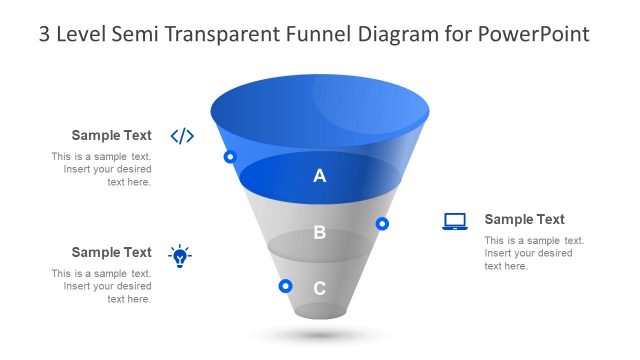
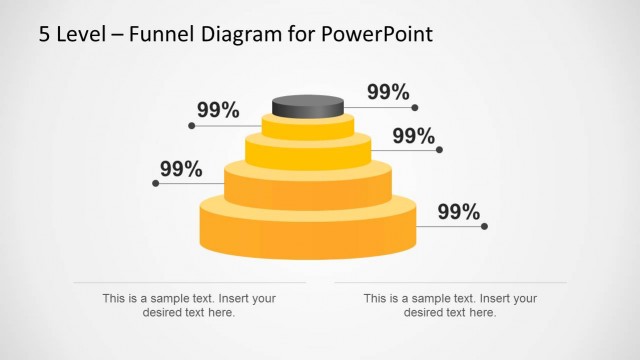
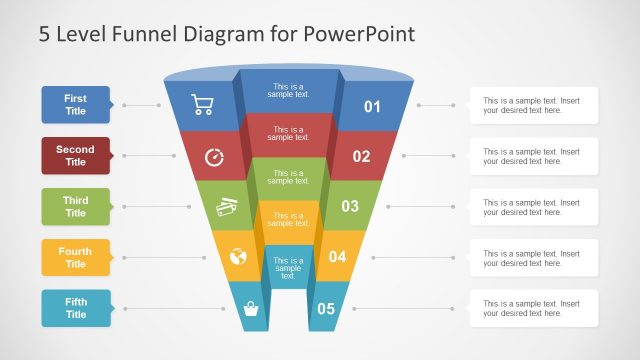
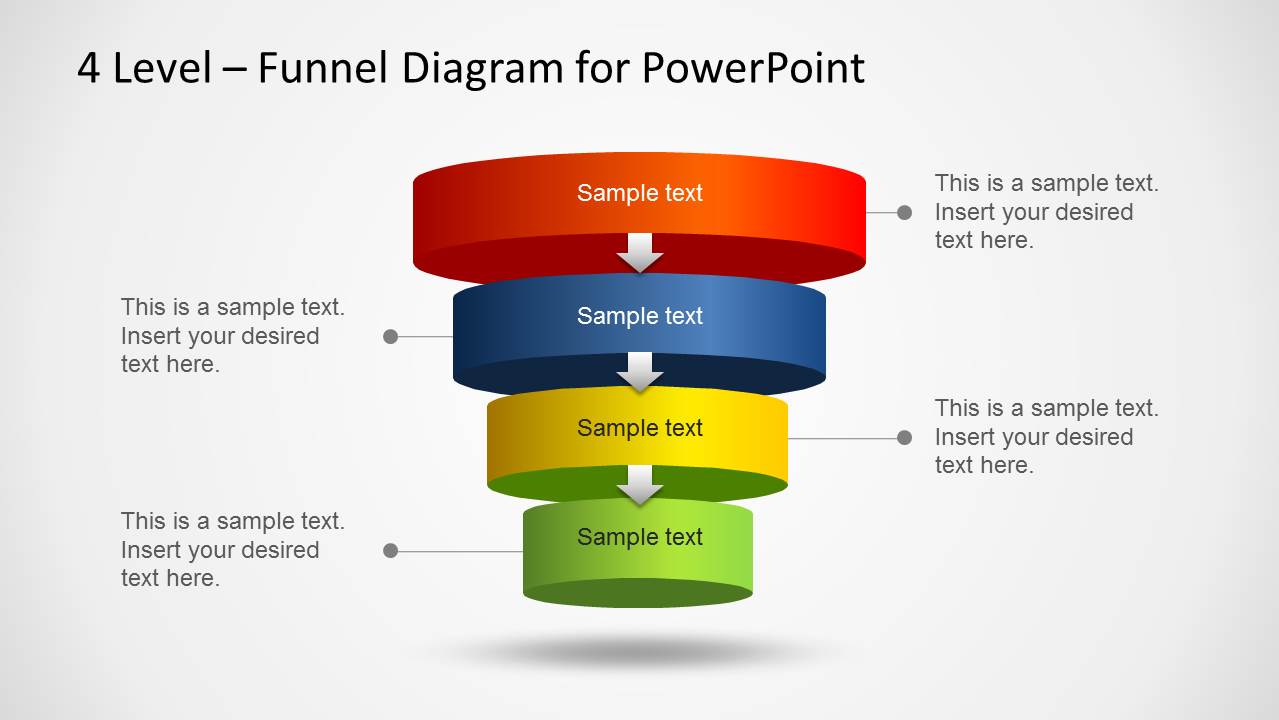
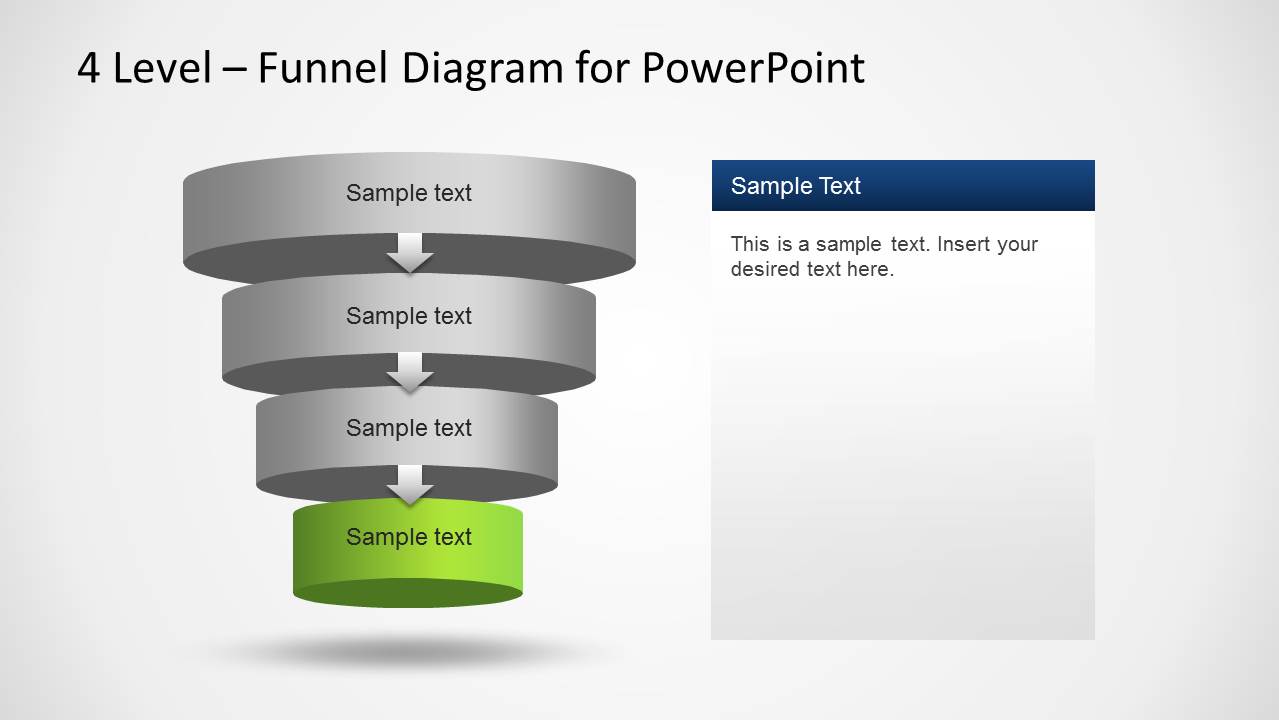
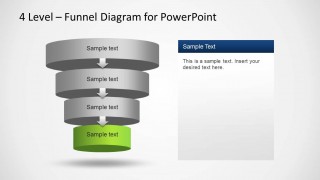
4 Level Funnel Diagram Template for PowerPoint is ideal for making funnel diagrams with 3D layers.
This multi-layered diagram template is easy to customize and you can rearrange the different levels of the diagram via drag and drop, as well as resize and recolor diagram objects in PowerPoint. Each of the layers, and objects are created as PowerPoint shapes, allowing the use to edit 100% of the diagram properties.
You can also download similar templates from our vast collection of Funnel Diagram Templates for PowerPoint.
Impress your audience and save tons of time with this professional 4 Level Funnel Diagram Template for PowerPoint.
What’s inside this template
Example presentation scenarios
- A sales manager can use the 4-level funnel to show how prospects move from broad lead intake to a smaller qualified opportunity group.
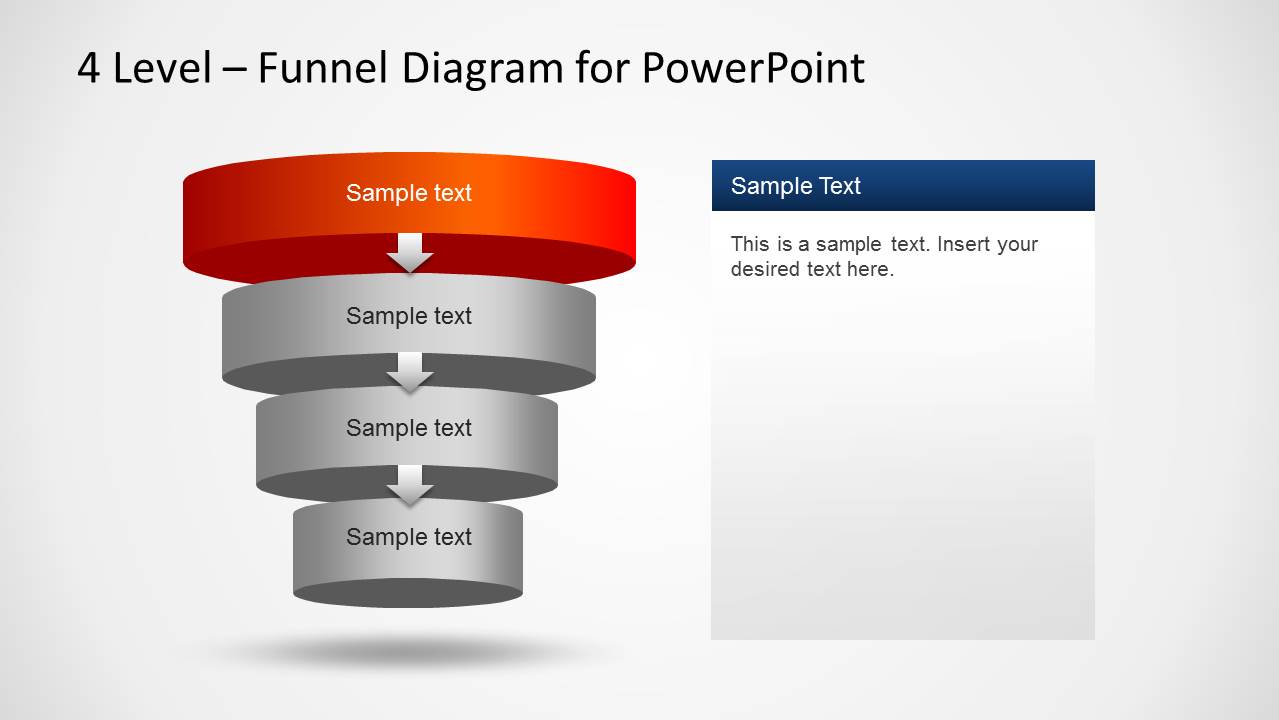
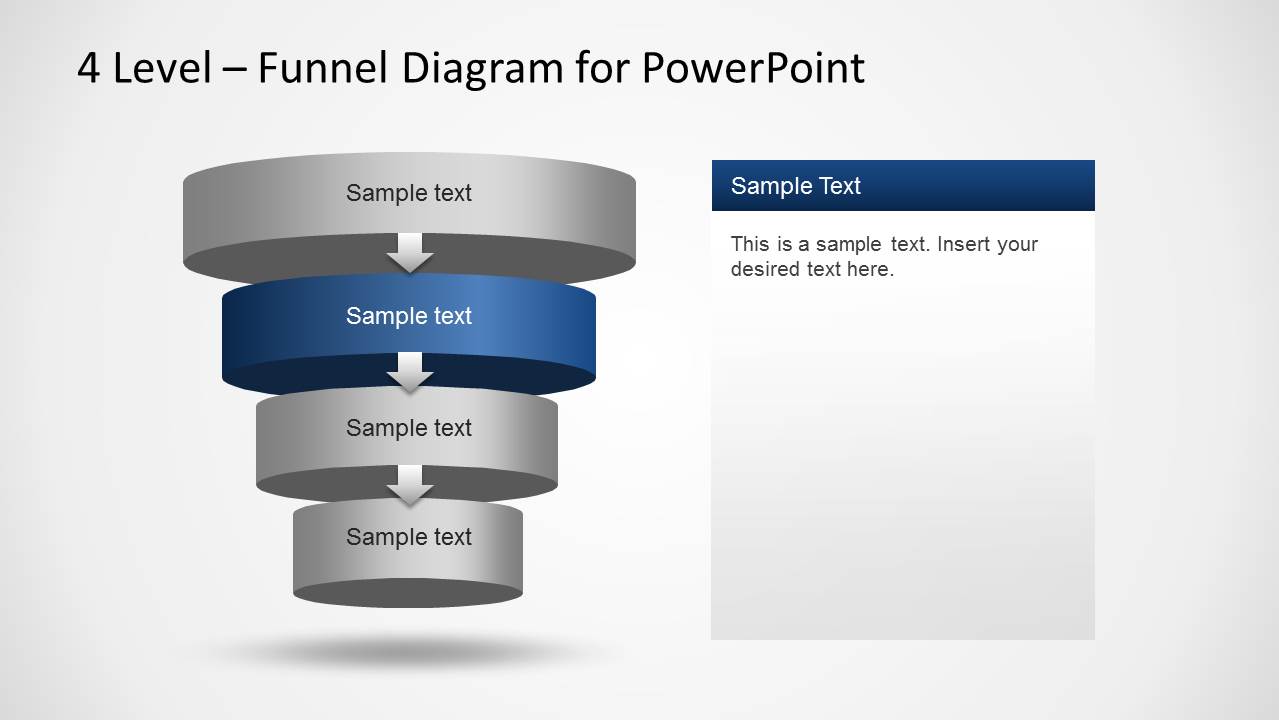
- A marketing presenter can use the highlighted-stage slides to explain awareness, interest, consideration, and conversion without crowding one diagram.
- A consultant can use the side callout layout to map client process stages and add short notes beside each funnel layer.
- An operations leader can use the right-side text panel layouts to explain filtering criteria at each stage of a workflow review.
Features
- 100% editable presentation template
- Compatible with Microsoft PowerPoint and Google Slides
- 16:9 aspect ratio slides
- Scalable vector shapes, icons and illustrations
- AI-Ready for Microsoft Copilot and Claude
- Instant access and download
Frequently asked questions
Q: How should a presenter explain the funnel without making it feel like a generic process graphic?
A: Start with Slide 1 to define what enters the funnel and what exits at the bottom. Then use the highlighted-stage slides to discuss one decision point at a time. Keep each stage label short, and place the criteria, owner, or key action in the right-side text panel so the audience understands why each level narrows.
Q: Who is this funnel template best suited for?
A: This template fits presenters who need to explain a four-step reduction path, such as sales qualification, marketing conversion, recruitment screening, or operational filtering. It is strongest for managers, consultants, and analysts who want to show both the full funnel and the detailed reasoning behind each individual stage.
Q: Why does the 3D layered funnel design help the message?
A: The stacked cylinder metaphor makes reduction visible: the wide top suggests broad intake, while the narrower bottom implies refinement or final output. The alternate slides isolate one layer in color, which helps the presenter focus attention on a single stage while keeping the full funnel context visible.


4 Level Funnel Diagram Template for PowerPoint
5-slide funnel diagram presentation template with 3D layers, callouts, and highlighted stage layouts
The 4 Level Funnel Diagram Template for PowerPoint is a 5-slide diagram deck for explaining staged narrowing processes. It includes a 3D four-level funnel, side callout labels, a right-side text panel, and highlighted-stage funnel variants. It is designed for business presenters in Microsoft PowerPoint and Google Slides.
- Category
- Diagrams
- Rating


 Loading...
- Aspect ratio
- 16:9, 4:3
- Item ID
- 6337-01-4
- Colors
 Microsoft PowerPoint
  Microsoft Copilot
  Claude for PowerPoint
 Other formats supported
Subscribe today and get immediate
access to download our PowerPoint templates.