Slide 1 of 2 from 3-Item Rocket Launch PowerPoint Template
Editable 3-Item Rocket Launch Presentation Template
Rocket Launch Process Diagram for Presentations
- Diagram
- Arrow Sequence
- Process Slide
- 16:9
- 100% Editable
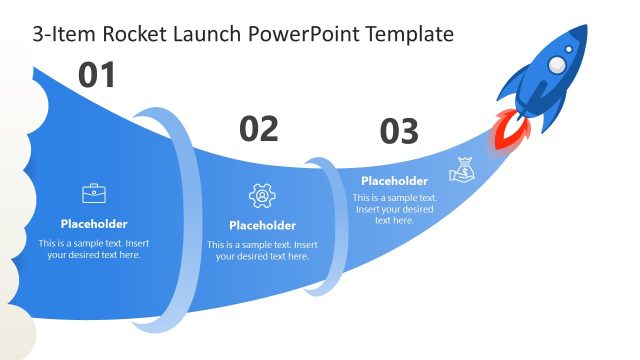
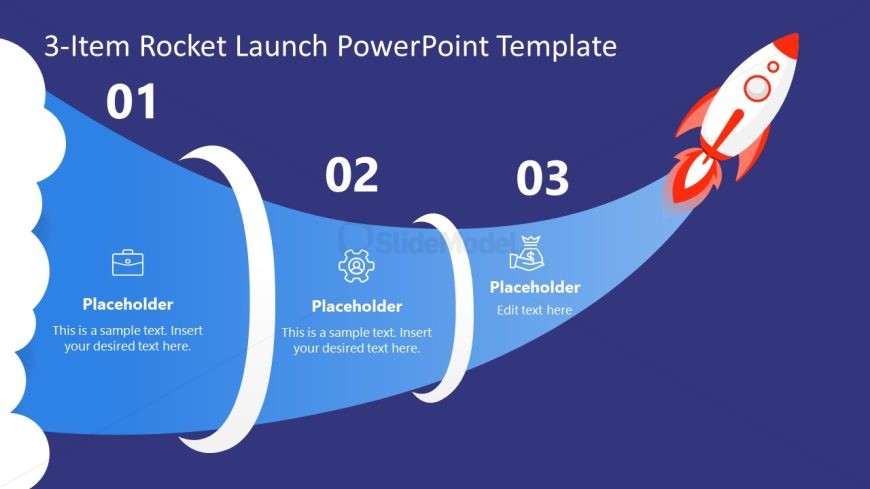
The Rocket Launch Process Diagram from the 3-Item Rocket Launch PowerPoint Template offers a clear visual sequence ideal for business presentations and strategic planning. This slide template uses editable shapes and vector icons to illustrate a three-step process, guiding viewers through project launches or growth initiatives with a dynamic arrow sequence layout.
What’s on This Slide
The slide features a diagonal layout with a blue background. On the left, there is a cloud shape that occupies the lower left corner. Three circular nodes are arranged along a curved path from left to right, each containing a number (01, 02, 03) at the top. Below each node, there are text placeholders aligned centrally, indicating where content can be added. An image of a rocket is positioned at the far right, emphasizing the theme. The overall composition directs attention along the path from the cloud to the rocket.
How to Use It
This layout serves as a process diagram, illustrating a three-step sequence. It is suitable for presentations that outline initiatives or strategies, particularly in business growth contexts. This slide fits well at the beginning of a presentation, establishing the framework for subsequent details. It can be used in scenarios such as project launches, product introductions, or strategic planning sessions, where a clear progression is needed to guide the audience through key points.
Text Placeholders & Capacity
Keep your copy within these limits so it fits without resizing. Node body slots can hold about 8-10 words each.
| Placeholder | Count | Max characters (approx.) |
|---|---|---|
| Item heading | 3 | 2 |
| Item body | 3 | 50 |
Slide Keywords
Download unlimited PowerPoint templates, charts and graphics for your presentations with our annual plan.
DOWNLOADReturn to 3-Item Rocket Launch PowerPoint Template.