Slide 1 of 3 from Business Launch PowerPoint Template
Business Launch PowerPoint Presentation
Business Launch Process Overview Slide
- Diagram
- Process Flow
- Process Slide
- 16:9
- 100% Editable
What’s on This Slide
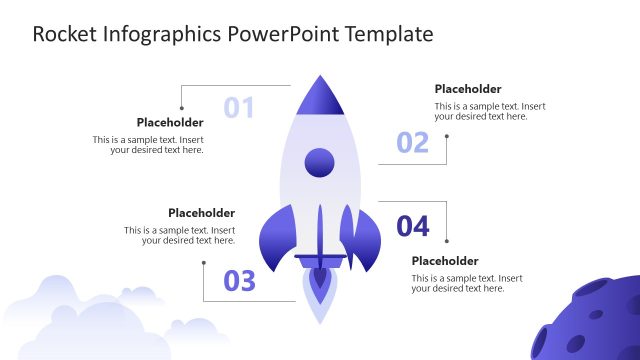
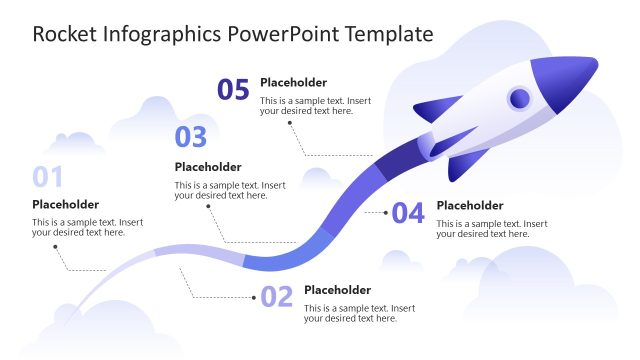
The slide features a vertical layout divided into three sections, each containing a numbered label on the left. The sections are visually separated by light blue backgrounds, with a rocket illustration centered at the bottom. Each section contains a text placeholder aligned to the left, indicating where to insert desired text. The numbering is positioned prominently, with the numbers 01, 02, and 03 displayed in a larger font size. The overall composition emphasizes a clean and organized structure, suitable for presenting sequential information.
How to Use It
This layout serves as a sequential overview of a business launch process, ideal for outlining key steps or phases. It fits well at the beginning of a presentation to introduce the main topics. This format is useful in scenarios such as project kickoffs, product launches, or service introductions, where clarity and order are essential. It can be used to guide the audience through a structured narrative, ensuring each step is clearly communicated and visually distinct.
Text Placeholders & Capacity
Keep your copy within these limits so it fits without resizing. Node body slots can hold roughly 8 words each.
| Placeholder | Count | Max characters (approx.) |
|---|---|---|
| Item heading | 3 | 2 |
| Item body | 3 | 40 |
Slide Keywords
Download unlimited PowerPoint templates, charts and graphics for your presentations with our annual plan.
DOWNLOADReturn to Business Launch PowerPoint Template.