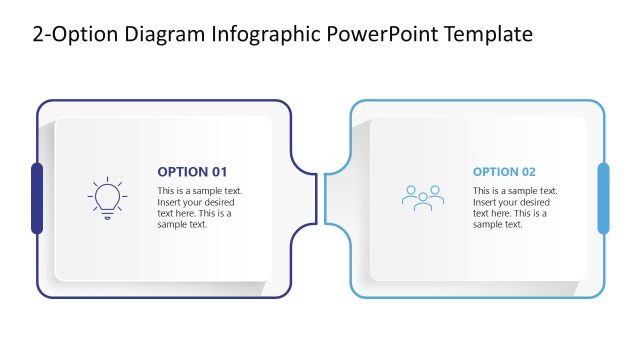
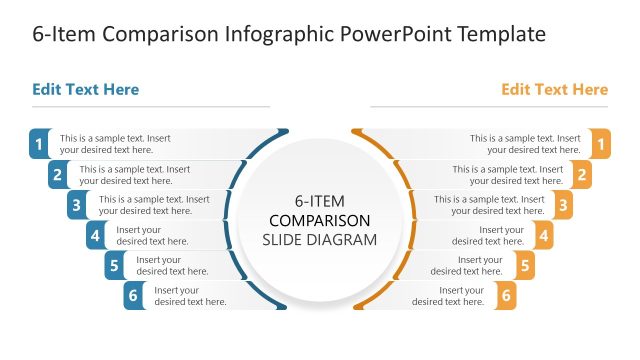
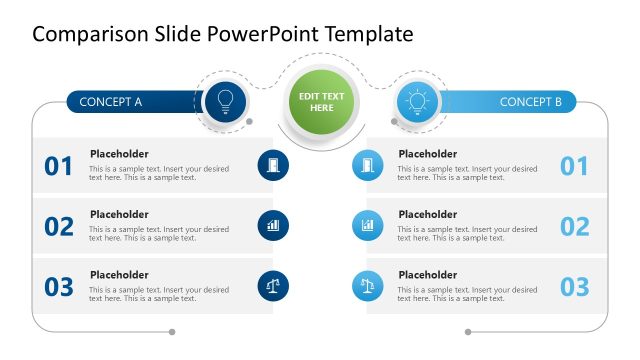
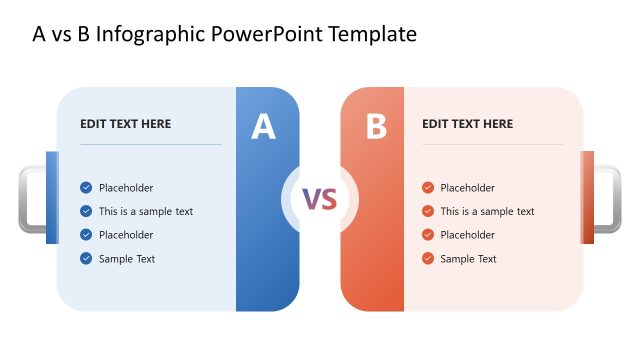
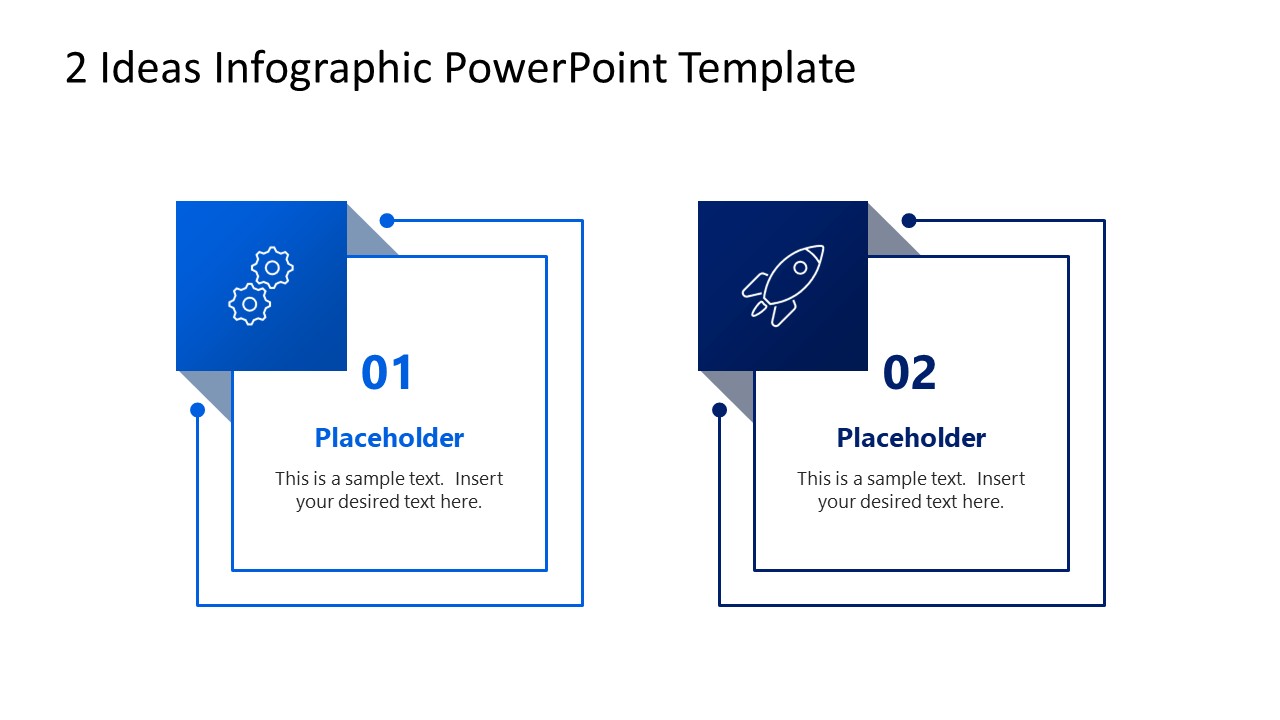
Compare two ideas, products, strategies, or options in your business presentations using our clean 2 Ideas Infographic PowerPoint Template. The template layout features two blocks placed side by side. Each block has a double outline, with a smaller shape at the top-left that shows the infographic. In the center, we have provided placeholder text to display the title and description of the key points to be presented in the meeting. Both segments have blue colored lines, but with different shades. Users can duplicate this one-pager template to create a spotlight effect and discuss each point individually in the stakeholder presentations. Professionals can easily customize the layout and modify its graphical features to outline their information thematically. This template is also editable on Google Slides.
Supply chain managers can edit the 2 Ideas Infographic PowerPoint Template for their decision-making presentations to compare two vendors for their next purchase. The template helps business analysts structure two risk assessment scenarios in their stakeholder presentations before making any final recommendations. Professionals can also use this infographic to help board members clearly see the two strategic initiative options and allocate resources accordingly. Digital marketing managers can use the 2-ideas infographic template to compare two ad campaign formats during team meetings and decide on the most suitable one.
The two-block layout allows financial experts to structure two investment options comprehensively in key investment presentations. They can also copy the slide and use it in their pitch decks. Download the two-ideas infographic PPT template to visualize the comparison between two business concepts in leadership presentations. Additionally, you can try other infographic templates to present information clearly in your team presentations.
What’s inside this template
Example presentation scenarios
- A supply chain manager can compare two vendor options for a procurement decision using the two numbered idea cards and short description fields.
- A business analyst can present two risk scenarios to stakeholders by assigning each scenario to one outlined card with a concise headline and summary.
- A marketing manager can compare two campaign formats during a team meeting using the gear and rocket icon blocks to separate operational and growth-oriented ideas.
- A financial presenter can show two investment directions to leadership by placing each option in a balanced side-by-side card for quick discussion.
Features
- 100% editable presentation template
- Compatible with Microsoft PowerPoint and Google Slides
- 16:9 aspect ratio slides
- Scalable vector shapes, icons and illustrations
- AI-Ready for Microsoft Copilot and Claude
- Instant access and download
Frequently asked questions
Q: How should a presenter structure the message on this two-idea slide?
A: Start with the decision the audience needs to make, then give each card one clear idea name and one short explanation. Keep the wording parallel so Idea 01 and Idea 02 can be compared quickly. Use the icons as category cues, not decoration, and reserve detailed evidence for speaker notes or backup slides.
Q: Who is this template best suited for in a business presentation?
A: This template works best for presenters who need a quick, balanced comparison before a discussion or decision. Managers, analysts, consultants, and team leads can use it to frame two vendors, strategies, campaigns, or investment choices without building a dense table. It is especially useful when the audience needs clarity before deeper analysis.
Q: Why does the side-by-side card design help explain opposing ideas?
A: The paired cards create visual parity, which helps the presenter avoid making one option look dominant before the discussion begins. Numbered labels guide the reading order, while the icon blocks give each idea a visual anchor. The double outlines create contained spaces, making the comparison feel structured rather than like two unrelated text boxes.
2 Ideas Infographic PowerPoint Template
1-slide presentation template for comparing two ideas with side-by-side option cards and icons
The 2 Ideas Infographic PowerPoint Template is a 1-slide diagram for comparing two concepts, options, or recommendations. It shows two side-by-side outlined idea cards with numbered labels, headline and body placeholders, and icons for gears and a rocket. It is intended for business comparisons in Microsoft PowerPoint and Google Slides.
- Category
- Diagrams
- Rating

 Loading...
- Aspect ratio
- 16:9
- Item ID
- 23629-02
- Colors
 Microsoft PowerPoint
  Microsoft Copilot
  Claude for PowerPoint
 Other formats supported
Subscribe today and get immediate
access to download our PowerPoint templates.