Images
How to Blur an Image in Canva
Blurring an image in Canva is quick and effective. This guide shows you exactly how to apply blur to any element in your design in just a few steps.
How to Work with GIFs in Canva
Want to add some movement to your designs? Discover how to use, customize, and export GIFs in Canva without any complicated tools or software.
How to Remove Background from Images in Canva
Canva’s Background Remover makes it easy to cut out distractions and let your subject shine. Here’s how to remove backgrounds from any image in just a few steps.
How to Save a PowerPoint Slide in Canva as an Image
Want your Canva slides as image files? Here’s the fastest way to export a PowerPoint slide as an image.
How to Edit an Image in Canva
You don’t need Photoshop to polish your images. Discover how to edit an image in Canva using built-in tools that simplify the process for any skill level.
How to Make an Image Transparent in Canva
Seamlessly integrate images in your slides by learning how to make an image transparent in Canva. Step-by-step instructions.
How to Use Placeholders in PowerPoint
Understand how placeholder elements work and how they help standardize slides, speed up editing, and avoid layout mistakes.
How to Export a PowerPoint Graphic as a Transparent PNG
You don’t need fancy tools like Photoshop to create transparent images. Learn how to export PowerPoint graphic as transparent PNG here.
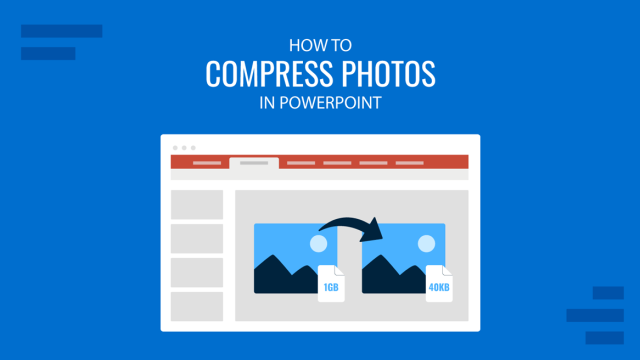
How to Compress Photos in PowerPoint
Make your slide decks easier to share by learning how to compress photos in PowerPoint. Ideal to optimize file sizing in your presentations.
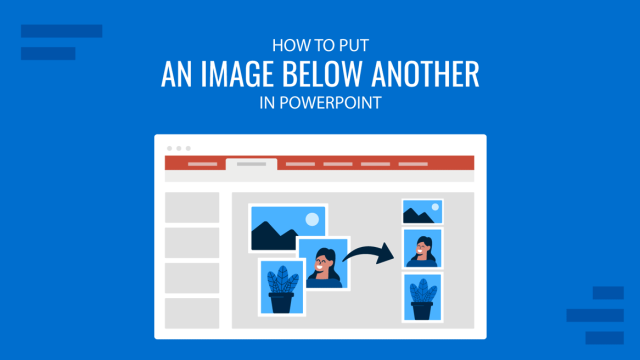
How to Put an Image Below Another in PowerPoint
Organize your slide layouts by learning how to put an image below another in PowerPoint. A core skill for presentation design.
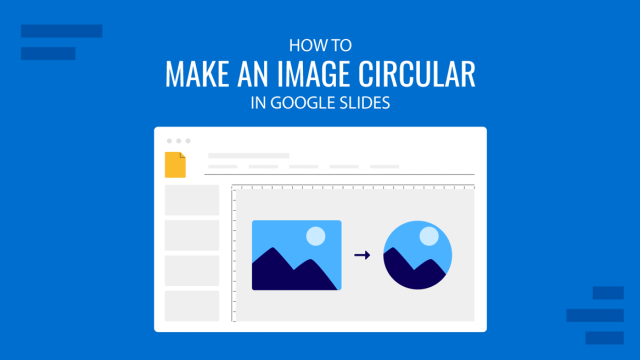
How to Make an Image Circular in Google Slides
Want to create circular images in Google Slides? Follow this quick and easy tutorial to make your visuals stand out.
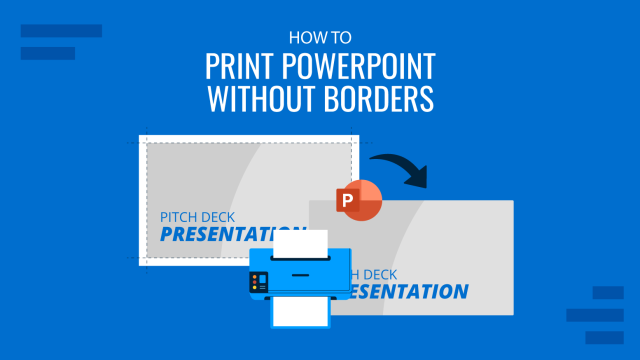
How to Print PowerPoint without Margins
The documents printed in PowerPoint may wear an unwanted white border space or margin unless we configure the proper page size and scale options. In order to create borderless when exporting PowerPoint presentations to PDF format, you can follow the steps below. Here is a method to make borderless PDF presentations in your Mac by exporting your slides to images […]