Slide 11 of 23 from Free Ultra Analysis Slide Template
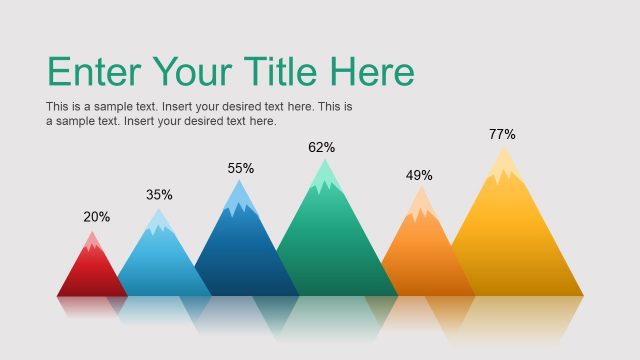
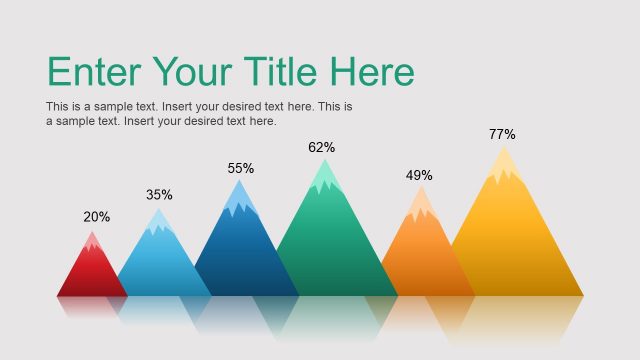
Horizontal Timeline Mountain PPT
Pyramid Comparison Chart for Presentations
- Chart
- Other
- Comparison Slide
- 16:9
- 100% Editable
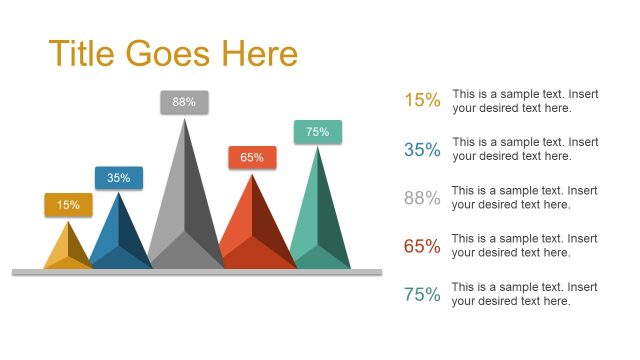
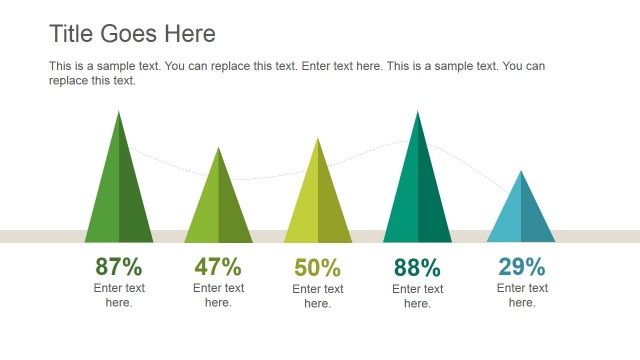
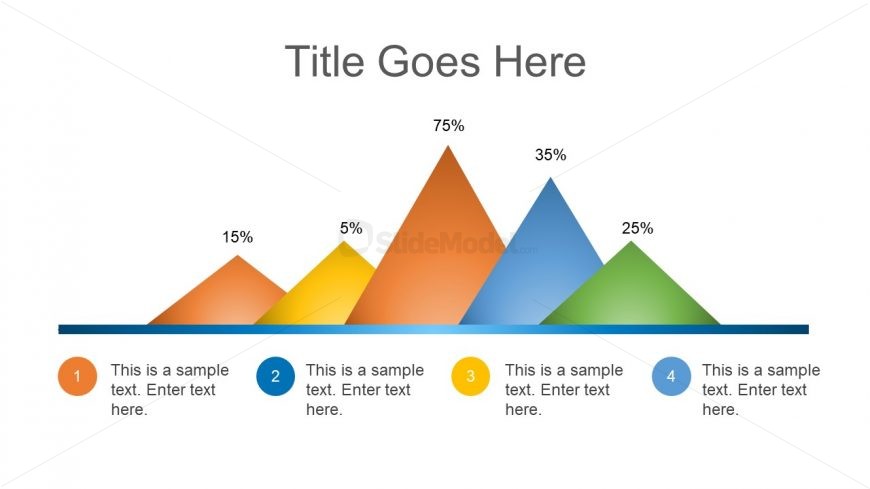
The Pyramid Comparison Chart slide from the Free Ultra Analysis Slide Template offers a clear visual format for comparing performance metrics or survey results using distinct triangular shapes. This slide layout is ideal for business presentations requiring a straightforward comparison of project options or data categories, utilizing editable shapes and color-coded segments to enhance clarity within a corporate presentation or pitch deck template.
What’s on This Slide
The layout features a series of four triangular shapes arranged in a row, representing different values. Each triangle is colored distinctly, transitioning from orange to yellow, then to blue and green. Above each triangle, a percentage label indicates its value, with the largest triangle on the left. Below each triangle, there are circular placeholders for text, aligned centrally. A title placeholder is located at the top center of the slide. The background is white, enhancing the visibility of the colored shapes.
How to Use It
This layout serves as a comparison chart, effectively displaying multiple data points in a visual format. It is suitable for business presentations where different categories or options need to be compared based on quantitative metrics. This slide can fit into a sequence following an introduction or problem statement, leading into a detailed analysis or discussion of the data presented. It is useful for showcasing performance metrics, survey results, or project comparisons.
Text Placeholders & Capacity
Keep your copy within these limits so it fits without resizing. Node labels can hold about 15 characters each, while body text can accommodate around 50 characters.
| Placeholder | Count | Max characters (approx.) |
|---|---|---|
| Slide title | 1 | 30 |
| Item heading | 4 | 15 |
| Item body | 4 | 50 |
Slide Keywords
Download unlimited PowerPoint templates, charts and graphics for your presentations with our annual plan.
DOWNLOADReturn to Free Ultra Analysis Slide Template.