Slide 4 of 7 from Free Business Forecast PowerPoint Template
Data Driven Pie Chart Forecast PPT
Pie Chart Slide for Business Forecast
- Chart
- Pie Chart
- Data Analysis Slide
- 16:9
- 100% Editable
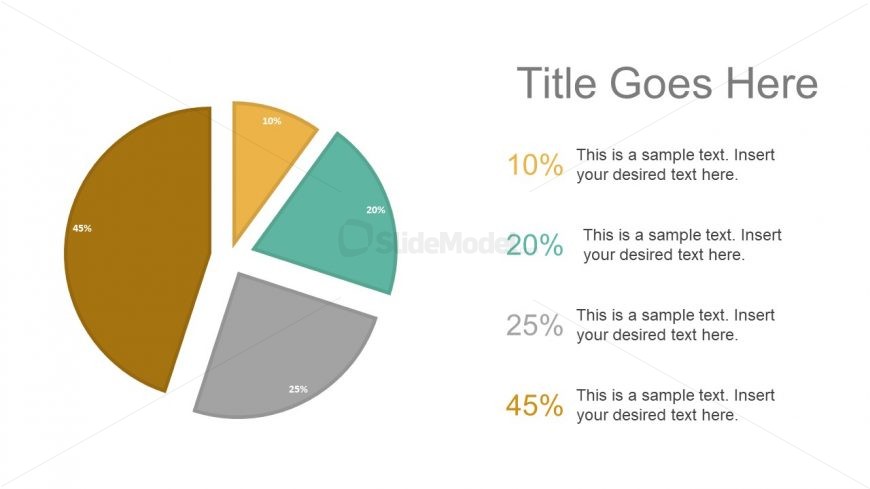
The Pie Chart with Percentages slide from the Free Business Forecast PowerPoint Template offers a clear visual tool for market share analysis and budget breakdowns. This slide layout features editable shapes and color-coded segments with percentage labels, making it suitable for business presentations and pitch deck templates that require precise data comparison and effective communication of survey results.
What’s on This Slide
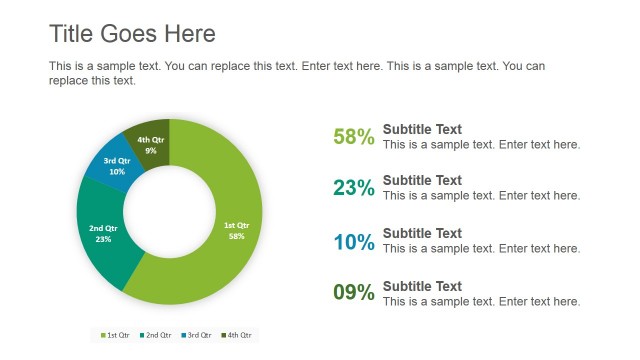
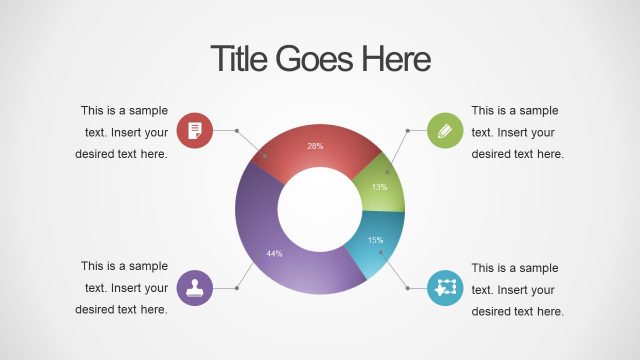
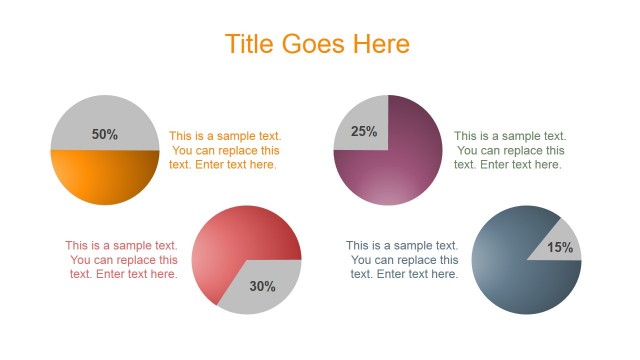
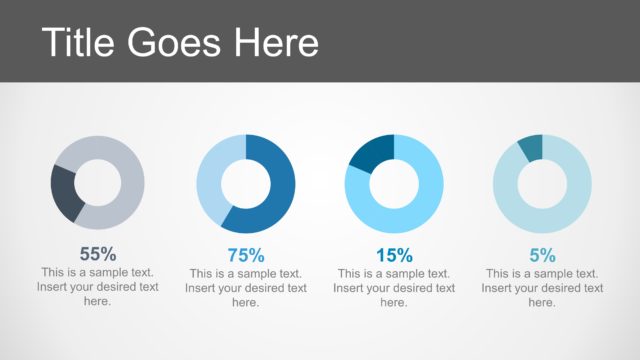
The slide features a pie chart positioned on the left side, displaying five segments in varying colors: brown, yellow, teal, gray, and green. Each segment is labeled with a percentage value, indicating its proportion. To the right, there are four text placeholders aligned vertically, each corresponding to a segment of the pie chart. The placeholders are arranged in descending order of percentage values, with the largest segment at the top. The overall layout is clean, with ample white space enhancing readability.
How to Use It
This layout serves as a visual representation of data distribution, ideal for illustrating market shares, survey results, or budget allocations. It fits well in a presentation sequence after introducing a problem or trend, providing a clear breakdown of components. This slide is useful in business contexts where stakeholders need to understand proportions and comparisons among different categories, such as sales forecasts or resource allocations.
Text Placeholders & Capacity
Keep your copy within these limits so it fits without resizing. Node labels can hold about 10 characters each, while body text can accommodate around 50 characters.
| Placeholder | Count | Max characters (approx.) |
|---|---|---|
| Slide title | 1 | 30 |
| Item heading | 5 | 10 |
| Item body | 5 | 50 |
Slide Keywords
Download unlimited PowerPoint templates, charts and graphics for your presentations with our annual plan.
DOWNLOADReturn to Free Business Forecast PowerPoint Template.