Slide 1 of 4 from Free Performance Gauge Slide PowerPoint Template
Free Performance Gauge Diagram Cover Slide
Performance Gauge Slide for Presentations
- Chart
- Gauge Meter
- Evaluation Slide
- 16:9
- 100% Editable
What’s on This Slide
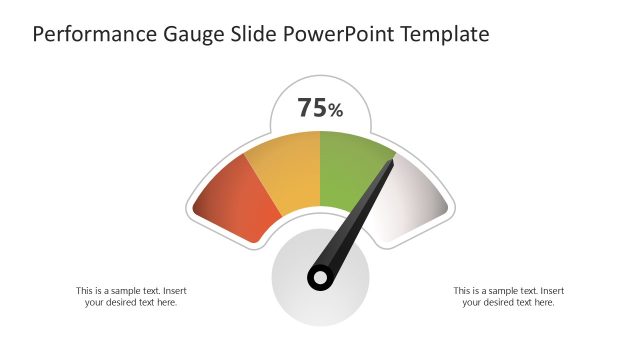
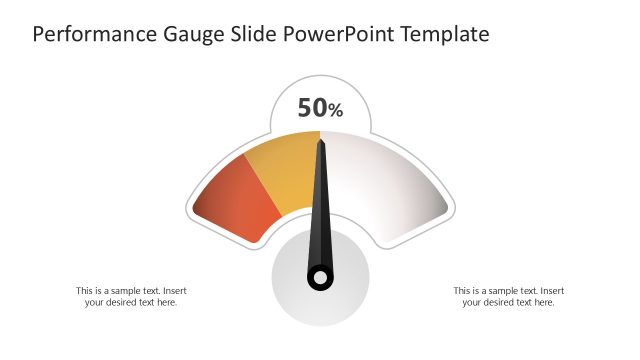
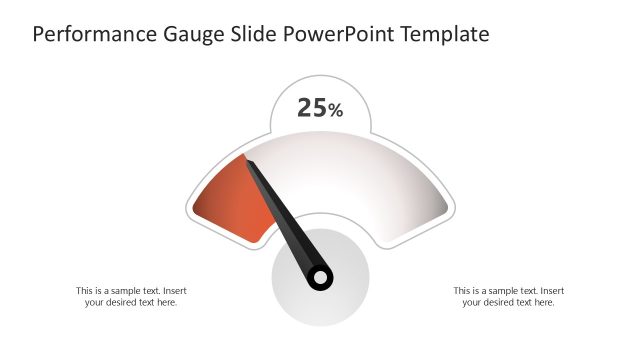
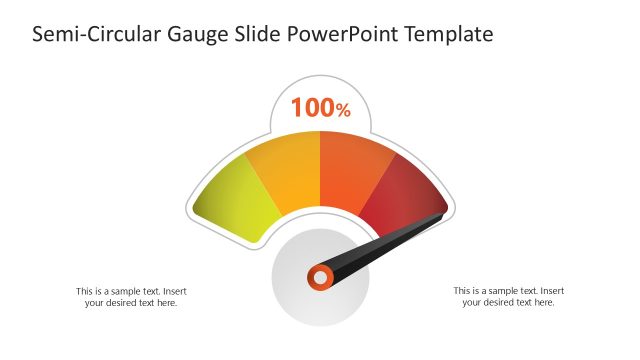
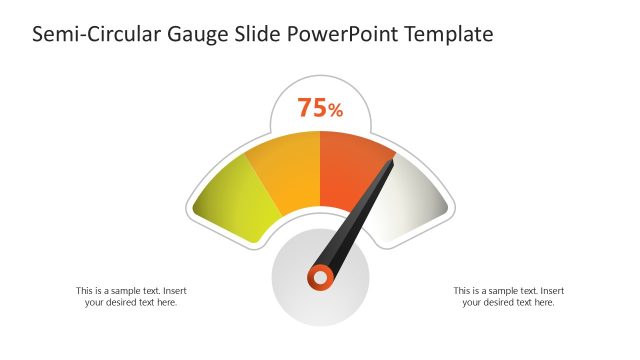
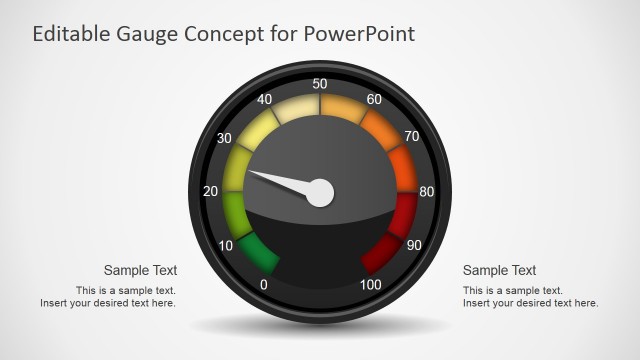
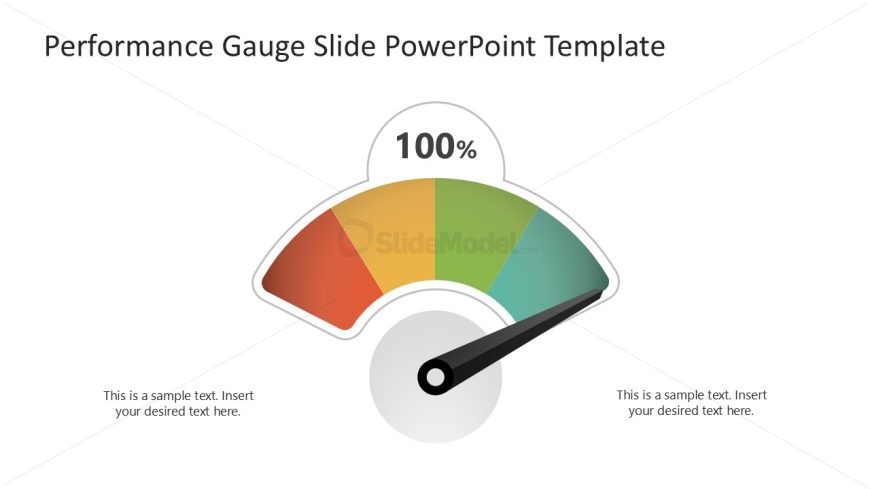
The layout features a large performance gauge in the center, displaying a needle pointing to 100%. The gauge is semi-circular with a gradient color scheme transitioning from red to green, indicating performance levels. Text placeholders are positioned on both the left and right sides of the gauge, aligned centrally. Each placeholder is designed for body text, allowing for additional context or data. The overall composition is clean, with ample white space surrounding the gauge, emphasizing the visual element and enhancing readability.
How to Use It
This layout serves as a performance gauge, ideal for illustrating metrics or KPIs in a presentation. It fits well after introductory slides, providing a visual representation of performance data. Suitable for business reviews, project updates, or performance assessments, it allows for quick comprehension of data at a glance. This layout can be used to compare performance levels across different metrics or time periods, making it versatile for various reporting scenarios.
Text Placeholders & Capacity
Keep your copy within these limits so it fits without resizing. Body slots can accommodate roughly 10-12 words each.
| Placeholder | Count | Max characters (approx.) |
|---|---|---|
| Slide title | 1 | 40 |
| Body paragraph | 2 | 60 |
Slide Keywords
Download unlimited PowerPoint templates, charts and graphics for your presentations with our annual plan.
DOWNLOAD