Slide 2 of 2 from Before Now After PowerPoint Template
Customizable Before Now After PPT Template
Before Now After Comparison Slide
- Diagram
- Comparison Split
- Comparison Slide
- 16:9
- 100% Editable
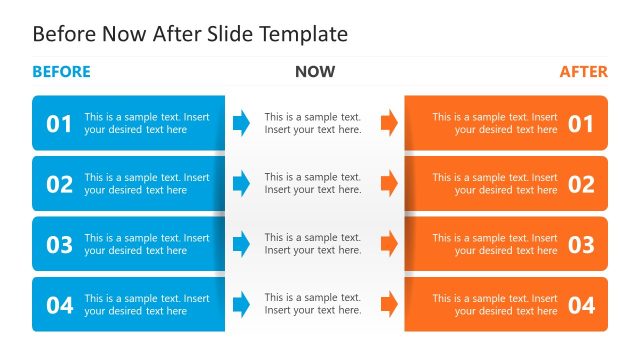
The Before Now After Comparison slide from the Before Now After PowerPoint Template offers a clear, structured layout ideal for illustrating product evolution, project updates, or performance comparisons. This slide uses three distinct vertical sections with editable shapes to highlight transitions over time, making it suitable for business presentations and pitch deck templates that require precise visual differentiation of stages.
What’s on This Slide
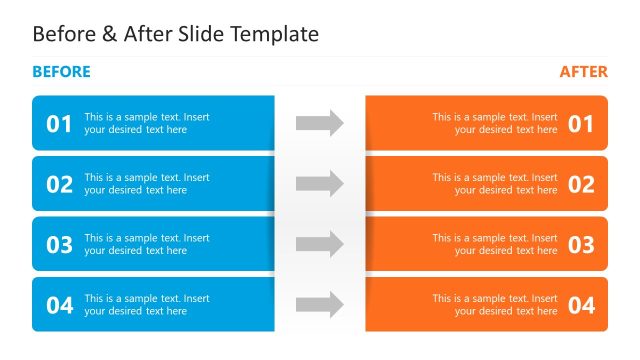
The layout features three vertical sections labeled 'BEFORE', 'NOW', and 'AFTER'. Each section contains multiple text placeholders aligned vertically. The 'BEFORE' section is colored blue, the 'NOW' section is neutral, and the 'AFTER' section is orange. Each section has a header at the top, with the main text placeholders centered below. The overall composition is balanced, with clear visual separation between sections. The placeholders are evenly spaced, allowing for consistent text entry. The slide background is light, enhancing readability.
How to Use It
This layout serves as a comparison tool to illustrate changes over time or between states. It is suitable for presentations discussing progress, product evolution, or performance metrics. This slide fits well in a sequence following a problem statement, leading into a discussion of outcomes. It can be used in business contexts such as project updates, marketing strategies, or product development timelines, effectively highlighting transitions and improvements.
Text Placeholders & Capacity
Keep your copy within these limits so it fits without resizing. Each text placeholder can hold about 30 characters comfortably.
| Placeholder | Count | Max characters (approx.) |
|---|---|---|
| Item body | 15 | 30 |
Slide Keywords
Download unlimited PowerPoint templates, charts and graphics for your presentations with our annual plan.
DOWNLOADReturn to Before Now After PowerPoint Template.