Slide 7 of 8 from Free Index Card Concept Template for PowerPoint
Virtual Index Cards Template
Index Card Concept Slide for Presentations
- Media Layout
- Other
- Concept Explanation Slide
- 16:9
- 100% Editable
The Index Card Concept with Icons slide from the Free Index Card Concept Template for PowerPoint offers a clear dual-content layout ideal for educational presentations and business concept comparisons. Featuring editable shapes and vector icons, this slide template supports effective project overviews by visually separating two ideas with distinct backgrounds and iconography, enhancing clarity in corporate presentations and slide decks.
What’s on This Slide
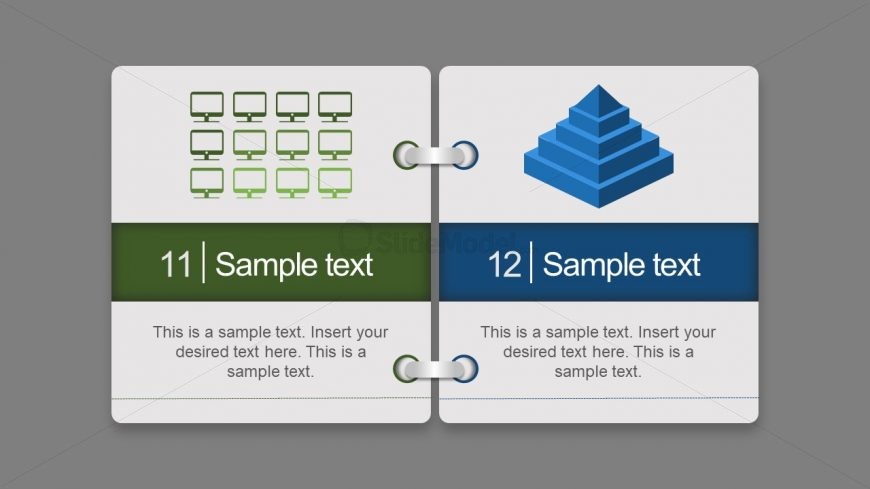
The layout features two sections divided vertically. The left section contains a grid of twelve green computer icons arranged in three rows and four columns. Below, there is a green text placeholder aligned to the left. The right section displays a blue pyramid icon above another text placeholder, which is also aligned to the left. Each section has a distinct background color, with the left section in light gray and the right in a darker gray. The visual hierarchy emphasizes the icons and the pyramid, while the text placeholders are positioned for easy readability.
How to Use It
This layout serves as a dual-content display, suitable for comparing two concepts or ideas. It fits well in a presentation sequence that requires a visual distinction between two related topics. Common scenarios include educational contexts where concepts are explained side by side or business presentations that highlight different aspects of a project. The layout is effective for summarizing key points or illustrating a process with visual aids.
Text Placeholders & Capacity
Keep your copy within these limits so it fits without resizing. Body slots can hold approximately 30 words each.
| Placeholder | Count | Max characters (approx.) |
|---|---|---|
| Item heading | 12 | 30 |
| Body paragraph | 2 | 150 |
Slide Keywords
Download unlimited PowerPoint templates, charts and graphics for your presentations with our annual plan.
DOWNLOAD