Slide 1 of 8 from Free Index Card Concept Template for PowerPoint
Free Infographic PowerPoint Index Card
Index Card Concept Layout for Presentations
- Text Layout
- List Blocks
- Concept Explanation Slide
- 16:9
- 100% Editable
The Index Card Concept Layout from the Free Index Card Concept Template for PowerPoint offers a clear dual-section design ideal for educational presentations and product comparisons. This slide template features editable shapes and vector icons to visually separate and explain two concepts side by side, enhancing clarity in corporate presentations or pitch deck templates.
What’s on This Slide
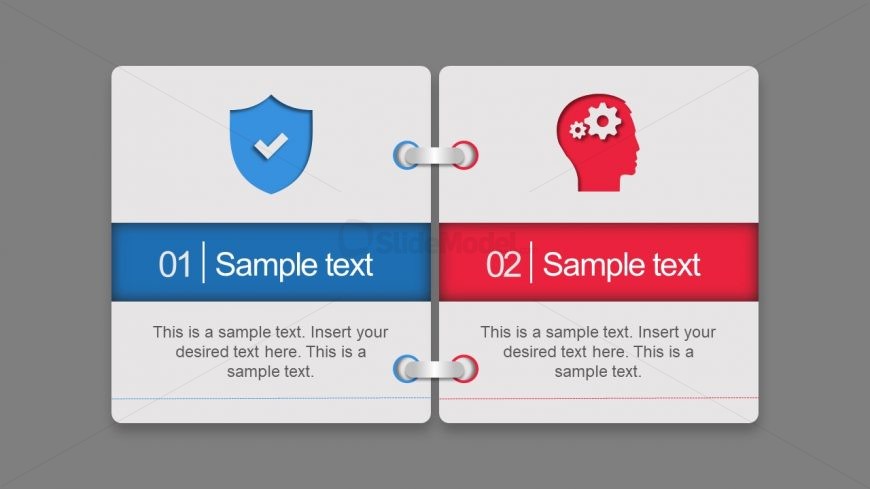
The layout features two distinct sections, each with a rounded corner rectangle. The left section is blue, containing a shield icon and a numbered label, while the right section is red, featuring a head icon with gears. Below each icon, there are text placeholders aligned centrally for titles and body text. The sections are visually separated by a central binding element. The overall background is a neutral gray, emphasizing the colorful sections. This design allows for clear visual differentiation between the two concepts presented.
How to Use It
This layout serves as a dual concept presentation, ideal for comparing two ideas or themes side by side. It fits well in a presentation sequence that introduces concepts, theories, or processes. Common scenarios include educational settings, product comparisons, or development frameworks. Each section can be used to highlight key points or features, making it effective for discussions or presentations that require clarity and organization.
Text Placeholders & Capacity
Keep your copy within these limits so it fits without resizing. Body slots can hold approximately 30-40 words each.
| Placeholder | Count | Max characters (approx.) |
|---|---|---|
| Item heading | 2 | 20 |
| Item body | 2 | 150 |
Slide Keywords
Download unlimited PowerPoint templates, charts and graphics for your presentations with our annual plan.
DOWNLOAD