Slide 6 of 8 from Free Index Card Concept Template for PowerPoint
Flash Cards Concept PPT
Index Card Concept Slide for Presentations
- Diagram
- Comparison Split
- Evaluation Slide
- 16:9
- 100% Editable
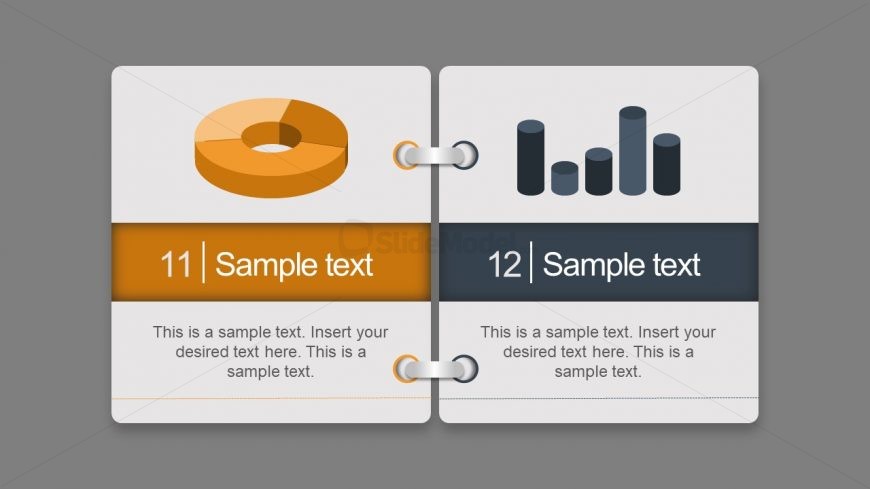
The Index Card Concept with Charts slide from the Free Index Card Concept Template for PowerPoint offers a clear comparison layout featuring editable slides with donut and bar charts. Designed for business presentations and educational use, this slide template supports effective statistical analysis and data comparison with distinct color-coded sections and centrally aligned text placeholders.
What’s on This Slide
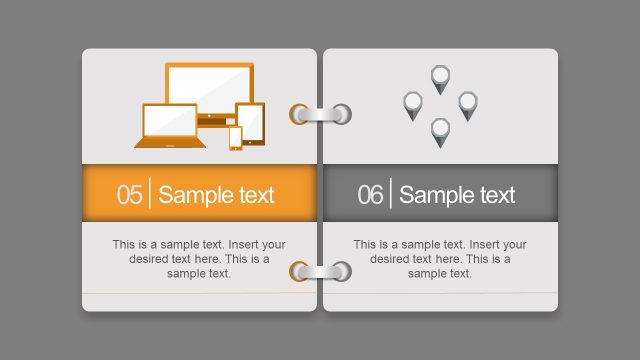
The layout features two sections divided vertically. The left section contains a donut chart, positioned at the top, with a placeholder for a number and sample text below it. The right section displays a bar chart, also at the top, with a similar placeholder format. Each section has a distinct background color: orange for the left and dark gray for the right. Text placeholders are centrally aligned, allowing for clear visibility. The overall design uses a binder-style connection between the two sections, enhancing the index card concept.
How to Use It
This layout serves as a comparative display of data using two distinct chart types. It is suitable for presentations that require visual representation of statistics or concepts side by side. This slide fits well in a sequence where data analysis or performance metrics are discussed. It can be used in educational settings to illustrate learning outcomes or in business contexts to compare different metrics. The dual-section format allows for easy juxtaposition of information.
Text Placeholders & Capacity
Keep your copy within these limits so it fits without resizing. Body slots can accommodate roughly 20-30 words each.
| Placeholder | Count | Max characters (approx.) |
|---|---|---|
| Item heading | 2 | 20 |
| Item body | 2 | 150 |
| Chart title | 2 | 30 |
Slide Keywords
Download unlimited PowerPoint templates, charts and graphics for your presentations with our annual plan.
DOWNLOAD