Slide 3 of 8 from Free Index Card Concept Template for PowerPoint
Infographic Presentation of Index Cards
Index Card Concept Layout for Presentations
- Text Layout
- List Blocks
- Concept Explanation Slide
- 16:9
- 100% Editable
The Index Card Concept Layout from the Free Index Card Concept Template for PowerPoint offers a clear and organized design ideal for business presentations. This slide template features two adjacent cards with distinct backgrounds and icons, making it suitable for product comparisons, feature highlights, or contrasting strategies. Its editable slides provide a structured way to present dual concepts side by side, enhancing audience engagement in corporate presentations or pitch deck templates.
What’s on This Slide
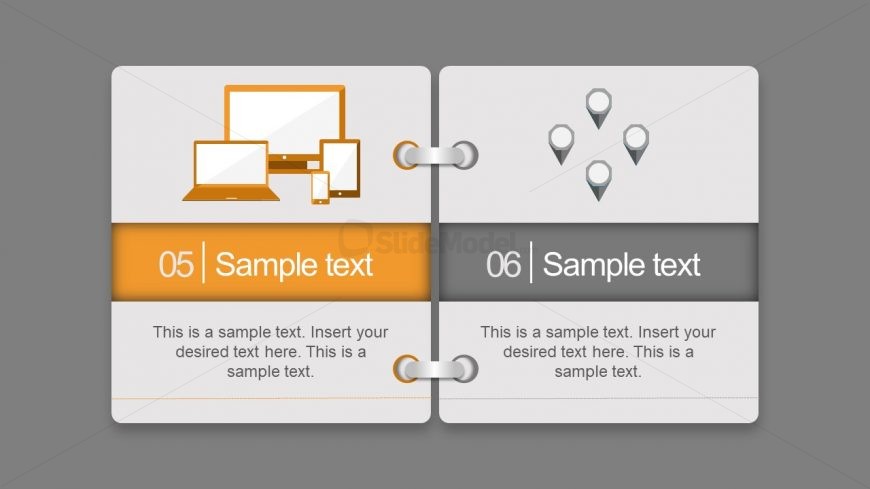
The layout features two adjacent cards, each with a distinct background color. The left card has an orange background with a computer icon above a text placeholder, while the right card has a gray background with a location pin icon above another text placeholder. The cards are visually separated by a central binding element. Each card contains a numbered label at the top, indicating their sequence. The text placeholders are centrally aligned within their respective cards, allowing for clear content insertion. The overall design emphasizes a clean and organized structure.
How to Use It
This layout serves as a comparative display, ideal for presenting two related concepts or ideas side by side. It fits well in a presentation sequence following an introduction or overview slide, allowing for deeper exploration of topics. Business scenarios include product comparisons, feature highlights, or contrasting strategies. The dual-card format encourages audience engagement by providing a clear visual distinction between the two subjects being discussed.
Text Placeholders & Capacity
Keep your copy within these limits so it fits without resizing. Body slots can accommodate roughly 25-30 words each.
| Placeholder | Count | Max characters (approx.) |
|---|---|---|
| Item heading | 2 | 20 |
| Item body | 2 | 150 |
Slide Keywords
Download unlimited PowerPoint templates, charts and graphics for your presentations with our annual plan.
DOWNLOAD