Slide 8 of 8 from Free Index Card Concept Template for PowerPoint
PowerPoint Index Card Concept Free Slide
Index Card Concept Slide for Presentations
- Text Layout
- List Blocks
- Concept Explanation Slide
- 16:9
- 100% Editable
The Index Card Concept with Icons slide from the Free Index Card Concept Template for PowerPoint offers a clear dual-section layout ideal for business presentations and educational summaries. Featuring editable shapes and vector icons, this slide template enables effective comparison of two concepts or showcasing partnerships within a professional slide deck.
What’s on This Slide
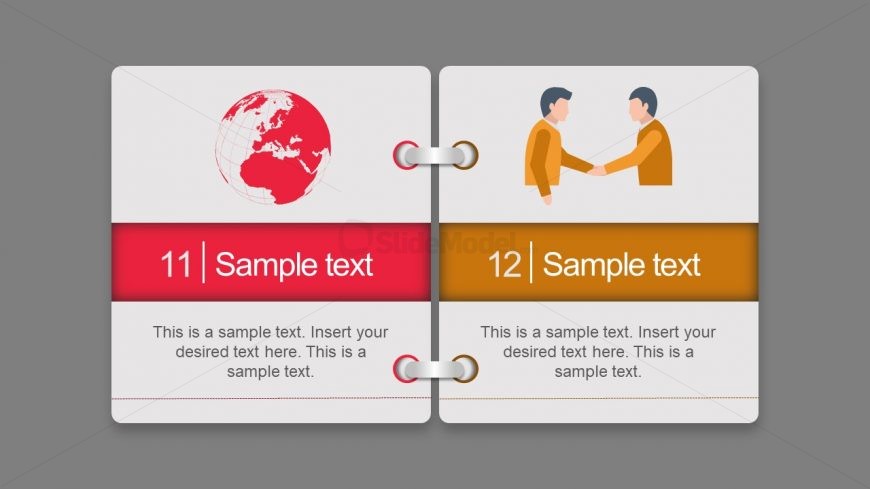
The layout features two distinct sections, each with a colored background. The left section displays a globe icon above a red header with a number and sample text placeholder. Below, there is a larger text placeholder for additional content. The right section contains a handshake icon above an orange header with a number and sample text placeholder. Below, another larger text placeholder is present. The overall design is symmetrical, with both sections visually balanced and separated by a central binding element. The background is a neutral gray.
How to Use It
This layout serves as a dual-index card concept, suitable for presenting two related ideas or topics side by side. It can be effectively used in educational or business contexts to compare concepts, showcase partnerships, or illustrate processes. Positioned at the end of a presentation, it can summarize key points or highlight conclusions. This format is ideal for engaging audiences with visual elements while providing structured information.
Text Placeholders & Capacity
Keep your copy within these limits so it fits without resizing. Body slots can hold approximately 25-30 words each.
| Placeholder | Count | Max characters (approx.) |
|---|---|---|
| Item heading | 2 | 20 |
| Item body | 2 | 150 |
Slide Keywords
Download unlimited PowerPoint templates, charts and graphics for your presentations with our annual plan.
DOWNLOAD