Slide 4 of 7 from Free Goals Slide Template for PowerPoint
Third Goal Color Highlight Slide for PPT
Goals Progression Diagram for Presentations
- Diagram
- Arrow Sequence
- Strategy Slide
- 16:9
- 100% Editable
The Goals Progression Diagram slide from the Free Goals Slide Template for PowerPoint effectively illustrates strategic planning and goal setting. This layout features a central target diagram with concentric circles and highlighted nodes, making it ideal for showcasing project milestones and performance targets. Users can easily customize the editable slides to align with their specific objectives, enhancing their business presentations.
About This Slide
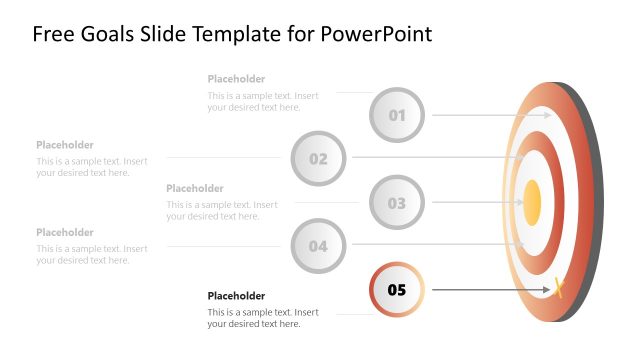
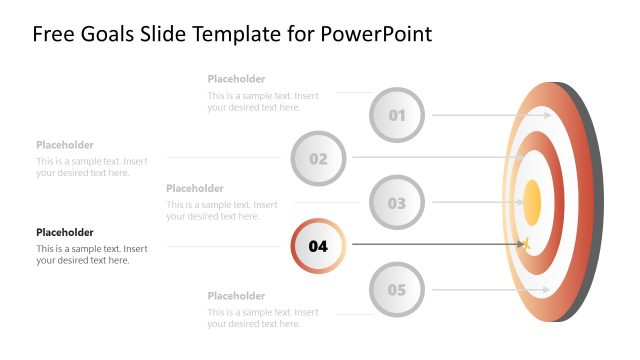
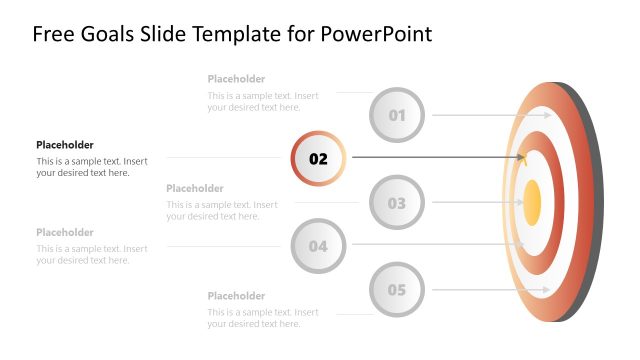
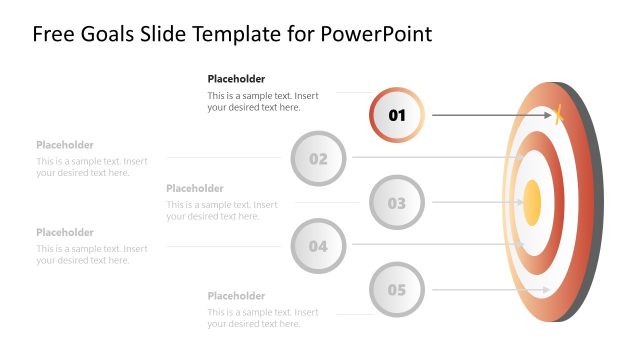
This image depicts a PowerPoint slide from the “Free Goals Slide Template” series, designed for goal-setting presentations. The layout is straightforward and focused on clarity, suitable for professional environments.
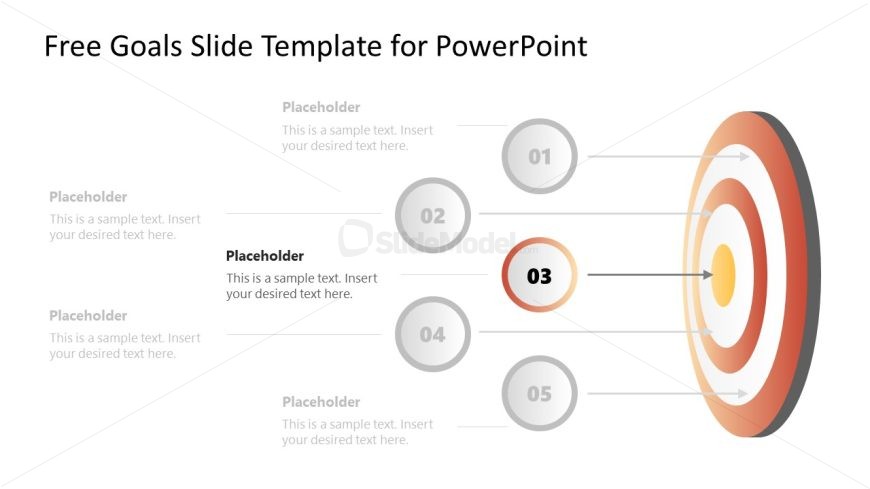
The slide’s central graphic is a target or bullseye, rendered with concentric circles in a gradient of red to white colors, symbolizing a goal or a series of objectives. An arrow graphic is not shown, but the bullseye indicates the concept of achieving a goal.
To the left side of the target are five grayed-out, numbered circles, from 01 to 05, each associated with a level of the target through a connecting line. These suggest a progression of goals or tasks, leading to the main objective symbolized by the bullseye. The third circle (03) is highlighted in red, drawing attention to it as a current focus or a mid-tier goal.
Each circle has an adjacent placeholder text box, with the header “Placeholder” and a subtitle that prompts “Insert your desired text here.” Users can customize these boxes with specific details about each goal or step.
This template could be effectively utilized in various scenarios, like business strategy meetings, project management briefings, personal development sessions, and educational goal setting. It serves to visually organize and present a series of objectives leading up to a central, ultimate goal.
What’s on This Slide
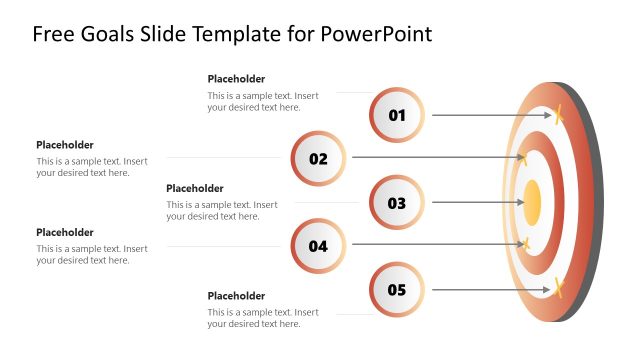
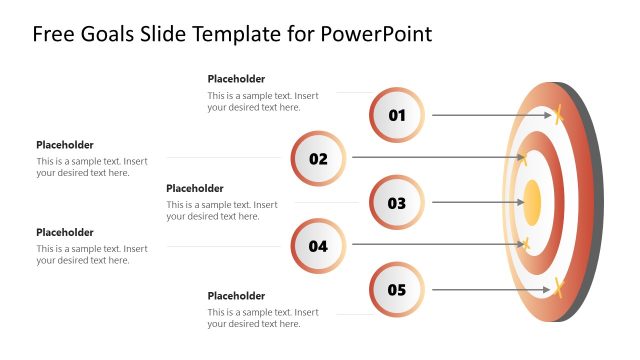
The layout features a central target diagram with concentric circles in shades of orange and yellow. Five circular nodes are positioned to the left, each containing a number from 01 to 05, with the third node highlighted in orange. Each node has a corresponding text placeholder aligned to the right, indicating where to insert text. Arrows connect the nodes to the target, indicating a flow toward the center. The overall composition is balanced, with a clear visual hierarchy emphasizing the highlighted node.
How to Use It
This layout serves as a goals progression diagram, ideal for illustrating steps toward achieving objectives. It fits well in a presentation sequence following a problem statement or introduction of goals. Use it in business contexts to outline strategic goals, project milestones, or performance targets. The design allows for easy customization of text to fit specific objectives, making it versatile for various presentations.
Text Placeholders & Capacity
Keep your copy within these limits so it fits without resizing. Node labels can hold about 30 characters each, while body paragraphs can accommodate around 80 characters.
| Placeholder | Count | Max characters (approx.) |
|---|---|---|
| Item heading | 5 | 30 |
| Body paragraph | 5 | 80 |
Slide Keywords
Download unlimited PowerPoint templates, charts and graphics for your presentations with our annual plan.
DOWNLOADReturn to Free Goals Slide Template for PowerPoint.